
Jeweled Handheld Microphone + Charm for Your Own Mic | VRM, 3 Colors
상품 설명
이 상품에는 AI로 생성된 콘텐츠가 포함되어 있습니다.
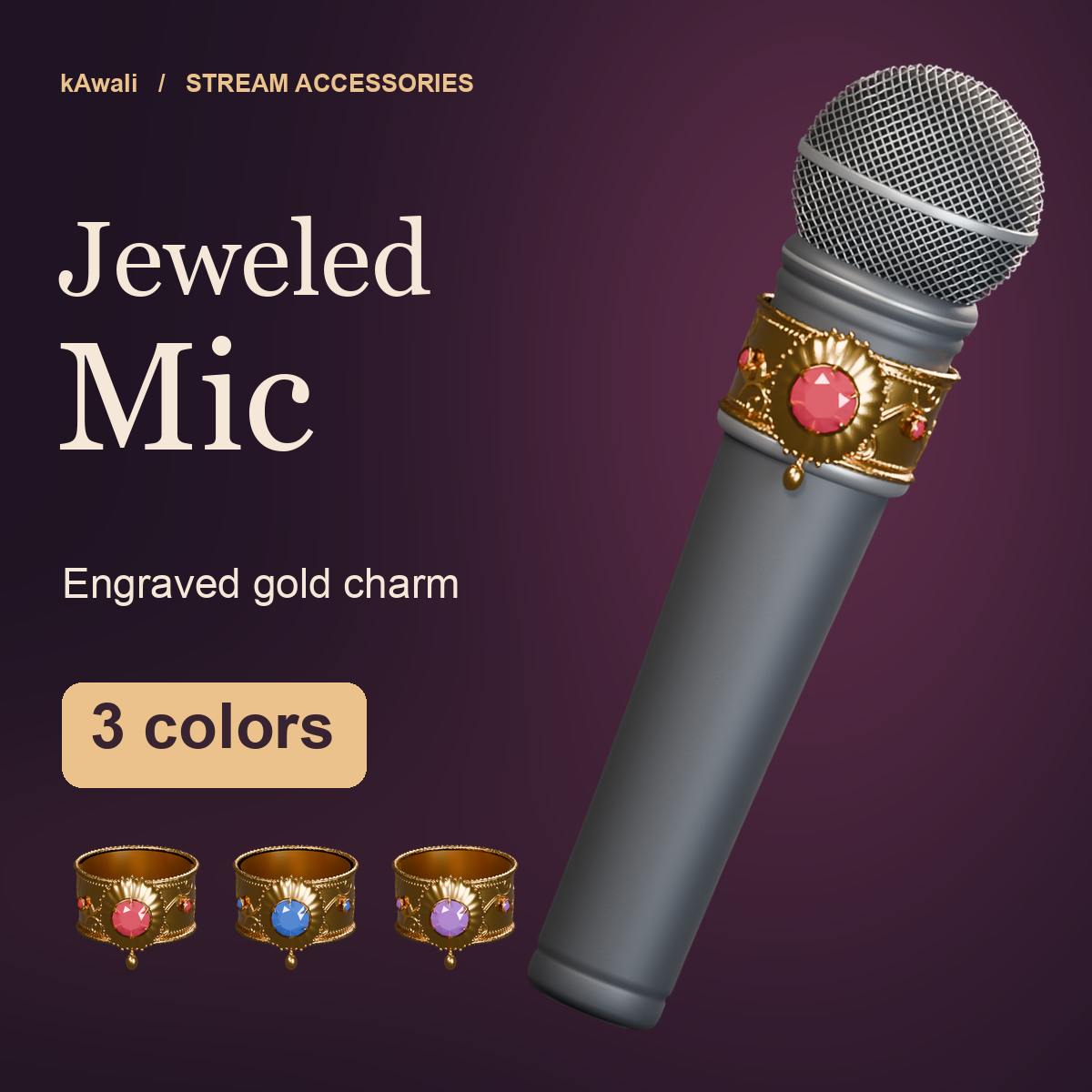
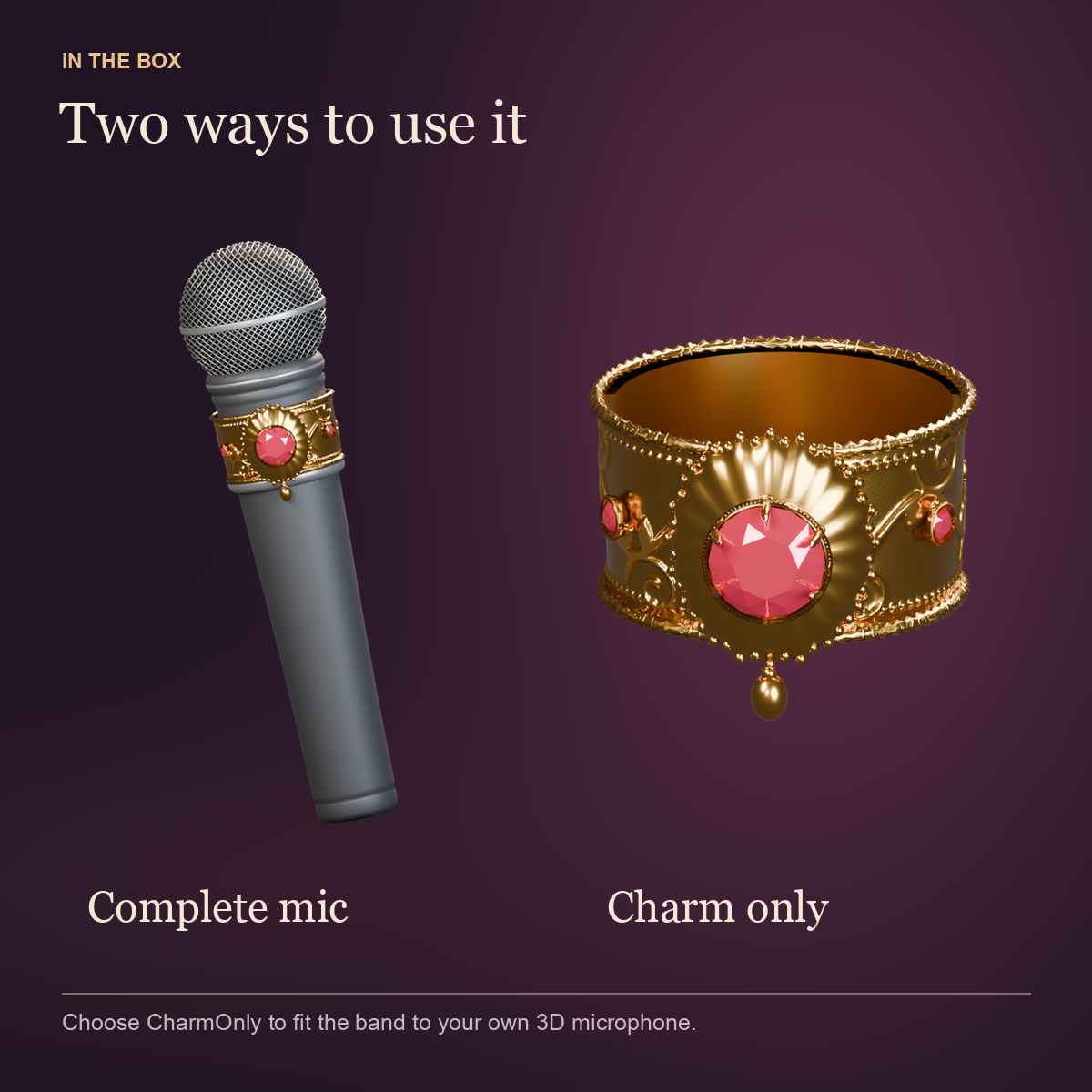
For singing streams, put the jeweled microphone in your VRM avatar’s hand or fit the engraved gold charm to a 3D mic you already use. Ruby, Sapphire and Amethyst each include both options. The complete mic uses 82,652 triangles and the standalone charm uses 40,412. On the complete microphone, a felt-lined sleeve and a retaining ring hold the charm around the handle. The standalone charm remains adjustable to your microphone.
The v1.1 hand mic pairs a 62-strand metal grille with a dark inner foam capsule and a satin charcoal handle with turned seams.
Choose your stone and your microphone
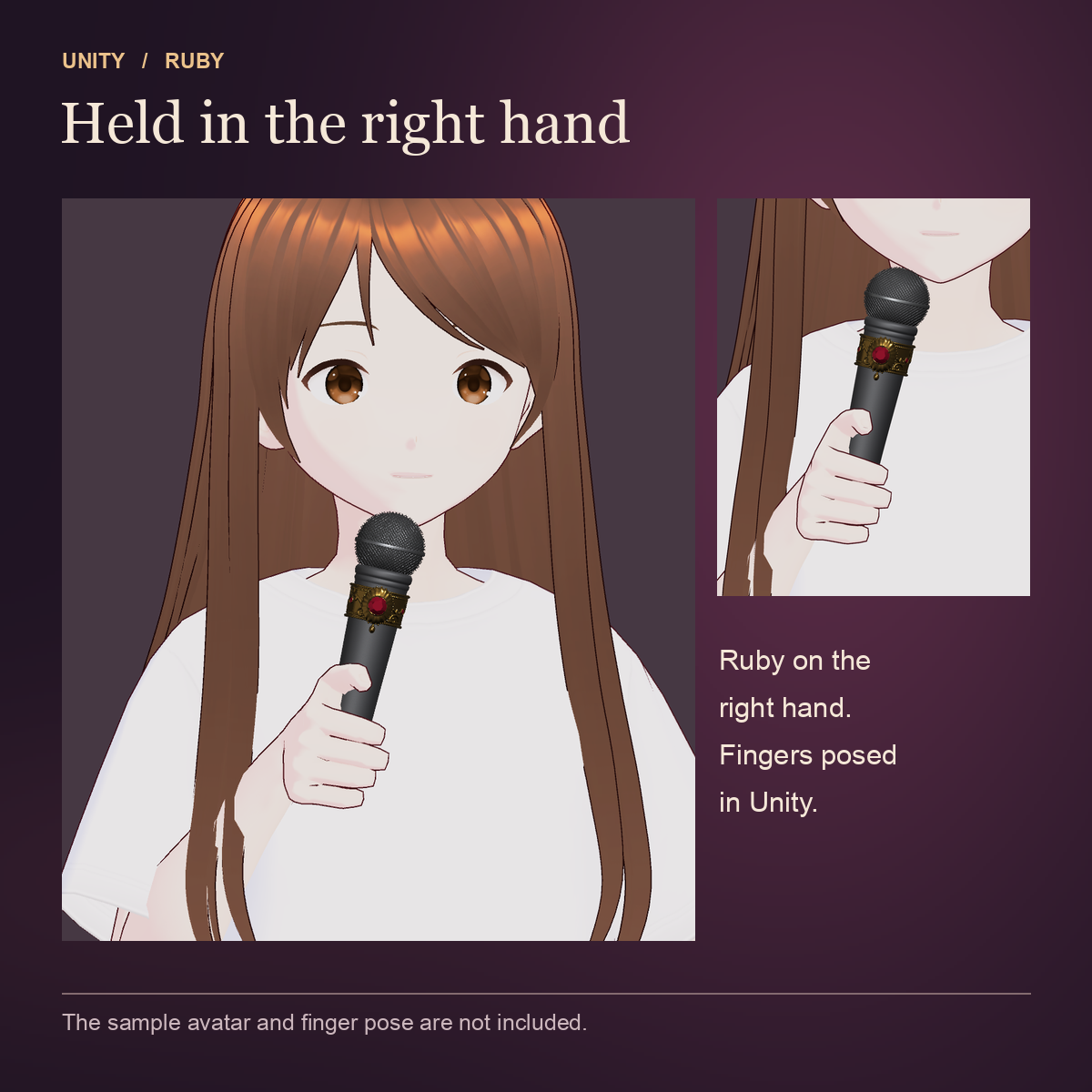
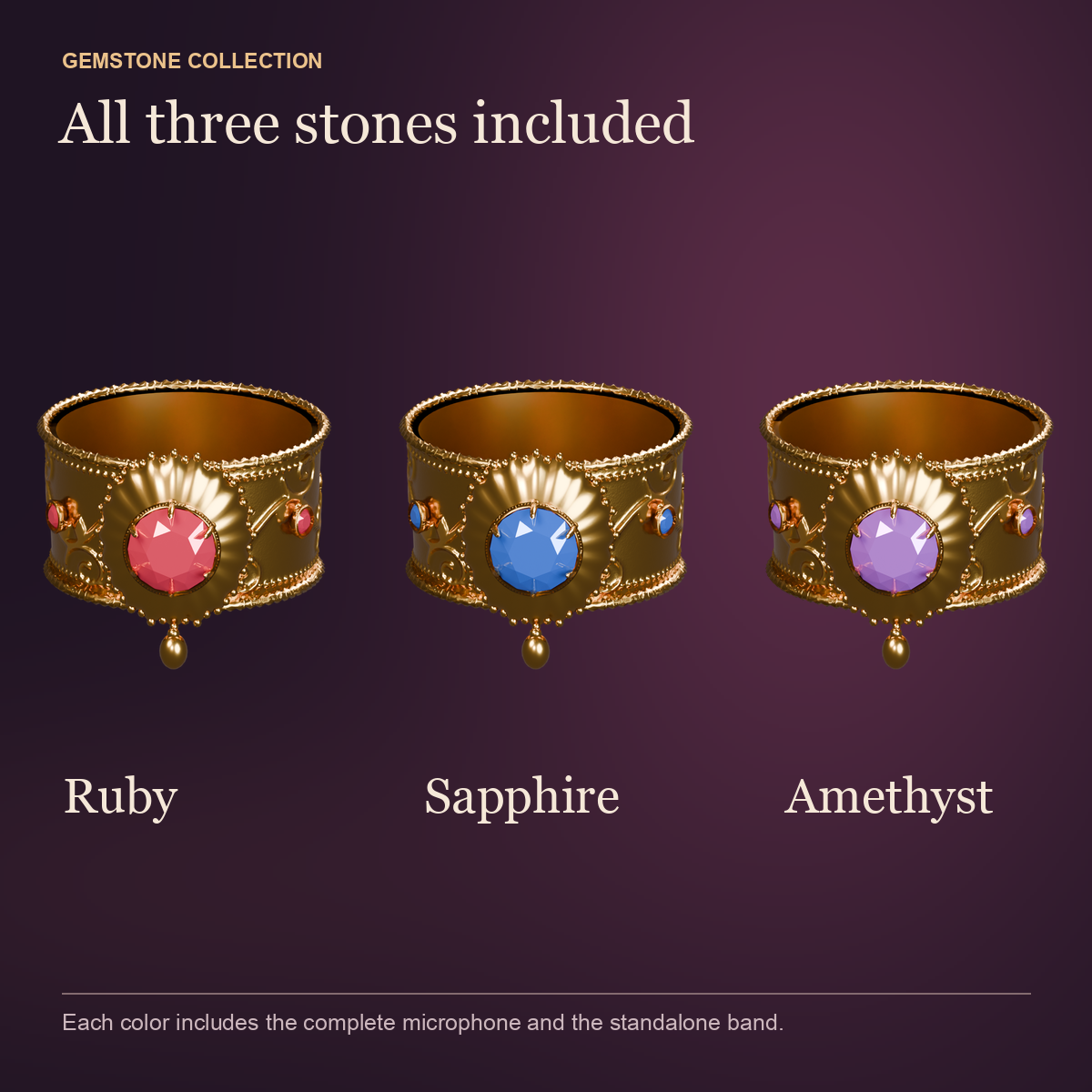
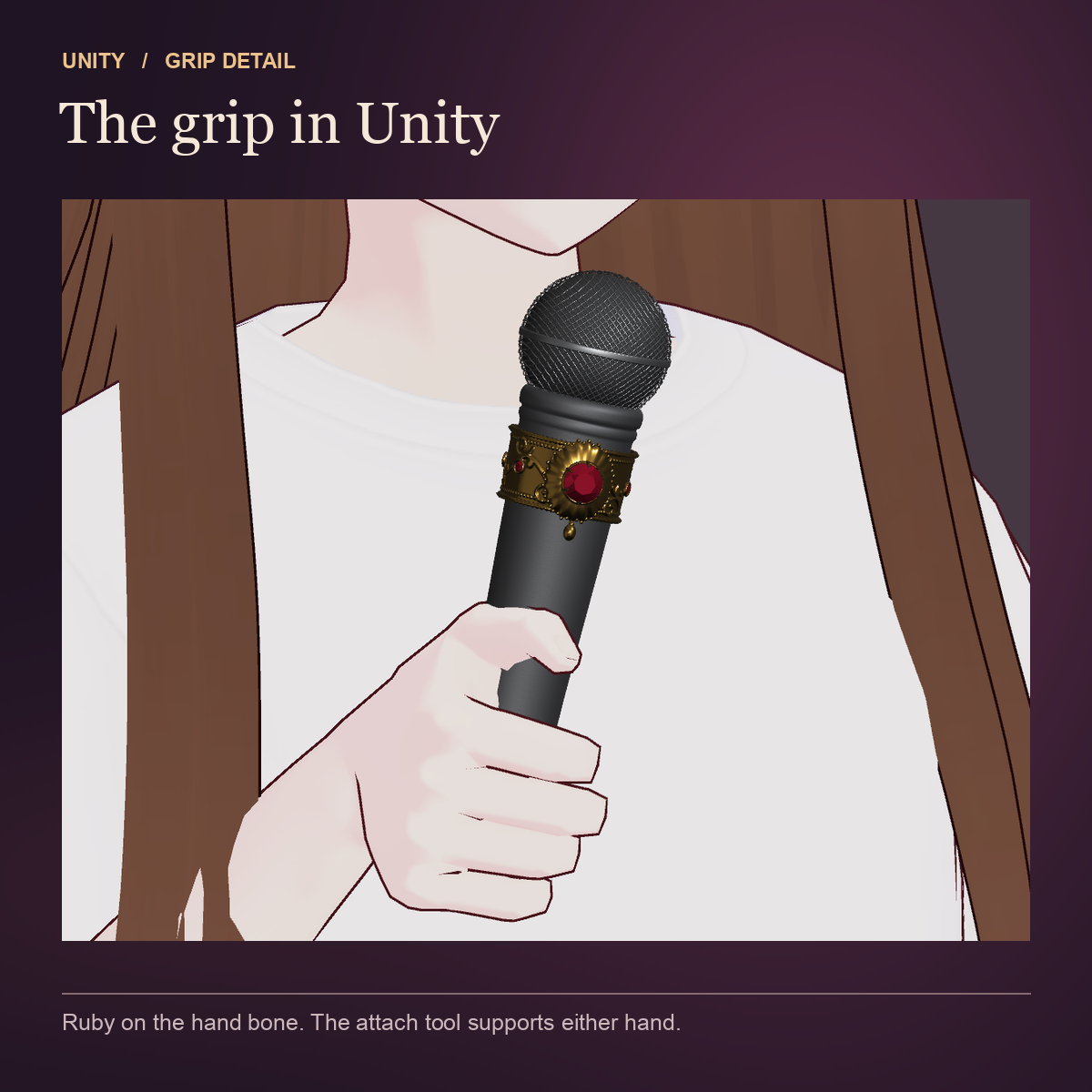
Ruby, Sapphire and Amethyst are all included. Each stone comes on the black microphone and as a separate band for your own 3D mic. Images 2 and 4 show the included Ruby microphone attached to the right hand in Unity. Set the finger grip with your own hand pose.
Hold the mic in Unity
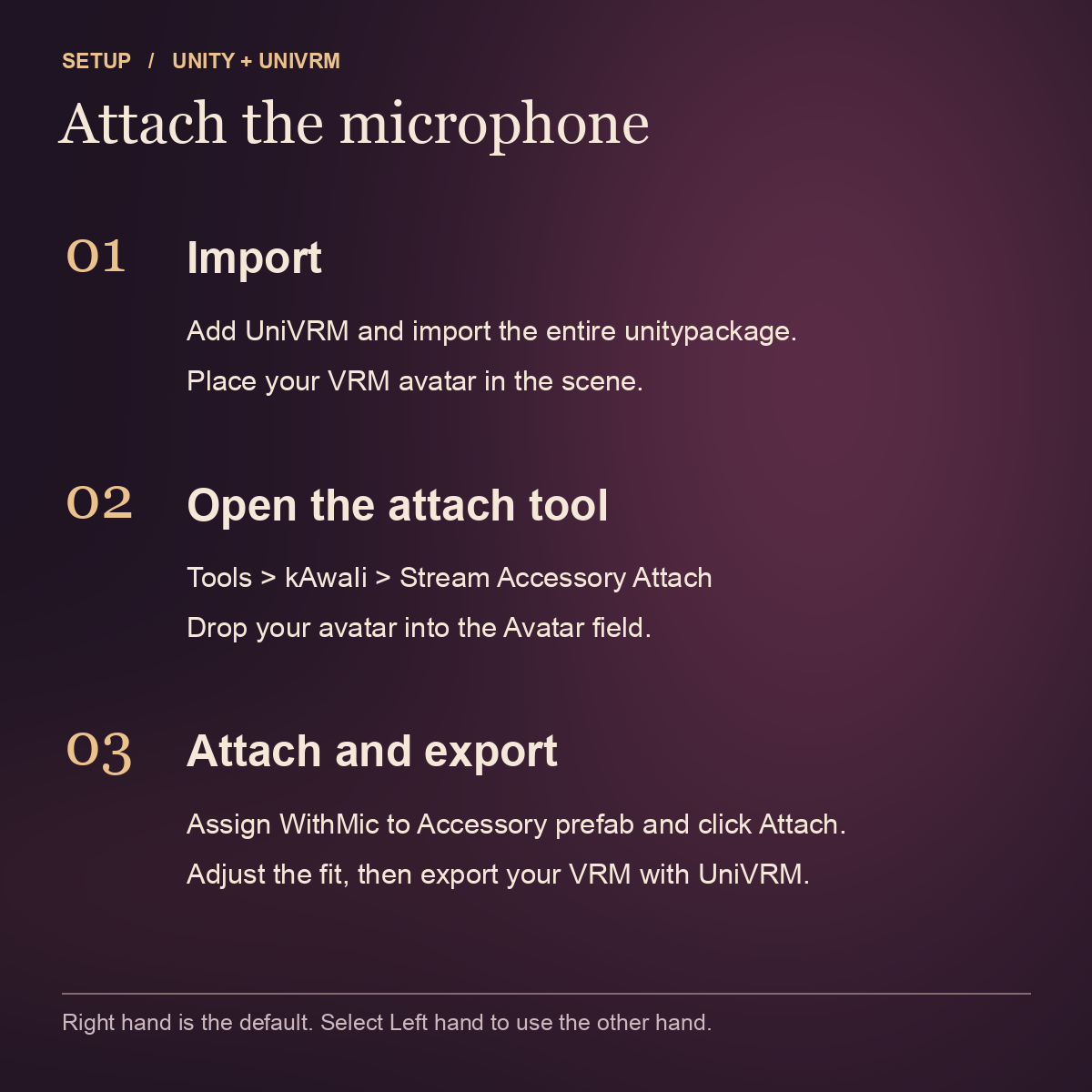
1. Add UniVRM to Unity 2022.3, then put your VRM avatar in the scene.
2. Import the entire .unitypackage. Open Tools > kAwaIi > Stream Accessory Attach.
3. Drop your avatar into Avatar and your chosen WithMic prefab into Accessory prefab. Click Attach to mount it on the right hand, or select Left hand for the left.
4. Adjust the position, size and angle. Export your VRM with UniVRM, then load it in your streaming setup.
Decorate your own mic
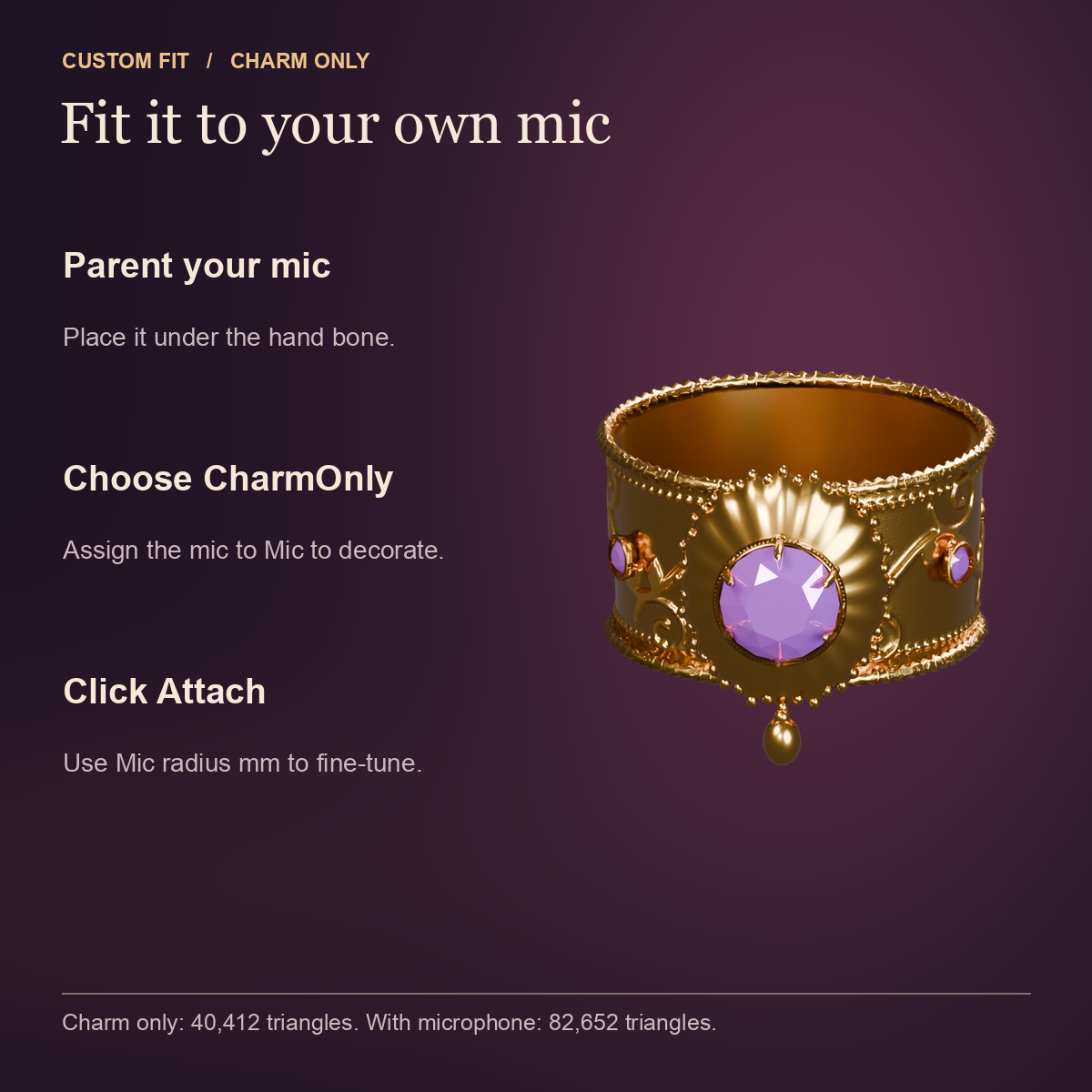
Place your 3D microphone under the avatar’s hand bone. Select a CharmOnly prefab, assign your mic to Mic to decorate and click Attach. The tool measures the shaft and sizes the band to fit. Use Mic radius mm to enter the radius manually for unusual shapes.
What you get
6 prefabs (3 stones × 2 forms), the Unity attach tool, Blender/FBX/GLB versions of every model, 4 textures, installation guides and terms in English and Japanese. The complete mic uses 5 material slots and the charm uses 2.
For the editable Blender or FBX files, remove “_v1.1” from the two Grille PNG filenames. In Blender, put the .blend files in Source/ and the four PNGs in a sibling Textures/ folder. For FBX, put the PNGs next to the FBX before importing. The Unity package and GLB include the grille textures.
Tested with Unity 2022.3.22f1 and UniVRM 0.131.4 using a sample VRM 1.0 avatar. The model was attached, exported to VRM, loaded again in Unity and checked for right-hand tracking. Warudo, VSeeFace, VNyan and VMagicMirror were not tested directly. This is a visual prop. Audio capture, sound-reactive effects, a .warudo prop, finger poses, the sample avatar, clothing and the separate chest brooch are not included.
Usage
Personal and commercial streaming, monetized videos and modifications are allowed. Redistribution or resale of the asset, including sharing a VRM that contains it, is prohibited. Credit in your own work is optional. Refer to Terms_EN.txt for the full license. As a digital download, change-of-mind refunds are unavailable subject to the marketplace’s refund policy.
Created by kAwaIi. The geometry, textures and Unity tool were produced with assistance from Claude by Anthropic. The product images show the actual 3D model. OpenAI Codex assisted with the v1.1 grille and handle, gallery layout and QA. The sample avatar is VRM1_Constraint_Twist_Sample by pixiv Inc. kAwaIi revised the retaining ring and lining with assistance from Claude (Anthropic).
Pair it with the Velvet Ribbon Brooch for VRM streaming (sold separately)