
Arcana Halo — Draw-Your-Fate Constellation Halo for VRChat
상품 설명
이 상품에는 AI로 생성된 콘텐츠가 포함되어 있습니다.
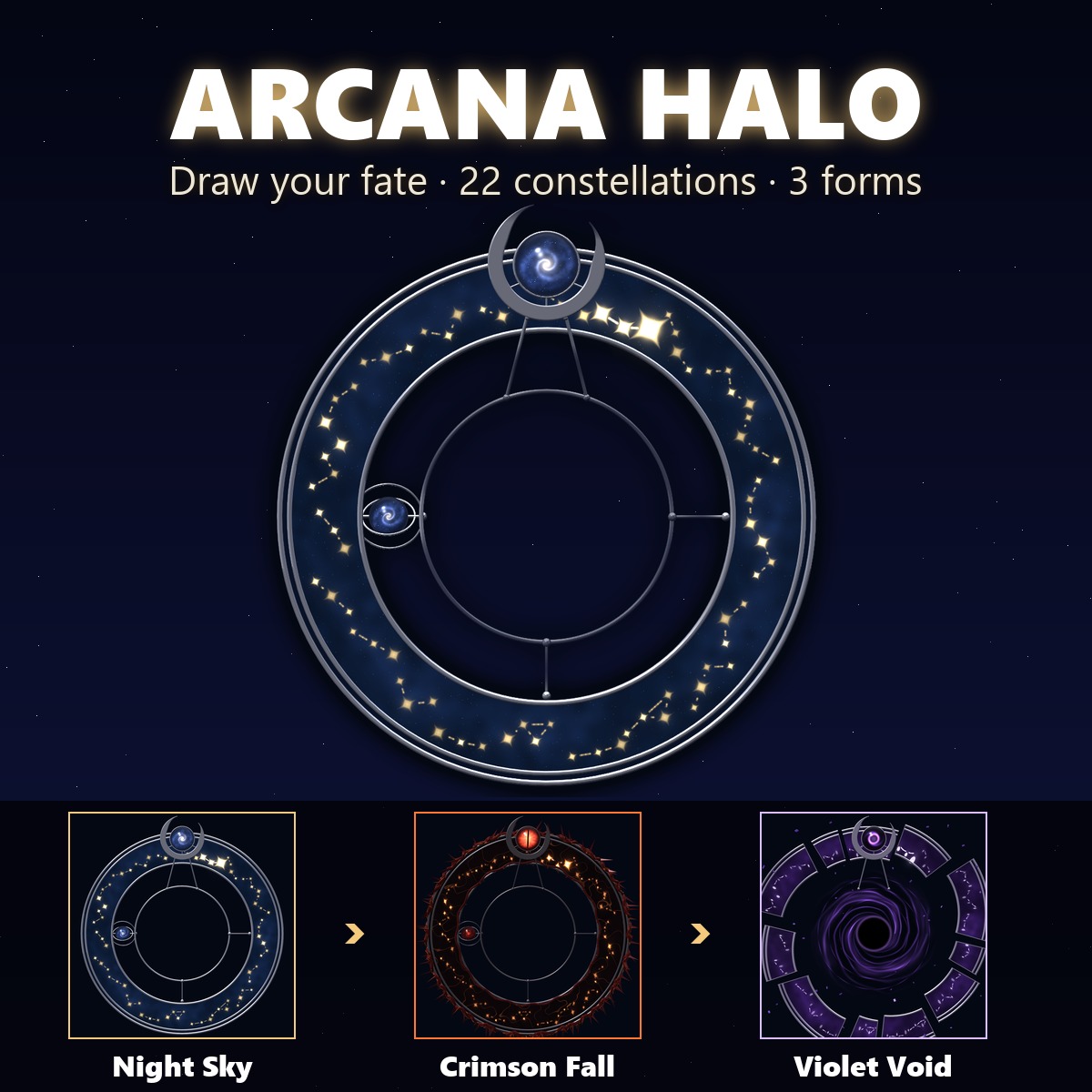
A star-forged halo carved with 22 constellations. Draw your fate: the band spins like a roulette wheel, clicks to a stop, and the constellation it picks lights up star by star. Then reshape the whole halo into Night Sky, Crimson Fall or Violet Void.
▶ VRChat accessory · needs Modular Avatar (free, from VCC) · no lilToon needed · drag-and-drop prefab · PC
A band of clear glass holding a night sky and gold constellations, edged in thin silver, floating behind your head. A silver crescent at the top cradles a glass orb with a tiny galaxy inside; an inner ring carries a small planet.
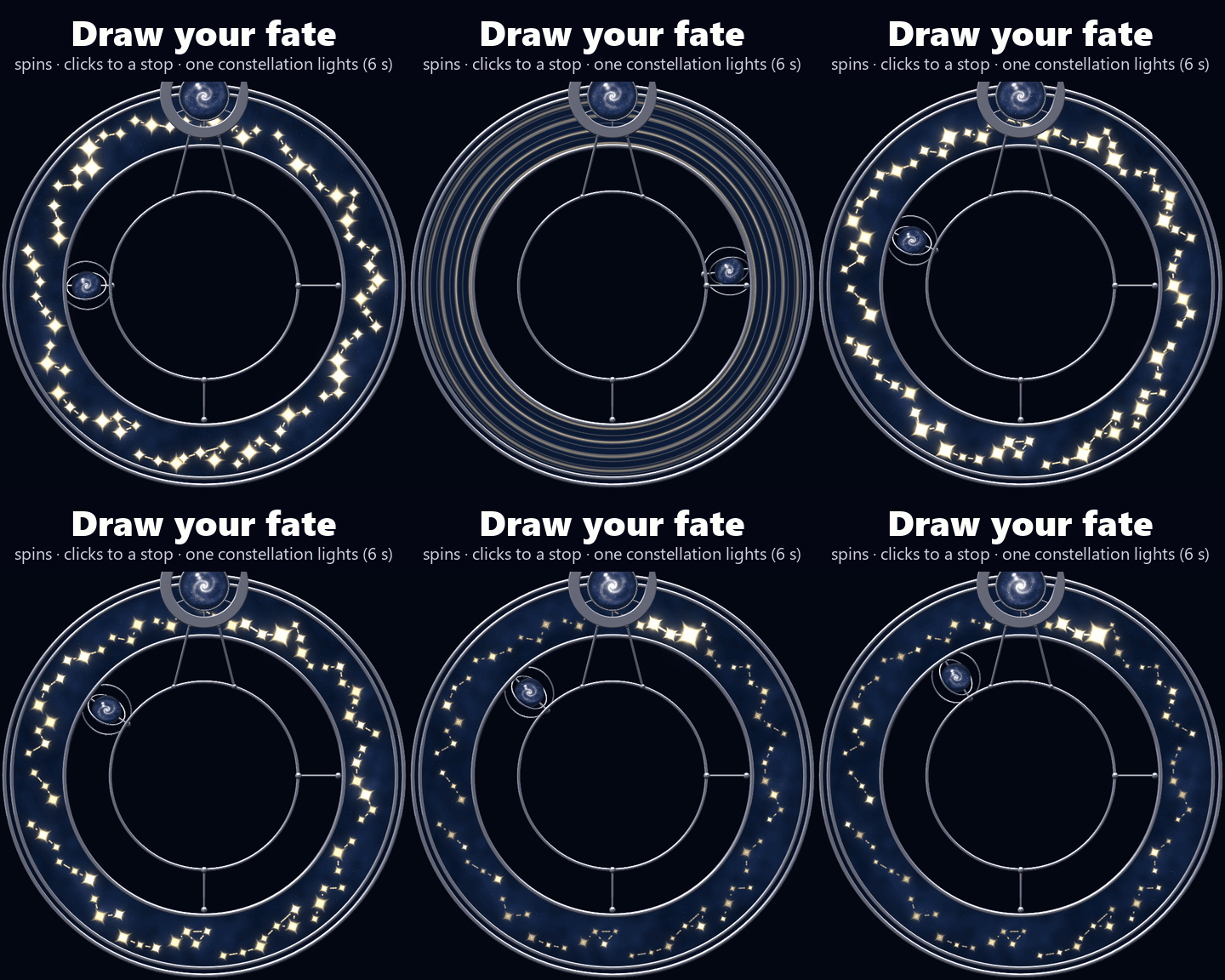
DRAW YOUR FATE (menu button, or touch the orb with your own hand)
1. The band speeds up until its constellations blur into gold streaks
2. It slows, overshoots the mark a little, swings back and clicks into place
3. The constellation that lands just right of the crescent lights star by star, sparks flying, the gold dotted lines drawing between them
4. The constellation and the orb glow, then settle (6 s in all)
The pick is synced, so everyone around you sees the same constellation. It stays lit until your next draw.
THREE FORMS (menu, or press both sides of the halo and let go)
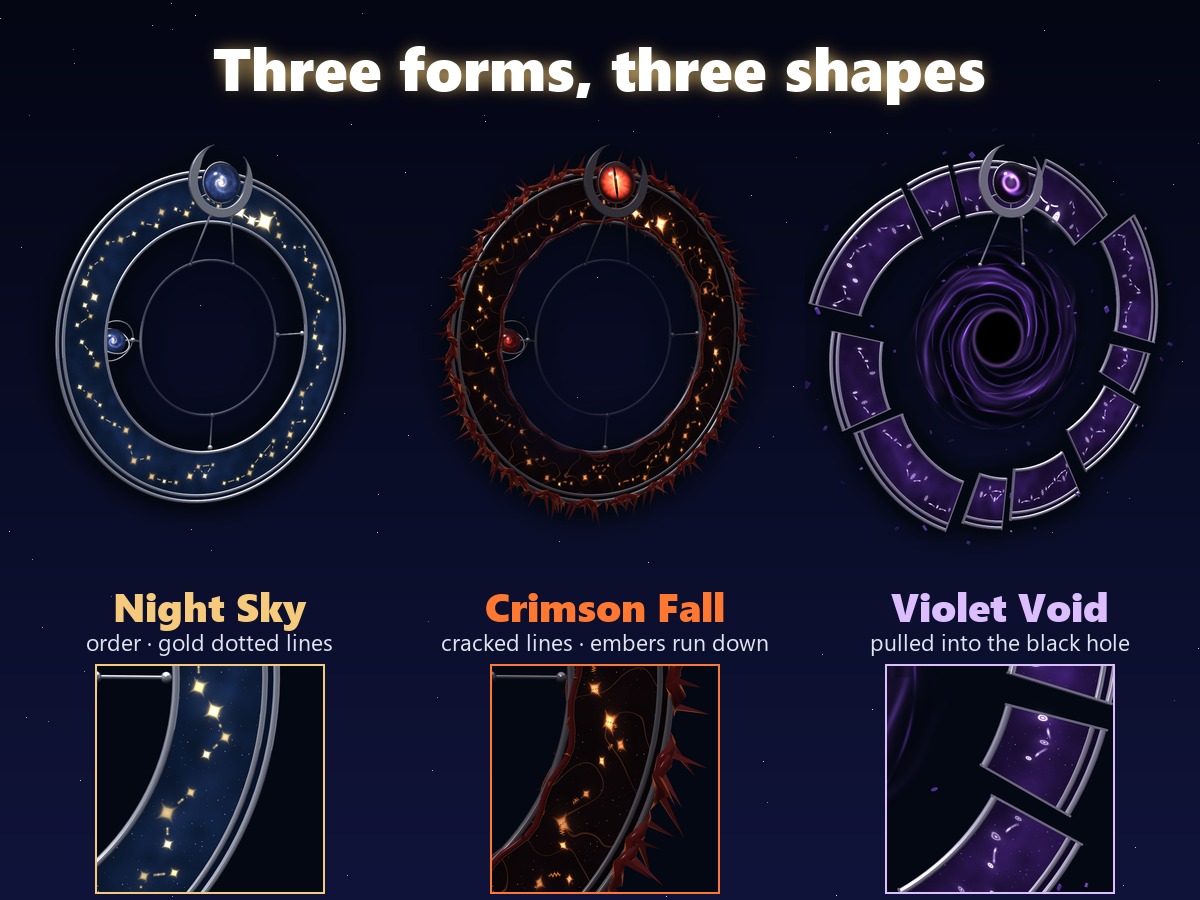
• Night Sky: an orderly ring of navy glass and gold four-pointed stars joined by dotted gold lines
• Crimson Fall: the glass turns black with ember cracks, dark red thorn vines wrap the band and hang under their own weight, the constellation lines split into jagged, broken cracks, the stars become chipped shards and about half of them run downward like molten embers (always down, however the band turns), and the orb opens into a red slit eye
• Violet Void: the band breaks along its constellation seams into pieces of different lengths, all tipped the same way as if pulled into the large black hole opened in the middle; the stars turn into hollow rings stretched toward it, the lines sag into it and their dashes flow inward; violet glass
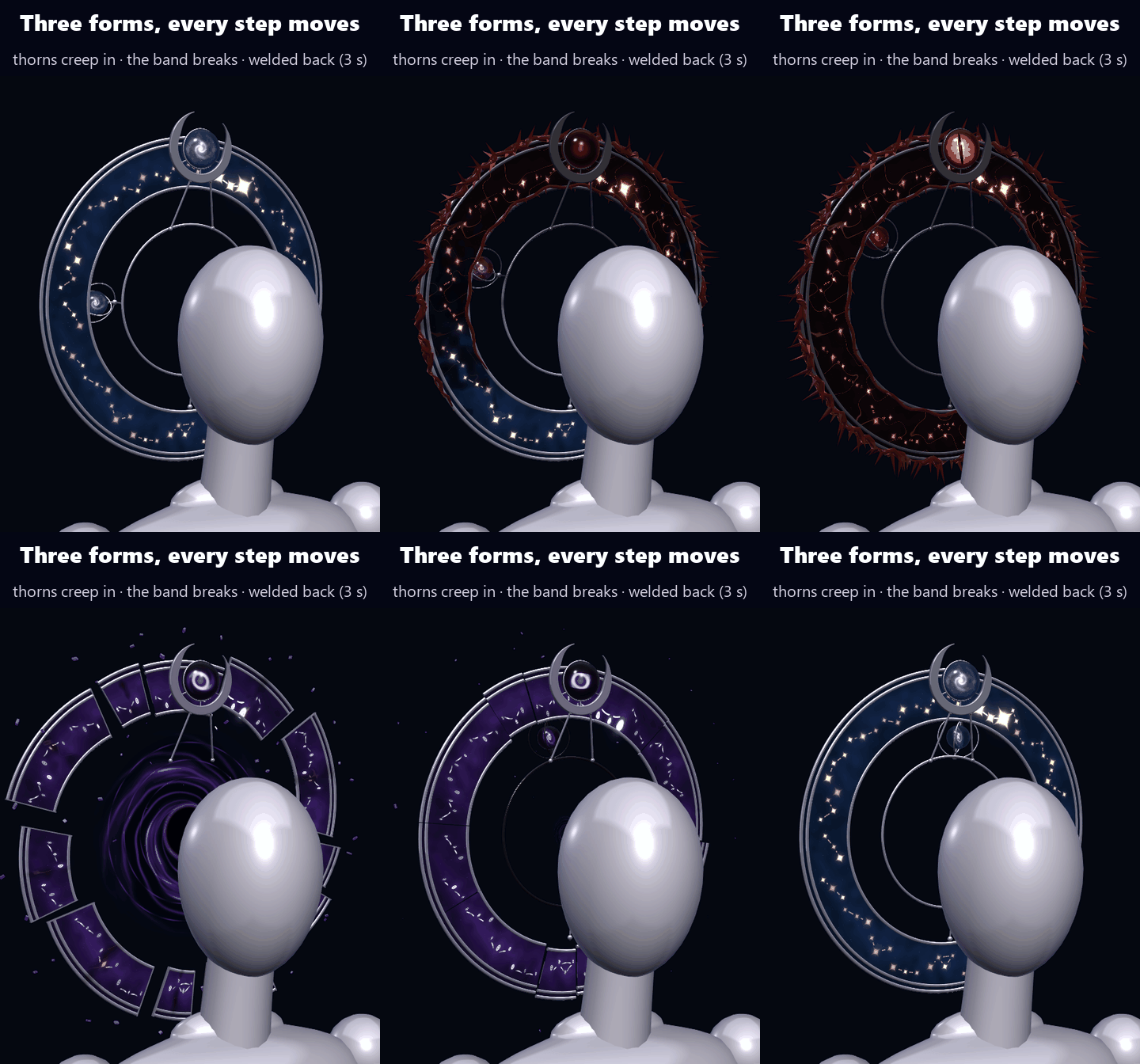
Changing forms takes 3 s and every step moves: thorns sprout from the crescent and creep round the band while ink seeps into the glass / the thorns crumble to ash, the band splits and drifts apart, and a black hole opens and swallows the inner ring / the pieces return and each seam is welded shut with a burst of sparks as the black hole closes to a point of light.
BODY GIMMICKS
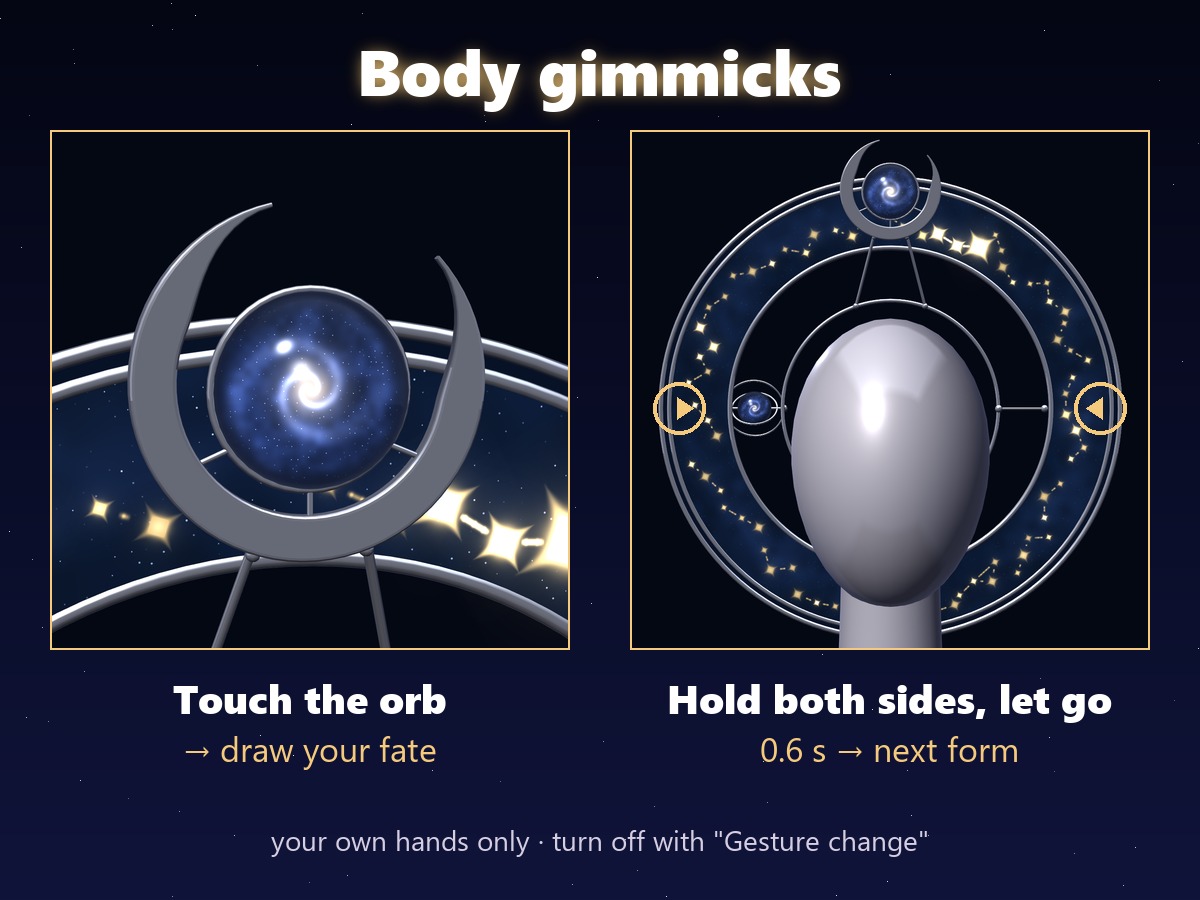
• Touch the glass orb with your hand → draw your fate
• Hold both sides of the halo (3 and 9 o'clock) for 0.6 s and let go → next form (Night Sky → Crimson Fall → Violet Void → Night Sky). Turn it off with "Gesture change" in the menu
ALWAYS MOVING (no menu, shader time)
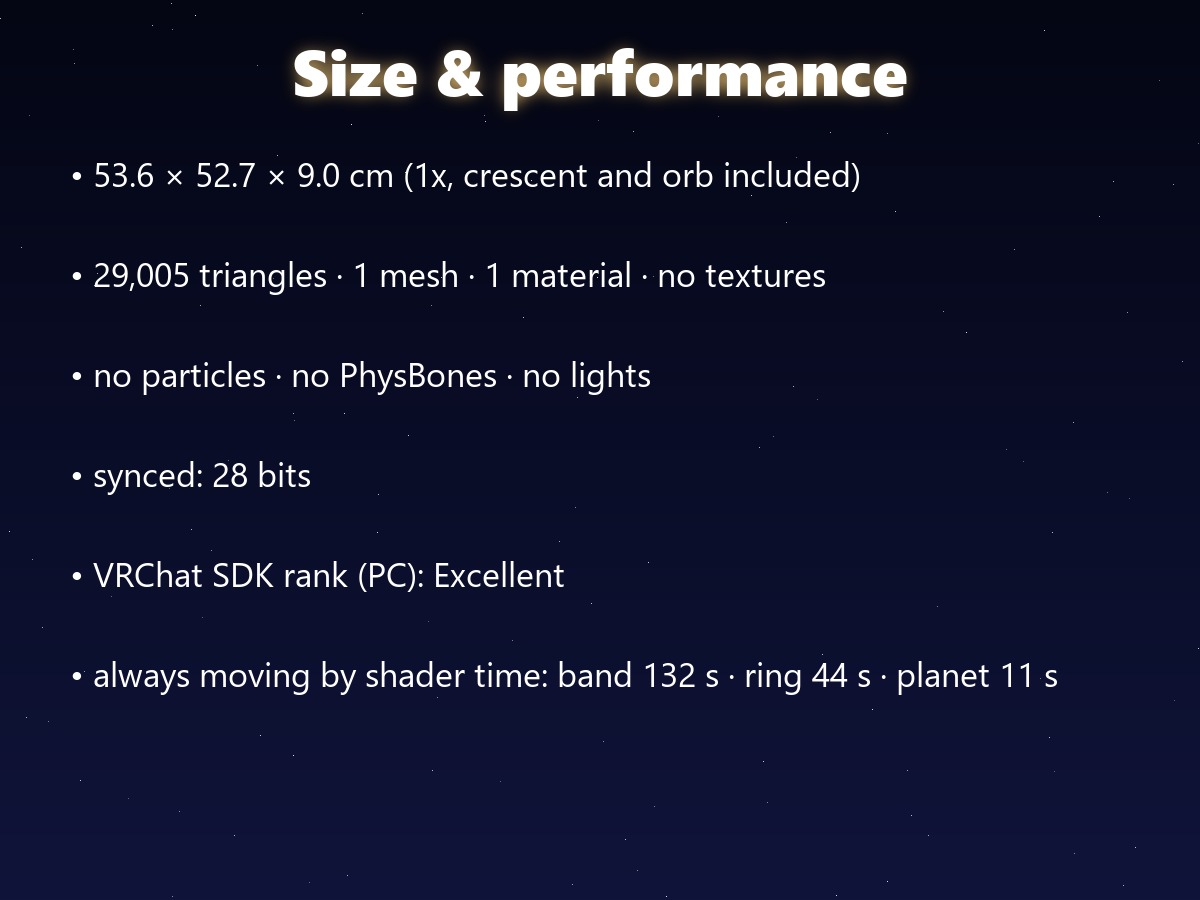
• The band and the inner ring turn slowly in opposite directions (band once every 132 s, ring every 44 s)
• The planet spins (every 11 s) and the galaxy in the orb swirls (every 24 s)
• The stars breathe one by one (about every 6 s, no harsh flashing)
• Crimson Fall: embers pulse between the thorns and light creeps along the cracks
• Violet Void: the pieces drift and tilt, small chips keep tearing off the band's inner edge and spiralling into the black hole, and the stars stretch and ease as if breathing
No extra parameters and no particle systems for any of it.
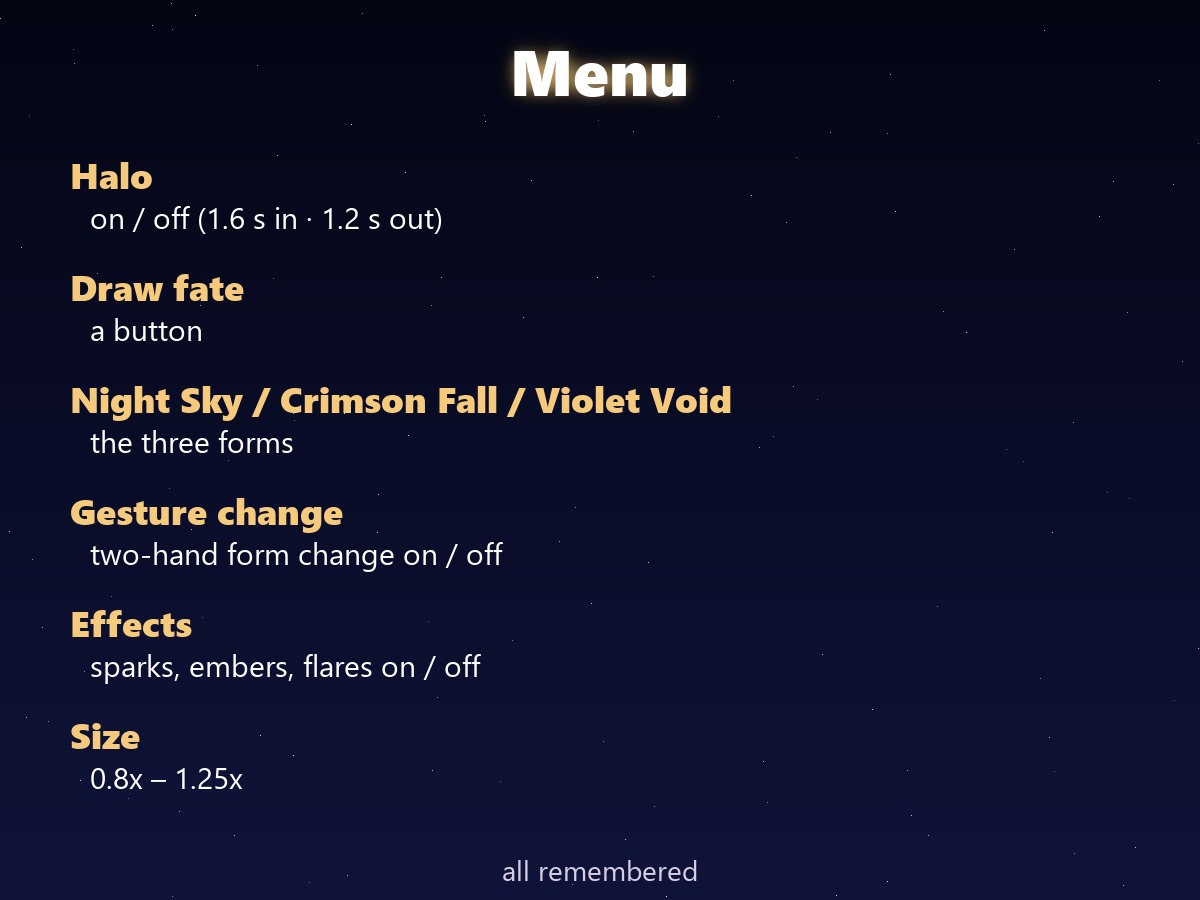
THE MENU (Expressions menu "Arcana Halo" · all remembered)
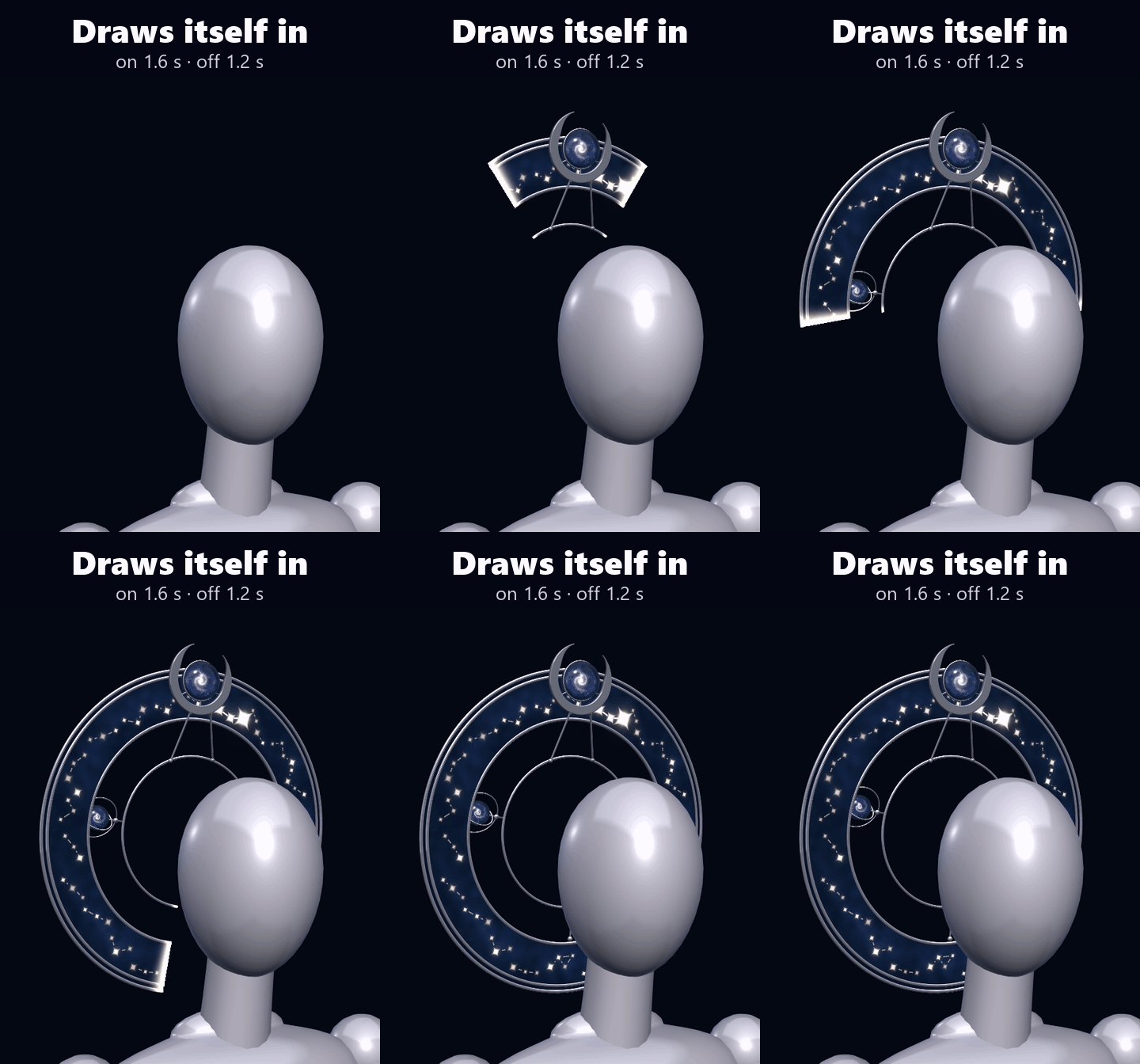
• Halo: on / off. It appears as its constellations draw in (1.6 s) and fades out (1.2 s)
• Draw fate: a button
• Night Sky / Crimson Fall / Violet Void
• Gesture change: the two-hand form change on / off
• Effects: sparks, embers and light flares on / off (lighter for busy worlds)
• Size: a radial, 0.8x to 1.25x (starts at 1x), to fit your avatar's head
SIZE (measured in Unity, at 1x)
• 53.6 cm wide · 52.7 cm tall · 9 cm deep, crescent and orb included
HOW IT SITS
It follows the Head bone (Modular Avatar Bone Proxy), floating behind your head. The prefab is placed for an average head; turn the Size dial if your avatar's head is bigger or smaller.
WHAT YOU GET
• AH_1.0.0.unitypackage: 1 prefab, 1 shader made for this halo, 1 material, menu, animator (no textures)
• README in English and Japanese
PERFORMANCE (this item alone, measured in Unity)
• 29,005 triangles · 1 mesh · 1 material · no textures · no PhysBones · no particle systems · no lights · 3 contact receivers
• Synced: 9 parameters, 28 bits
• VRChat SDK performance rank: PC Excellent
• No separate "lite" version: there are no particles to strip out. The Effects toggle stops the light effects if you want it calmer.
GOOD TO KNOW
• PC only: it uses its own shader, and Quest avatars can't use custom shaders.
• Needs Modular Avatar (free, from the VRChat Creator Companion). No lilToon needed.
• Needs a humanoid avatar (a Head bone).
• The glow looks best in worlds with bloom.
SUPPORT
The draw, the forms, the gestures or anything else not working as described in VRChat? Message me on Jinxxy and I'll fix it and send you the update for free.
TESTED WITH
Unity 2022.3.22f1 · VRChat SDK 3.10.5 · Modular Avatar 1.18.7
AI DISCLOSURE (AI-Assisted)
The code that builds this halo (mesh, shader, Unity setup and animations) and the text on this page were written with help from an AI assistant. An AI image generator made rough concept sketches I looked at while designing; nothing it made is in the files or in the preview images, which are rendered in Unity from the actual prefab.
TERMS
• OK to use on your avatar in VRChat and other platforms
• OK to stream, record, and post on social media
• Editing is fine
• Please don't redistribute or resell the files, edited or not
UPDATES
• v1.0.0 (2026-11-07) first release