
Phone with Live Clock and Selfie Camera - Front/Back Cam, No OSC | VRChat
상품 설명
이 상품에는 AI로 생성된 콘텐츠가 포함되어 있습니다.
AI-Assisted: the 3D shapes, materials, shaders and listing texts were made with scripts written with AI assistance. A person checked how it looks and moves in Unity before release.
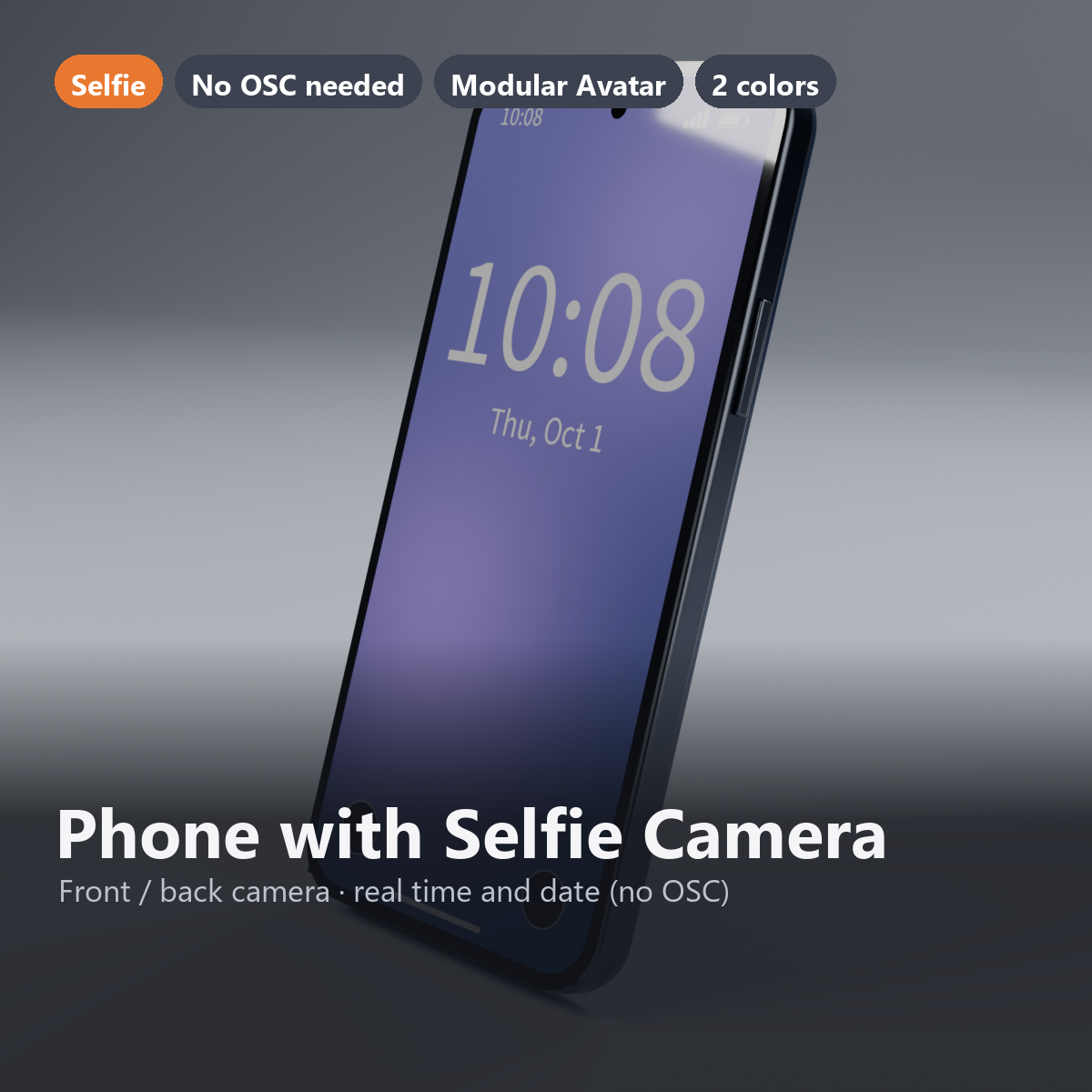
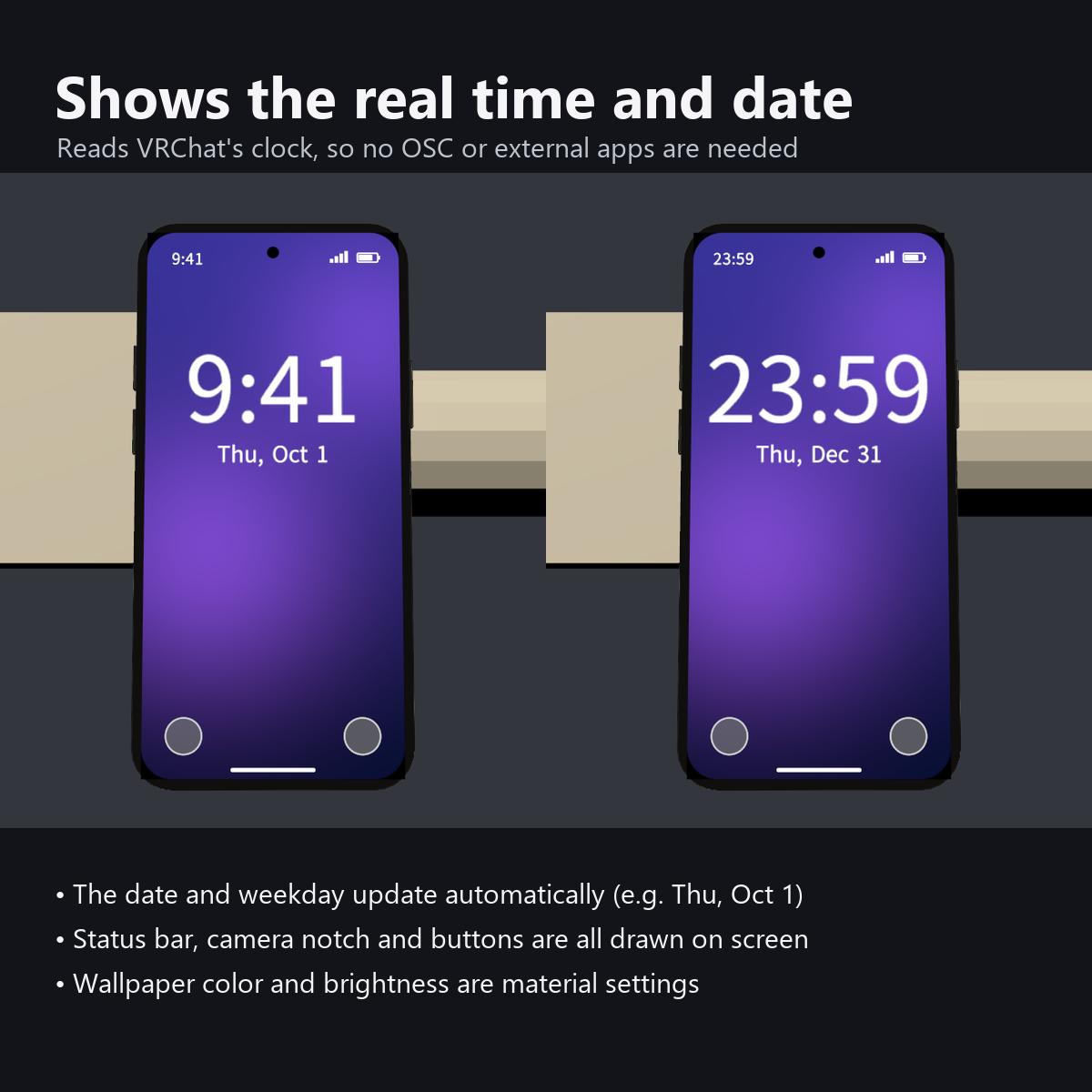
A phone you can take selfies with. The lock screen shows the current time, date and day of the week.
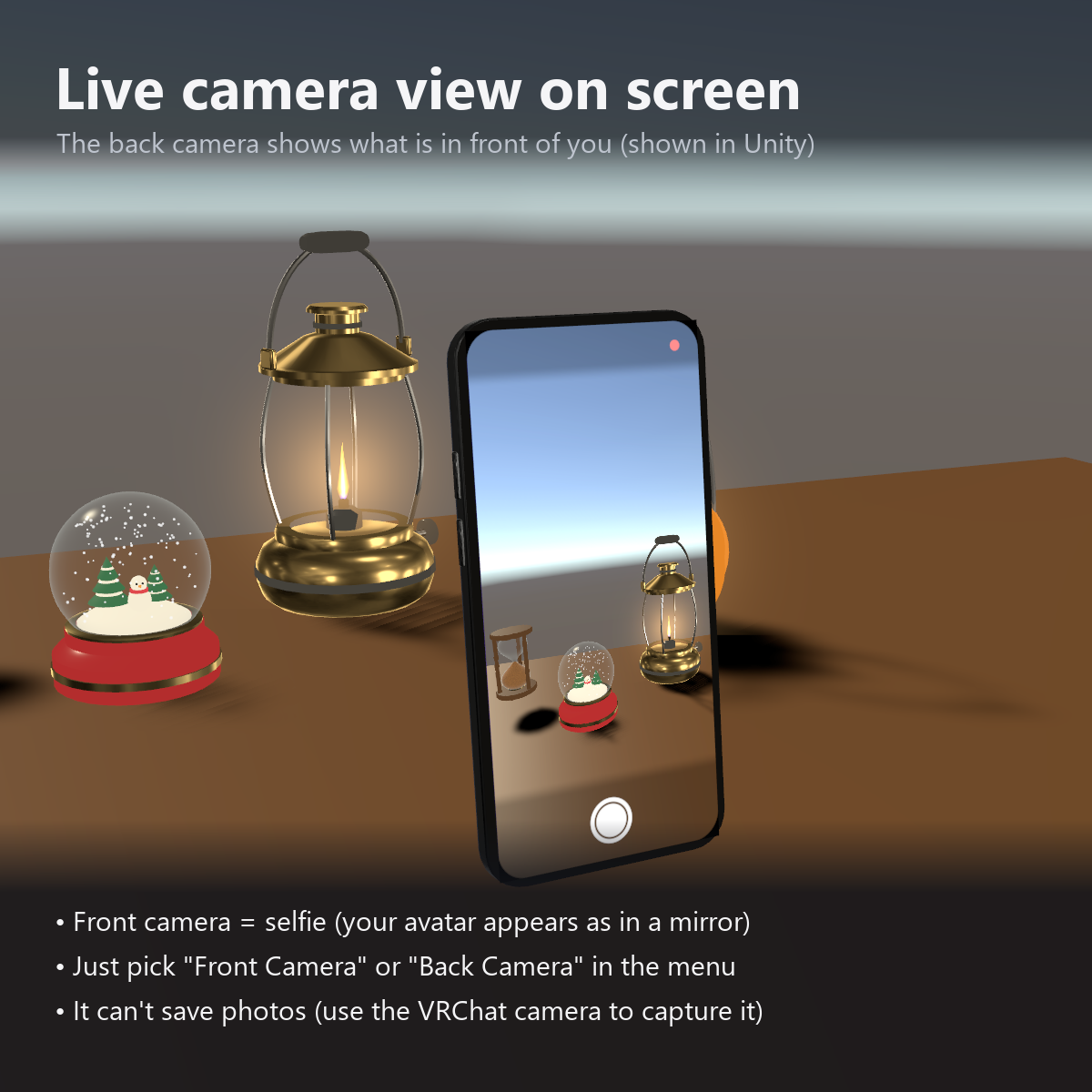
Turn on Front Camera in the menu and your avatar appears on the screen; Back Camera shows the view in front of you.
The time is read from VRChat, so no OSC or external app is needed.
Features
- Selfie: show the front camera (mirrored) or the back camera on the screen; just pick one
- Current time, date and day of the week on the lock screen (no OSC or external app)
- Modular Avatar ready: put it under your avatar and fit it to the right hand
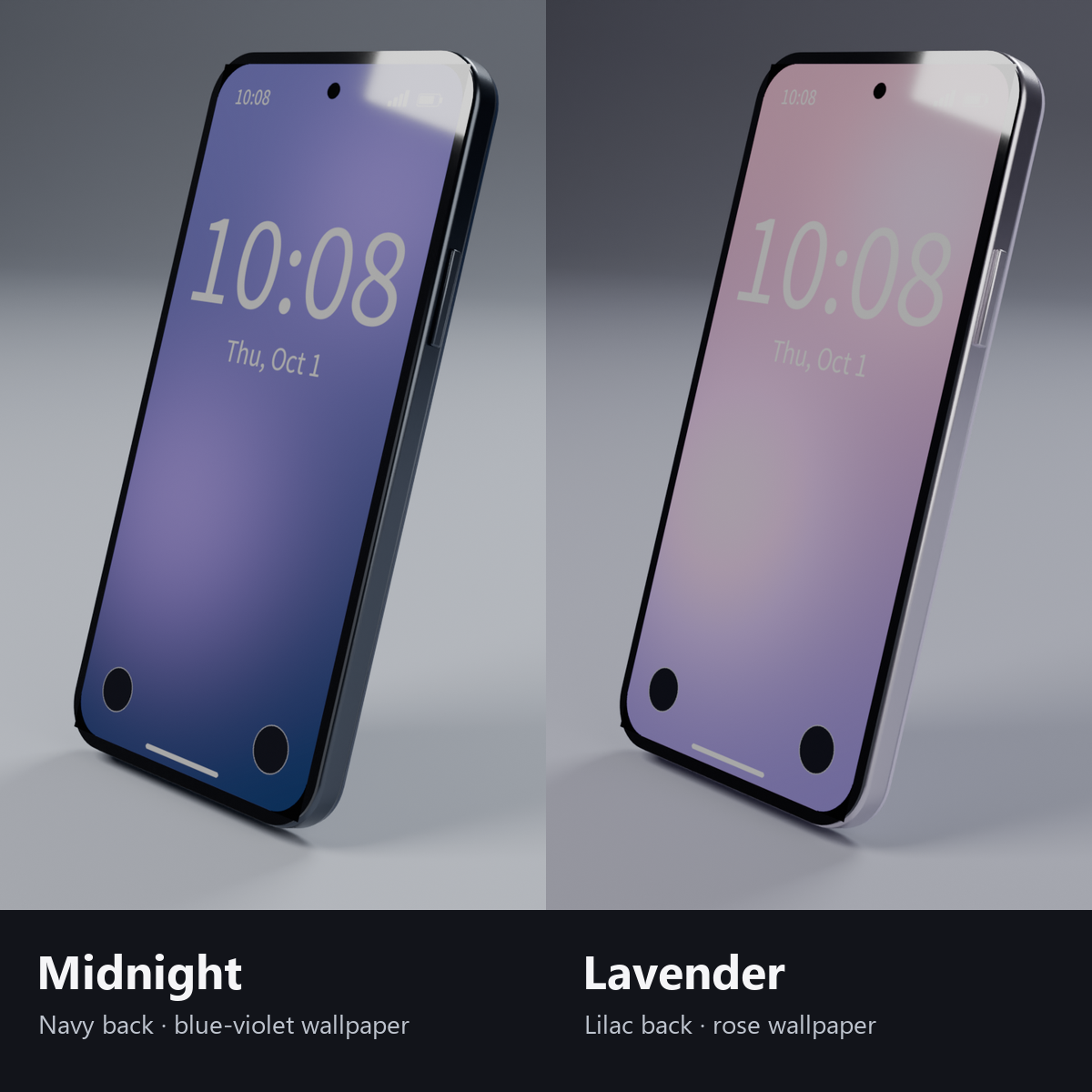
- 2 colors: Midnight (dark navy back, blue-violet wallpaper) / Lavender (pale purple back, rose wallpaper)
- Wallpaper colors, brightness and time zone can be changed on the material
- Status bar (time, signal, battery), front camera, flashlight and camera buttons are drawn on the screen
Menu (English menu prefab)
- Phone > Show: hold / put away the phone (ON at first, saved)
- Phone > Screen: screen on/off (OFF shows a black screen; ON at first, saved)
- Phone > Front Camera: shows the front camera on the screen (selfie, mirrored)
- Phone > Back Camera: shows the back camera on the screen
What's included
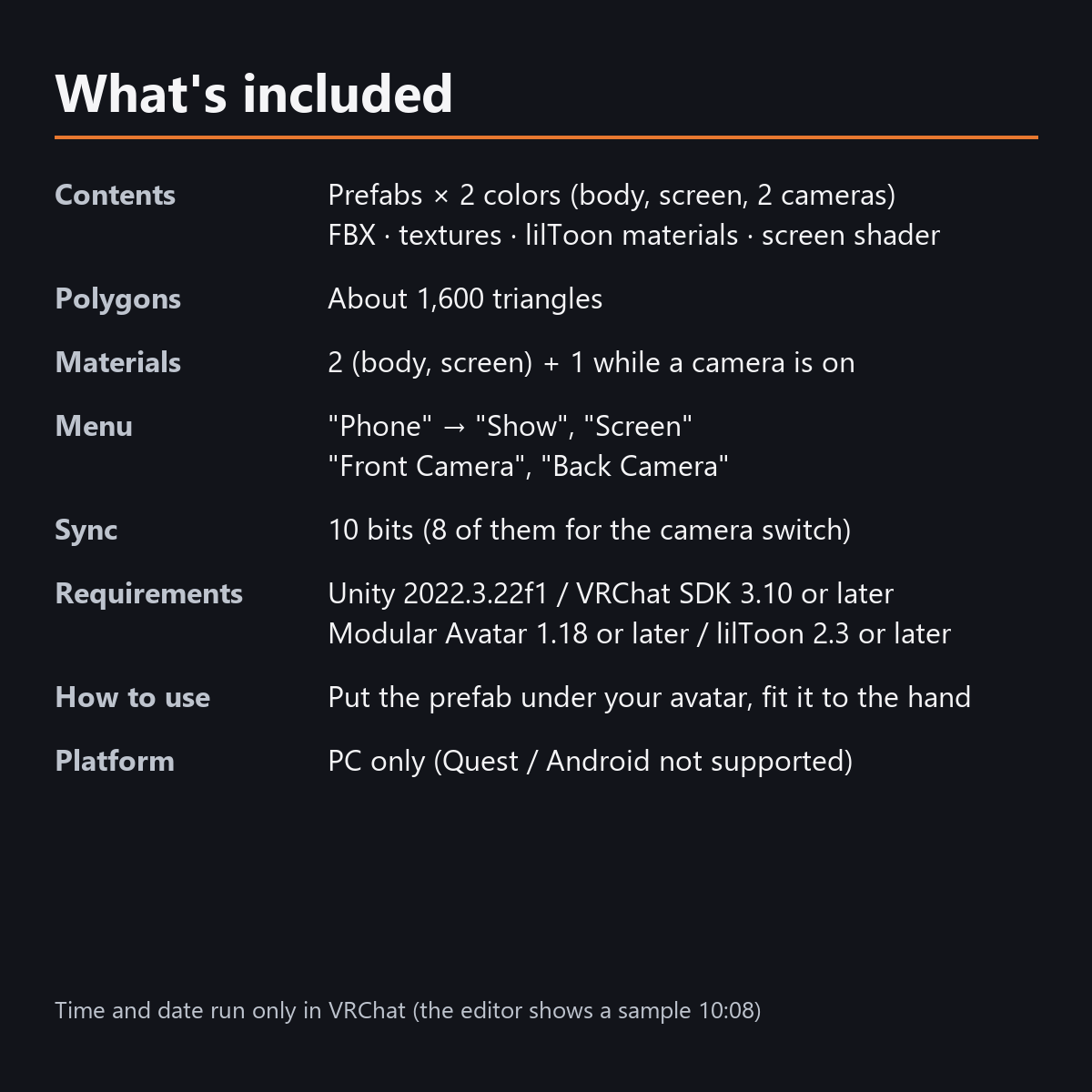
- Prefabs x 2 colors (body, screen)
- FBX, textures, lilToon materials, lock screen and camera shaders, text image, RenderTexture for the camera
- English-menu prefabs (_EN) next to the Japanese-menu prefabs. Use one or the other on an avatar, not both.
- Instruction manual and Terms of Use in English and Japanese
Specs
- Triangles: about 1,600
- Material slots: 2 (body, screen). While a camera is on, the camera view adds one more
- Text is drawn from an image made with Noto Sans JP (SIL Open Font License)
- No extra skinned mesh
Requirements
- Unity 2022.3.22f1 (an avatar project made with VRChat Creator Companion)
- VRChat SDK (Avatars) 3.10 or later
- Modular Avatar 1.18 or later
- lilToon 2.3 or later
Please note
- PC only. Not supported on Quest / Android.
- The time and date move only inside VRChat. The Unity editor shows a sample time and date.
- If a viewer's Safety settings hide shaders, the screen is not shown for that viewer.
- The camera image is not saved as a photo (take a VRChat photo of the screen to keep it). A camera that is on costs a little more performance.
- No hand pose for holding the phone is included. Combine it with your avatar's hand gestures.
Terms of use
- You may upload it to VRChat and similar services on your own avatars, edit it, and use it in streams, videos and photos (commercial or not).
- You may not redistribute, resell or share the data (edited or not), or use it to train AI.
- Full text: Terms_of_Use.txt in the download.
Also on BOOTH
This item is also sold on BOOTH, the Japanese marketplace: https://karakuri-komono.booth.pm/items/8923270
How this was made (AI-Assisted)
The 3D shapes, materials, shaders and texts of this item were made with scripts written with AI assistance. A person checked how it looks and moves in Unity before release.