상품 설명
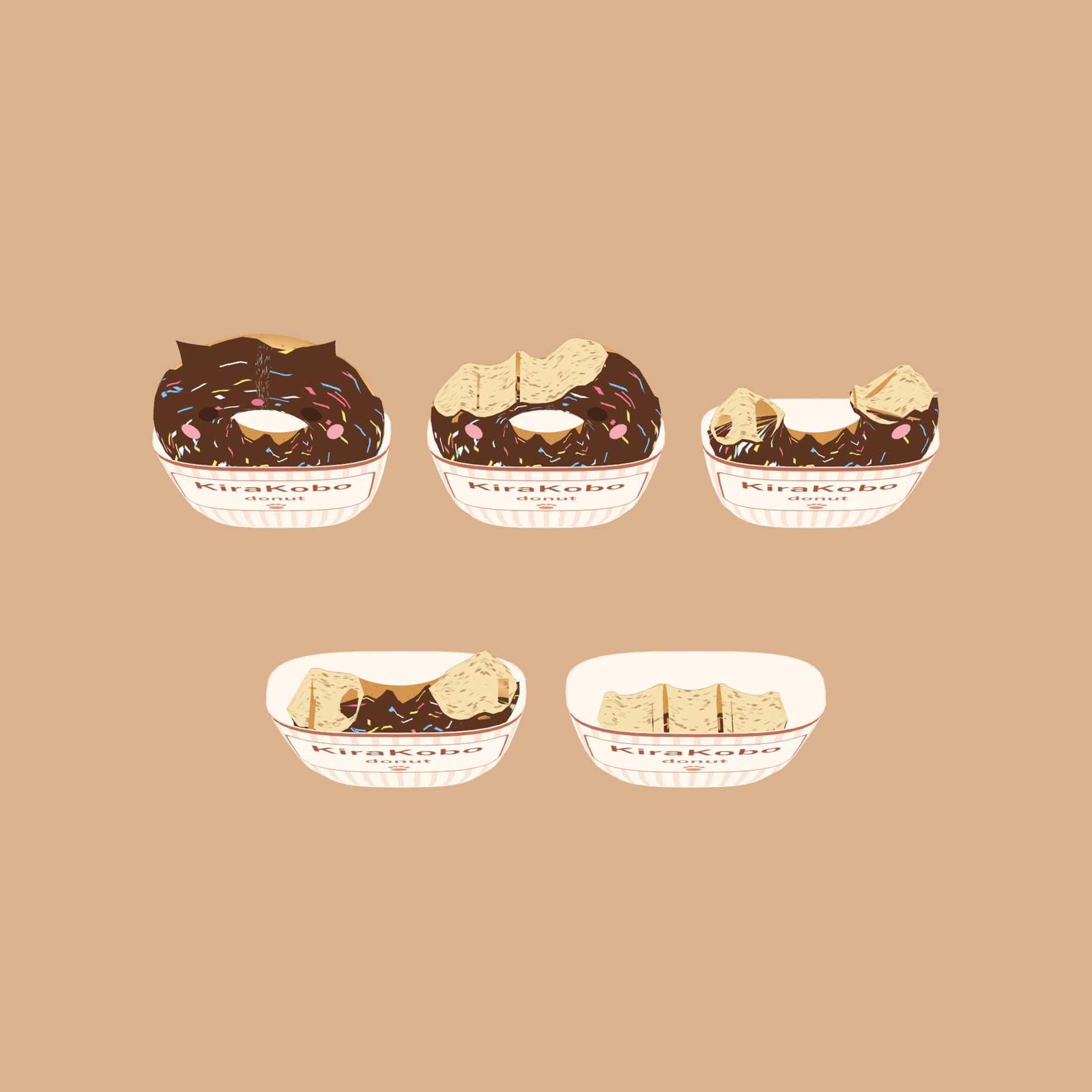
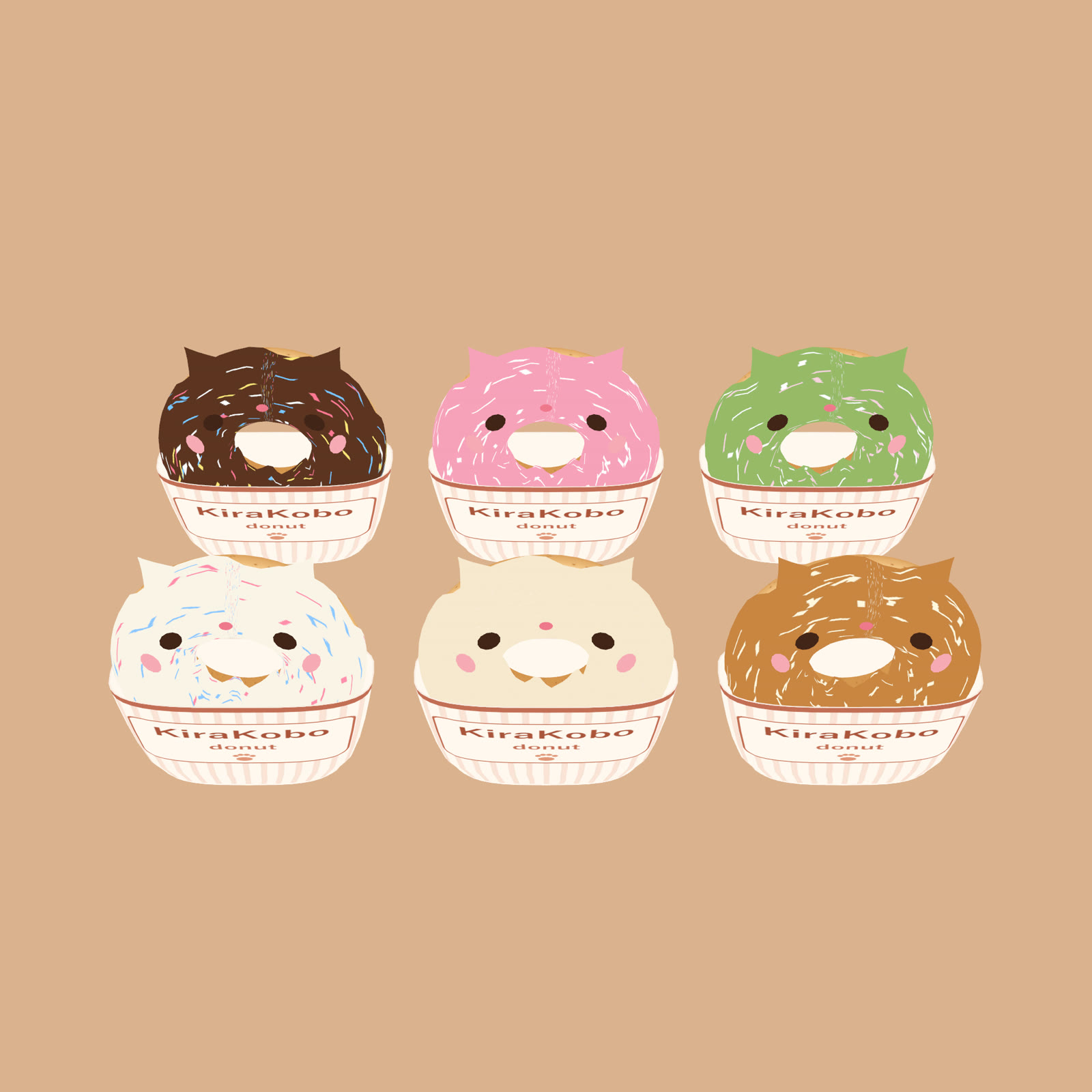
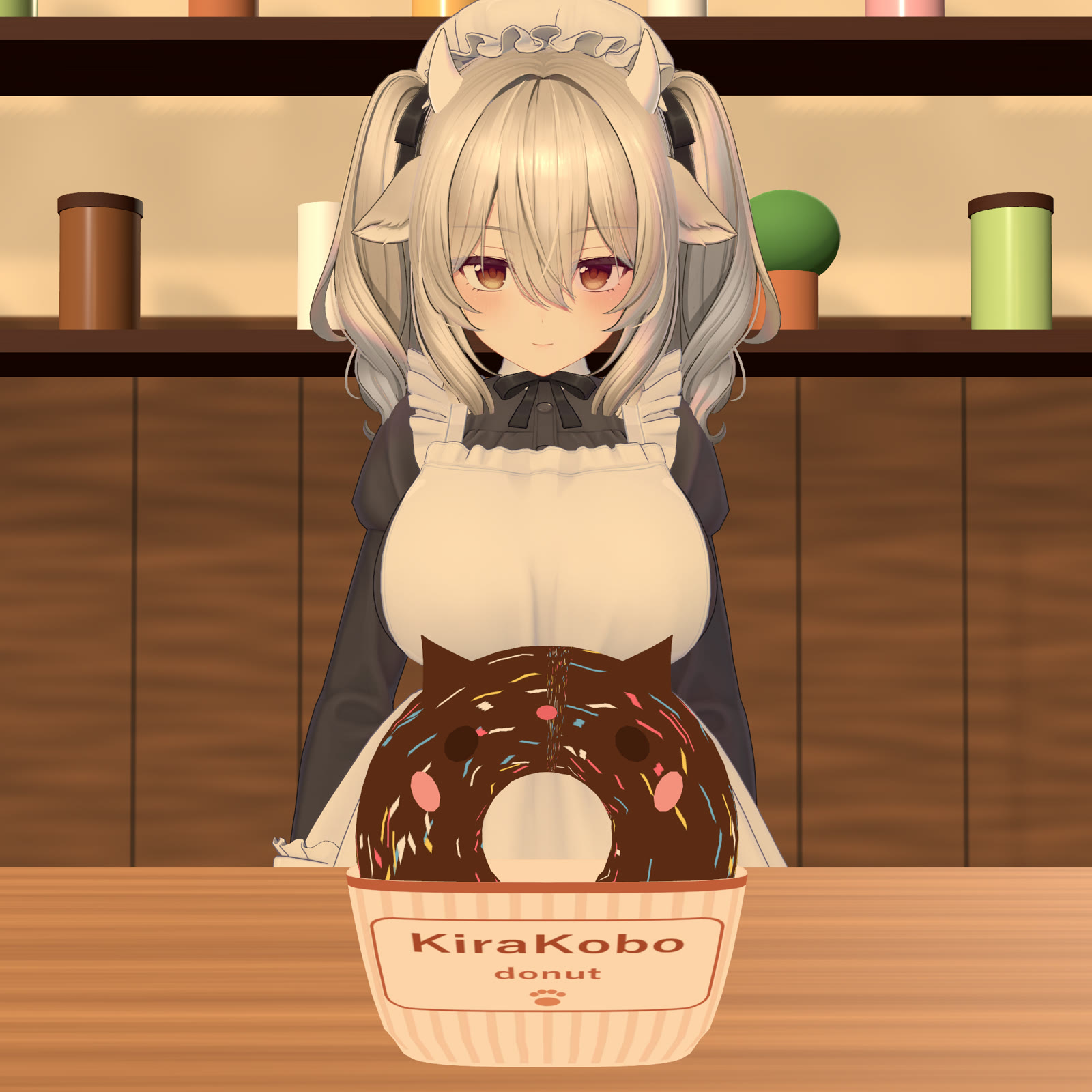
Bite a cat-face donut and it shrinks, bite by bite. 4 bites to finish, and the cup stays in your hand.
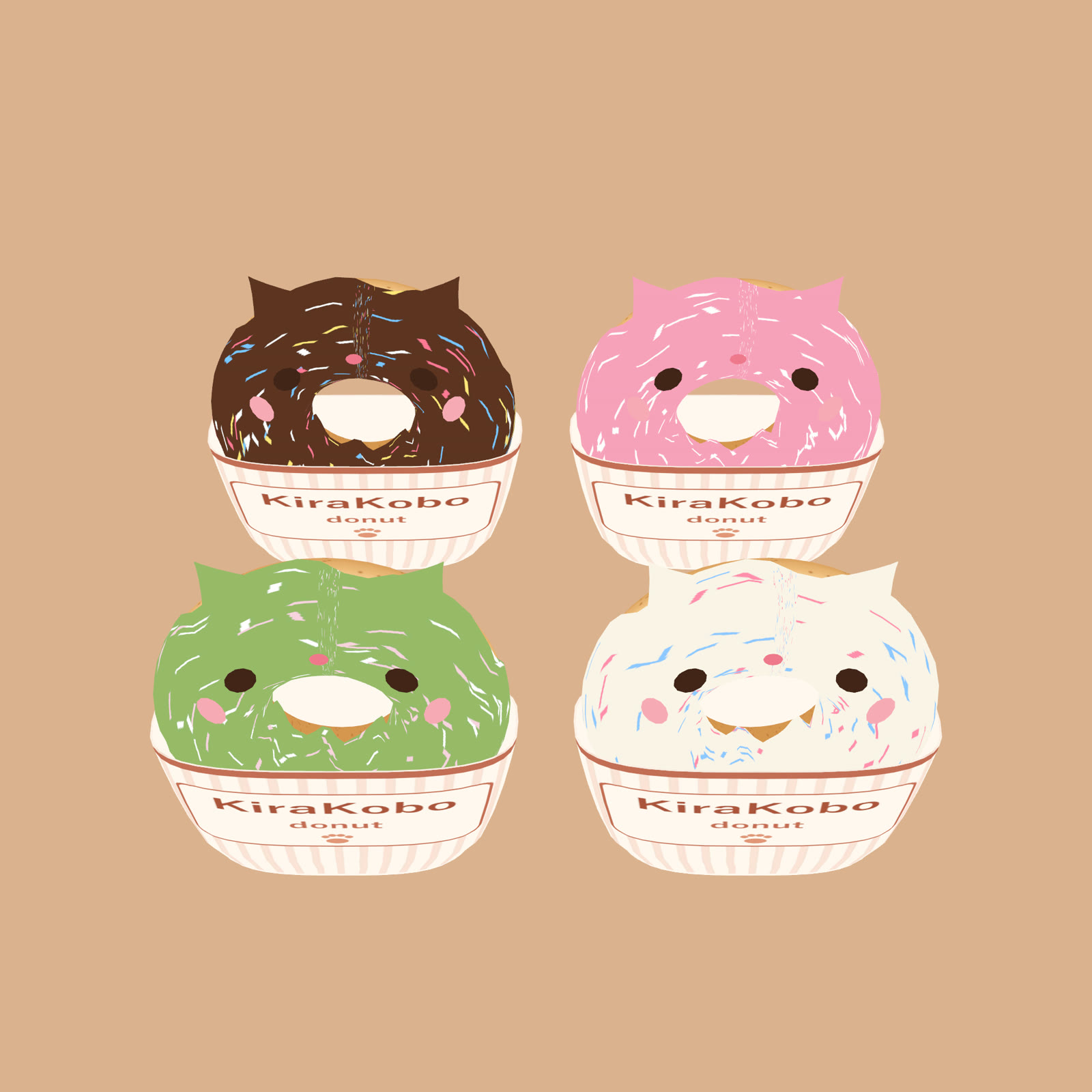
Drag & drop with Modular Avatar. 6 flavors: chocolate, strawberry, matcha, white, sugar, caramel. Pick one from the menu for a fresh donut.
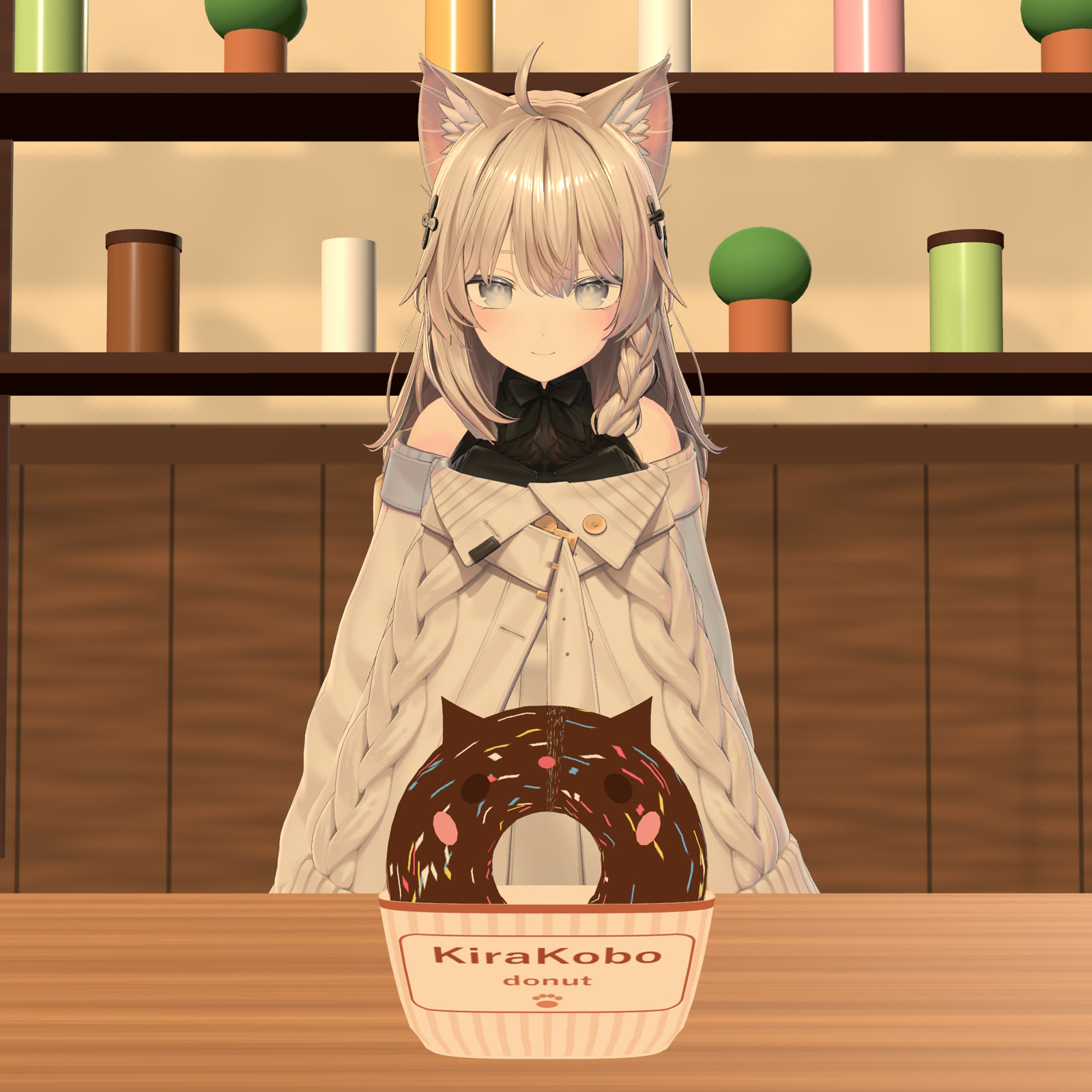
Hand-held: it attaches to your avatar's hand bone, so it should fit most humanoid avatars. Tested on Shinano, Milltina and Kipfel (ready-made prefabs); on other avatars, drop in the Shinano prefab and move HandProxy to your hand (steps in the README). The eating motion is tuned for those 3 bases.
If you enjoy it, a quick rating really helps a small creator get seen ⭐
What it does
- Hold it in your right hand; each bite removes a quarter (4 bites to finish).
- Desktop: right-hand Fist (Right Shift + F2) plays the eating motion and takes one bite; open the hand and Fist again for the next.
- VR: bring it to your mouth for one bite. (Set up this way; tested on desktop so far.)
- Cat face on/off (on by default). Set the remaining amount from a radial menu.
- Items of this series are held one at a time: picking up another one puts this one away.
What's included
- Cat donut in a paper cup, 6 flavors; prefabs for Shinano, Milltina, Kipfel
- README (English/Japanese), license (VN3, English + Japanese PDF)
Specs
- 7,240 tris / no particles / no PhysBones
- Synced parameters: 25 bits, shared by the whole newer series (any number of these items = 25 bits in total). Bite detection is local only.
- Sound effects are set up (playback not yet checked in VRChat)
Compatibility
- Ready-made prefabs for Shinano, Milltina and Kipfel. Other avatars: Shinano prefab + move HandProxy/Offset (steps in the README).
- Requires Modular Avatar + lilToon (VCC / ALCOM). VRChat PC only, not Quest.
Install
- Add Modular Avatar and lilToon with VCC (ALCOM).
- Import the unitypackage.
- Drag the prefab named after your avatar onto the avatar root, then upload. Delete the prefab to undo.
Good to know
- Made in Blender, no generative AI: all models and textures are our own work.
- Arm motion is based on Quaternius "Universal Animation Library 2" (CC0), adjusted per avatar.
- Tested on VRChat PC desktop (Shinano): hold, flavor change, one bite at a time, eating motion; also with 7 items of this series and our crepe on one avatar.
- Backgrounds, avatars and other props in the images are not included.
License (summary of our VN3 terms; the Japanese PDF is binding)
- OK: use on your own avatars, personal or commercial; edit it; videos and streams (credit appreciated)
- Not OK: redistributing or reselling the files, edited or not; public/cloneable avatars that include it; political or religious activity
- Ask first: physical merch, embedding in software/games you distribute
Questions or problems: [email protected]