상품 설명
이 상품에는 AI로 생성된 콘텐츠가 포함되어 있습니다.
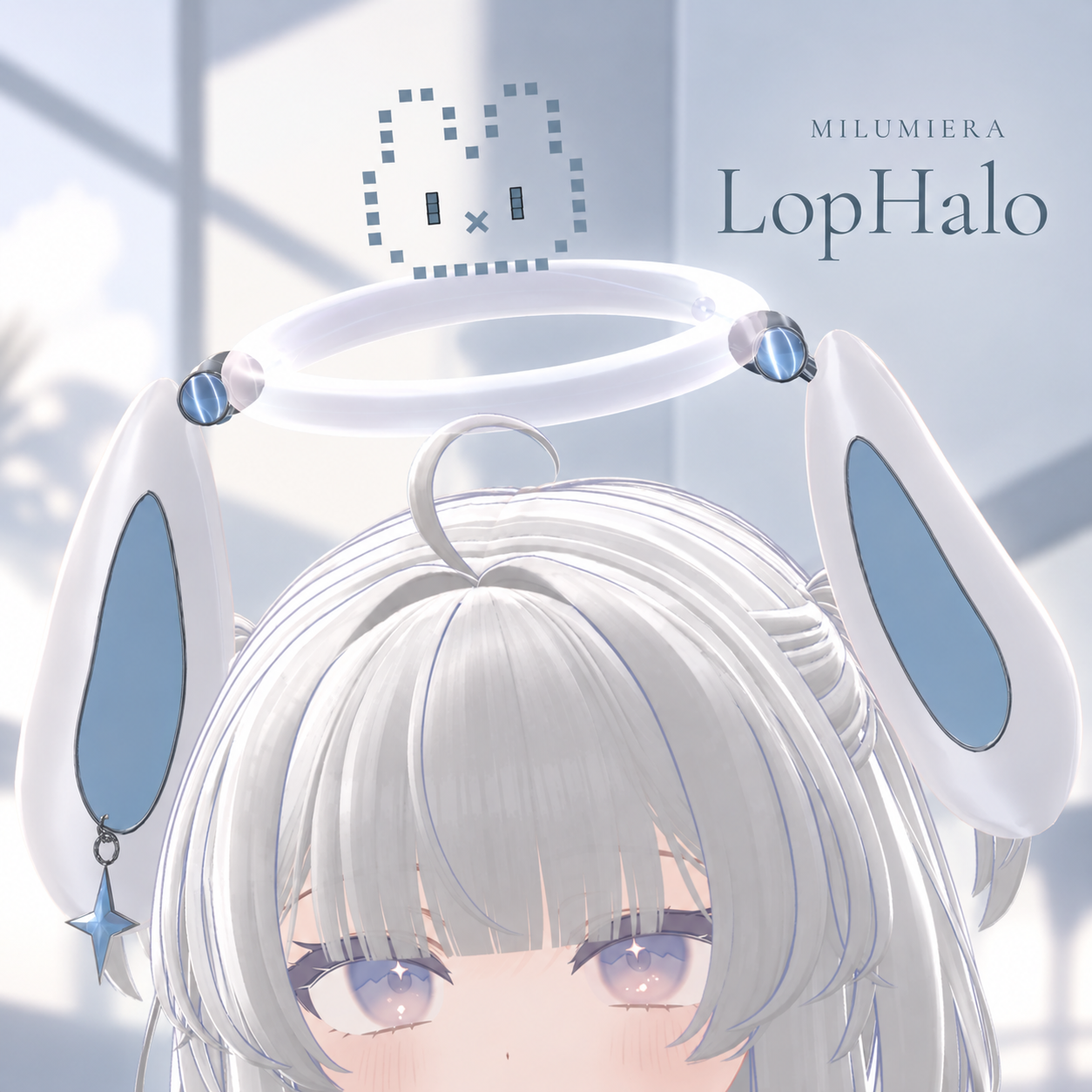
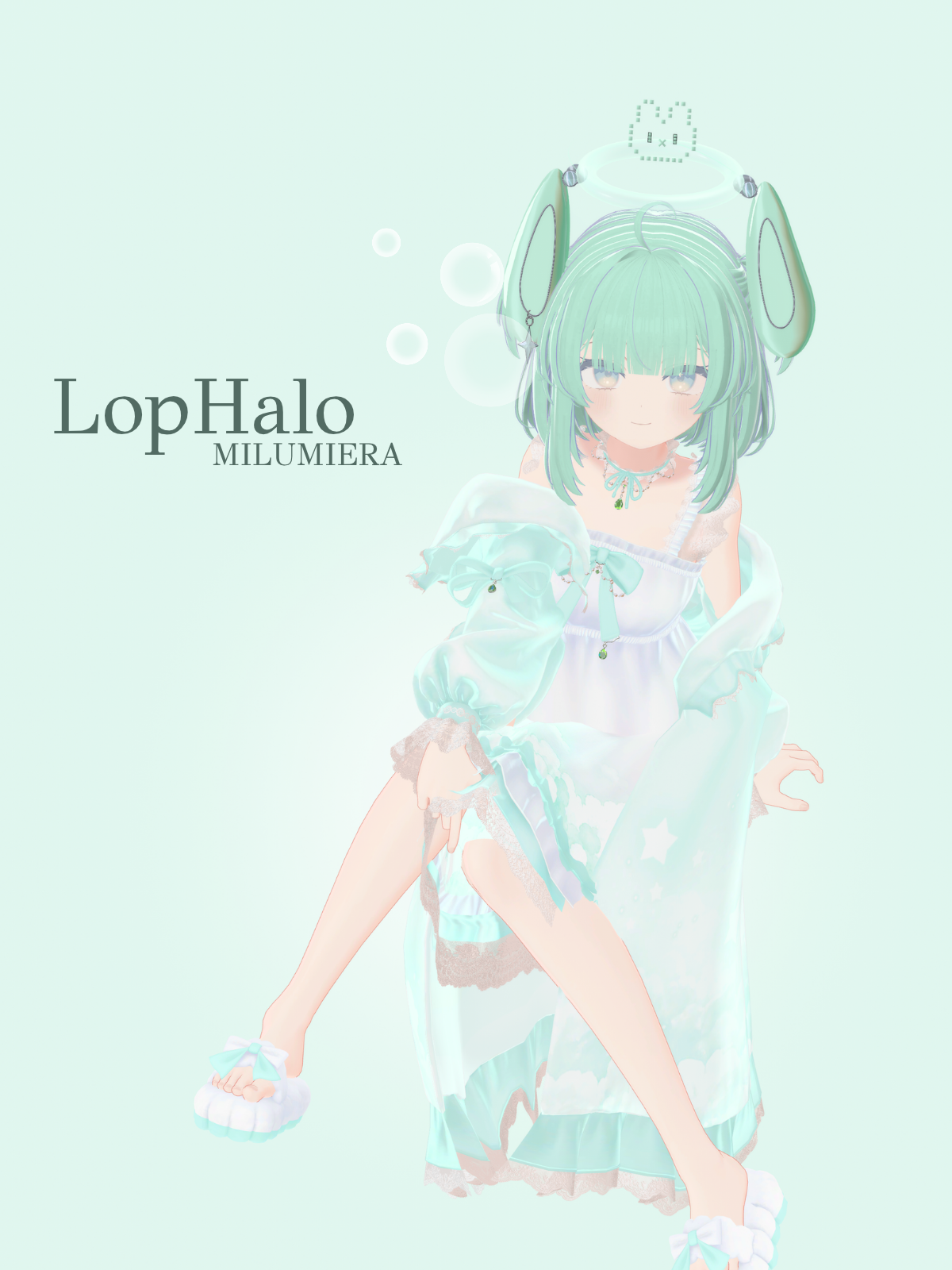
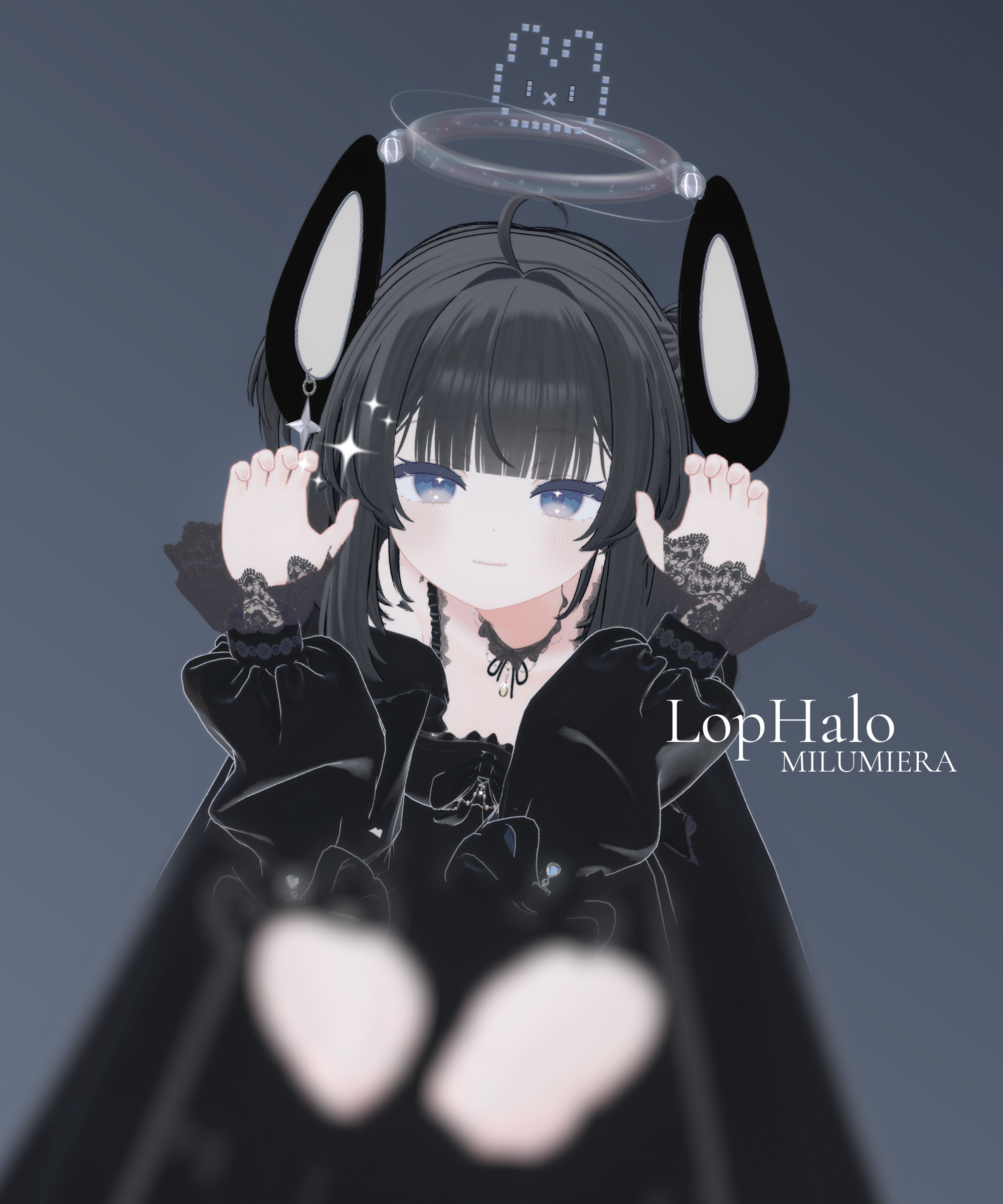
A little rabbit that reacts to your hand signs. 🐰
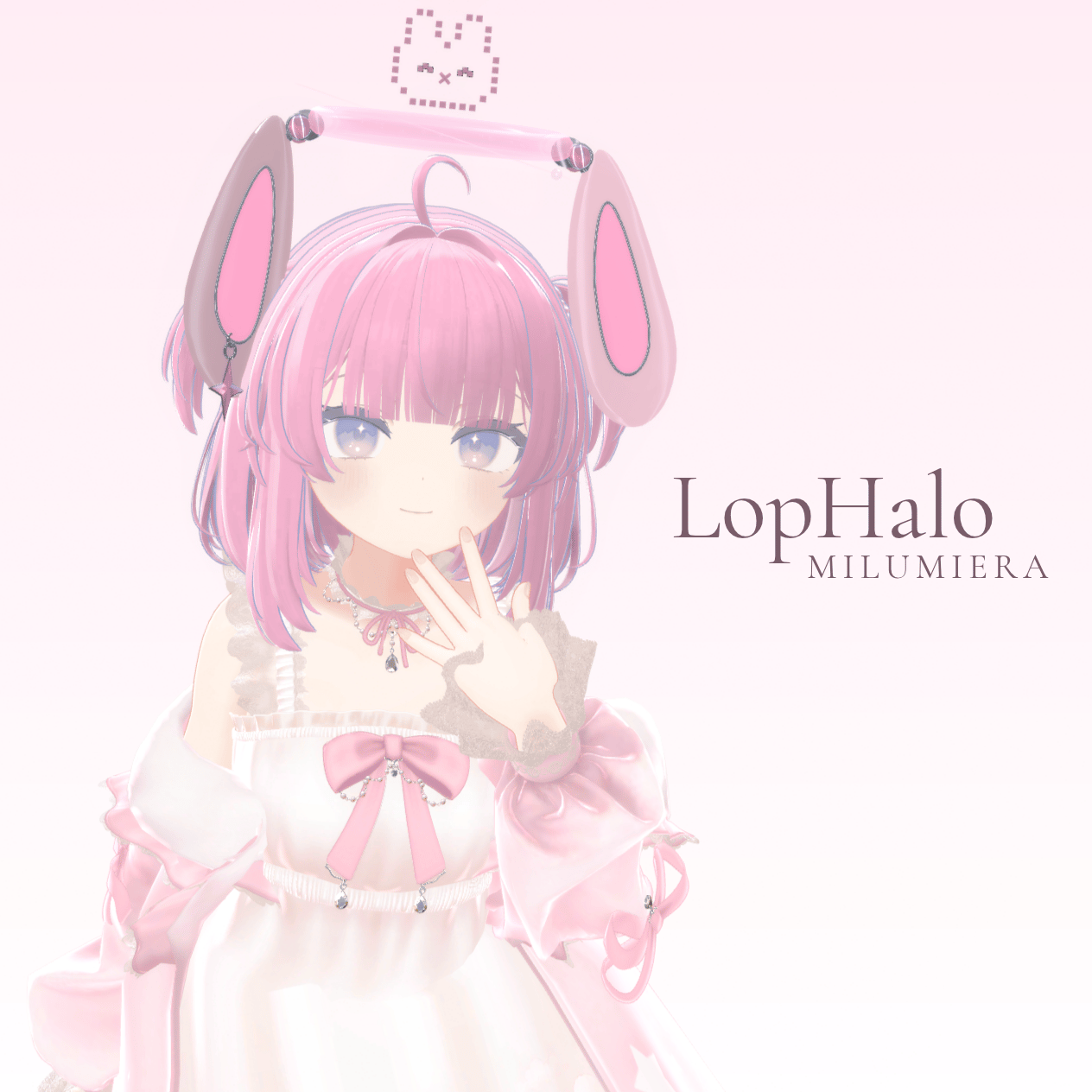
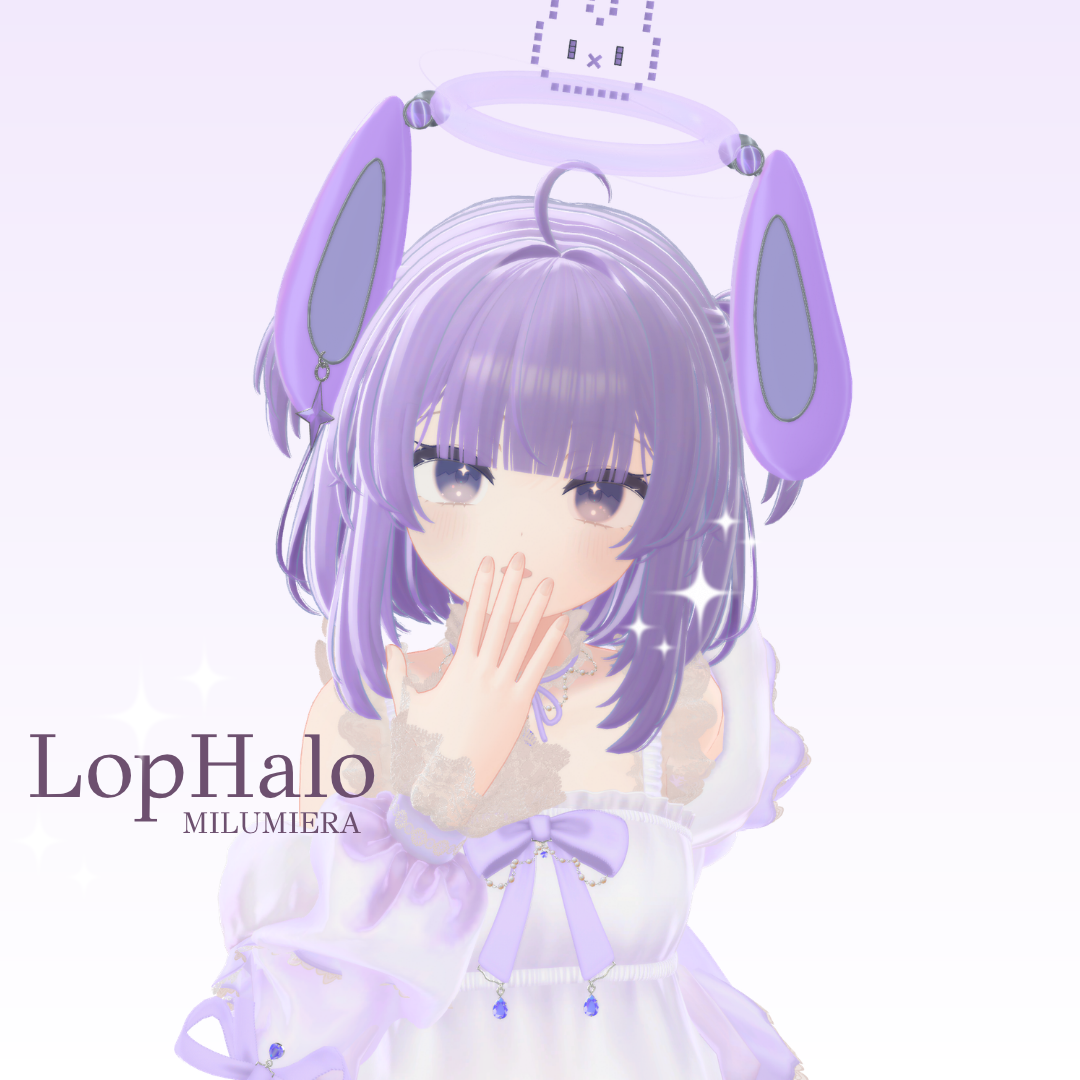
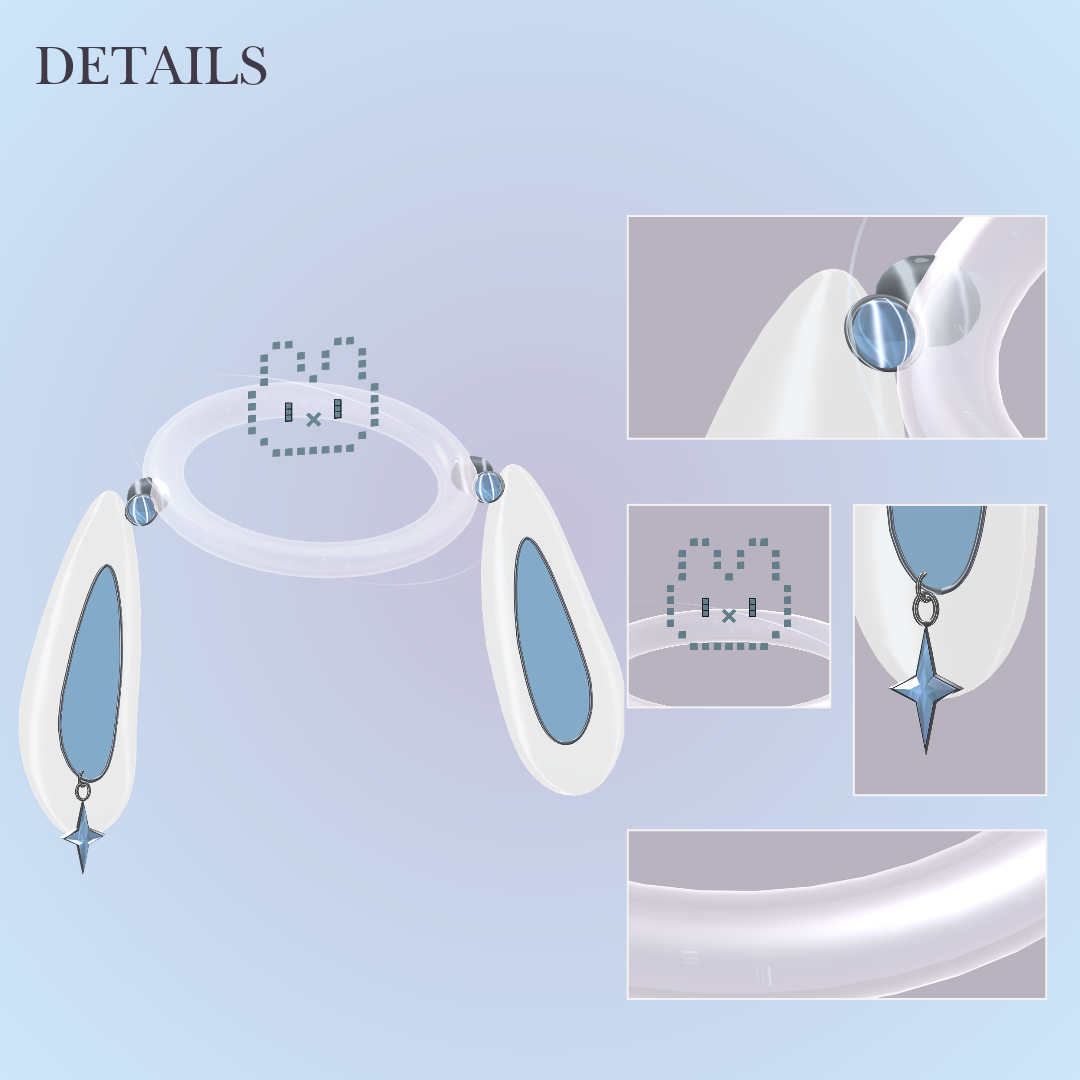
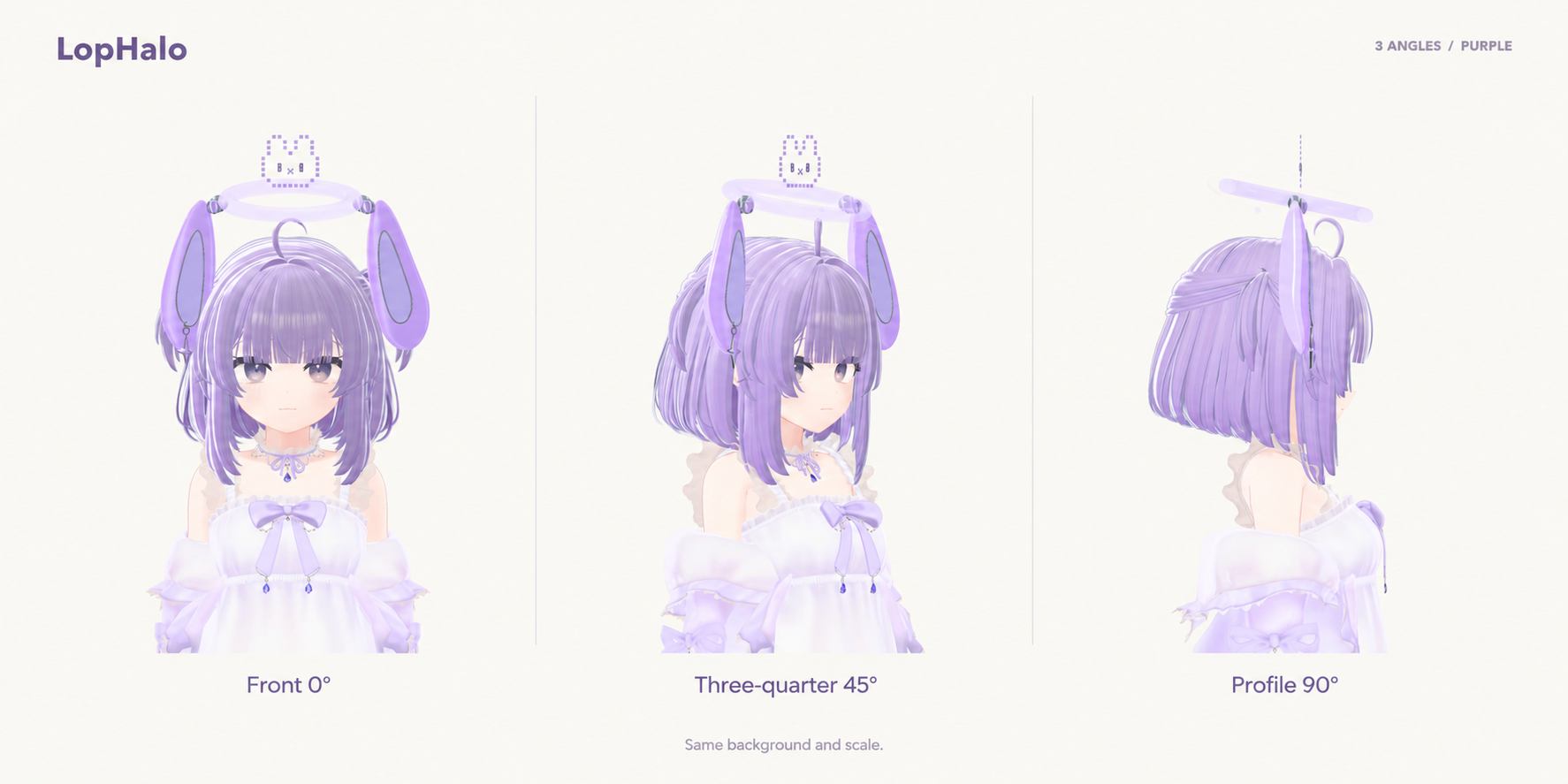
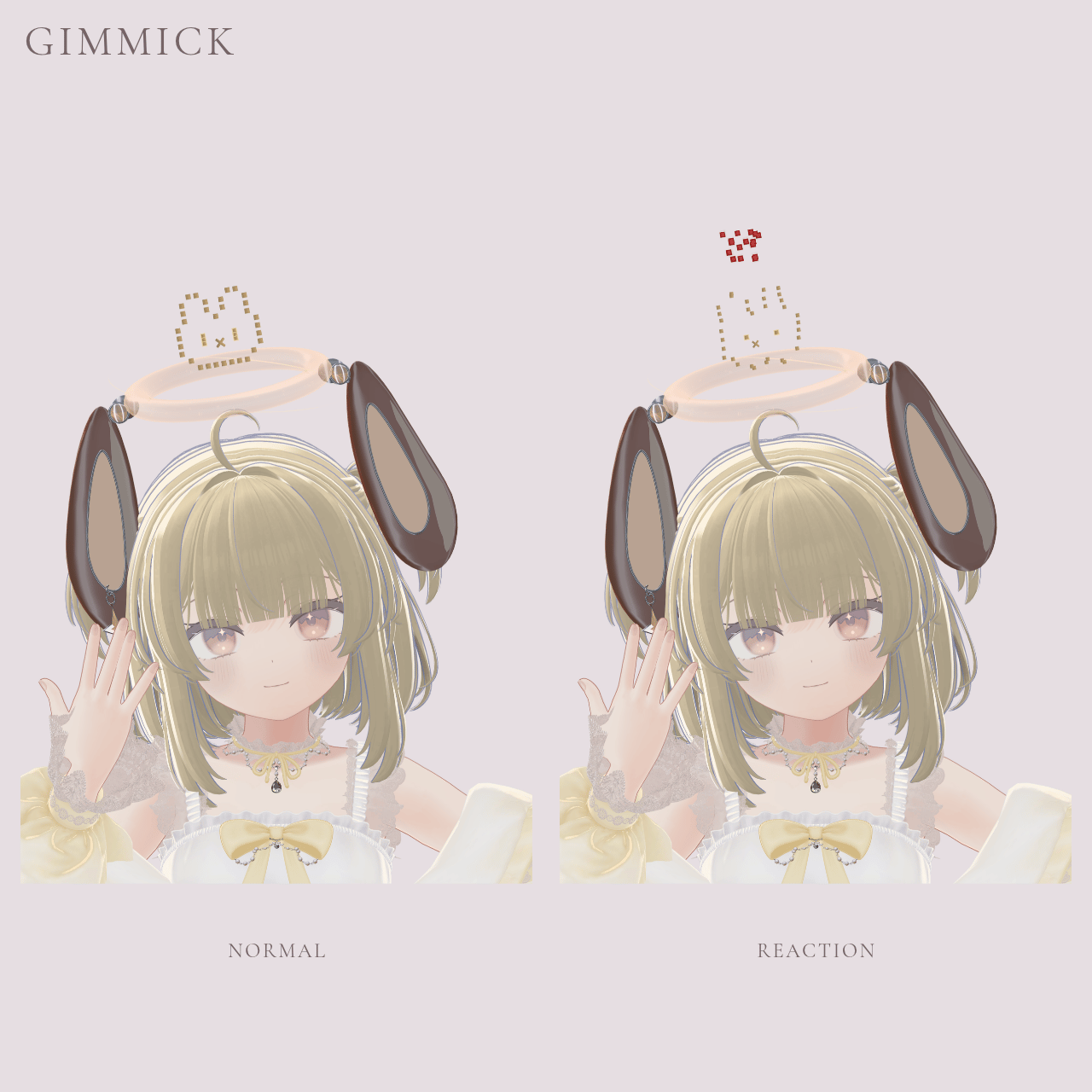
Its pixel face scatters and reforms above your head, with floppy ears and a tiny orbiting planet.
Launch sale: $5 → $4 (20% off)
October 11–18, 2026, 19:00 JST (UTC+9).
Features
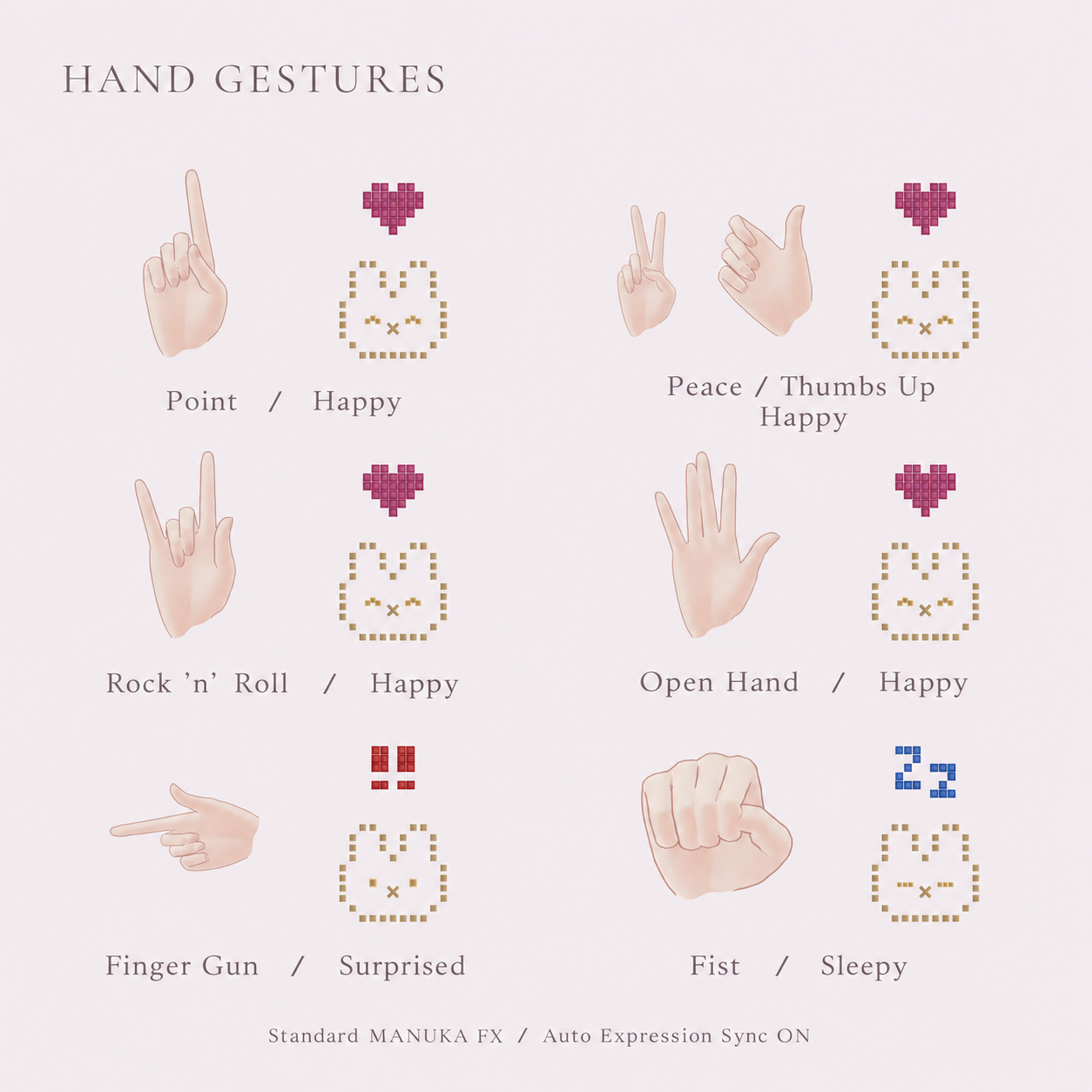
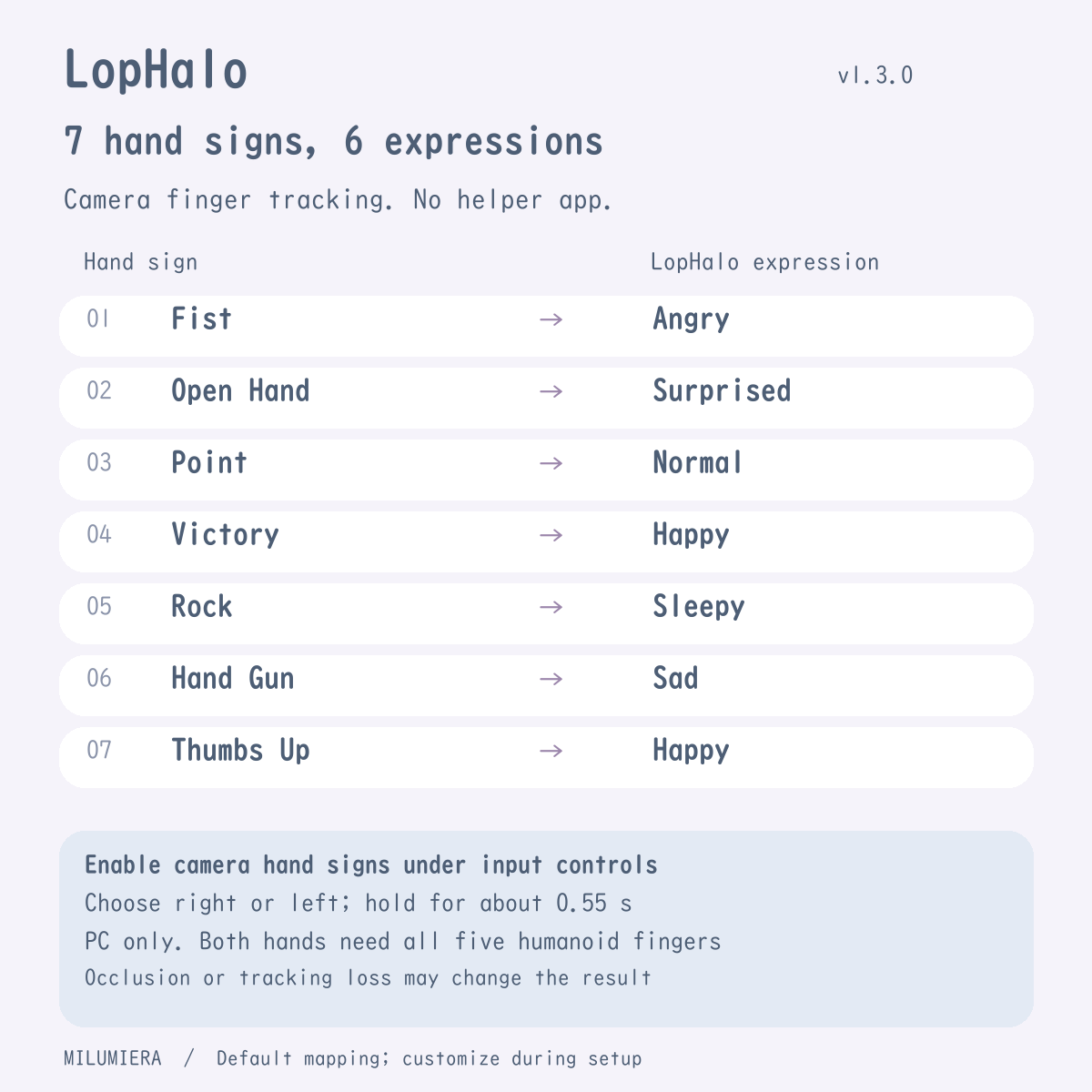
• Six expressions, with input from either hand. Customize the hand-sign mapping during setup; Open Hand and Neutral always hold the current expression.
• Choose standard gestures or VRChat's built-in camera finger tracking in settings. The input mode is not detected automatically.
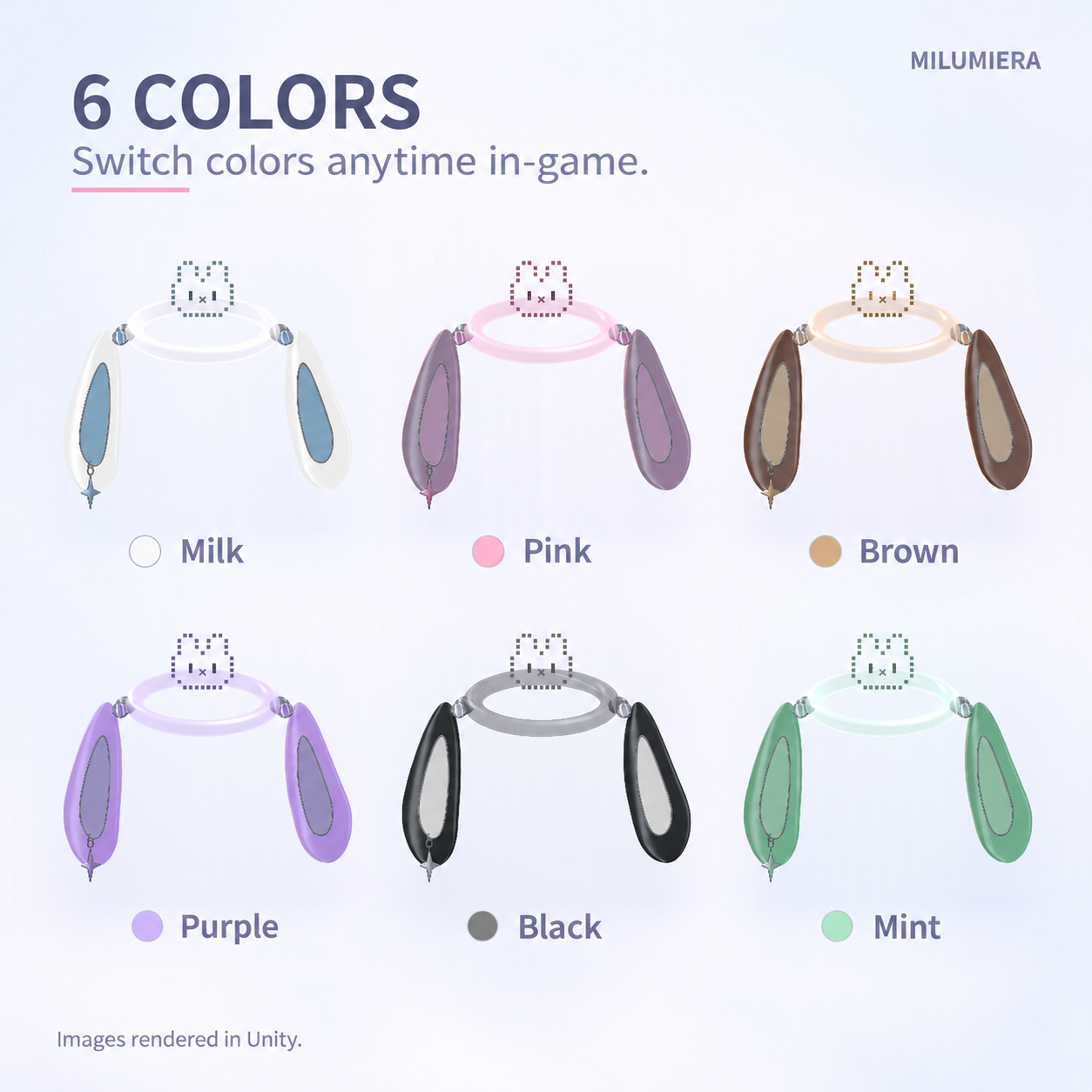
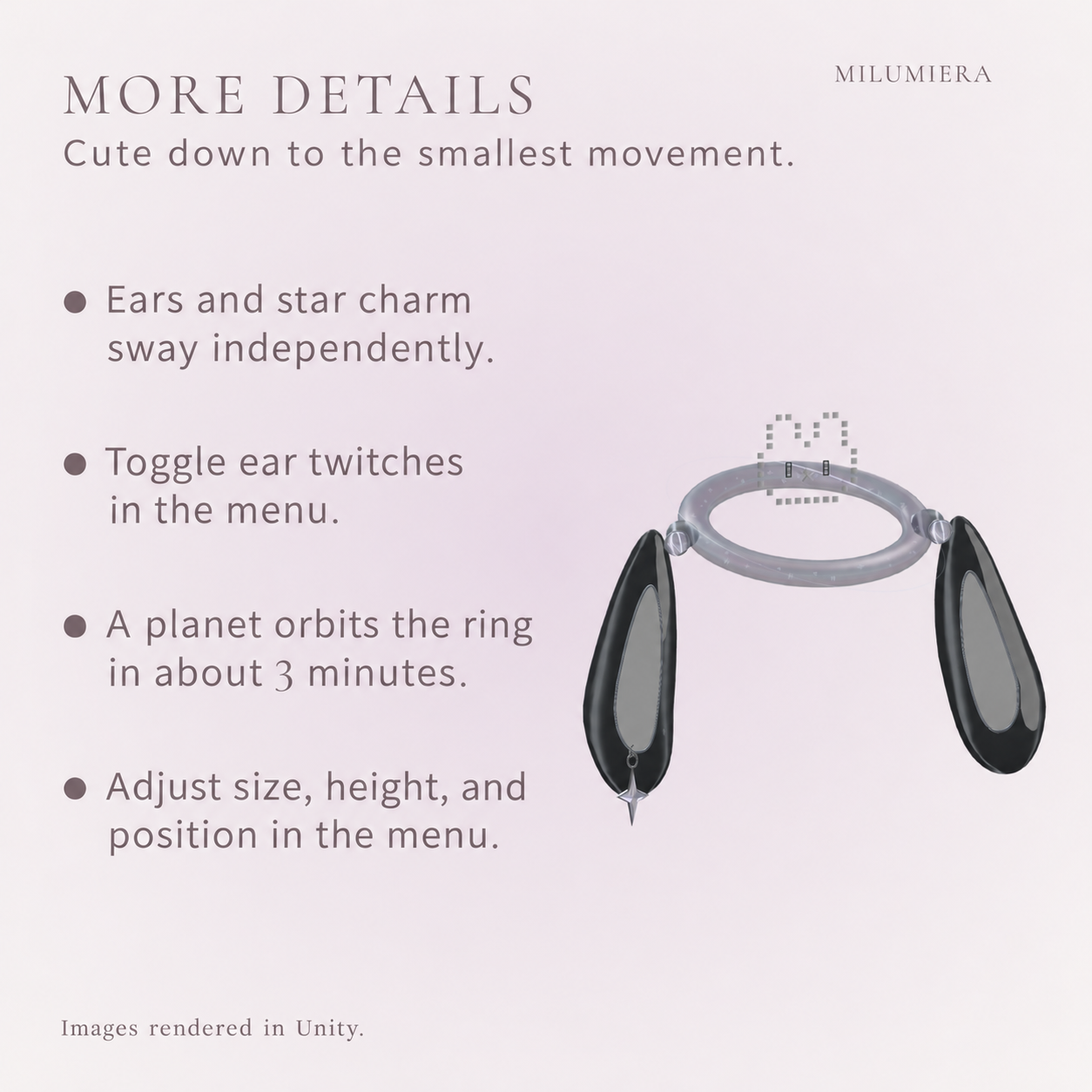
• A half-second pixel transition, six colors, bouncing ears, a swaying star and an orbiting planet.
• Fixed expressions, an automatic photo-mode cycle, and optional in-game size and position controls.
• “Rabbit + Expression Icons” toggles the upper pixel rabbit and its expression symbols, outlines and glow together. The large floppy ears and halo ring remain visible.
• Japanese and English menus are included. The Jinxxy version starts in English.
Setup
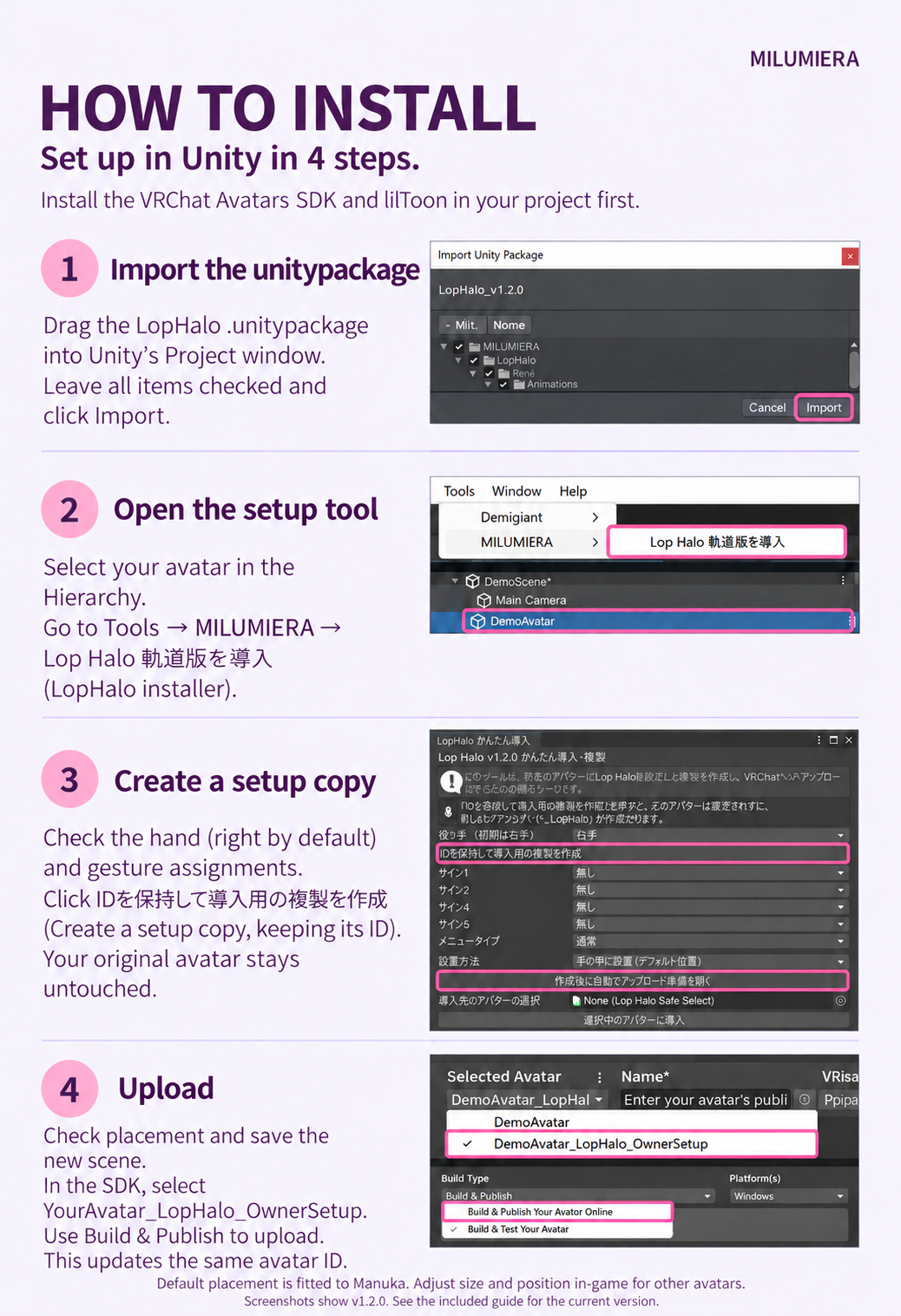
Import the full package into a project with the VRChat Avatars SDK and lilToon. Select your avatar, then open Tools > MILUMIERA > LopHalo Setup / かんたん導入.
Create the setup copy, check its placement and upload it with the SDK. The original remains untouched; updates keep the avatar ID and fit adjustments. Illustrated steps and full English instructions are included. Modular Avatar is not required.
Before you buy
• VRChat PC only; no Quest/Android support. For Humanoid avatars with a consistent Write Defaults policy in normal FX layers.
• Choose the input source under Hand Expressions > Input Settings. Camera Fingers requires VRChat camera hand-tracking settings and all five Humanoid fingers on both hands. The camera option is omitted if the avatar fails the compatibility check.
• Hold a sign for about 0.25 seconds with standard gestures or 0.55 seconds with camera input. Open Hand and Neutral keep the previous expression in both modes; select Surprised manually.
• No extra helper app is needed. Camera open hand cannot be distinguished from tracking loss. A valid sign that becomes stable after tracking resumes may change the expression. Occlusion and tracking quality affect detection.
• Your avatar's own face may react to the same signs. Glow varies with world bloom.
• Optional face tracking defaults off and requires hardware plus VRCFT/OSC; actual hardware behavior is unverified.
• Avatar, clothing and hair are not included. Default placement is fitted to Manuka.
Version 1.4.0-rc2 is a candidate awaiting VRChat hardware QA. Camera input, networking, other-user visibility and persistence after rejoining are not yet verified in VRChat.
Included & usage
v1.4.0-rc2, Japanese/English guides and terms. Accessory: 33,522 triangles and 6 renderers.
A new installation adds 18 synced parameter bits, or 50 bits with fit-adjustment sync enabled. These are additional bits, not the avatar’s total. The input mode does not change this amount. Updates preserve existing sync settings, so the amount may differ.
Test environment: Unity 2022.3.22f1, SDK 3.10.5, lilToon 2.3.4.
Personal/business use, modifications and media use are allowed. No redistribution or Public avatars accessible to non-owners. See the included terms.
v1.4.0-rc2 updates input from either hand, Japanese/English menus and visibility controls. Generated FX follows the avatar's Write Defaults policy.
Photography avatar: Manuka (STUDIO JINGO), not included — https://booth.pm/ja/items/5058077
lilToon: https://booth.pm/ja/items/3087170