
Rhodie Canine VRChat Avatar Base V1.0 | Wolf | PCVR | Face Tracking | Modular Clothing
상품 설명
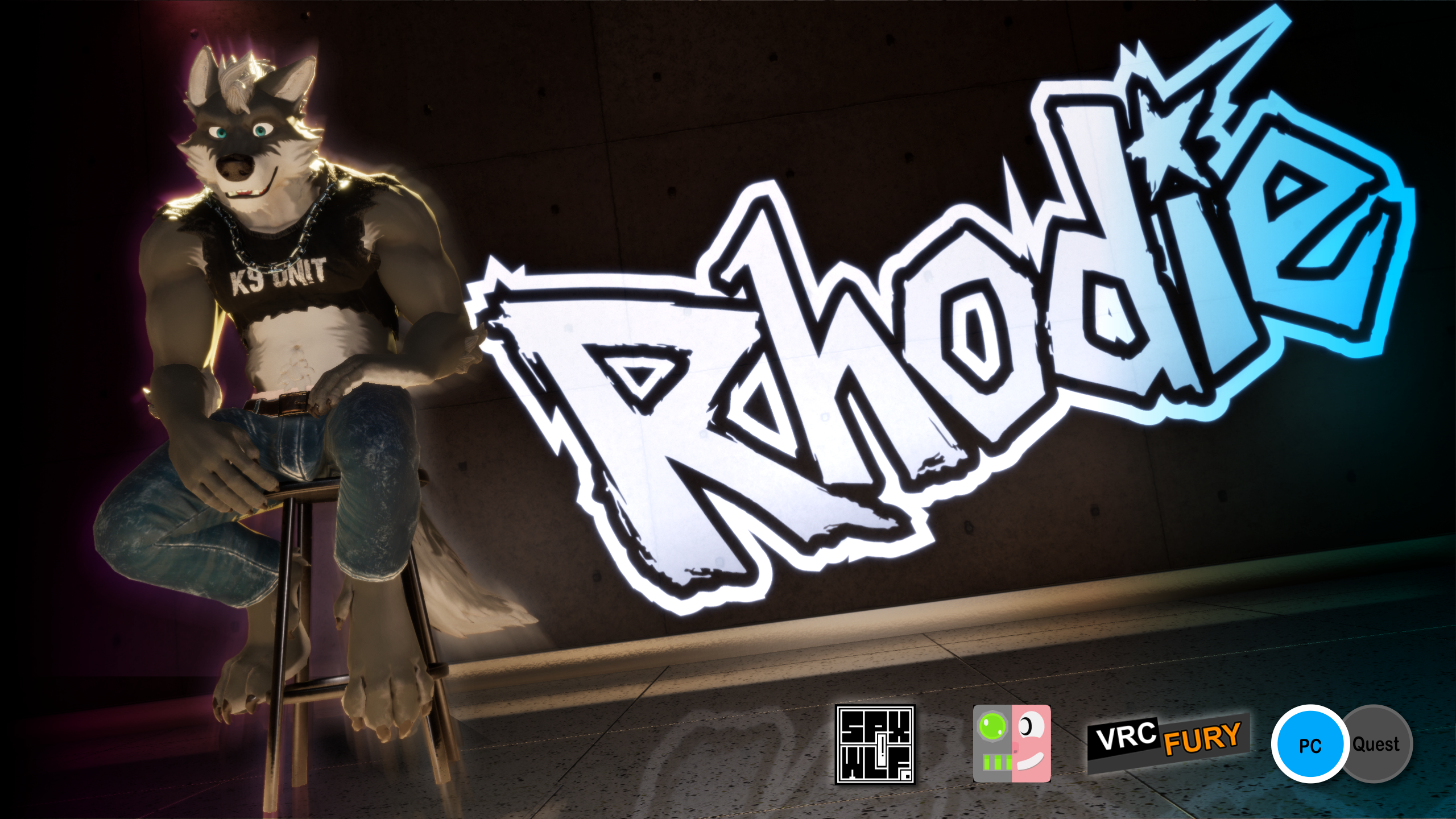
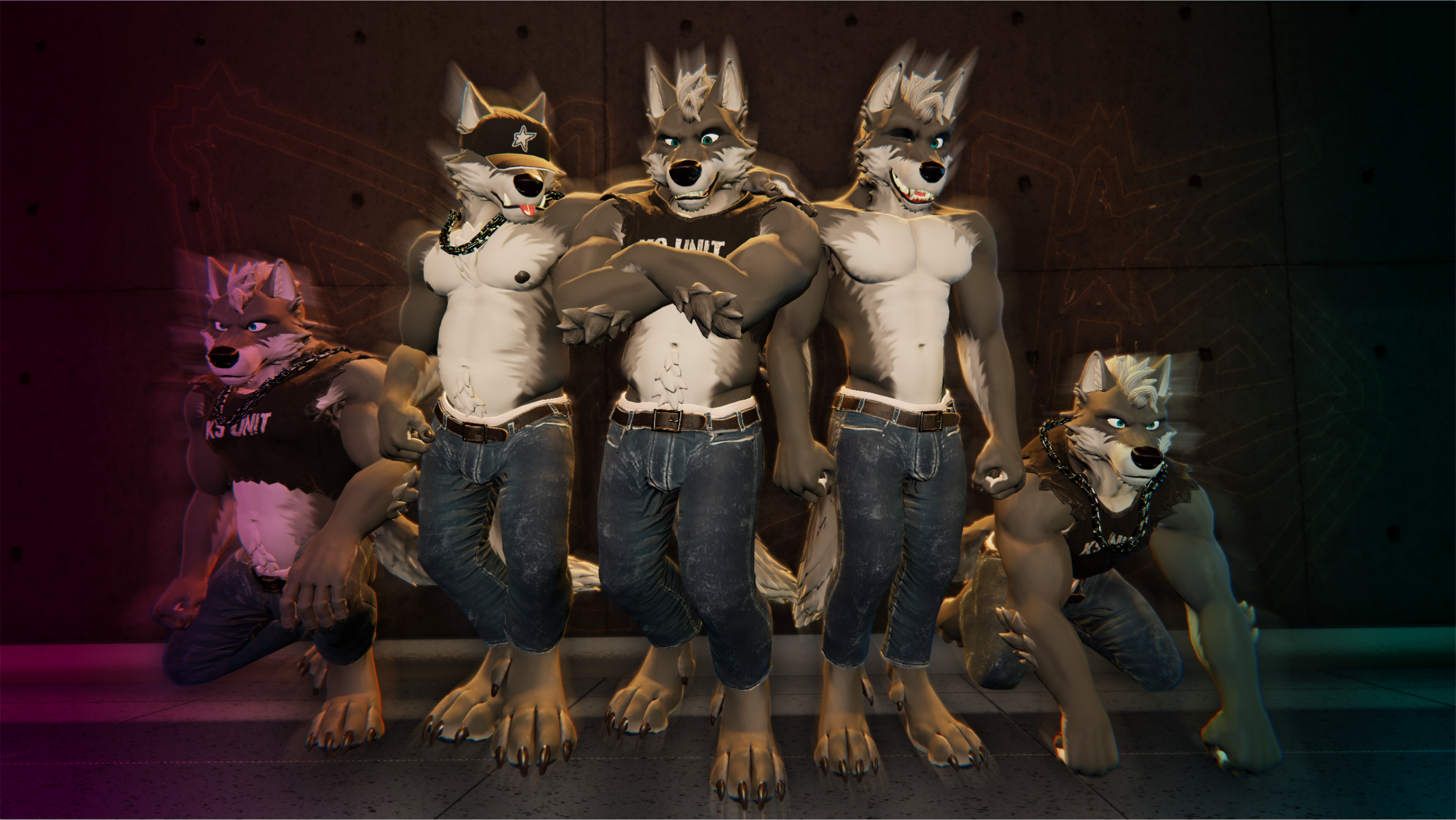
 Rhodie is a Modular, Highly Customisable VRChat Avatar!
Rhodie has been built to be as modular as possible, with more than 20 different body and facial customization options. Rhodie also comes with Face Tracking (ARKit, Sranipal, Unified Expressions) and MMD Blendshapes included, setup and ready to go.
Rhodie includes Medium and Poor ranked versions, both with and without Face Tracking options, all pre-configured and ready to upload to VRChat.
Try Rhodie's Public Version, for FREE now over at the SPXWLF VRChat World or from Here.
────────────────────────────────────
Avatar Features:
- Drag & Drop Modular Assets for easy modification and better customisation. (Requires VRCFury)
- Modular Body controls and features for quick optimization (only include in the features you want, quickly remove the things you don't need).
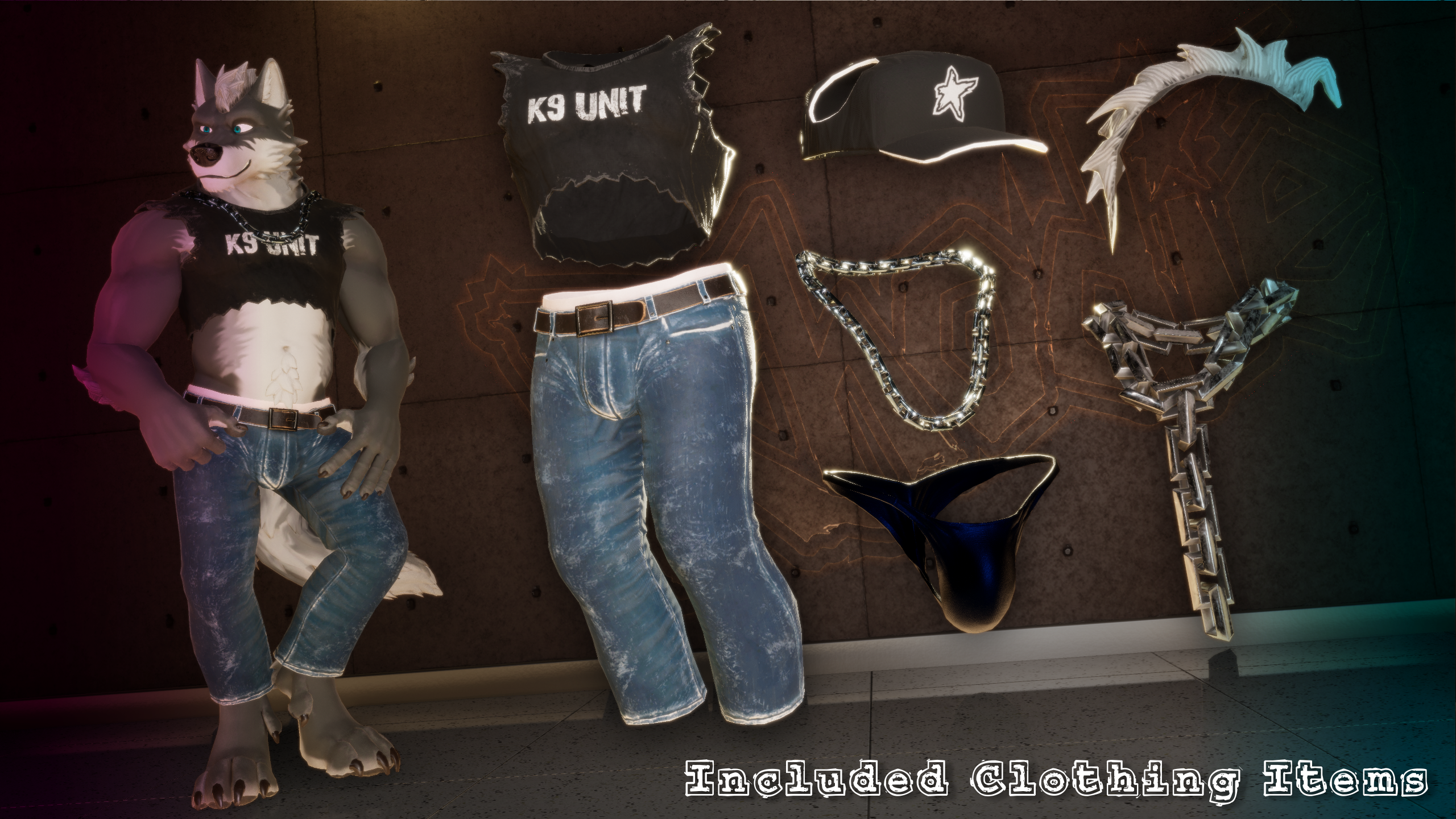
- Included Clothing Items: Shirt, Jeans, Briefs, Cap, Neck Chain, Big Ass Chain. More on the way!
- Face Tracking: ARKit, SRanipal & Unified Expression shapes all included. (Jerry's Template required & recommended - download it here or add it to VCC here!).
- MMD blendshapes (including ear motions for added expression).
- 3 Extra Teeth Options - Fangs, Saber Teeth, Tusks!
- 6 Interactive Contacts: Eye Poke, Head Pats, Muzzle Poke, Nose boops, Chest boops, [redacted] boops. Don't pull his tail!
- 20+ Face/Head Customisation Blendshapes
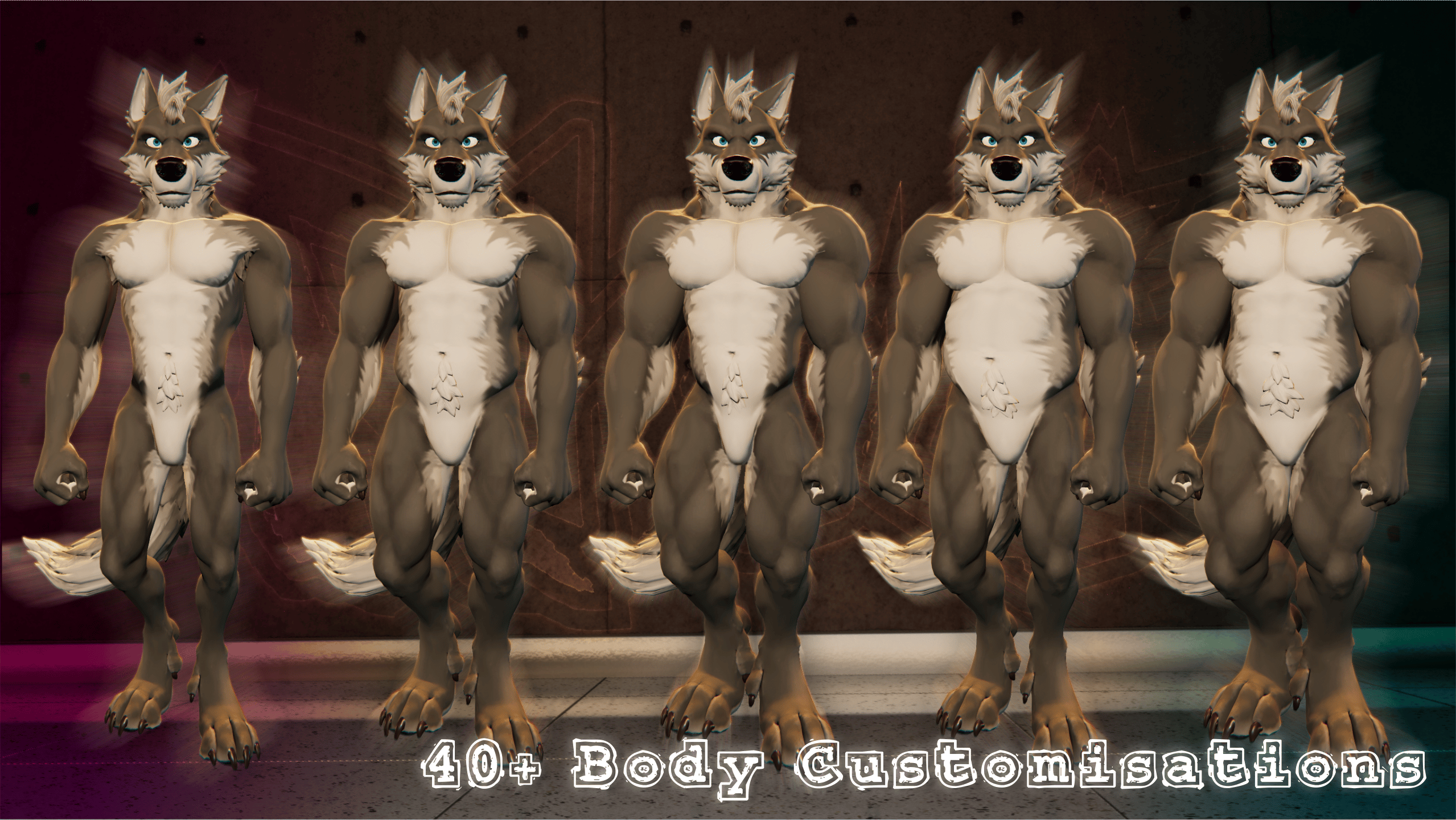
- 40+ Body Customisation Blendshapes
What you Get:
- Preconfigured Unity Project including Rhodie in Medium and Poor ranked versions. All controllers, all, toggles, all setup and ready to upload.
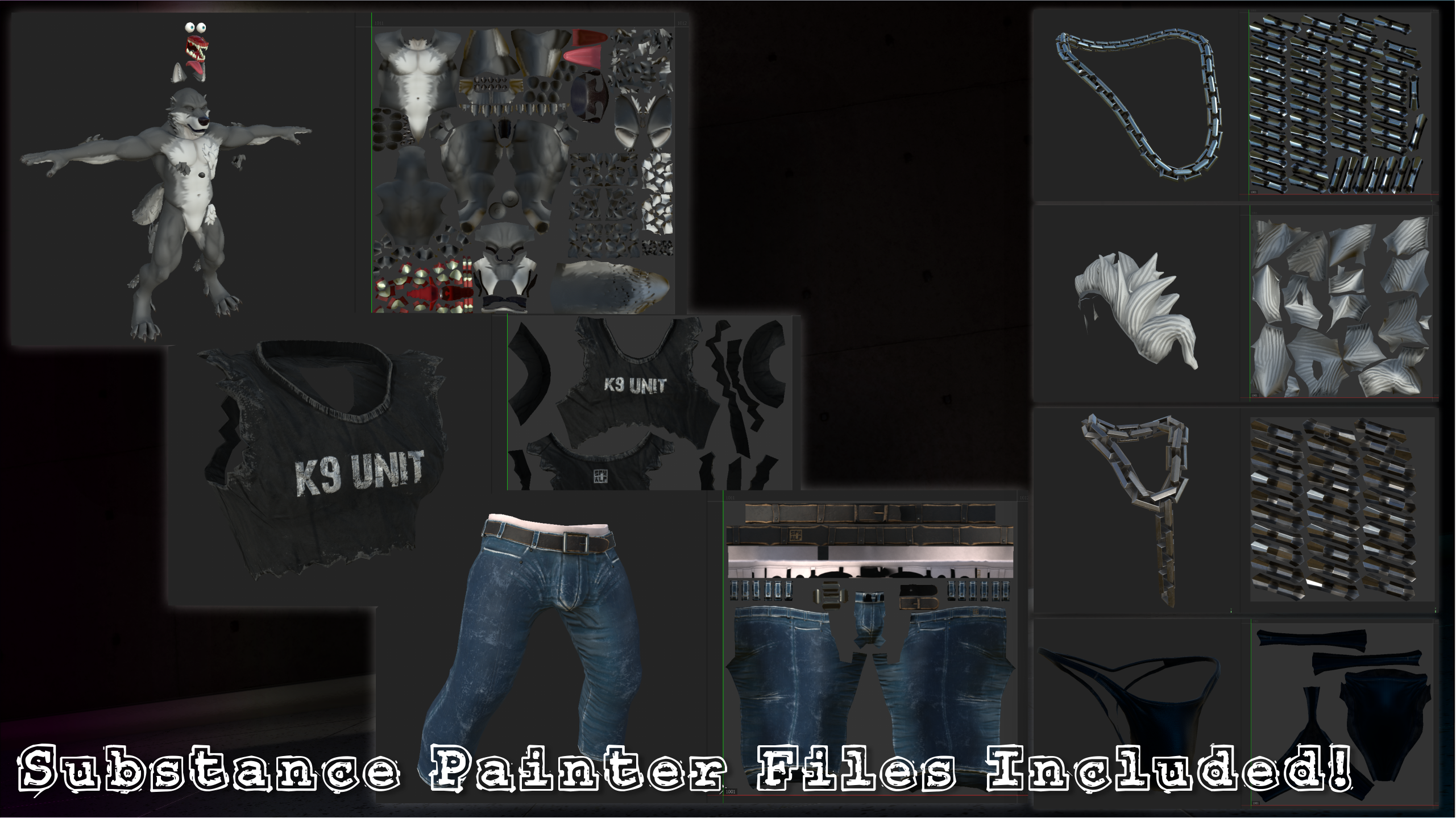
- Textures and FBX Files for; Rhodie Avatar, Cap, Mohawk, Torn Shirt, Jeans, Briefs, Neck Chain, Big Ass Neck Chain™
- All Substance Painter Project files (min V10.0.1).
VRCFury Required!(download it here)
Jerry's FT Template Required for Face Tracking (download it here)
VRCFT Required for Face Tracking (download it here)
Avatar Stats
Poor(All Garments/Assets - VRCFury Test Build Avatar) - Full SDK Stats Here
Tris Count: 62,391
Skinned Mesh Renderers: 15 (1-2 with Bash Kit Mesh Merging)
Physbone Components: 25 (This is the only attribute that give the Poor Performance Rating - else Rhodie has a Medium Rating)
Physbone Transforms: 110
Material Slot: 12
Bones: 188
Texture Memory Usage: 76.62MB(will vary based on user settings)
*Other values are either Good/Perfect - See Full SDK Stats linked above.
Medium(All Garments/Assets - VRCFury Test Build Avatar) - Full SDK Stats Here
Tris Count: 62,391
Skinned Mesh Renderers: 15 (1-2 with Bash Kit Mesh Merging)
Physbone Components: 9
Physbone Transforms: 51
Material Slot: 12
Bones: 188
Texture Memory Usage: 76.62MB(will vary based on user settings)
*Other values are either Good/Perfect - See Full SDK Stats linked above.
────────────────────────────────────
No more Locker Room Clothing System?
The Locker Room Clothing Management System was a game changer. But while is made avatar setup quick & easy, it made modding and making complex customisations pretty much impossible. Rhodie's modular build structure has been designed to work with VRCFury from the ground up. No more vertex count errors or juggling Locker Room clones - just find the asset fbx file, make your changes externally, re-save back to Unity and you're good to go.
The Duffle Bag Catalogue tool has also been included to assist with finding and applying installed garments. The Duffle Bag Catalogue lists all of the Garments Prefab items installed in your project and shows where they are installed in the projects. Open the Catalogue, locate the garment you want, ping the prefab asset and drag the asset onto Rhodie, it's that simple!
The SPXWLF BashKit Mesh Merge optimizer is also included FREE with Rhodie. (required for Face related Assets/Garments)
Keep your mesh renderer count low by combining multiple skinned meshes into a single skinned mesh renderer, all non-destructively at build time. Just build your VRCFury Test Avatar or press upload and the Bashkit will take care of the rest. Not worried about Mesh Counts? You can globally disable the BashKit from any BashKit Component in the project, just toggle it off and all merge process will not be processed.
────────────────────────────────────
Setting up your Rhodie Avatar!
- Make a new Unity 2022.3.22f Project either manually or through the VRChat or via VRChat Creator Companion App(the Creator Companion App is easier)
- Import the VRChat SDK(Downloadable from VRChat or via VRChat Creator Companion App)(if you used the Creator Companion App, then you can skip this step)
- Import/Install VRCFury(download it here) and, if you have Face Tracking Available, Jerry's FT Template(download it here)
- Import 'Rhodie Avatar Base V1.0.unitypackage' file into your Unity Project
- When prompted, enter your email address(entered when making this purchase) and Serial Key(supplied with purchase)
- Open the 'Rhodie_V1_START HERE' scene from the 'Assets/Scenes/' folder inside the Unity Project. You can do this from the Welcome Screen.
- Choose the Rhodie version you want to upload
- Upload your Rhodie Avatar to VRChat via the VRChat SDK
- Head over to the Ligma House Discord > ligma-house-bouncerchannel and authenticate your Purchase to access the 'Extra' clothing packs
────────────────────────────────────
This product includes the PCVR version of the Rhodie V1 VRChat Avatar ONLY.
Rhodie V1 is NOT Quest Standalone Compatible.
────────────────────────────────────
LICENSE
This Avatar is sold for personal use only.
You are welcome to use Rhodie in other games or monetized services (Resonite, CVR, Beatsaber, VTubing, etc.) as you wish, be aware that non-VRChat uses have not been fully tested and support will not be provided for usage outside of VRChat at this time. Avatar creator credits must be displayed and must link back to SPXWLF(https://spxwlf.com).
You can commission other people to customize/modify Rhodie for you, as long as both parties own a legitimate version of the Avatar. Message me on Discord and I can confirm ownership for you if you are unsure.
Whilst this avatar has gone through rigorous testing, bugs may still pop up. Please submit bug reports over to the Ligma House Discord and I'll action them as soon as I can.
Support available over on Discord. - Ligma House Discord
────────────────────────────────────
The Rhodie VRChat Avatar assets are provided "AS IS", without warranty of any kind. In no event shall the author be liable for any claim, damages or other liability, arising from, out of or in connection with these assets.
RIGHTS
- You can modify, upload and use these assets for personal use.
- You can sell commissions to modify, reskin, or otherwise customize the assets for another person, as long as both parties have purchased the assets.
RESTRICTIONS
- You may not share any assets, as is or modified, unless both parties have purchased the assets.
- You may not resell any assets, as is or modified.
- You may not upload public versions of this avatar.
- You may not remove the artist's credit.
- You may not use these assets for any purposes of hate, bigotry, to cause harm, to cause fear, or any politically motivated message or agenda. This includes but not limited to, modification of the assets, or using the assets in association with such purposes.