상품 설명
Like the Asset? ☆☆☆☆☆
It would mean a lot to me, if you could leave a review.
It's the best way to help a creator grow.
Something not right?
Please don't hesitate to reach out, If you're not happy. ♡

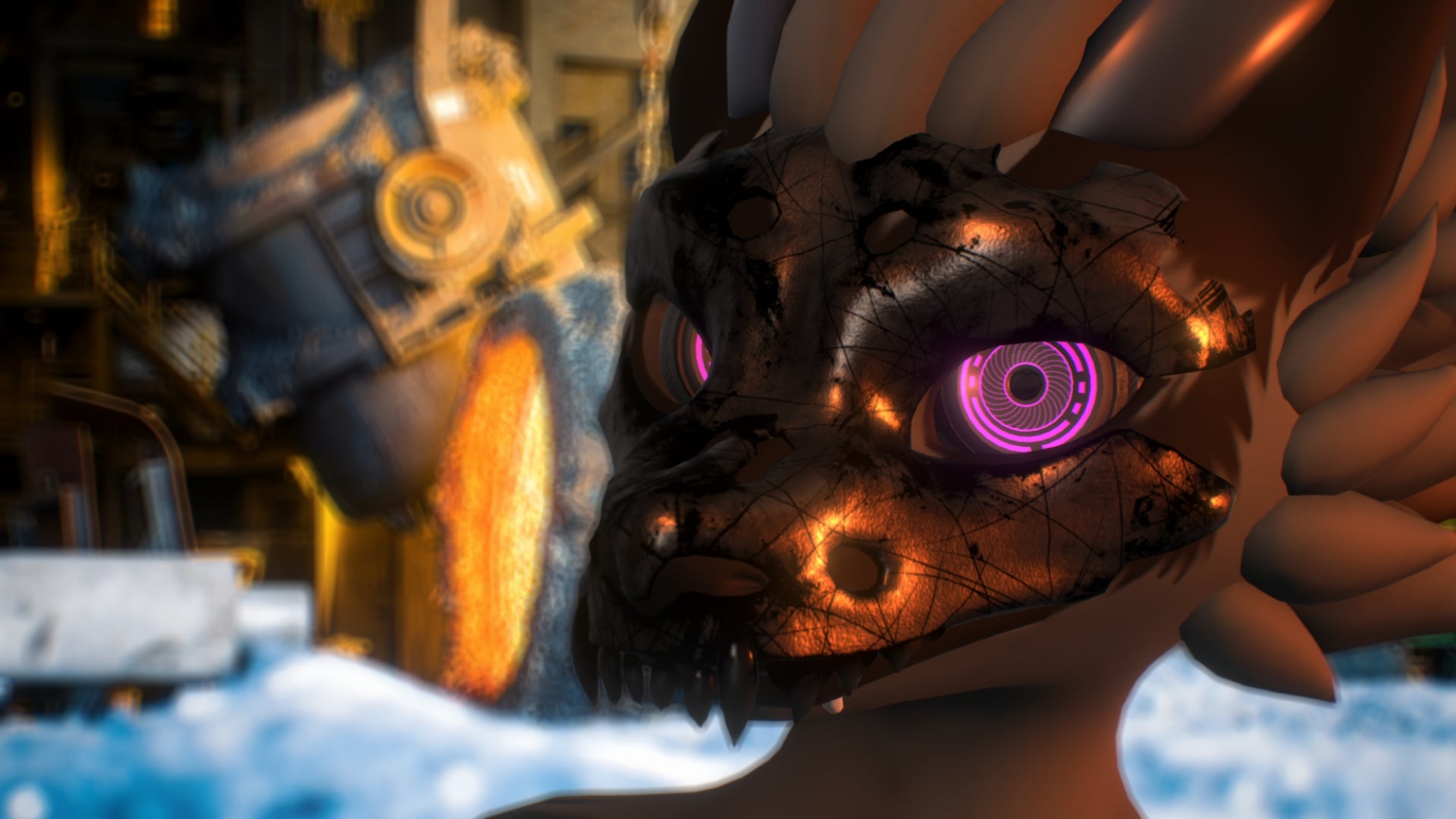
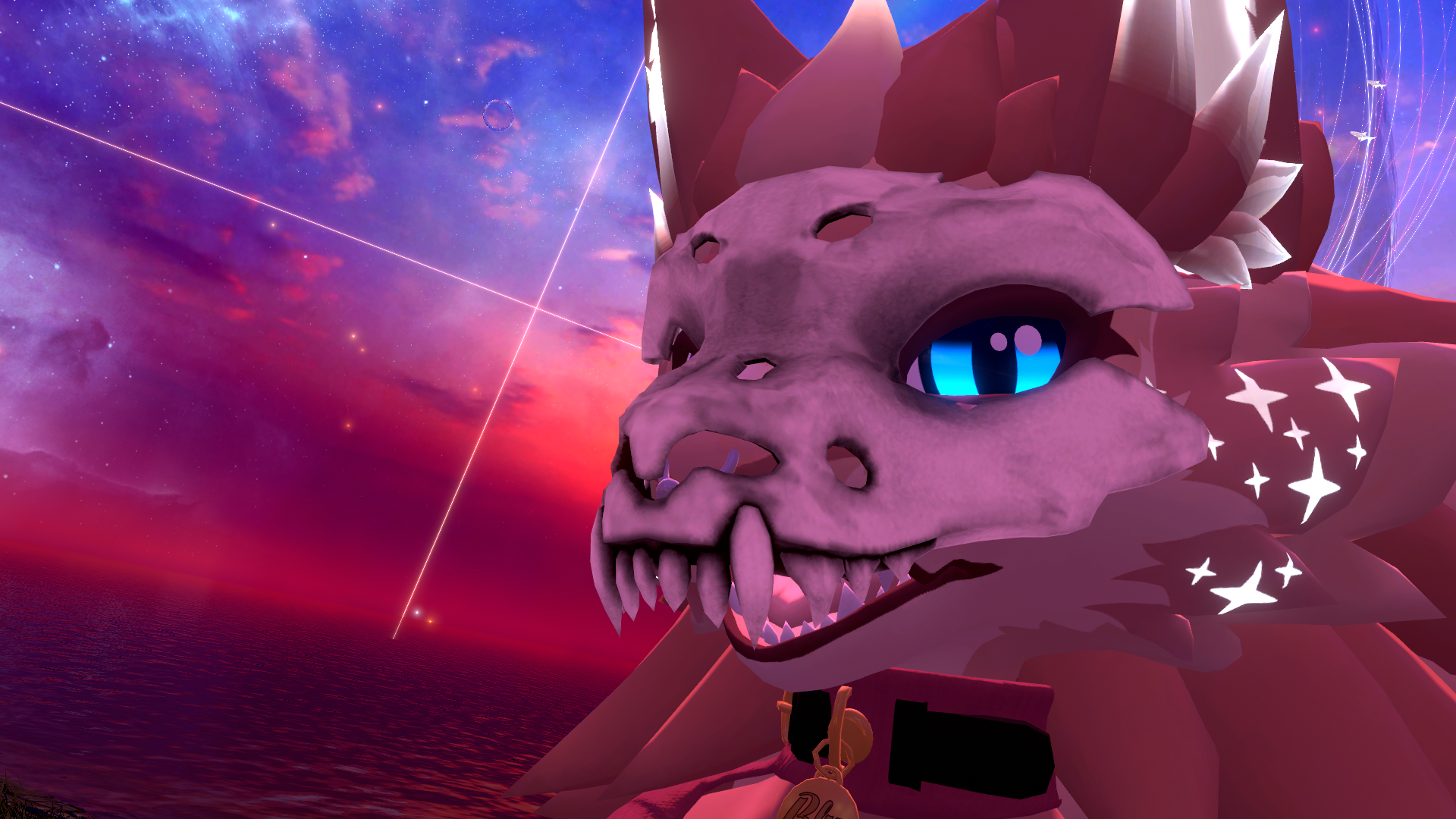
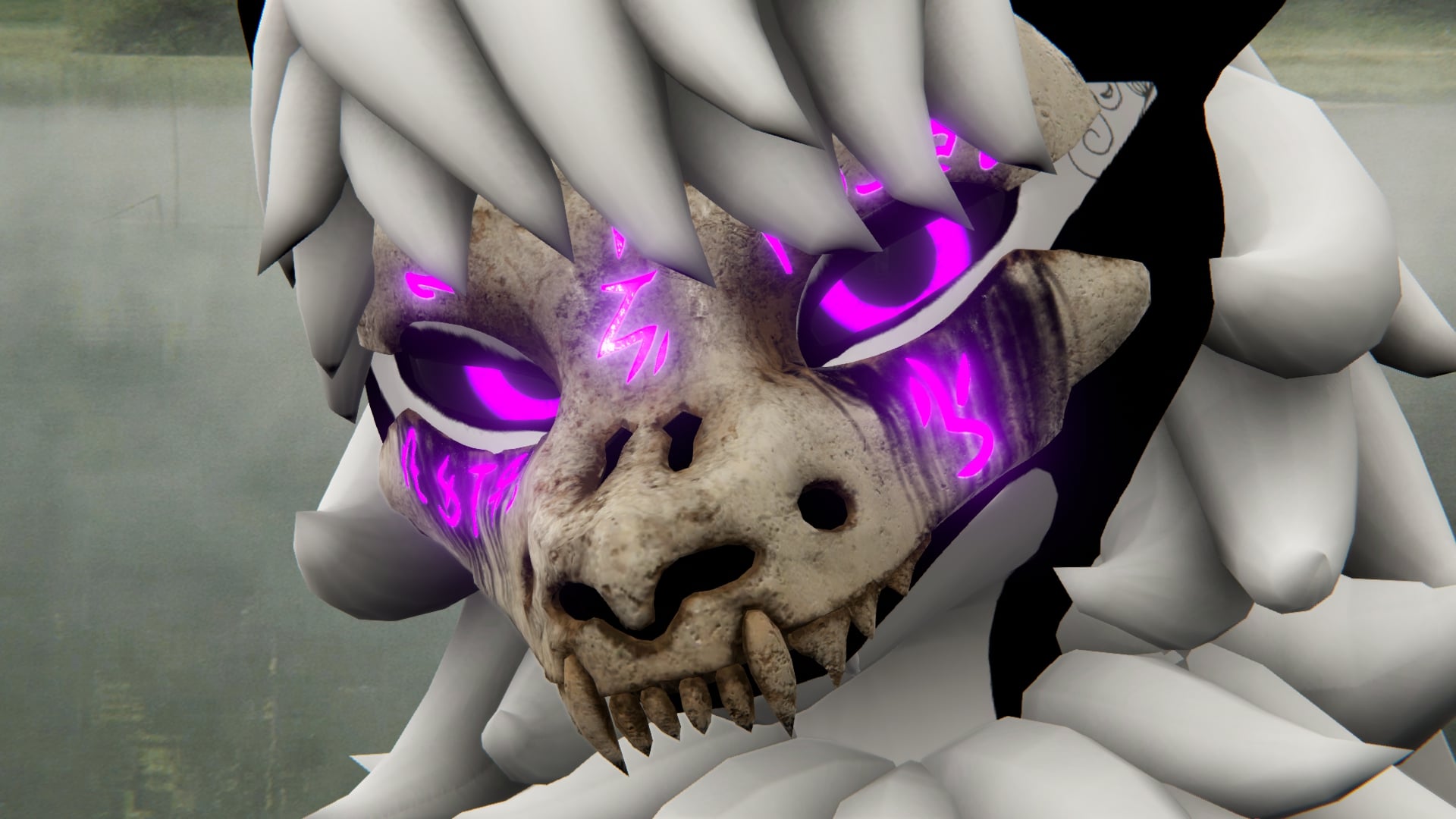
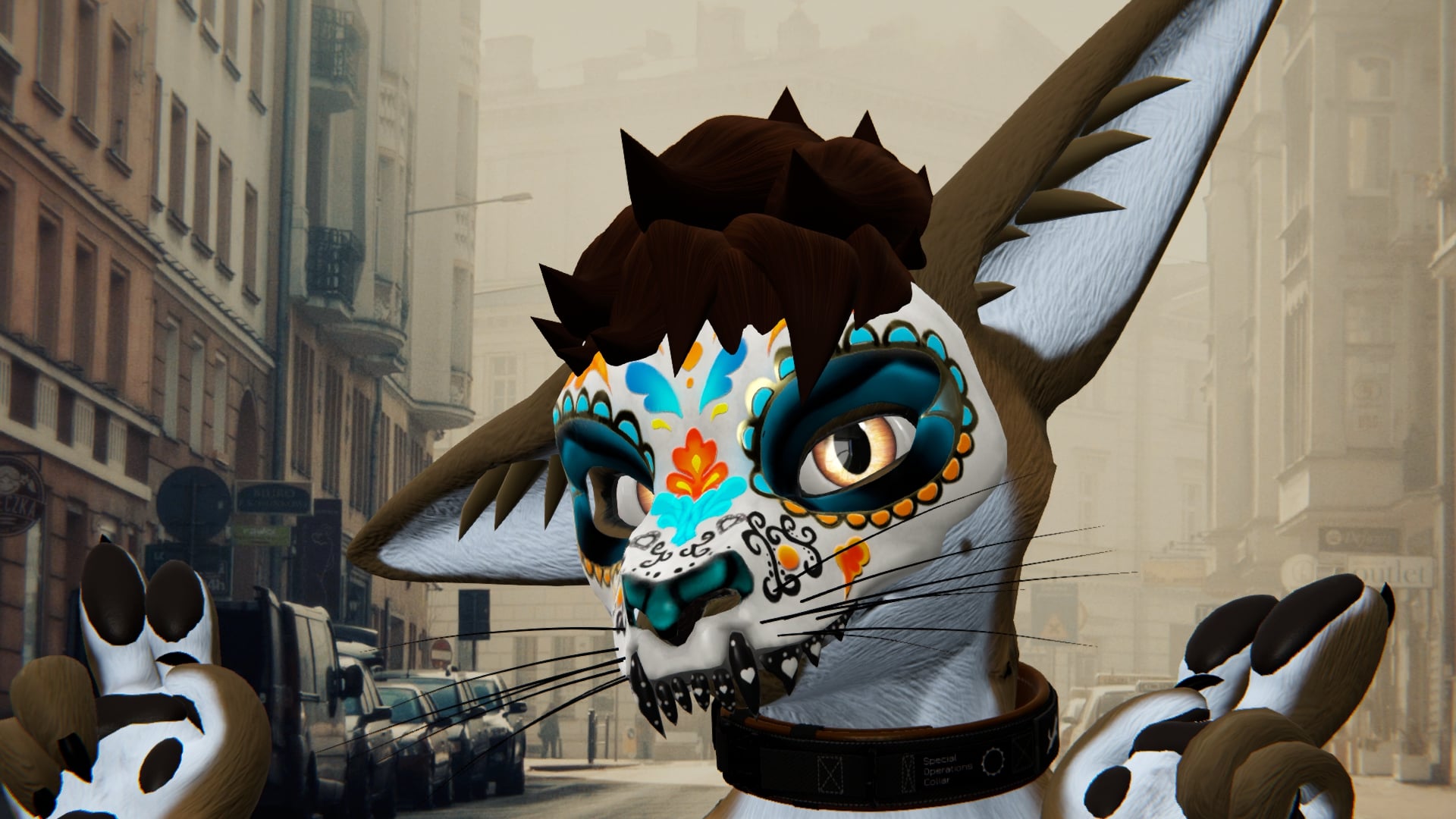
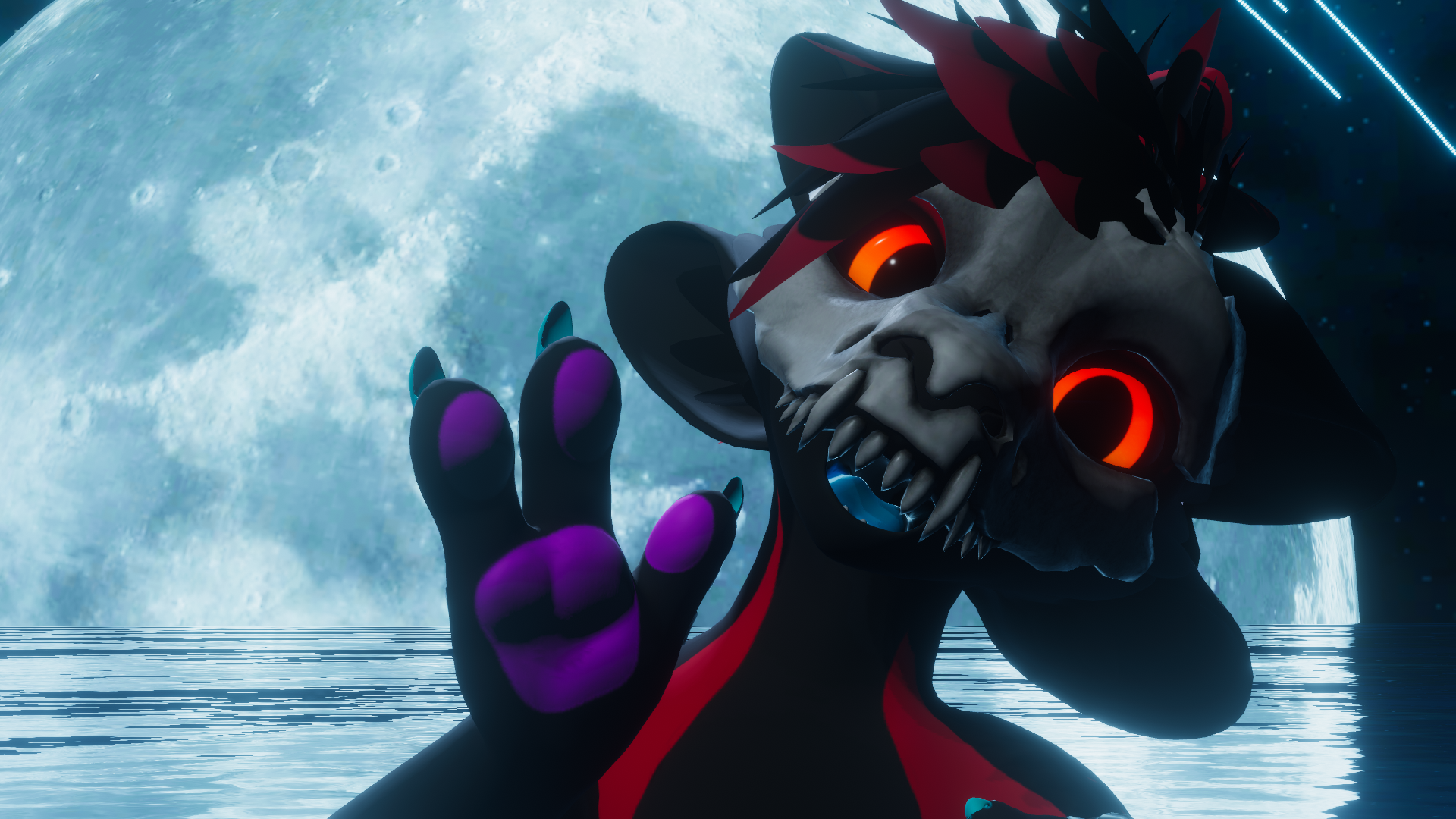
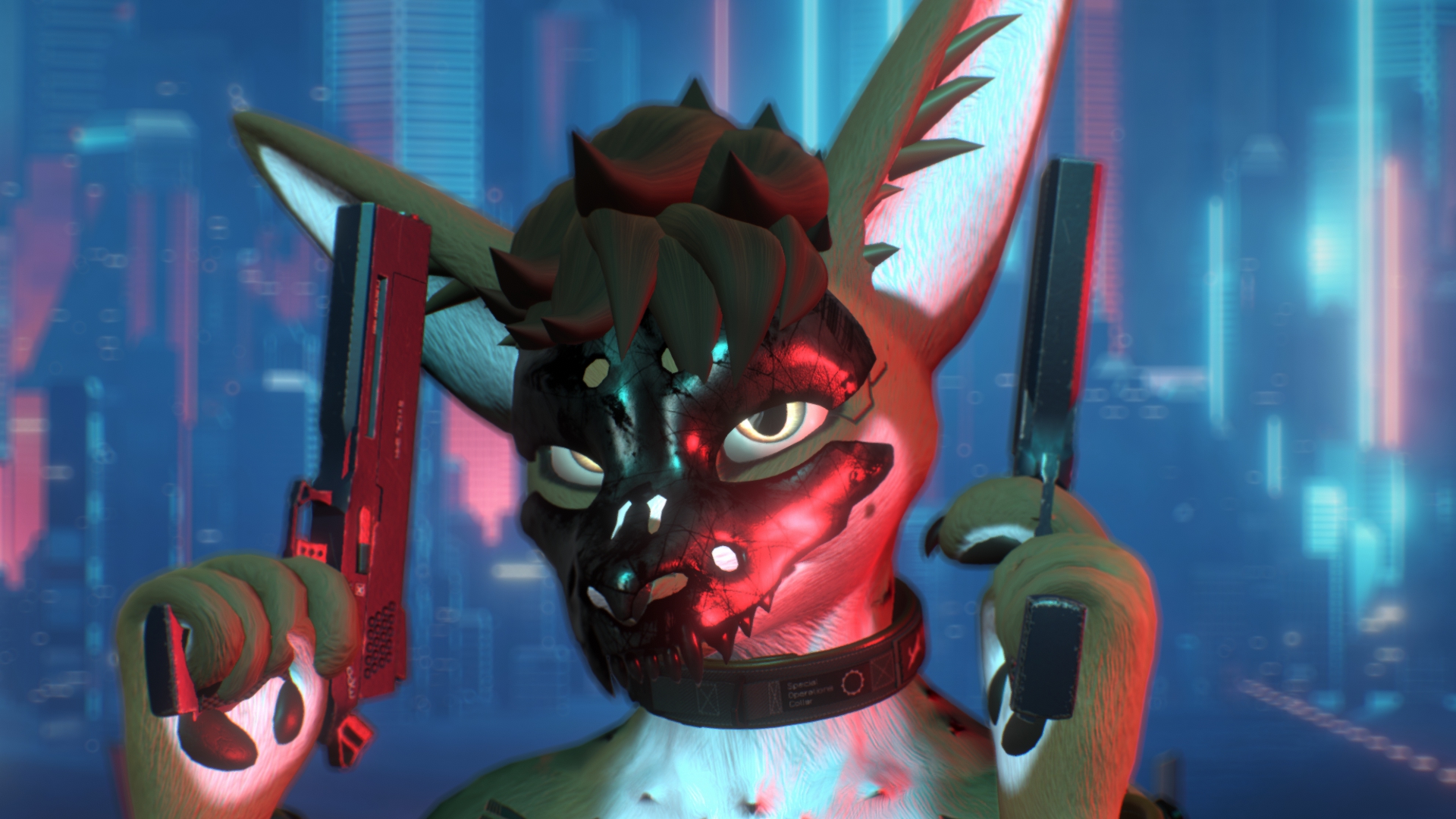
[Virtual Reality optimized Asset - Flex Fit Skull Mask]
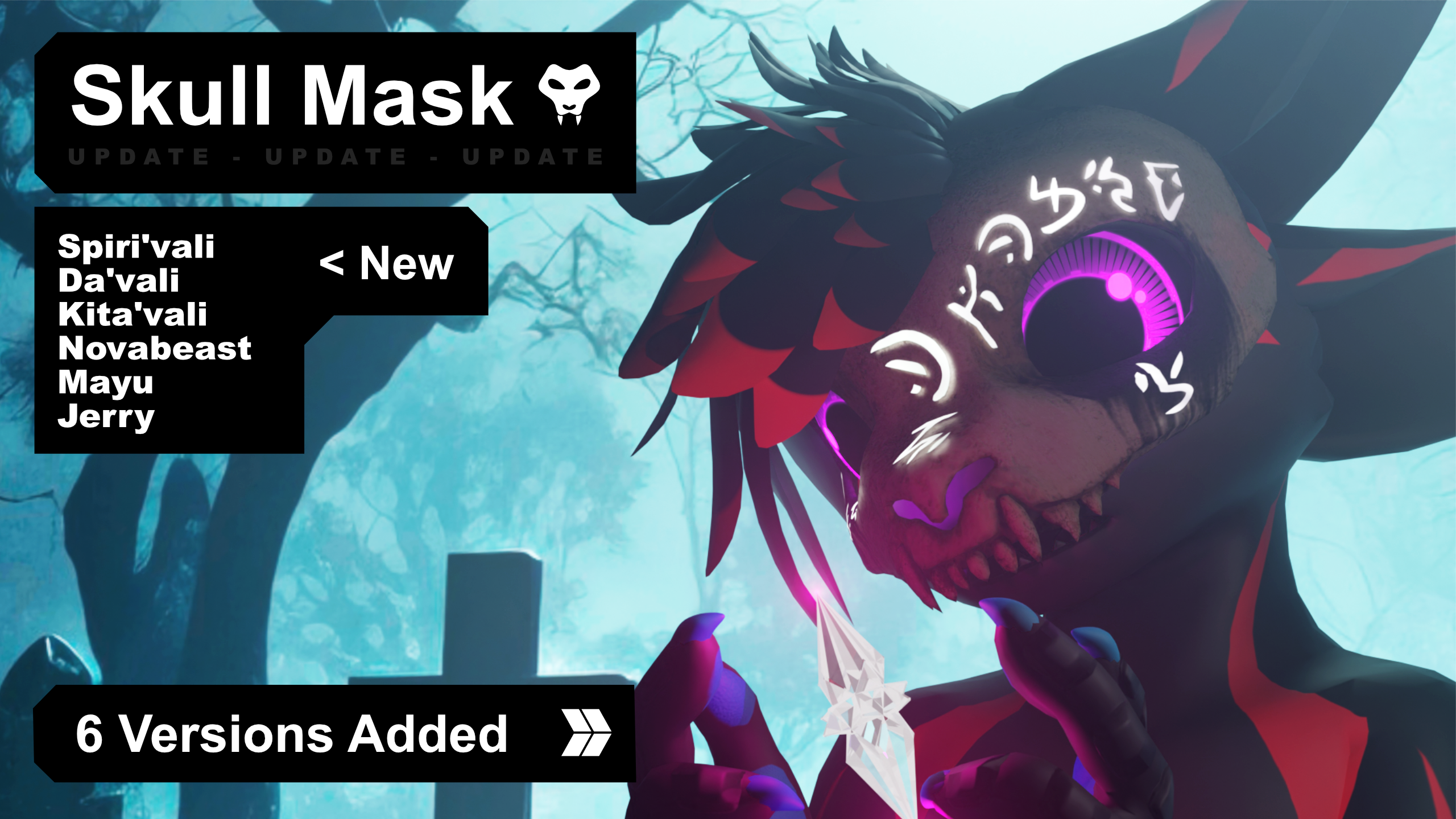
[Compatible Avatars]
🅯 - Rexouium
🅯 - Canis Woof
🅯 - Nardoragon
🅯 - New Winterpaw Male Canine
🅯 - Freakhound
🅯 - Chaos Canine
🅯 - Hyenid
🅯 - Novabeast
🅯 - Mayu
🅯 - Spiri'vali
🅯 - Kita'vali
🅯 - Da'vali
Multi-avatar accessory — one prefab fits multiple Avatars.
BlendShapes morph the mask to each head shape.
VRCFury Armature Link is included on the mask.
An offset list is included for easy positioning.
Accommodates Visemes — does not support Gestures.
There is no pre- setup toggle inside the Unity project.
(Going to be added on the next update)

[Whats included?]
▦ - FBX File⁽ˢ⁾ — 2
❒ - Unity Package
⌬ - Substance Painter File⁽ˢ⁾ [v7.4 ⇧]
🖹 - License Document
Two FBX versions included — With Cavities and Without Cavities.
Pick the one you like.
4 mask styles included in the Substance source files.
Day of the Dead and Hero bonus texture sets for each FBX — no Substance included for the bonus sets.
◐ - 4 Mask Styles
◐ - Day of the Dead · Hero

[Specs]
△ - Triangle Count 4,368
◩ - Texture Resolution — 1K
↦ - BlendShapes
ʀᴇxᴏᴜɪᴜᴍ · ᴄᴀɴɪꜱ ᴡᴏᴏꜰ · ɴᴀʀᴅᴏʀᴀɢᴏɴ · ɴᴇᴡ ᴡɪɴᴛᴇʀᴘᴀᴡ ᴍᴀʟᴇ ᴄᴀɴɪɴᴇ · ꜰʀᴇᴀᴋʜᴏᴜɴᴅ · ᴄʜᴀᴏꜱ ᴄᴀɴɪɴᴇ · ʜʏᴇɴɪᴅ · ɴᴏᴠᴀʙᴇᴀꜱᴛ · ᴍᴀʏᴜ · ꜱᴘɪʀɪ'ᴠᴀʟɪ · ᴋɪᴛᴀ'ᴠᴀʟɪ · ᴅᴀ'ᴠᴀʟɪ
Additional teeth BlendShapes.
See product images for the full list!

[How to setup?]
🛠 Install VRCFury via the Creator Companions repository.
🛠 Just click the VRCFury Button below for a guide.
- Import the Skull Mask Unity package into your project
- Drag the scene into your hierarchy — or use a prefab from the prefab folder
- Re-parent the mask to your avatar root
- Apply the BlendShape for your avatar to morph the mask to your head shape
- Position the mask using the included offset list — Armature Link is already on the mask, so no need to parent to the Head bone manually
- Pick a mask style and material from the materials folder and drag it onto the model
- Tweak the teeth BlendShapes if you want

[Support]
Please reach out if you experience any kind of Setup issues or clipping.
We want to continuously improve the products for everyone.
Also always happy to help!

[Licensing]
🖹 - Personal License PDF included with purchase.
✓ - Personal use — avatars, renders, prints, worlds
✓ - Modify freely — retexture, rerig, resize, combine
✓ - Commission work — client must hold the same license
✓ - Perpetual — does not expire
╳ - No resale or redistribution
╳ - No sharing as a kit, bundle, or stock
╳ - No commercial or on-demand use
╳ - Non-transferable
Content creator? Collabs welcome — Discord or [email protected]
Commercial use requires a separate inquiry.
[Disclaimer]
⚠ - Pictures might differ from the Product.