상품 설명
이 상품에는 AI로 생성된 콘텐츠가 포함되어 있습니다.
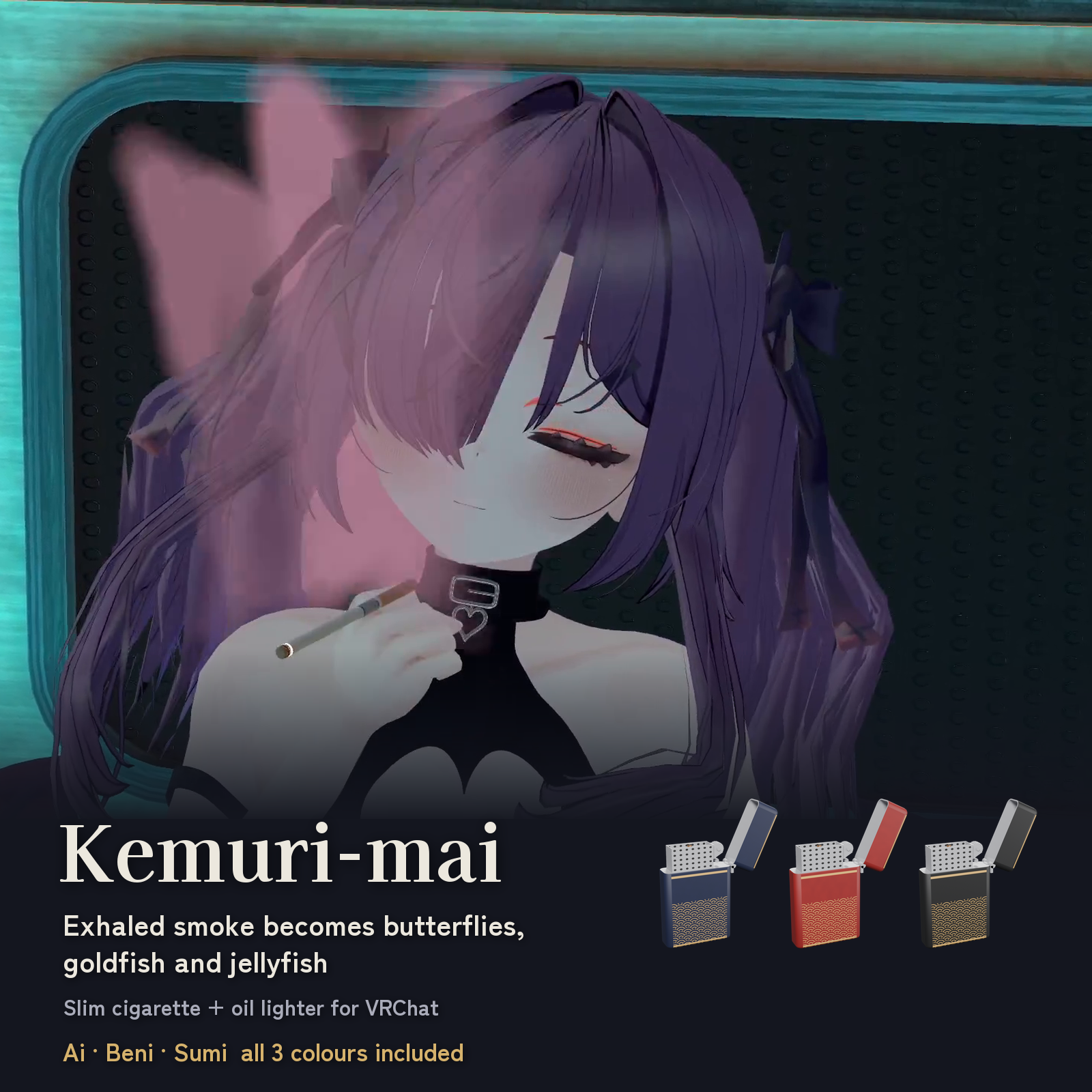
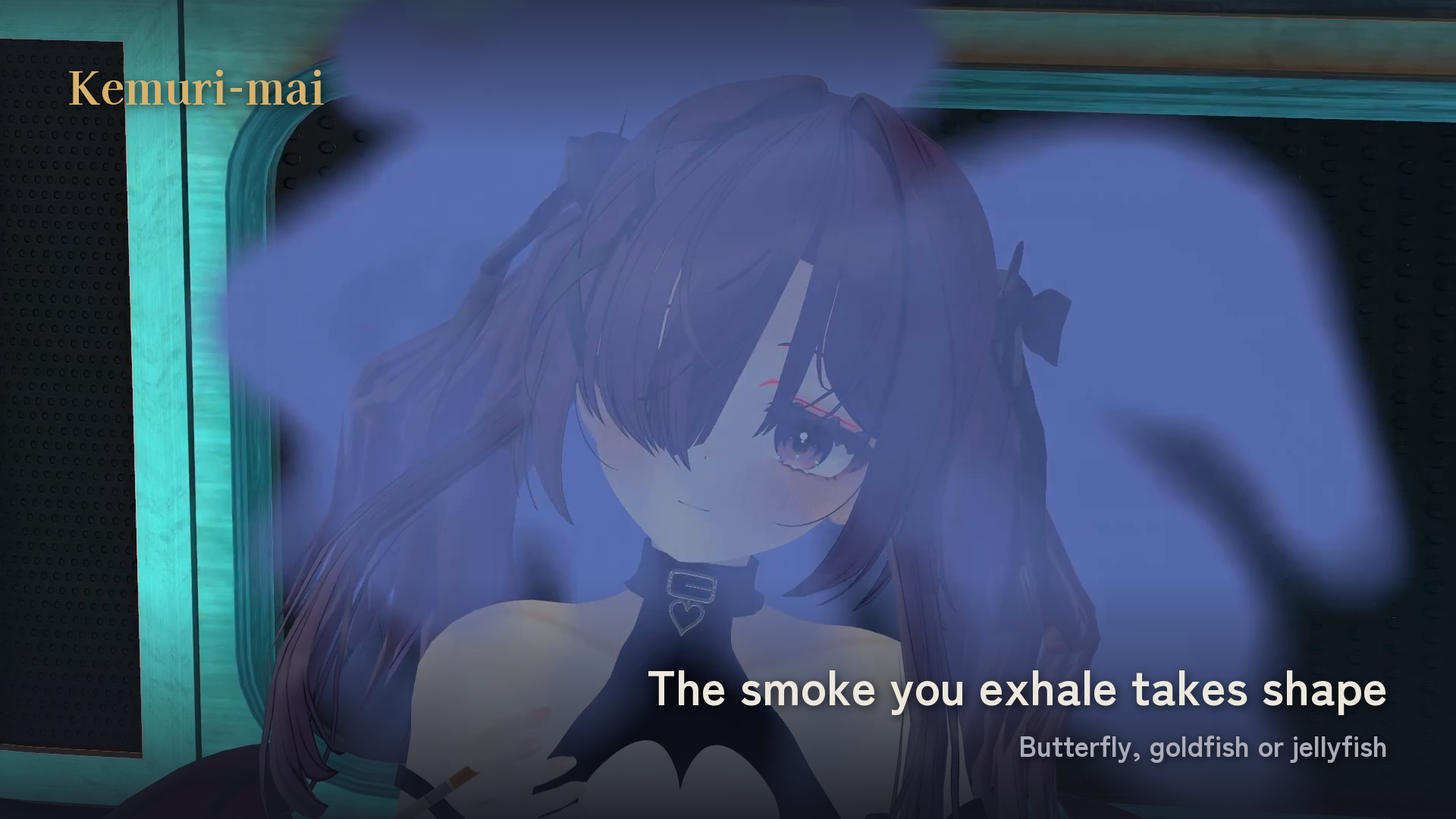
Exhale smoke that drifts away as a butterfly, a goldfish or a jellyfish.
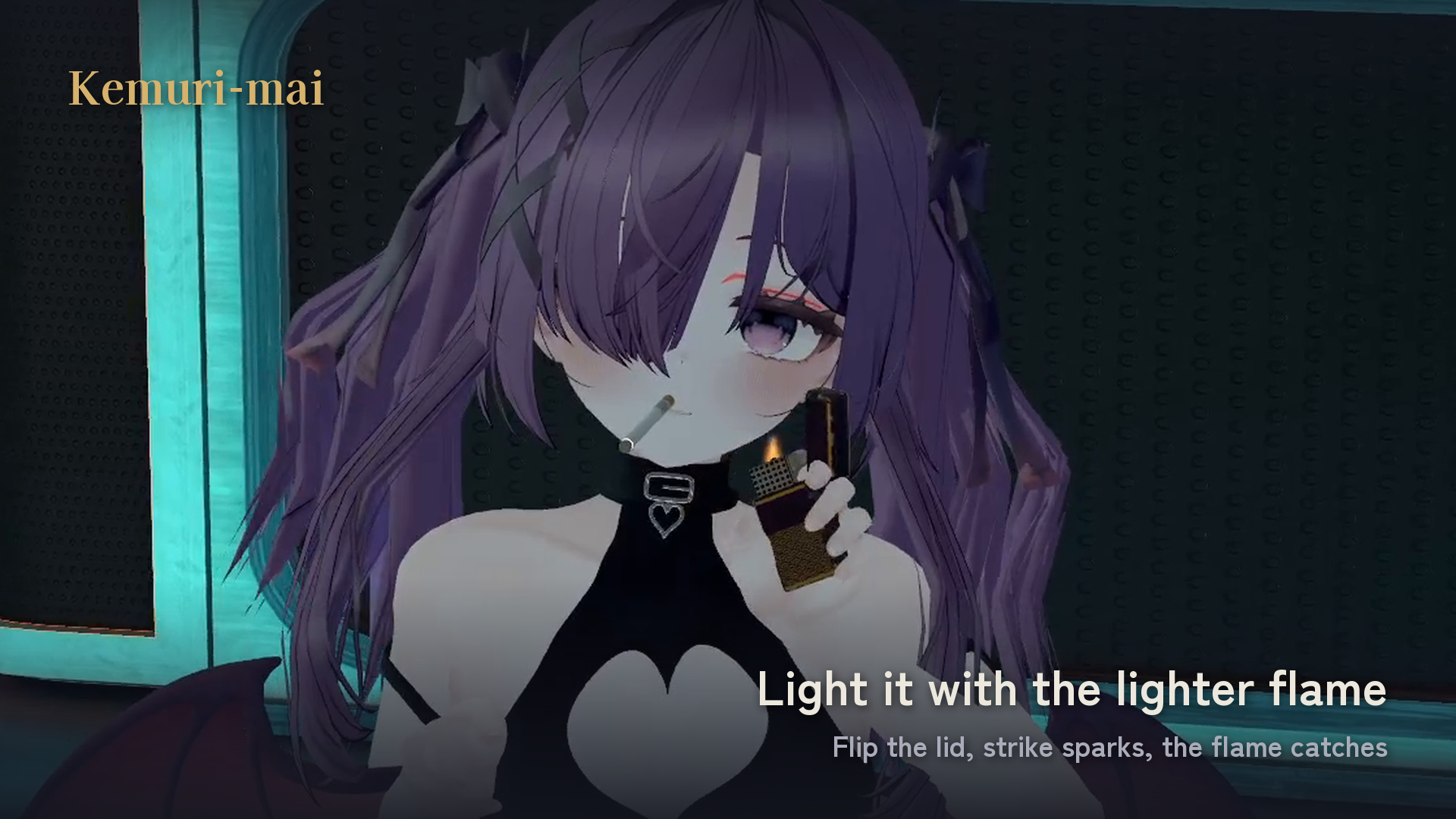
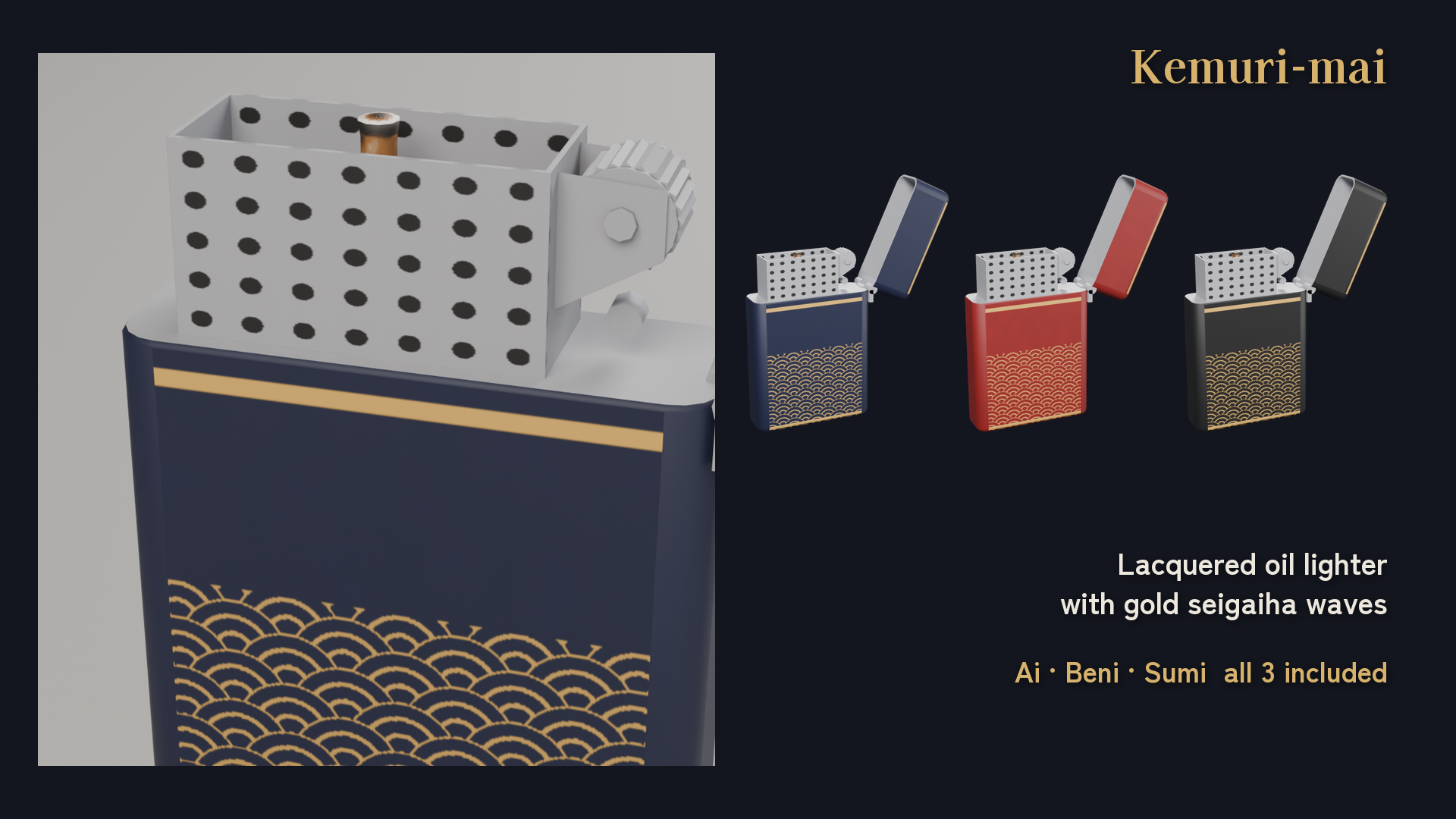
Kemuri-mai is a VRChat avatar prop set: a slim cigarette and a lacquered oil lighter with a gold seigaiha wave pattern. Open the lid, strike the wheel, watch the sparks catch, and touch the flame to the tip to light up.
WHAT IT DOES
- Take out / put away: the cigarette appears in your right hand from swirling smoke and embers, and dissolves into smoke when put away.
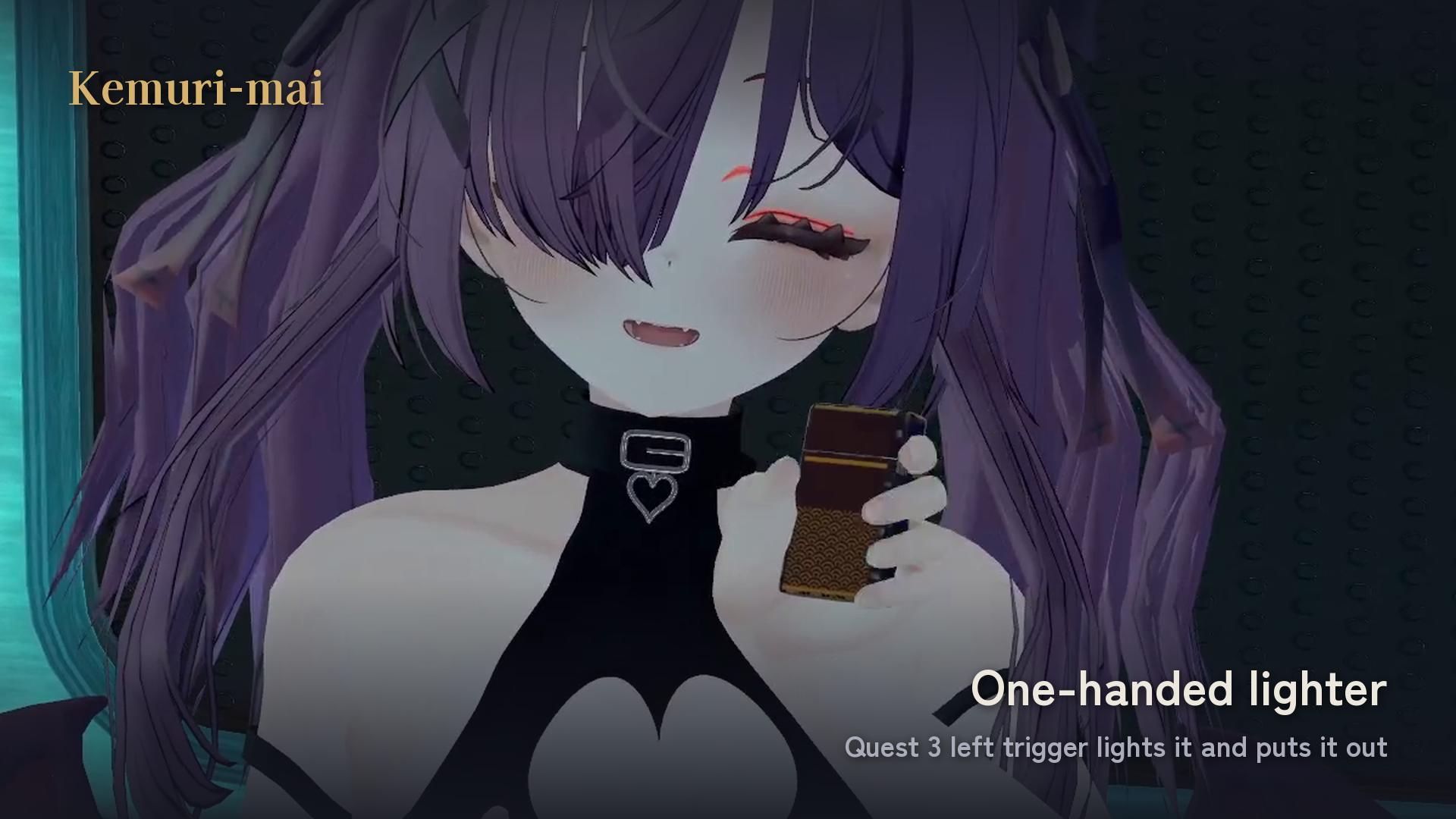
- Lighter: show it in your left hand, open the lid and strike it to light. Works even without the cigarette out.
- Light up: touch the lighter flame to the tip. The cigarette burns down to a stub in about 2 minutes.
- Hold in mouth, inhale and exhale: the ember glows while you inhale, and the chosen smoke shape keeps flowing while you exhale.
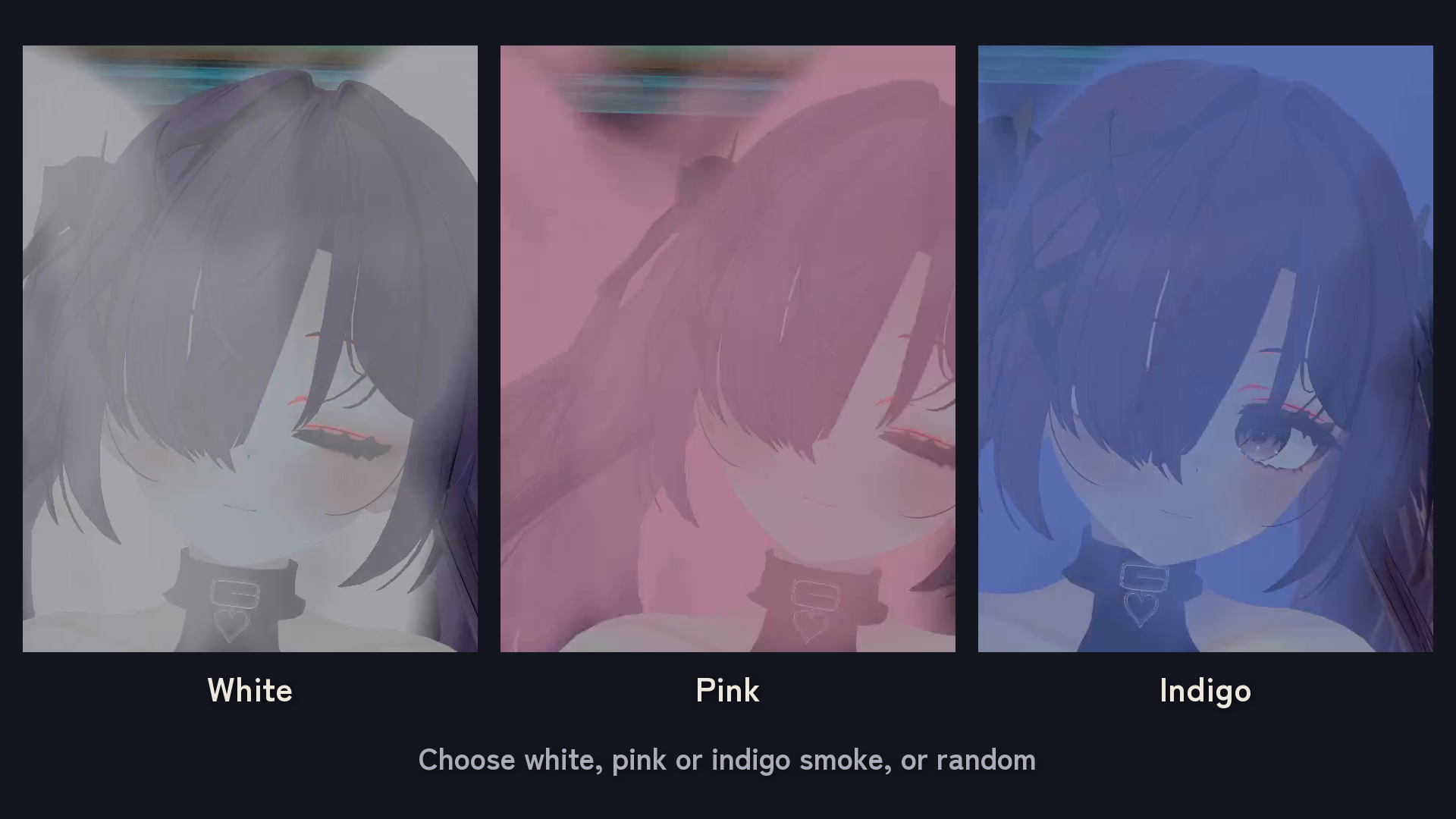
- Smoke shape: Butterfly / Goldfish / Jellyfish / Random. Smoke colour: White / Pink / Indigo.
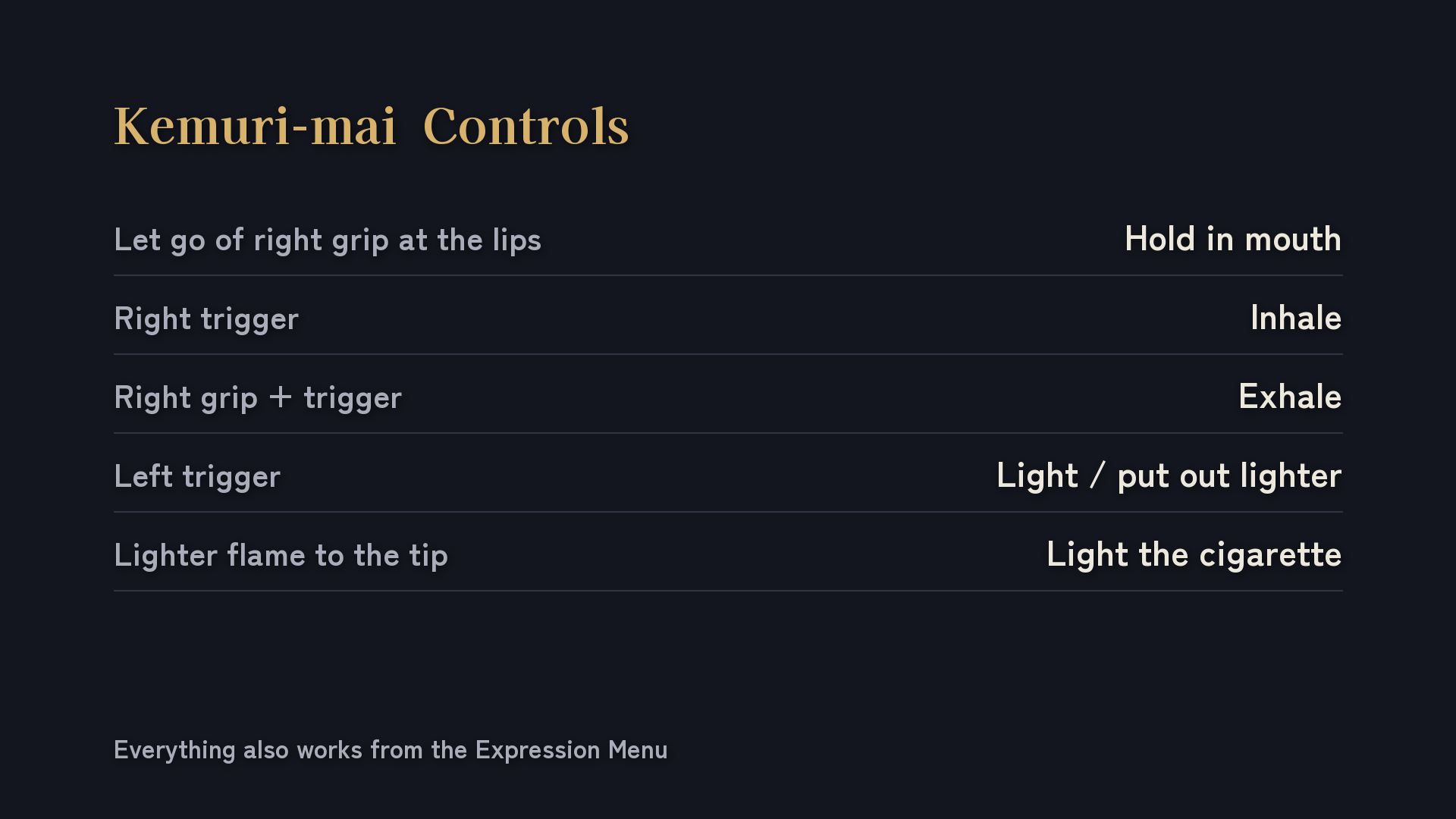
- VR controls (Quest 3 via PC): let go to hold it in your mouth, trigger to inhale, grip + trigger to exhale, left trigger to light or put out the lighter. Everything also works from the Expressions menu.
THREE COLOURS
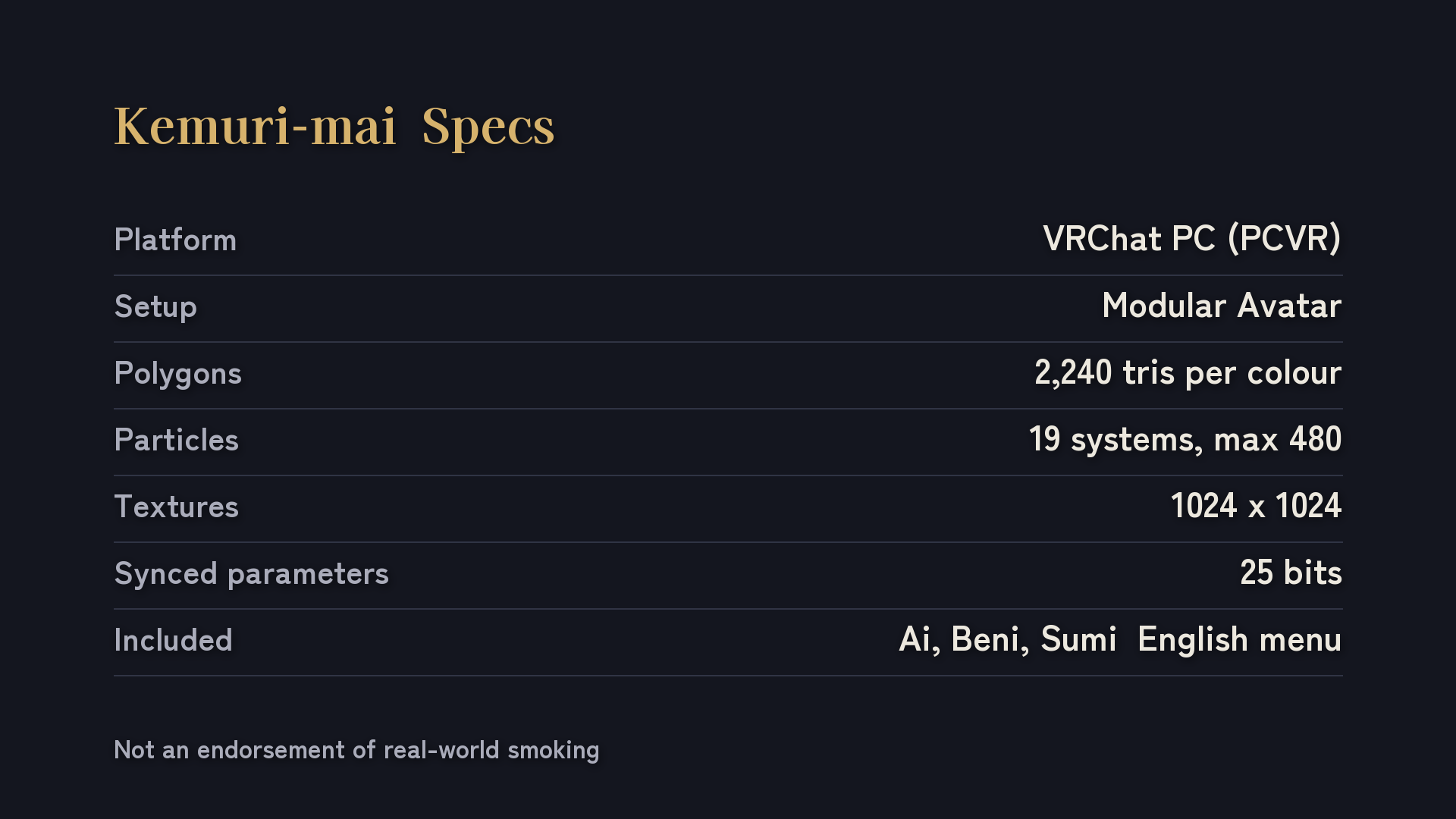
Ai (indigo), Beni (crimson) and Sumi (ink black) are all included. Place one colour per avatar.
INCLUDED
- Unitypackage with three colour prefabs, models, textures, materials, effects, a custom shader, animations, an auto-fit editor tool and menu icons.
- English ReadMe and Terms of Use (plus the Japanese terms). The in-game menu and the manual are in English.
Avatar bodies, clothing and demonstration scenes are not included.
REQUIREMENTS & SPECS
- Windows VRChat / PCVR. Quest standalone and Android are NOT supported.
- Humanoid avatar. Tested with Unity 2022.3.22f1, VRChat Avatars SDK 3.10.4 or later, and Modular Avatar 1.18.7 or later.
- Setup: import the unitypackage, drag one colour prefab onto your avatar, run Tools > AMCKemuri > Fit selected kemuri to its avatar, then upload. Modular Avatar adds the menu and animator; no manual FX editing.
- Per colour: 2,240 triangles, 19 particle systems (up to 480 particles), 1024 x 1024 x 2 textures, 6 contact receivers / 2 senders (local only), 25 synced parameter bits.
Overall avatar performance depends on everything installed; these figures are not a Performance Rank guarantee.
PLEASE NOTE
The seller tested the controls in an HMD (Quest 3 via PC) up to v1.2.3. The v1.3.1 fix that lets you show the lighter without the cigarette passed the Unity automated checks and an SDK build, but has not yet been retested in an HMD. Multi-user sync and FPS have not been tested.
If you use Avatar Optimizer (AAO), add Kemuri-mai to the Trace and Optimize exclusions.
This is a prop for performances in virtual spaces. It does not encourage smoking in real life.
AI USAGE
Generative AI was used in part of the production process. The 3D editing, Unity implementation and testing were done by the creator.
TERMS OF USE
Use on your avatars (public or private upload), modification and commercial use (streams, videos, photos, events) are allowed. No credit required.
Redistributing the original or modified files in any form, including bundling with other products, is prohibited. See the included Terms of Use.
SUPPORT
Support is in Japanese. Contact TextTempo through BOOTH messages: https://text-tempo.booth.pm/
Please include the store name and your order number. English documentation is included; it does not imply English-language support.
Created by TekisutoWorks / TextTempo.