상품 설명
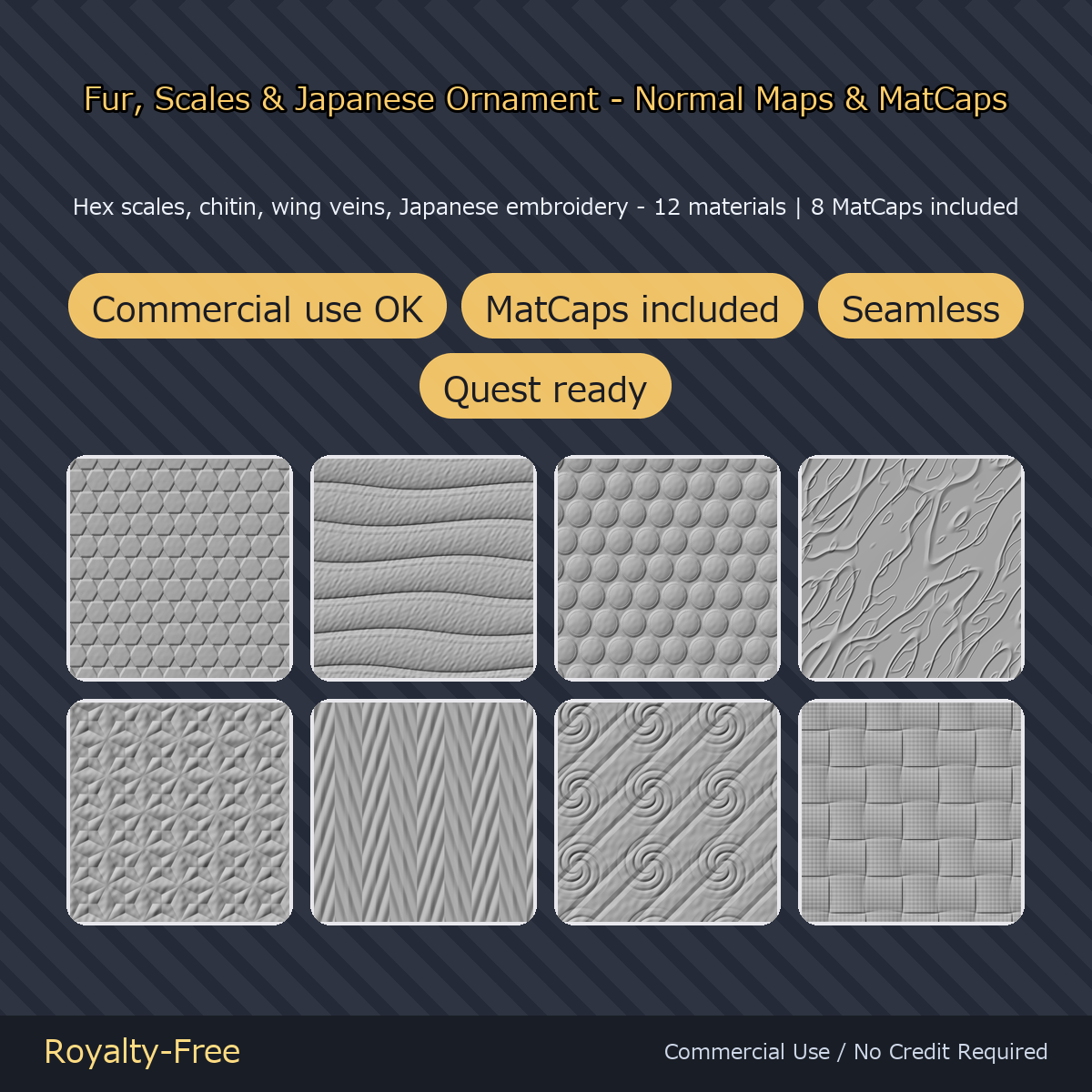
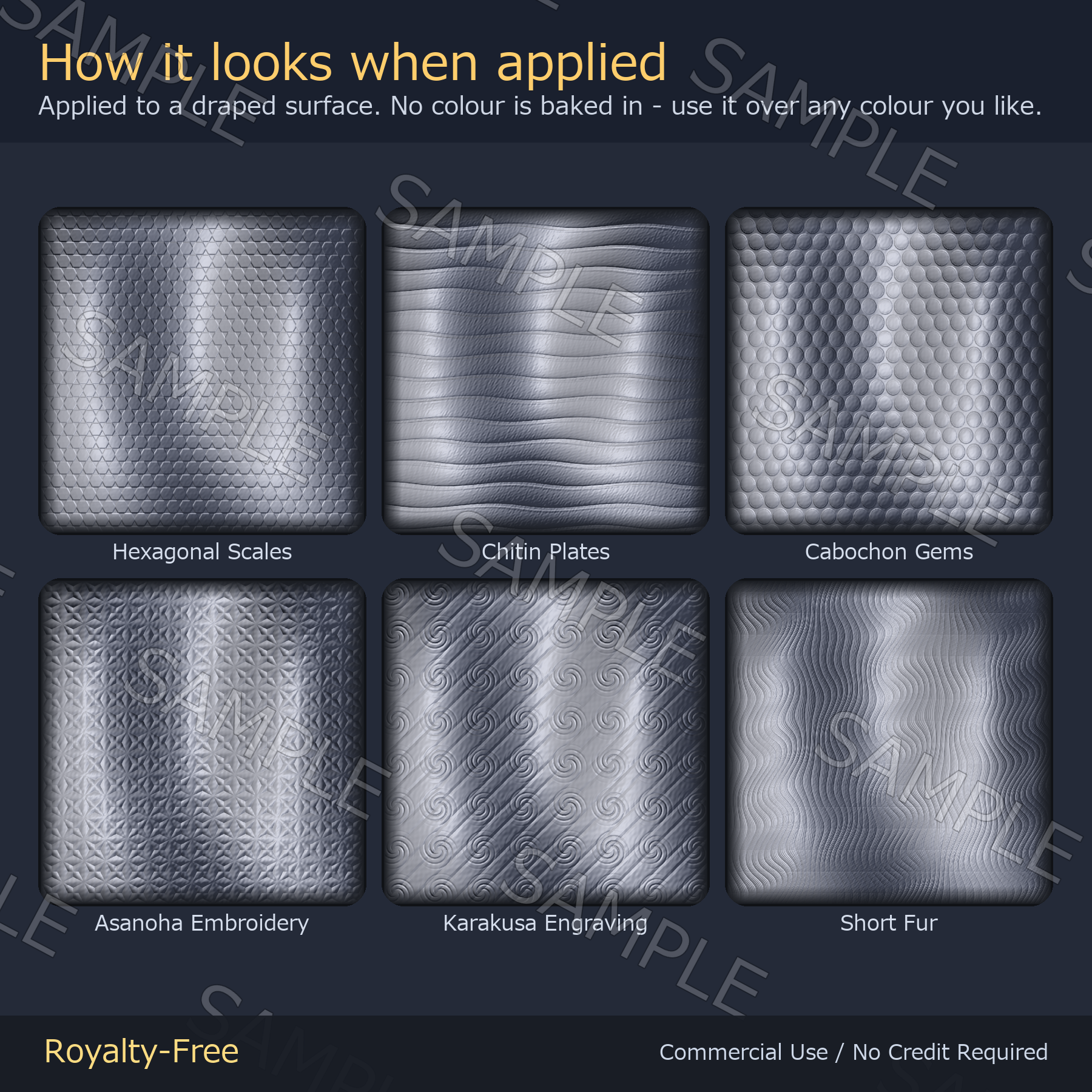
Normal maps and MatCaps aimed at kemono, dragon and Japanese-styled avatars. Not tied to any particular avatar — drop them into lilToon's Normal Map and MatCap slots, match the tiling, and they work on any model you own.
Quest-oriented 1024px versions are included. Not tested on actual Quest hardware.
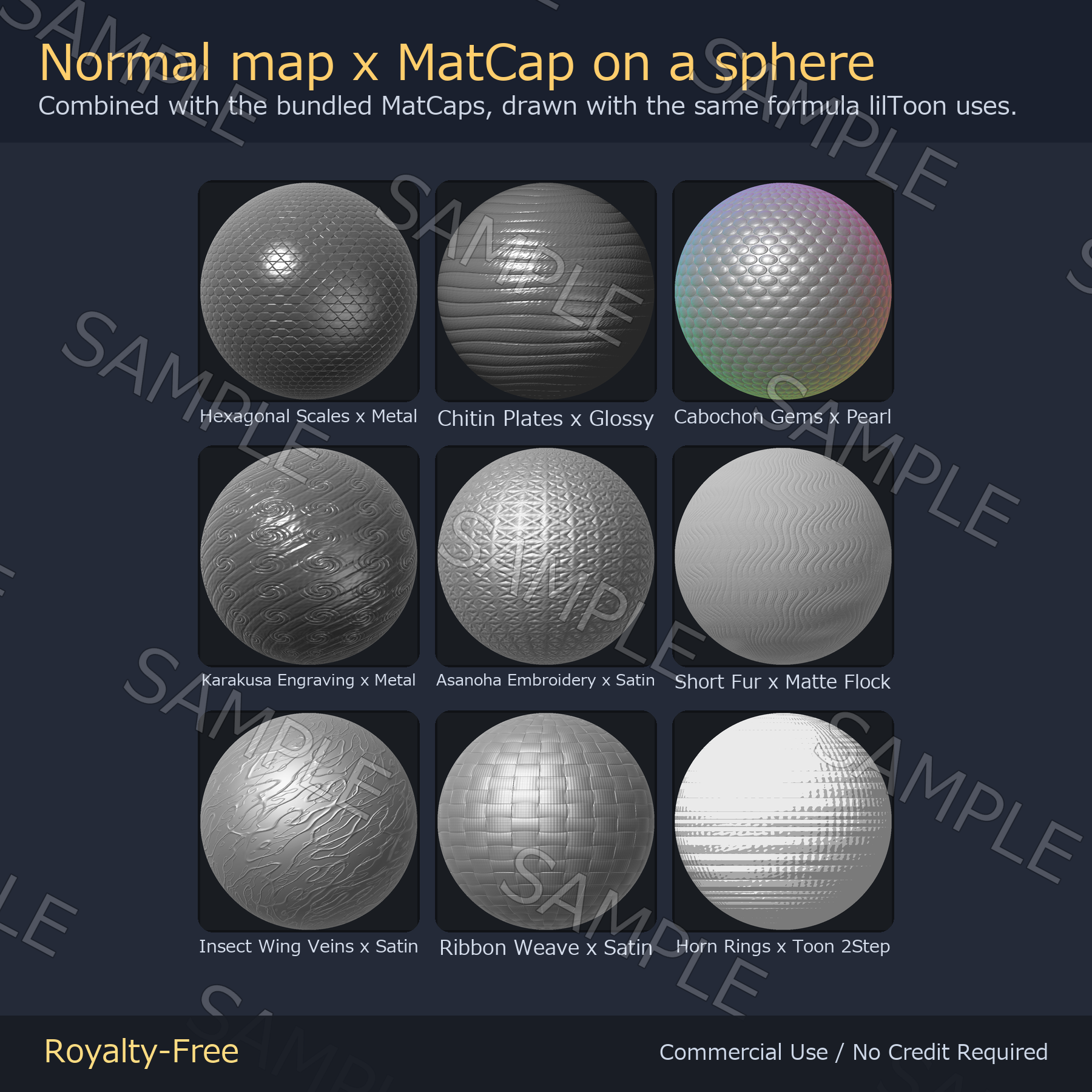
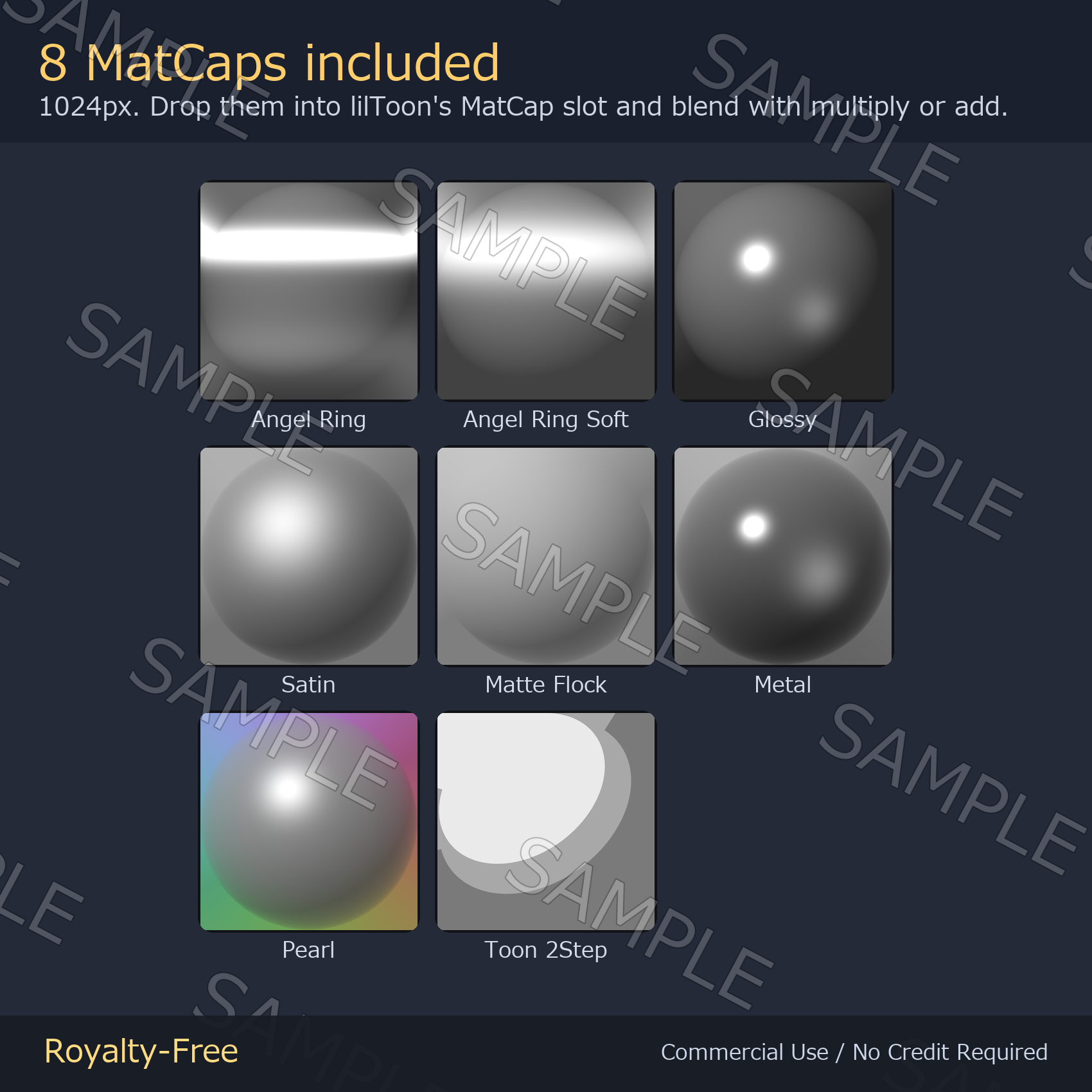
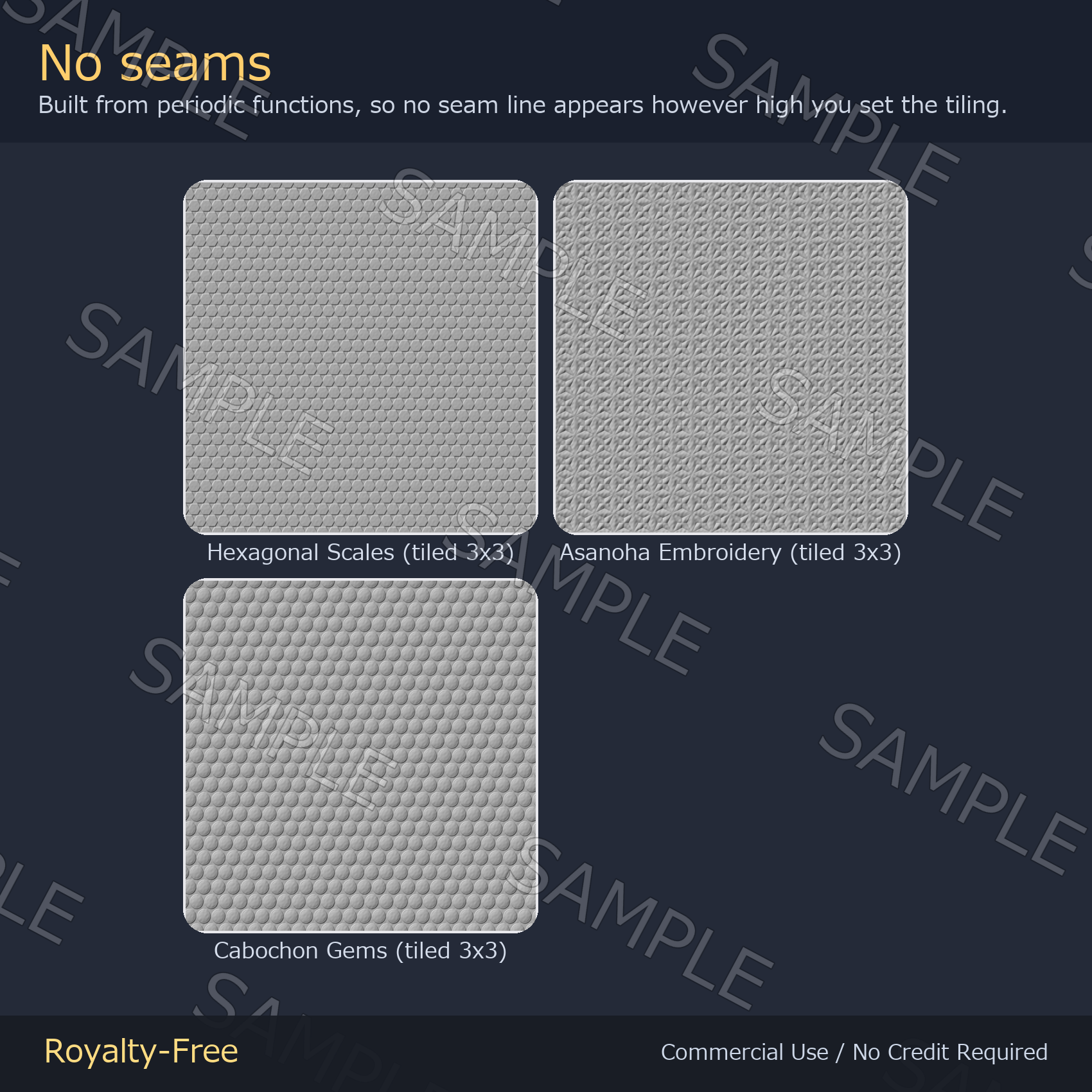
Everything here is generated from periodic functions, so no seam appears however high you set the tiling. Eight near-greyscale MatCaps are bundled.
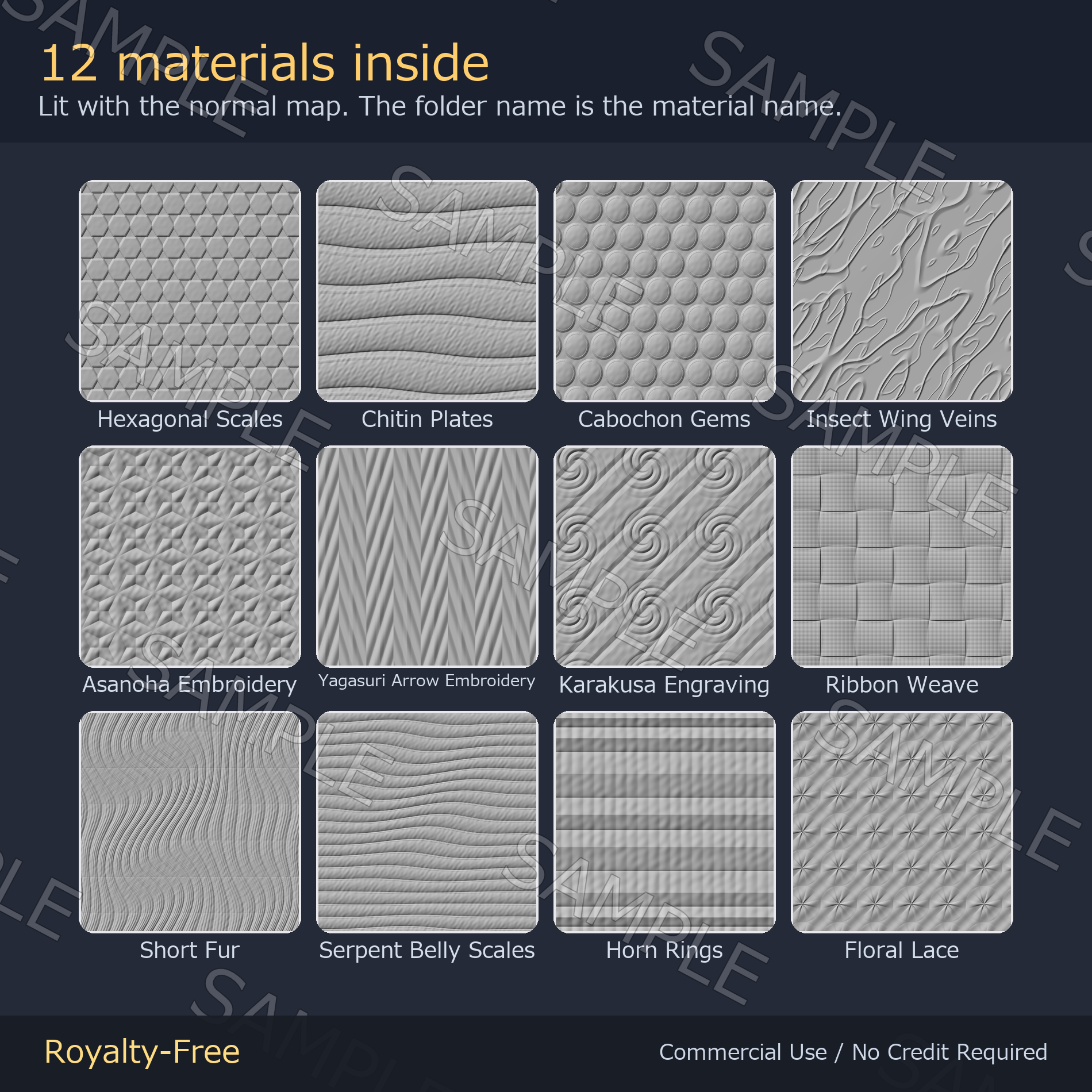
What's inside — 12 materials
- Scales & shell: Hexagonal Scales / Chitin Plates / Serpent Belly Scales / Horn Rings
- Fur: Short Fur
- Wings & net: Insect Wing Veins / Floral Lace
- Japanese embroidery: Asanoha Embroidery / Yagasuri Arrow Embroidery
- Weave: Ribbon Weave
- Metal ornament: Cabochon Gems / Karakusa Engraving
Files
- Normal maps at 2048px (PC) and 1024px (Quest)
- Height maps at 2048px, if you want to re-bake the normals yourself
- 8 MatCaps at 1024px, near-greyscale so they suit any colour
- Folders are per material; the folder name is the material name
Specs
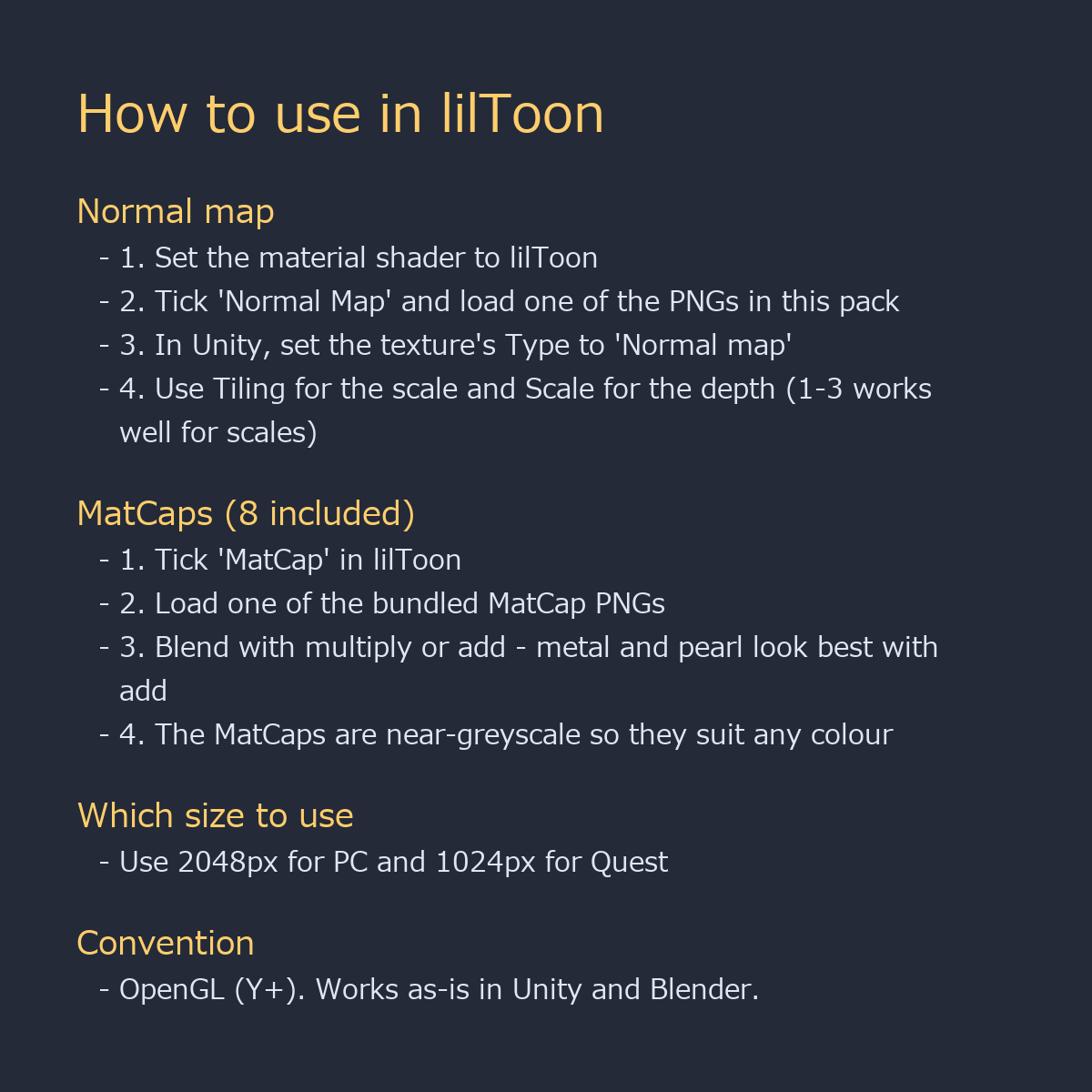
- OpenGL convention (Y+). Works as-is in Unity and Blender
- Seamless — built from periodic functions, not from photos
- Not tied to any avatar. Fine for worlds and props too
How to use in lilToon
- Tick "Normal Map", load one of the PNGs, adjust Tiling for the scale
- Set the texture Type to "Normal map" in Unity (MatCaps stay Default)
- Depth is controlled by lilToon's Scale — 0.3 to 1.5 works well
- Tick "MatCap", load a bundled PNG, blend with multiply or add
- Use the 1024px files for Quest
Update
2026-09-07 update: the green channel of every normal map was corrected to the OpenGL convention (Y+). Unity, lilToon and Blender now read them as-is. If you had flipped the previous version yourself - with lilToon's "Convert normal map (DirectX <-> OpenGL)", a negative Scale value, or by inverting green in an image editor - please remove that step and re-download the files.
License
Royalty-free. Use them in commercial and non-commercial work — games, VRChat avatars and worlds, videos, streams, print. No credit required. You may edit, recolor and combine the files freely.
Not allowed: redistributing or reselling the assets themselves, claiming authorship, or using them as training data for AI / machine learning models.
Note: these textures are generated procedurally by code. No image-generation AI was used.
More textures from ys-room: https://jinxxy.com/Ys_room