상품 설명
Drag and drop, single material horn asset for VRChat avatars
What does it come with?
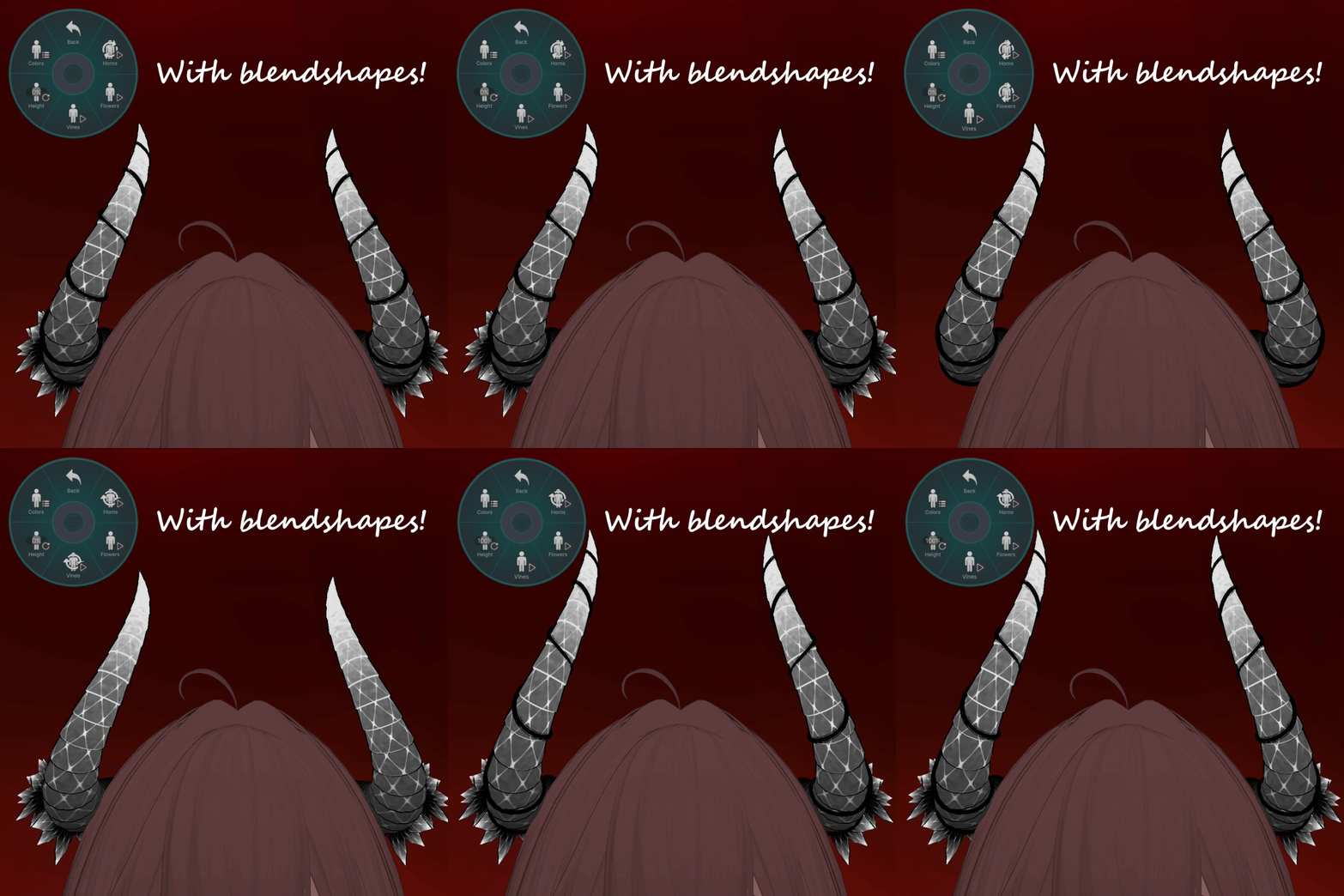
- 3 blendshapes! (Flowers, vines, and horn height adjustment)
- One poiyomi material to keep material slots low!
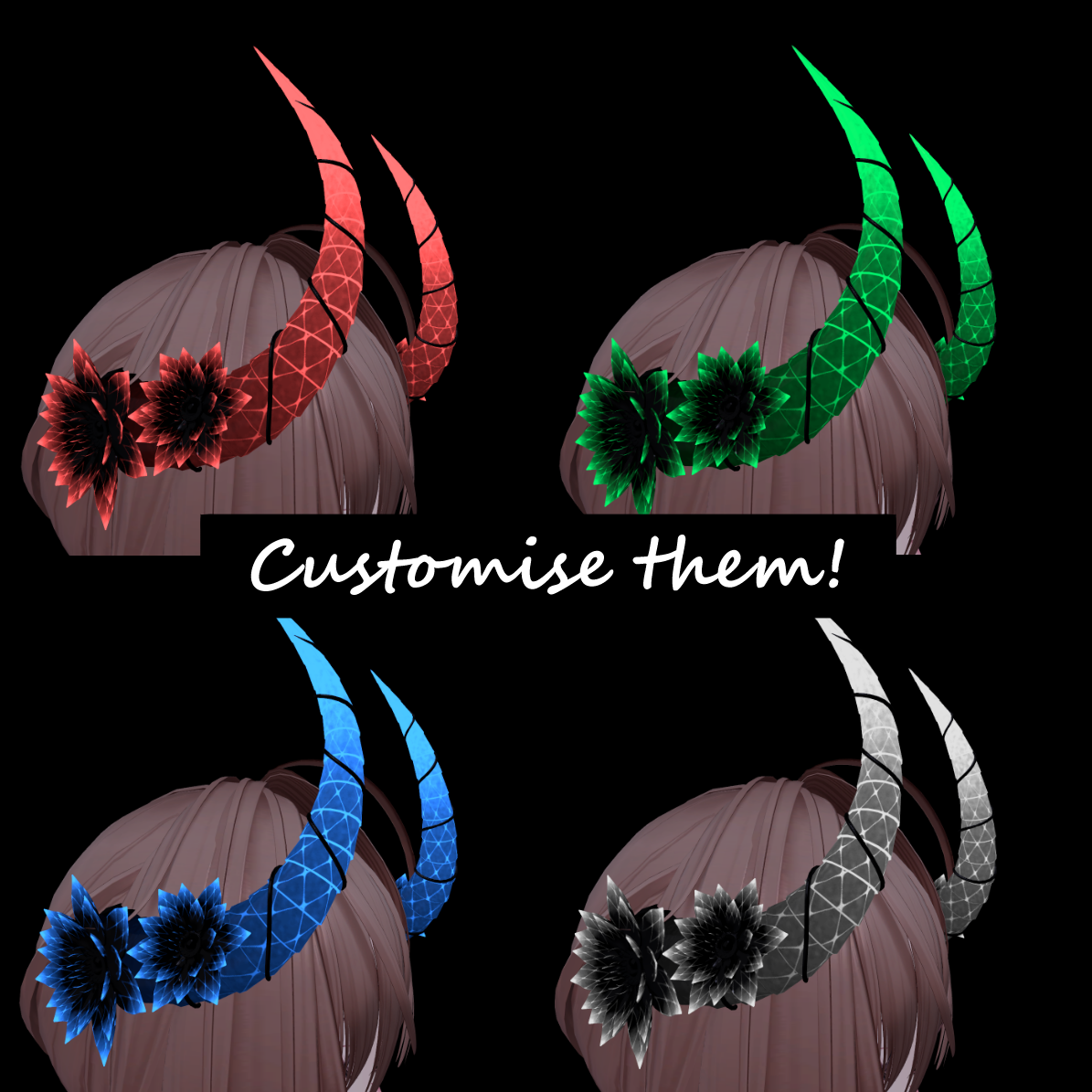
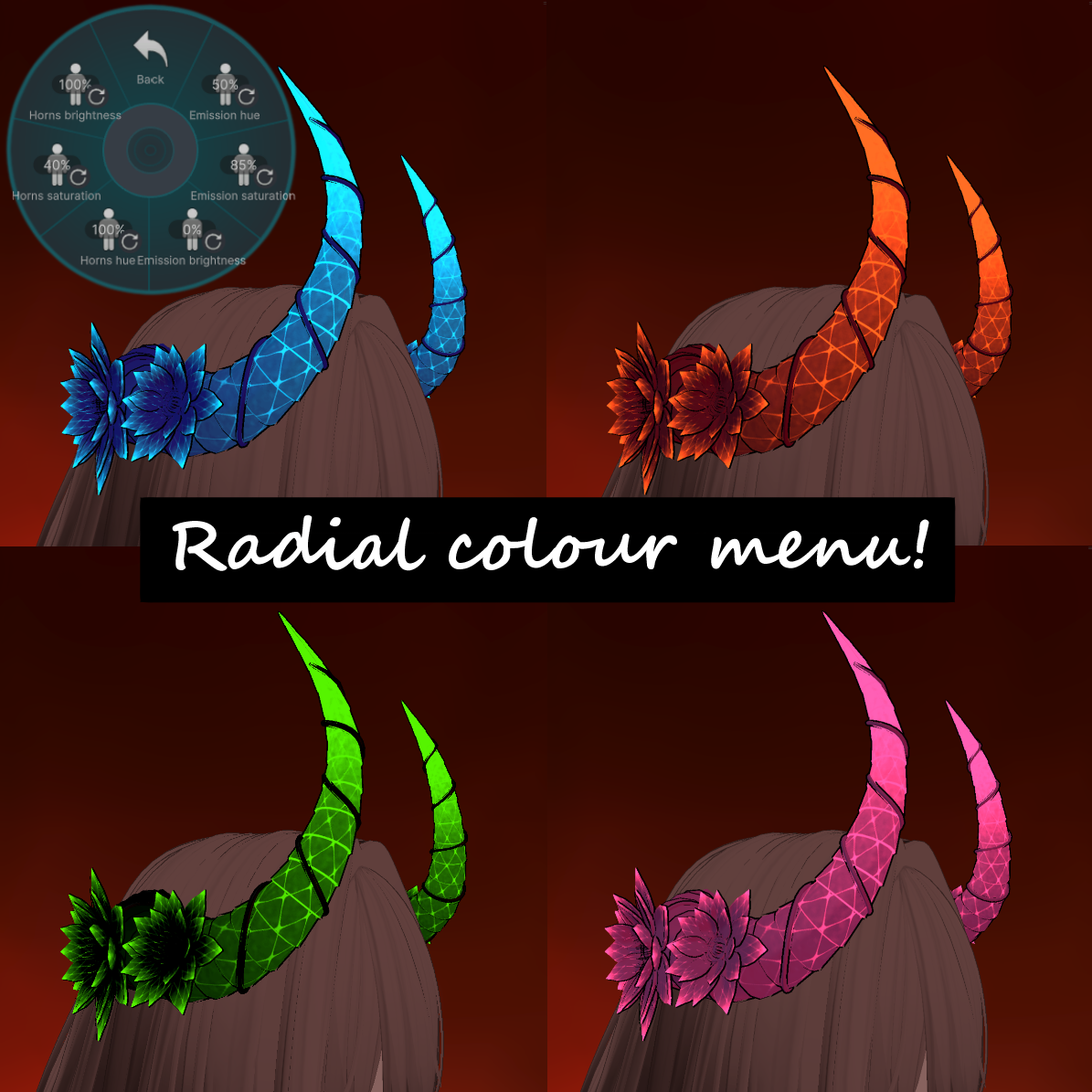
- VRCFury configuration for instant menus! (controls for blendshapes, emission hue/saturation/brightness, and horn hue/saturation/brightness)
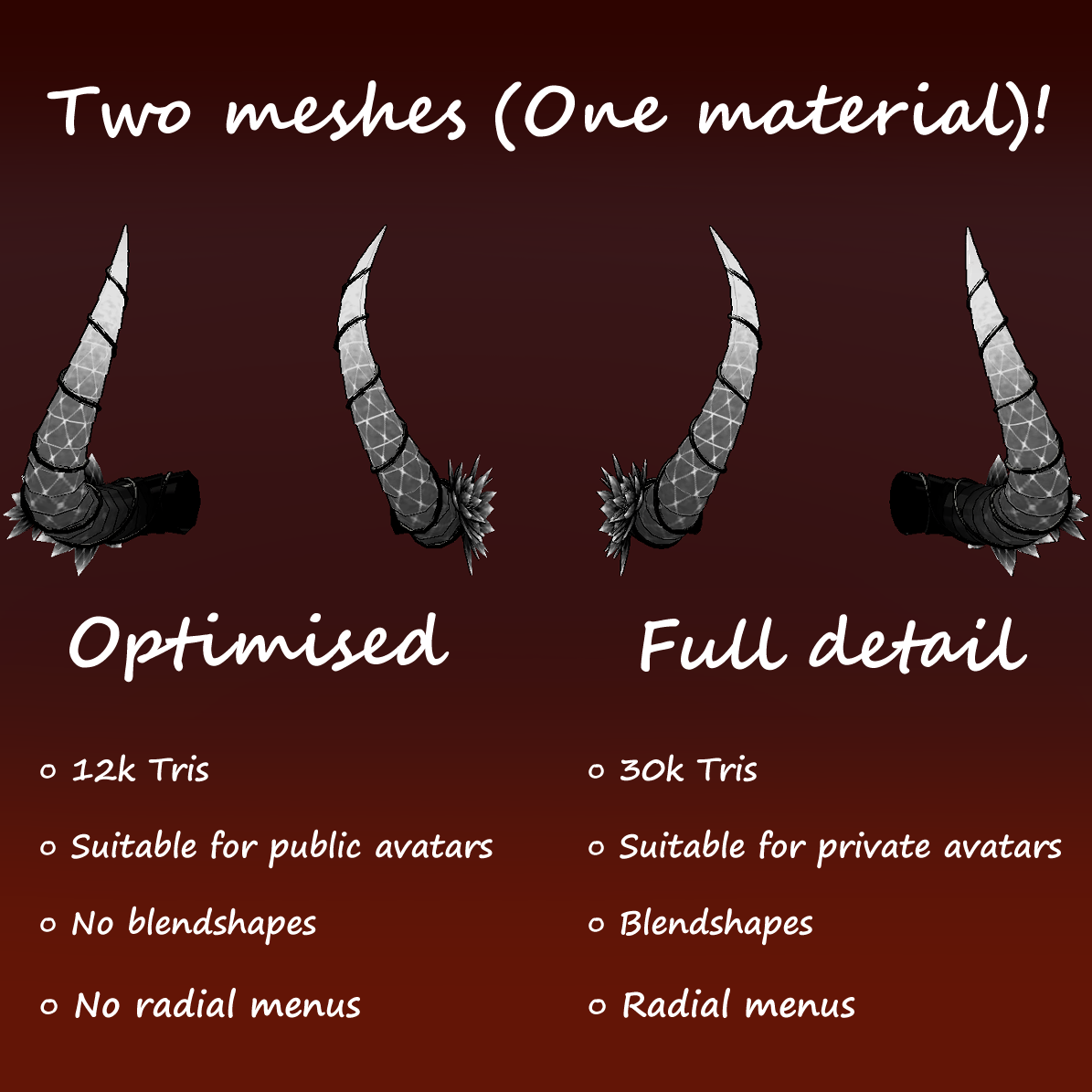
- 2 meshes and blendfile! (one high detail mesh and a second optimised mesh)
How do I put this on an avatar?
- Ensure your unity project has VRCFury and Poiyomi
- Import the .unitypackage file to your unity scene
- Drag the FloralDemonicHorns into your avatars hierarchy
- Position and scale to fit your avatars head
- (You may or may not need to apply the poiyomi material to the mesh, latest version is recommended!)
- Upload and enjoy your horns!
Statistics of asset:
- High detail PC mesh: 30k triangles, 1.1mb
- Optimised mesh: 12k triangles, 297kb
- Blend shapes: 3 (PC mesh)
- Material slots: 1 (Shared between both meshes)
- Textures: 1 (Emission map)
- File types: .blend, .fbx, .png, ,unitypackage
Possible requirements:
VRChat creator companion with a compatible unity version, VRChat Fury, and Poiyomi.