
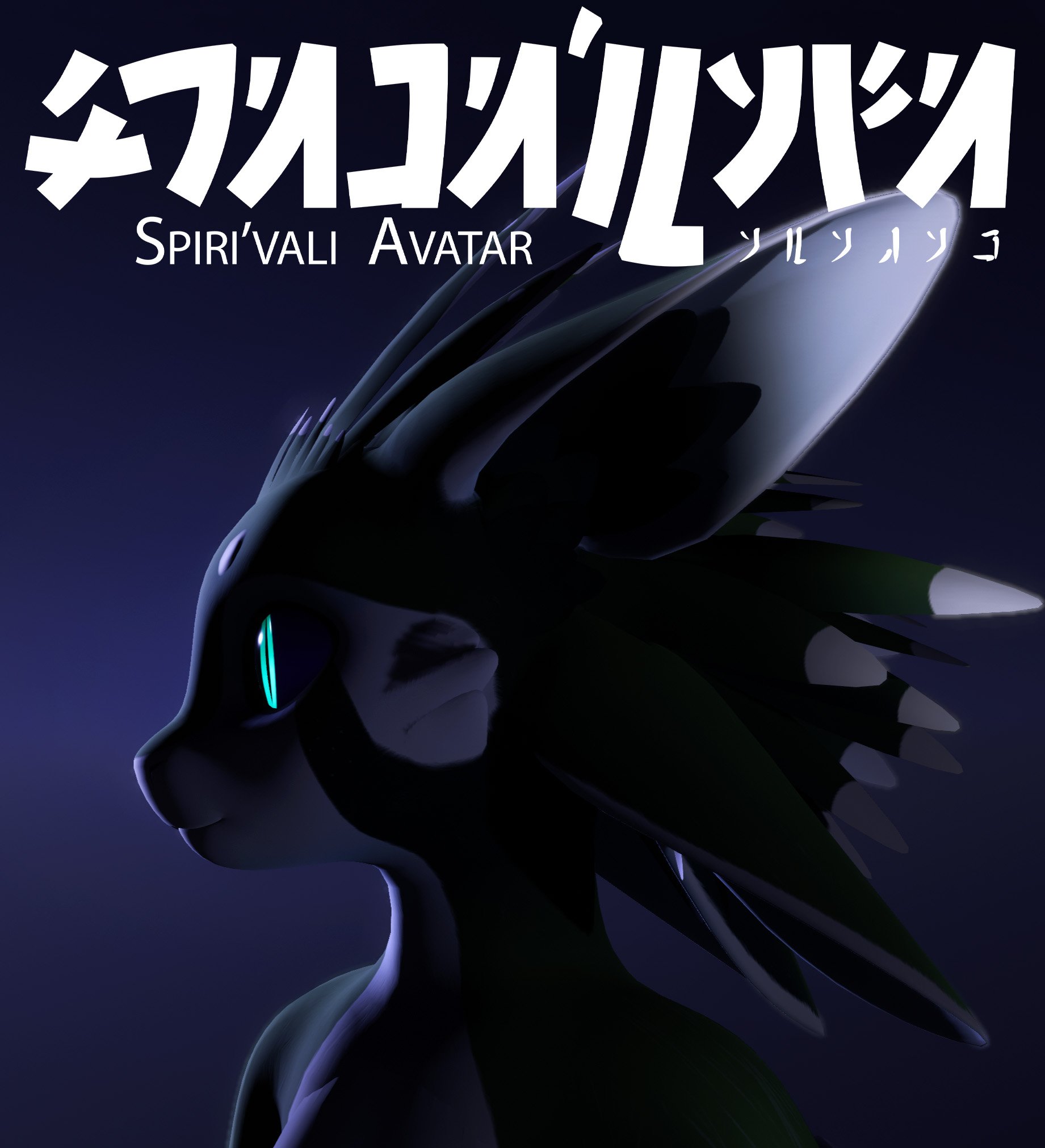
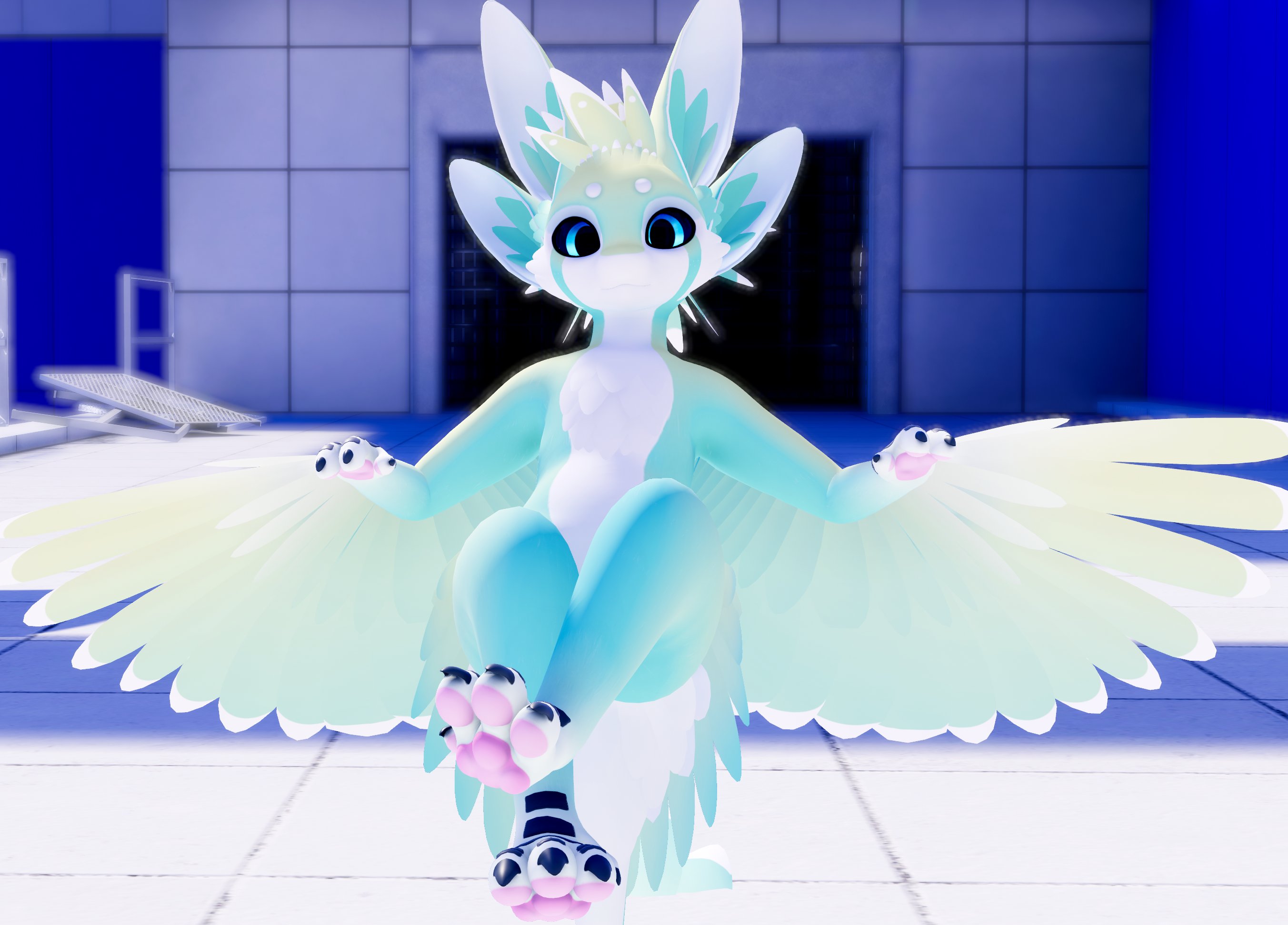
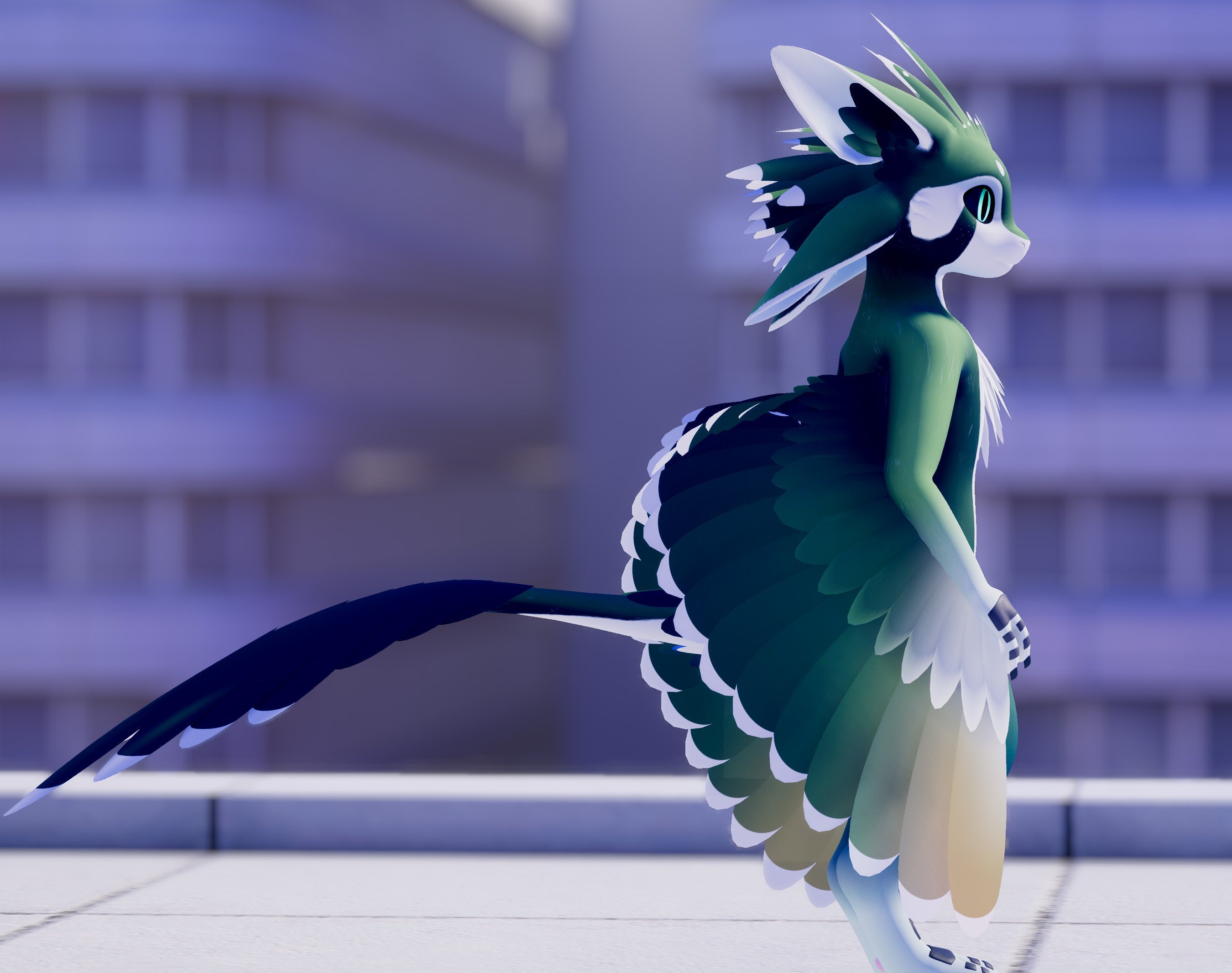
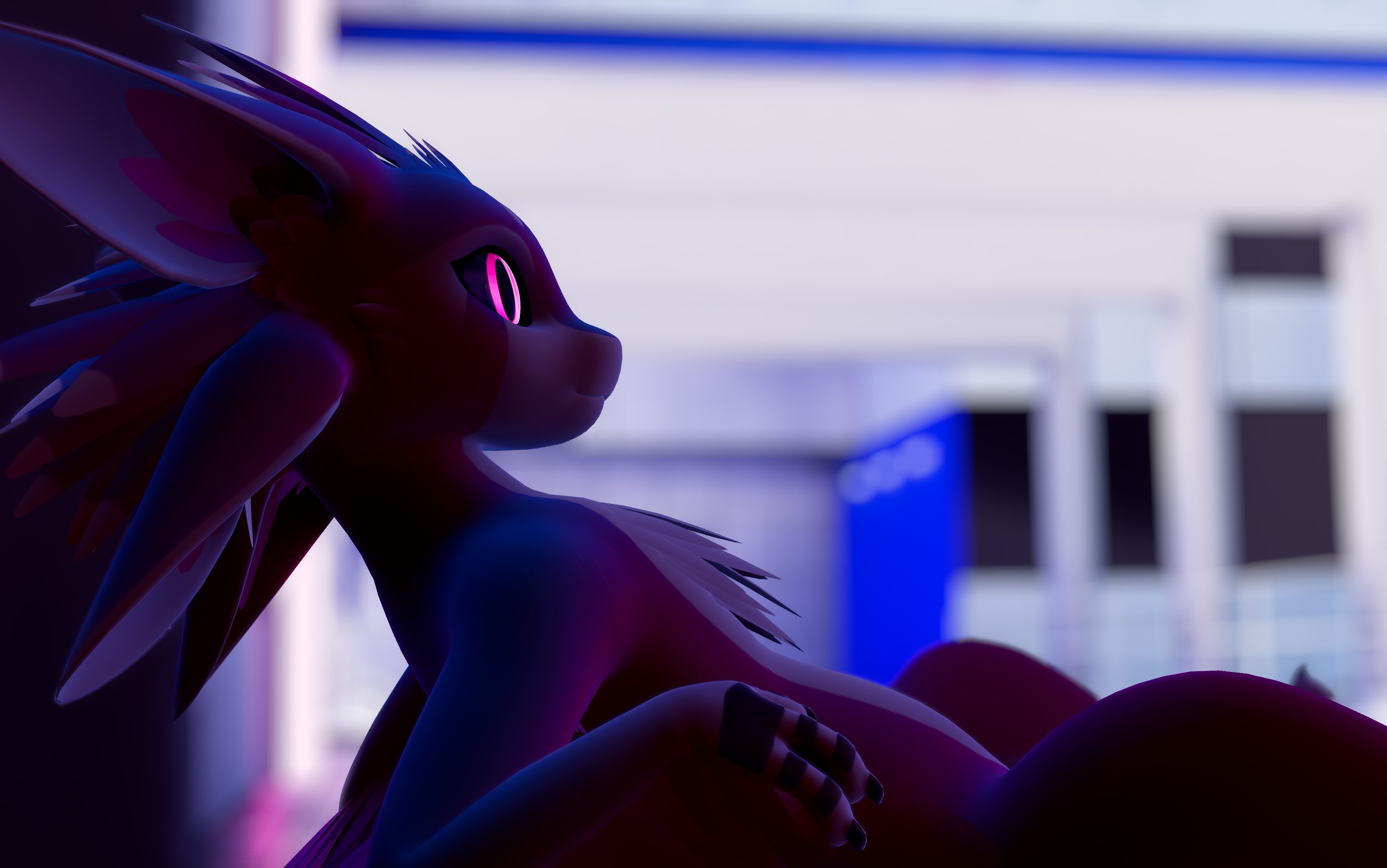
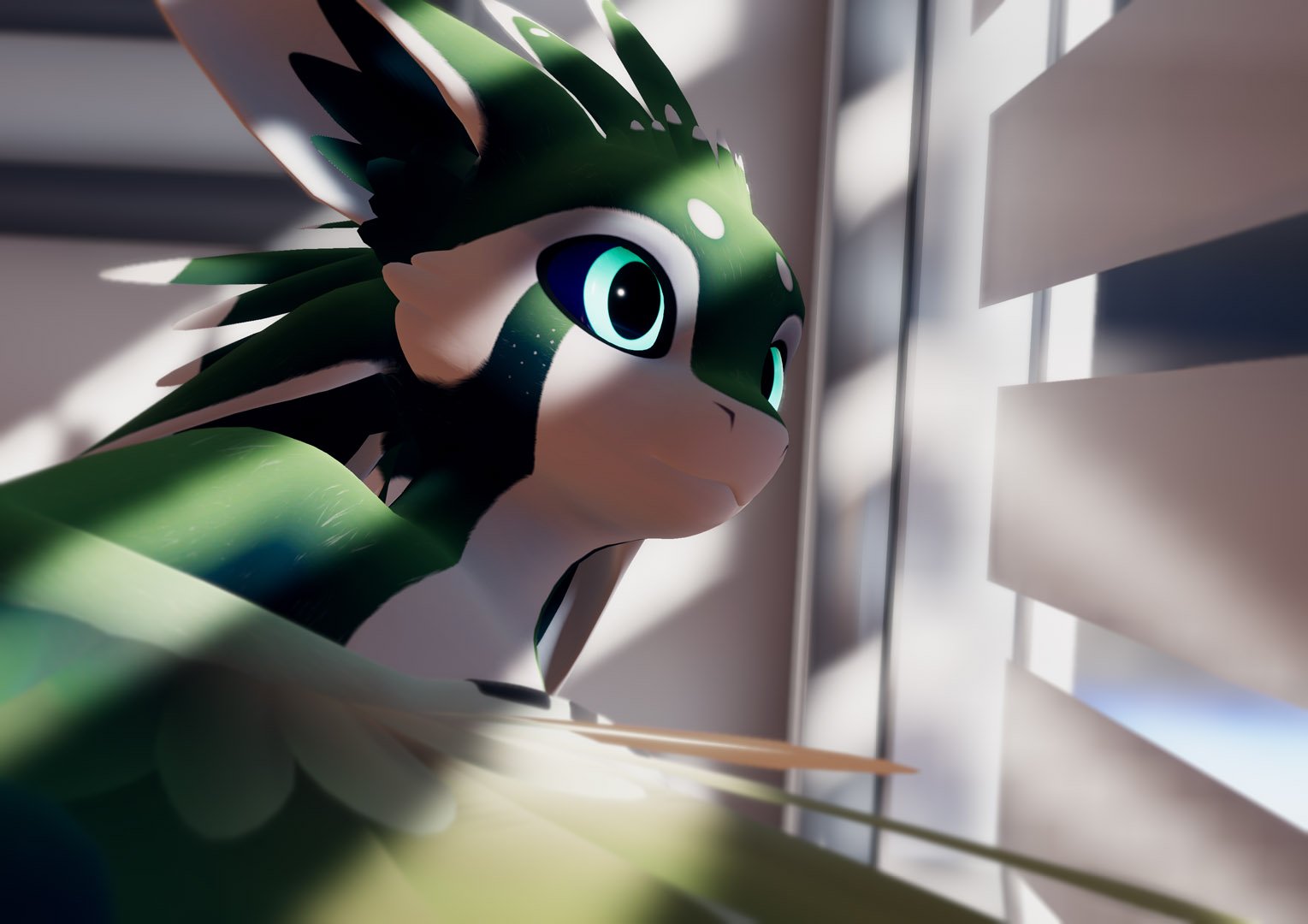
Spiri'vali VRChat Avatar
상품 설명
Based on the Avali Species by RyuujinZERO | License | Explanation
🦜 Join the Spiri'vali Discord Server!
🌟 Public Avatars you can try/use right now:
Lime | Magenta | Blue & Grey | Natural (M) || 😸Face Tracking
Features:
- 🥽 Full-body tracking ready with digitigrade leg motion
- 😸 Fully Eye & Face-Tracked version included
- 🗣 Facial Expressions (gesture control) & full-face visemes
- 🦈 Tail, Ear, Wing, and Toe Physbones
- 🐾 Customization Blendshapes
- 🟡 Medium Performance Rank on PC, Android & iOS
- 🧊 Lower-poly versions (30k-60k) included - easy to swap out & stay Medium rated
- 📱 Mobile & Fallback versions included (5k-20k poly)
- 🎨 All source files (Blender, Substance Painter, Photoshop/Krita PSD) included
- 📚 User Manual with setup tutorial & model information
Full Performance Stats
As reported by the VRChat SDK - values not shown are Good or Excellent.
PC
- 🟡 Overall Performance: Medium
- 💫 Phys Bone Components: 16
- 🔃 Phys Bone Transform Count: 82
- 🎫 Texture Memory Usage: 80 MB
- 🟢 Triangles: 69,770
Other PC versions included:
- 💻🟢 Triangles: 59,904
- 💻🟢 Triangles: 49,948
- 💻🟢 Triangles: 39,782
- 💻✅ Triangles: 29,212
Mobile
- 🟡 Overall Performance: Medium
- 🌍 Material Slots: 2
- 💫 Phys Bone Components: 6
- ⭕ Contact Component Count: 7
- 🦴 Bones: 134
- 🟢 Triangles: 9,964
Other Mobile versions included:
- 📱🟠 Triangles: 19,972
- 📱✅ Triangles: 4,984
Licensing
Upon purchasing Spiri'vali, you can do whatever you want with the model, except:
- You can’t claim that Spiri'vali is your own work.
- You can’t redistribute, share, or resell any of the Spiri'vali files.
- If you want to sell a customisation (e.g. a custom skin or other modification) of Spiri'vali to someone else, you may only do so if both you and the other person have purchased it.
- If you want to upload your Spiri'vali as a Public Avatar, you need to include the hiyu.art menu button, unchanged from the template avatars.
You are still responsible for any actions you take or modifications you make involving Spiri'vali.