
Sleep Mask with Pixel Eyes [Kinu]
상품 설명
이 상품에는 AI로 생성된 콘텐츠가 포함되어 있습니다.
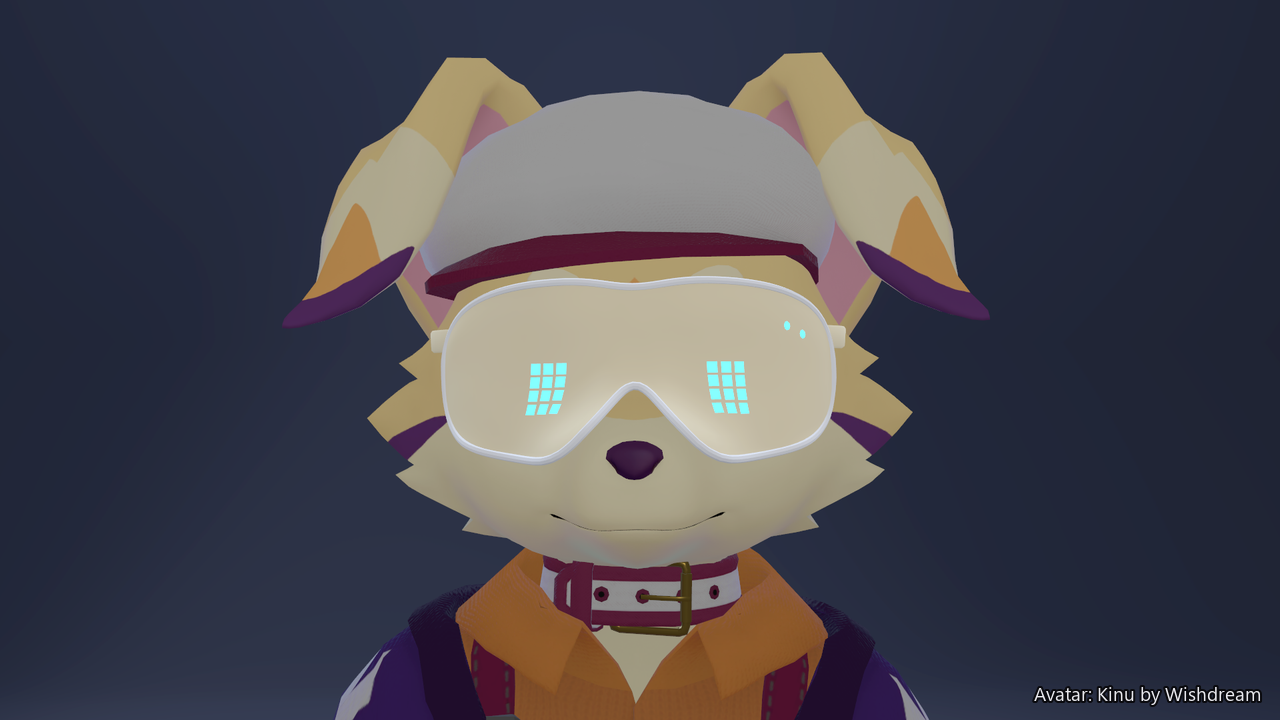
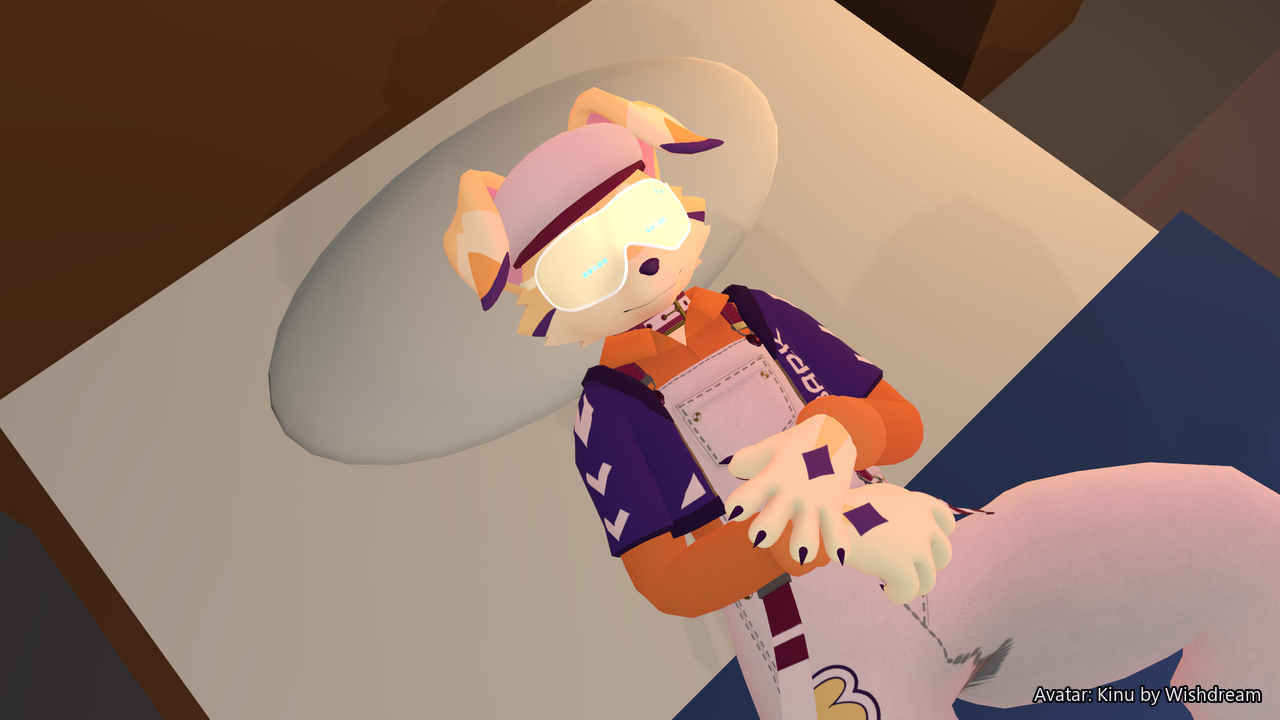
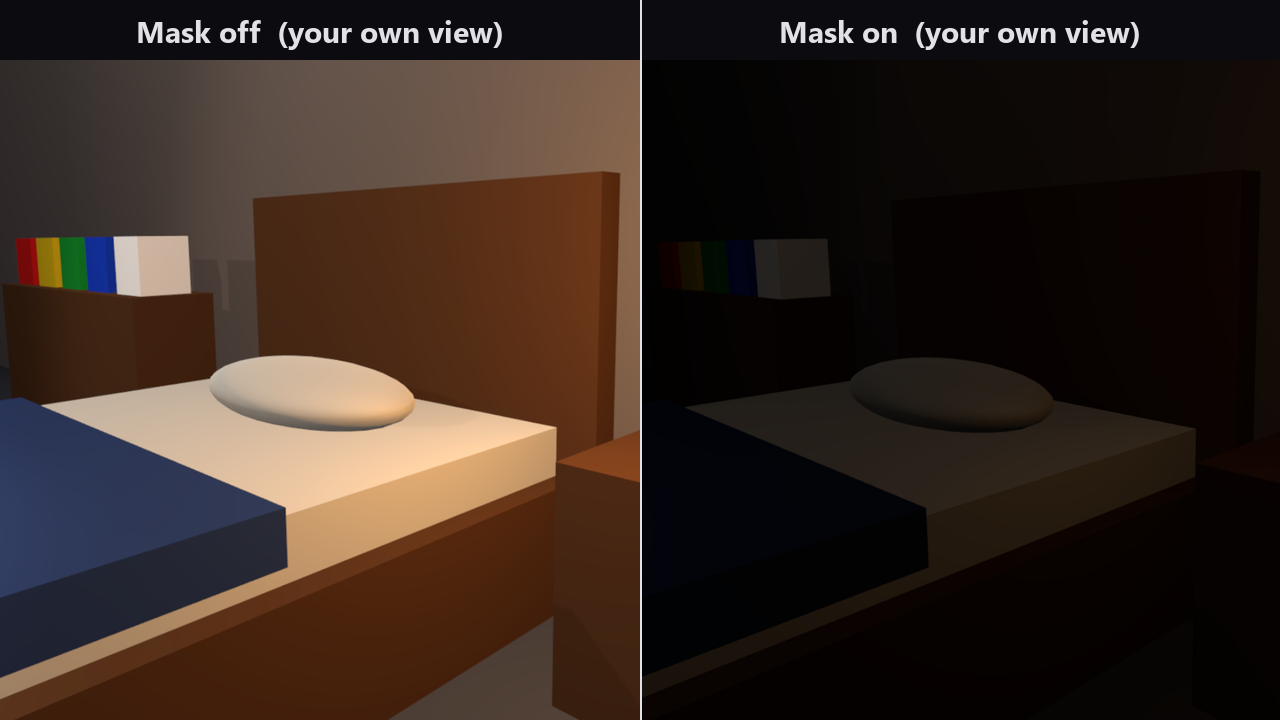
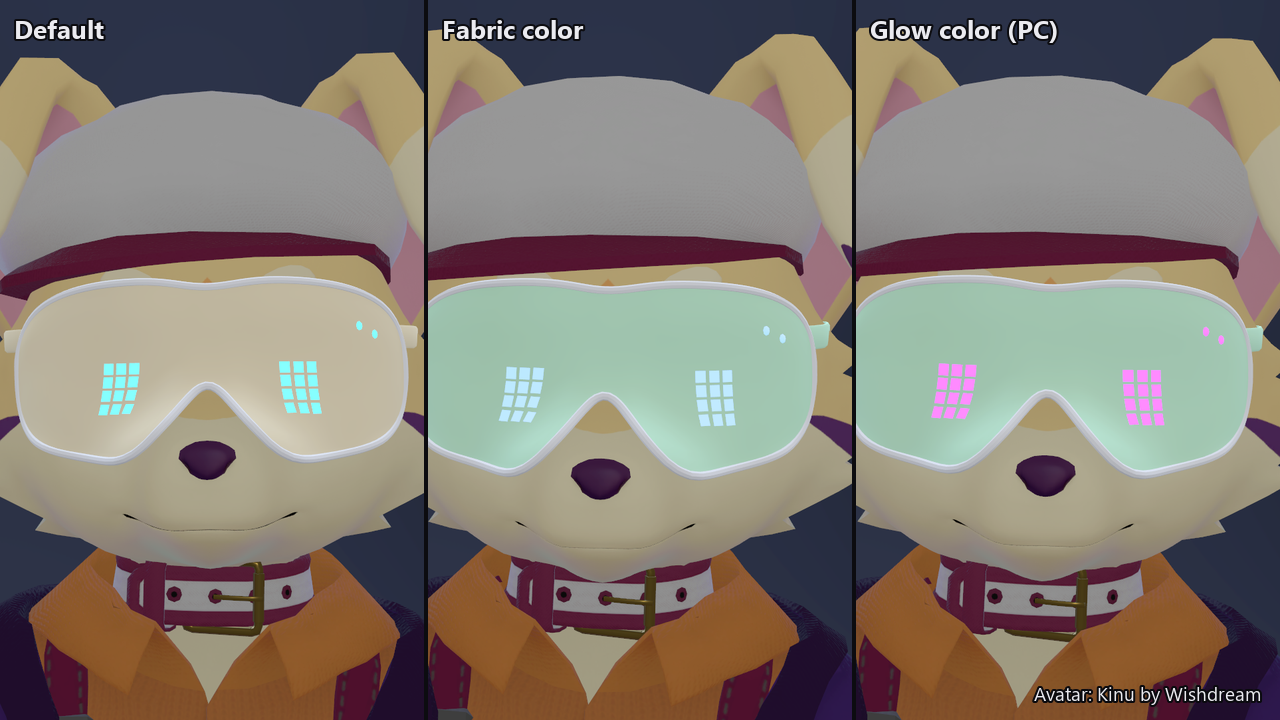
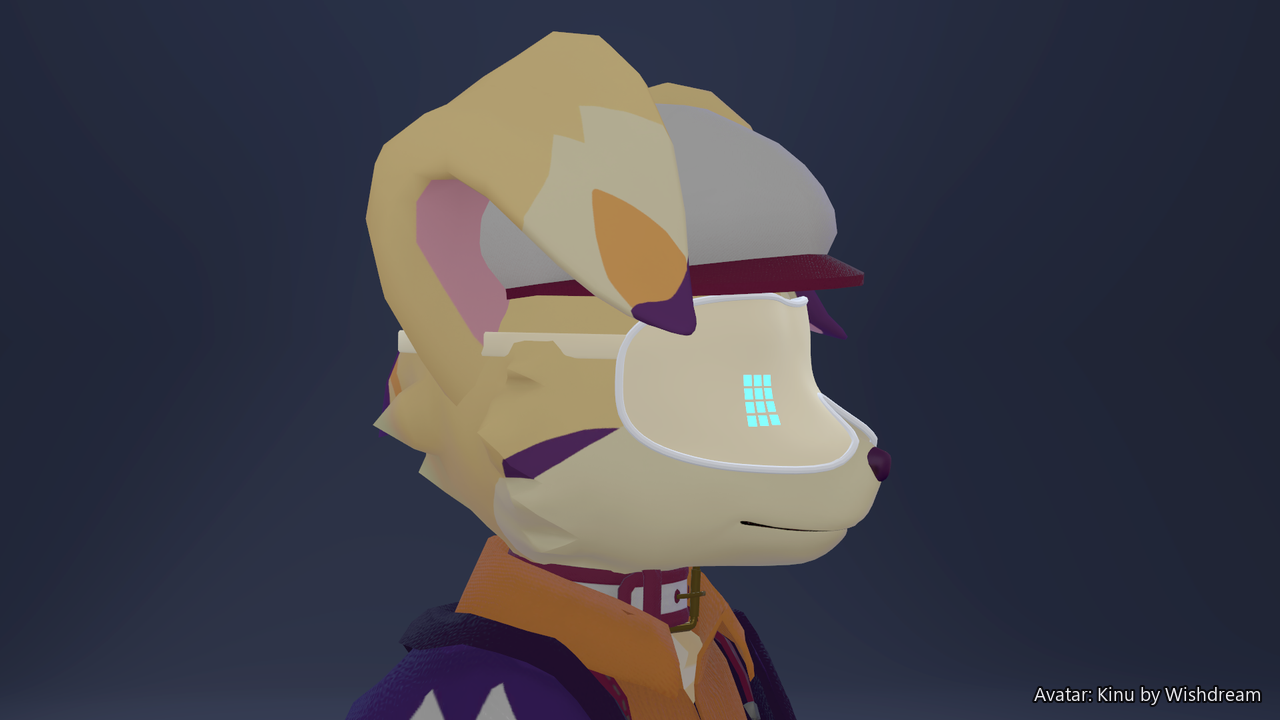
Sleep in VR without the lights in your eyes. Put the mask on and your own view goes dark. Everyone else sees a soft sleep mask with glowing pixel pupils that follow your eyes.
Made for and fitted to Kinu (Wishdream), shaped to clear each of Kinu's Muzzle / Fluff / Brow customization shapes. Kinu is NOT included; you need your own copy.
Features
- Your view goes dark, only for you. Adjustable darkness (0–100%, default 80%). Local only, 0 synced bits. Other players are not affected.
- No light leaks. Large enough for wide-FOV headsets and VRChat's 5 cm near clip.
- PC: hands or anything else close to your face are darkened too. The dimming shell never shows in your own mirror or camera.
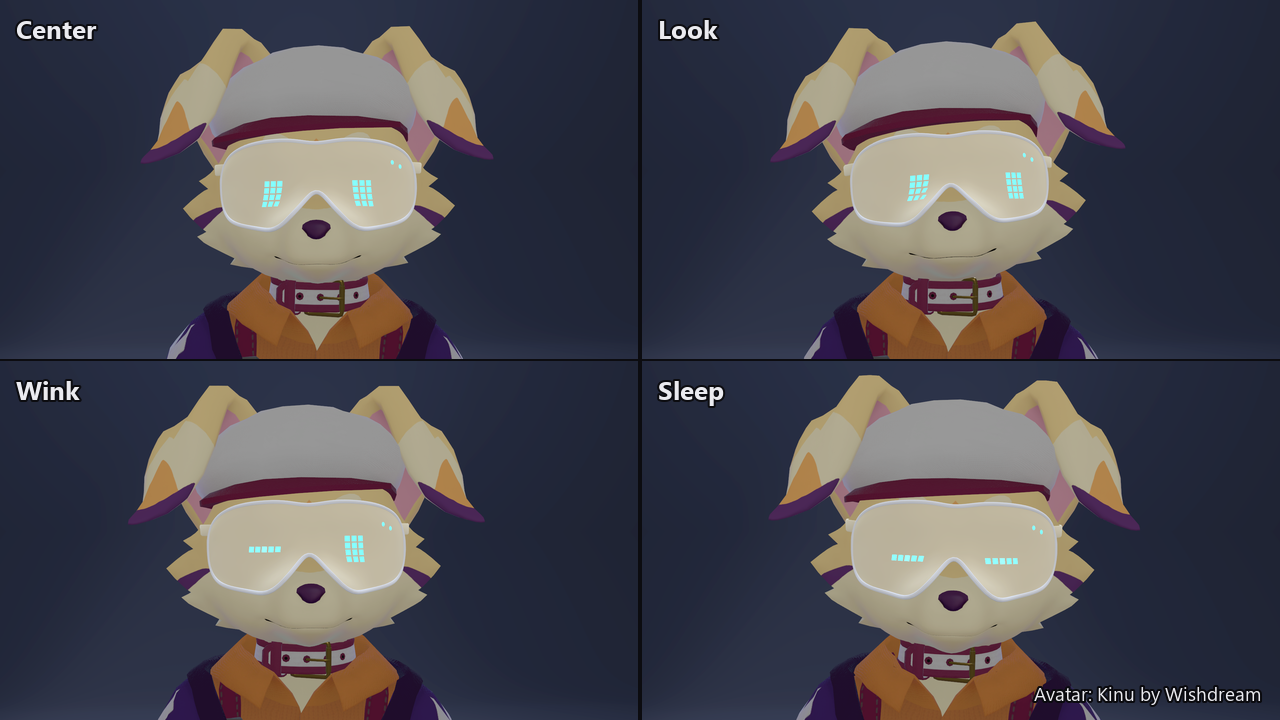
- Glowing pixel pupils (PC only, 3×4 dots per eye). They follow your eye tracking (3 steps left/right, 1 step up/down) through VRChat's built-in face tracking, with 0 synced bits.
- They blink with you. When your avatar's eye closes (blinks, winks, gesture expressions, face tracking), the pixel eye closes too. This is set up automatically at upload, no setup needed. Also works with avatars whose eyelids are driven by VRChat's native face tracking (e.g. Pawlygon Face Tracking 2.x).
- Glasses or a hat poking through? Drag them into Hide While Worn on the mask's Inspector. They hide while the mask is on and come back when you take it off. No extra synced parameters.
- Easy to check it's installed. Drag the prefab onto your avatar and the mask shows up on the head right away in the editor, and the Inspector tells you which avatar it's attached to.
- Color sliders: fabric hue (PC and Quest) and glow hue (PC only). Don't need them? Untick Color Shift on the prefab and they are left out of the upload.
- One menu, next to Kinu's own accessories (default Clothes/Accessories/Sleep Mask). To move it, change one field.
- Lightweight: 16×16 textures, about 10,000–11,000 triangles.
What's included
- 2 prefabs: PC and Quest.
- Synced parameters: 18 bits (PC) / 9 bits (Quest). With Color Shift off: 2 bits (PC) / 1 bit (Quest).
- README with installation steps (English / 中文).
Quest / Android
Supported, with limits: no pixel pupils and no glow color slider. Darkness has 6 steps (0/20/40/60/80/100%). Use the same Color Shift setting on PC and Quest, and upload the PC version first. Objects closer than about 8 cm in front of your eyes are not darkened. Your own mirror or camera shows a dark shell while the mask is on (other players never see it).
Requirements
- VRChat SDK (Avatars) 3.10.6 or later (needs VRC Head Chop and native face tracking)
- VRCFury (tested with 1.1485.0)
- Pixel eye movement needs eye-tracking hardware (for example through VRCFaceTracking). Eye closing works without it.
- Not supported: MMD dance-world facial expressions.
Terms of use
- OK: use it on your own avatars, including avatars you upload (public or private).
- OK: modify it for your own use.
- NOT allowed: redistributing, sharing or reselling the files, modified or not, on their own or as part of another product or avatar.
- Credit not required (but appreciated!).
- Kinu is a separate product by Wishdream. Please follow Kinu's own terms as well.
AI-assisted: Claude (Anthropic) was used to help create the 3D model, Unity scripts and setup, product renders and this description. Designed and directed by Kaino and tested in-game.
— Kaino Lab