상품 설명
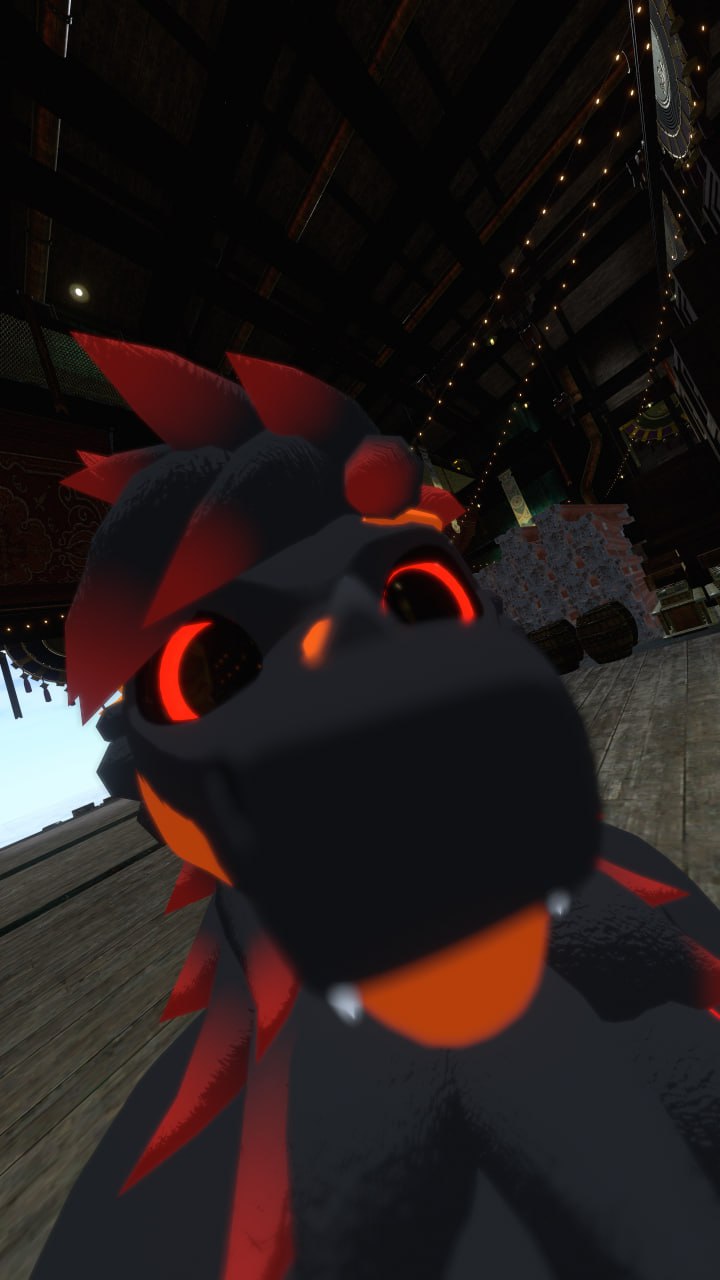
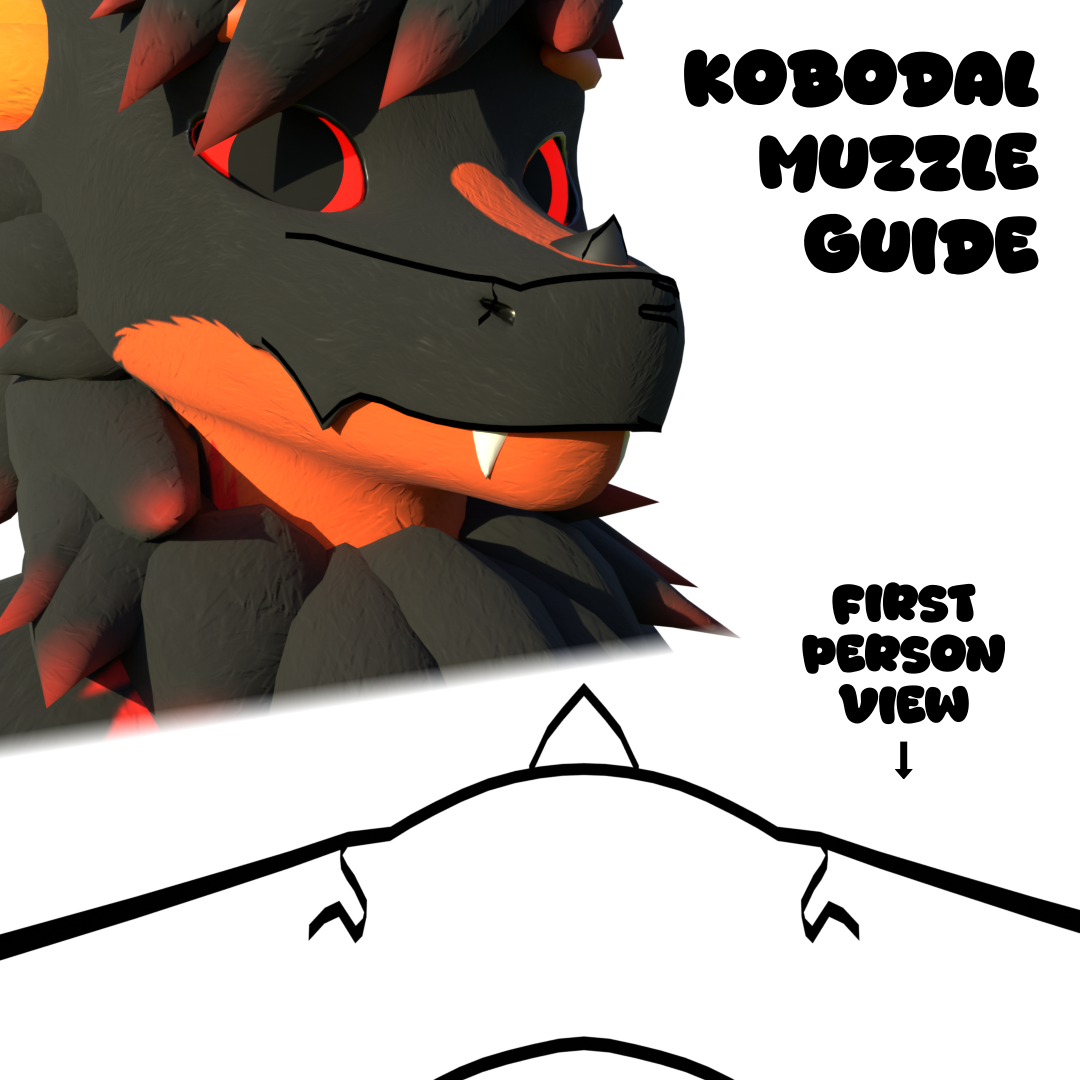
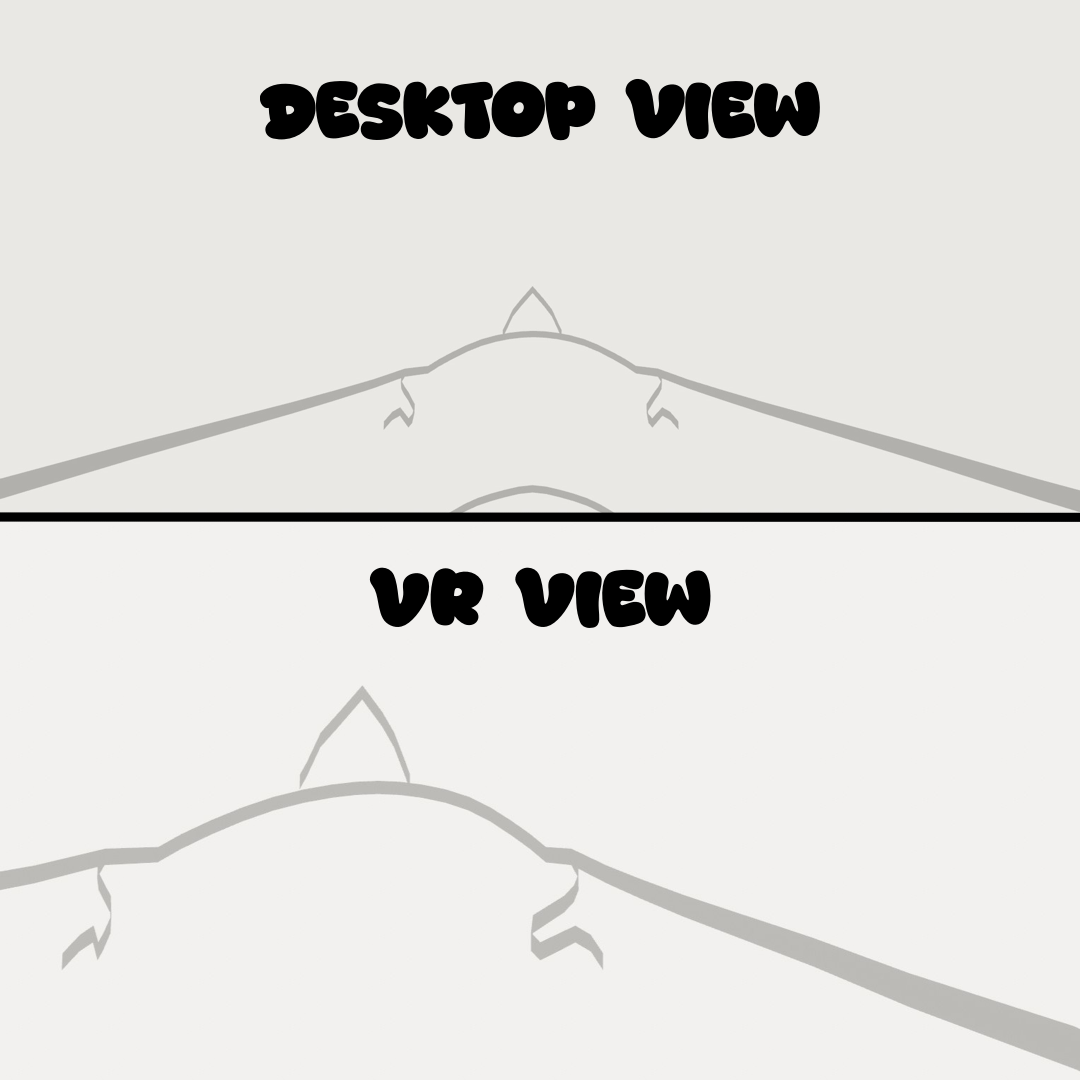
Kobodal 2.0 Muzzle Guide By Kallan
If you like this asset please consider donating to me on so I can make more muzzle guides like this on different avatars.
Let me know what other avatars you'd like to see me make muzzle guides for on my twitter.
Features:
- Local only viability, no other play can see this asset
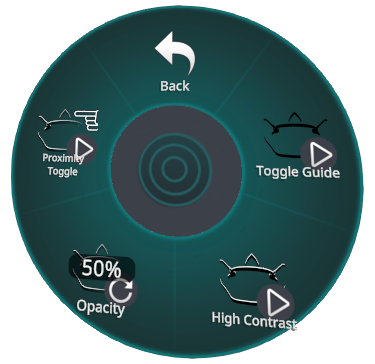
- High contrast toggle for better visibility in dark areas
- Opacity slider
- Proximity toggle, only show muzzle guide when close to walls or other players
Dependencies:
Nicoreda's Kobodal 2.0 Avatar
How to use:
place the prefab anywhere on the avatar.
The in-game toggles are located in the "Objects" menu.
If you have any trouble please contact me, @kallan4248 on most platforms.
Latest Changelog:
30.7.2026:
- Released Novabeast Muzzle Guide
- All muzzle guides now have UV maps to add textures to if you desire
- Created "Simple" textures for all muzzle guides for a minimalistic look if you find the full guide too visually distracting
- ChangeLog file is now included in the unity packages (Oops)
28.7.26:
- Updated shader to remove near clipping
- Fixed issue where muzzle guide proximity wasn't working for other players contacts
- Improved main controller
- Move ray cast and contacts outside of the toggled object to work with the new controller
- Removed avatar collisions on the ray cast as it rarely worked correctly
- Added unique menu icons for each muzzle guide
- All muzzle guides now share assets, making it easier for me to make changes to all guides at once
- All changelogs will be located in the shares assets folder from now on
- All updates now use the release date (DD.MM.YY) as version number
Licensing:
You May:
Use and modify this asset for personal use.
Add this asset to other peoples avatars as long as both parties own the asset.
Make public avatars with this asset.
You May Not:
Sell or redistribute this asset or a modified version of this asset.
Claim this asset as your own.