![Suika, Fruit Dragon, Female Furry Avatar [PC+QUEST] [VRCFT][SPS][VRChat Avatar]](https://jinxxy-c.jinxxy-cdn.com/cdn-cgi/image/format=auto,onerror=redirect/c6149a59-766f-508d-bba0-bb29382260b7/3988542429442606344/1020856131834408960.gif)
![Suika, Fruit Dragon, Female Furry Avatar [PC+QUEST] [VRCFT][SPS][VRChat Avatar]](https://jinxxy-c.jinxxy-cdn.com/cdn-cgi/image/format=auto,onerror=redirect/c6149a59-766f-508d-bba0-bb29382260b7/3988542429442606344/1020856255844452352.gif)
![Suika, Fruit Dragon, Female Furry Avatar [PC+QUEST] [VRCFT][SPS][VRChat Avatar]](https://jinxxy-c.jinxxy-cdn.com/cdn-cgi/image/format=auto,onerror=redirect/c6149a59-766f-508d-bba0-bb29382260b7/3988542429442606344/1020856127179792384.png)
![Suika, Fruit Dragon, Female Furry Avatar [PC+QUEST] [VRCFT][SPS][VRChat Avatar]](https://jinxxy-c.jinxxy-cdn.com/cdn-cgi/image/format=auto,onerror=redirect/c6149a59-766f-508d-bba0-bb29382260b7/3988542429442606344/1020856168307500032.png)
![Suika, Fruit Dragon, Female Furry Avatar [PC+QUEST] [VRCFT][SPS][VRChat Avatar]](https://jinxxy-c.jinxxy-cdn.com/cdn-cgi/image/format=auto,onerror=redirect/c6149a59-766f-508d-bba0-bb29382260b7/3988542429442606344/1020856196752624640.png)
![Suika, Fruit Dragon, Female Furry Avatar [PC+QUEST] [VRCFT][SPS][VRChat Avatar]](https://jinxxy-c.jinxxy-cdn.com/cdn-cgi/image/format=auto,onerror=redirect/c6149a59-766f-508d-bba0-bb29382260b7/3988542429442606344/1020856066834367488.gif)
![Suika, Fruit Dragon, Female Furry Avatar [PC+QUEST] [VRCFT][SPS][VRChat Avatar]](https://jinxxy-c.jinxxy-cdn.com/cdn-cgi/image/format=auto,onerror=redirect/c6149a59-766f-508d-bba0-bb29382260b7/3988542429442606344/1020856762464041984.png)
![Suika, Fruit Dragon, Female Furry Avatar [PC+QUEST] [VRCFT][SPS][VRChat Avatar]](https://jinxxy-c.jinxxy-cdn.com/cdn-cgi/image/format=auto,onerror=redirect/c6149a59-766f-508d-bba0-bb29382260b7/3988542429442606344/1020856767456994304.gif)
Suika, Fruit Dragon, Female Furry Avatar [PC+QUEST] [VRCFT][SPS][VRChat Avatar]
상품 설명
Get a 15% discount by joining my Discord Server
Here
Meet Suika, a sweet and juicy fruit dragon! Strawberry, watermelon and tropical fruit flavor explosion!
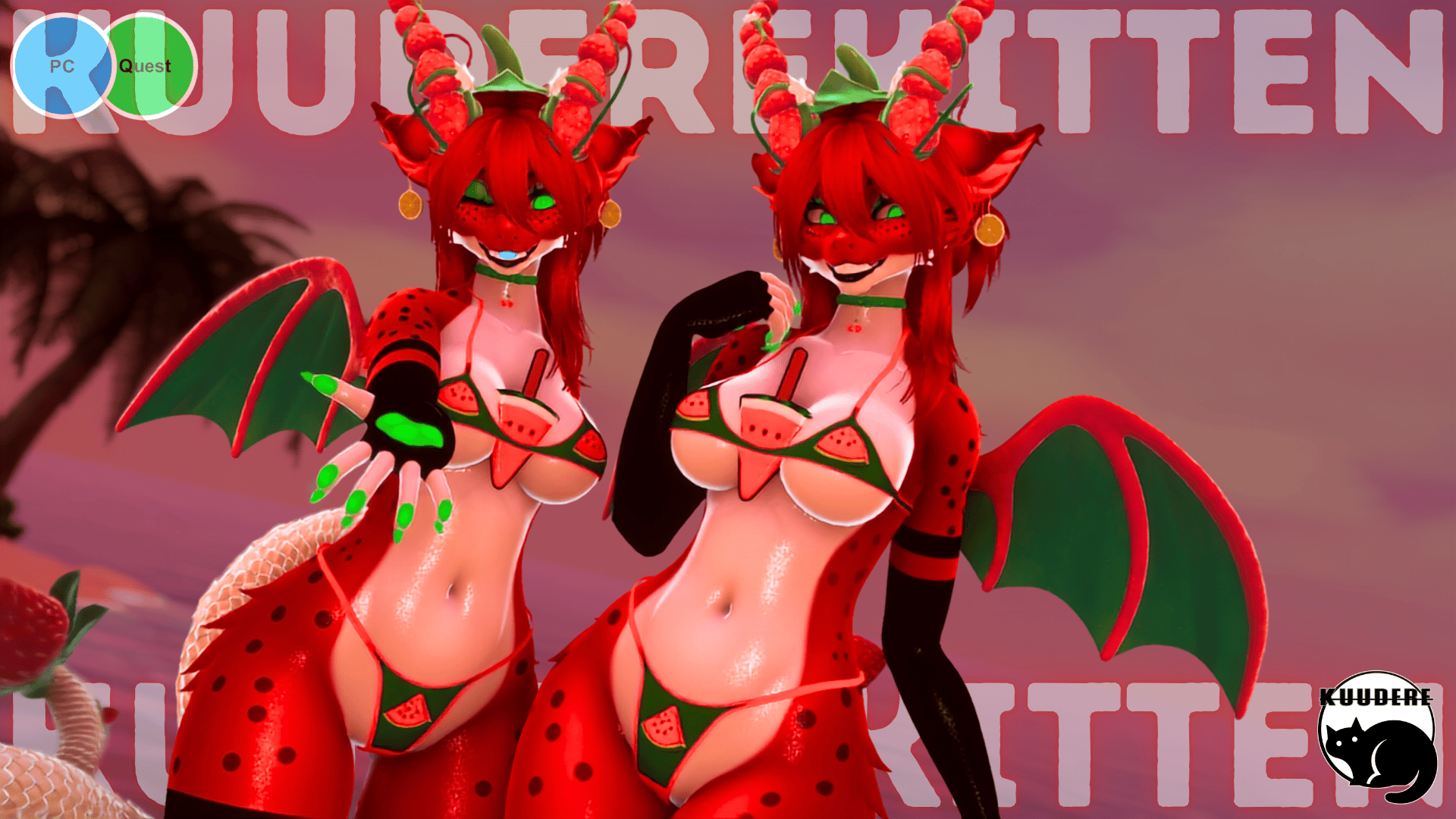
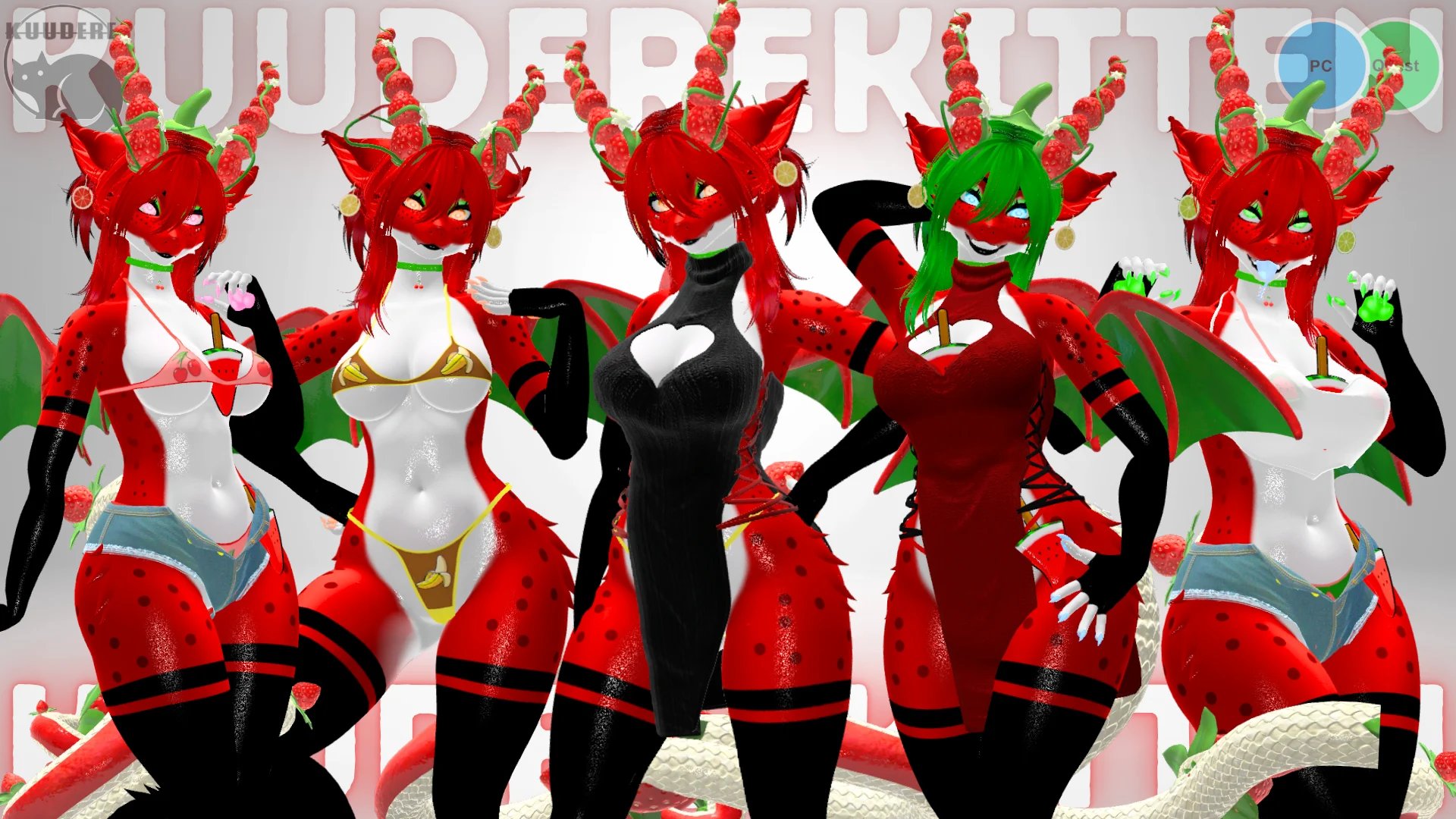
FEATURES
- Watermelon/Strawberry Fruit Flavor Dragon Furry Avatar
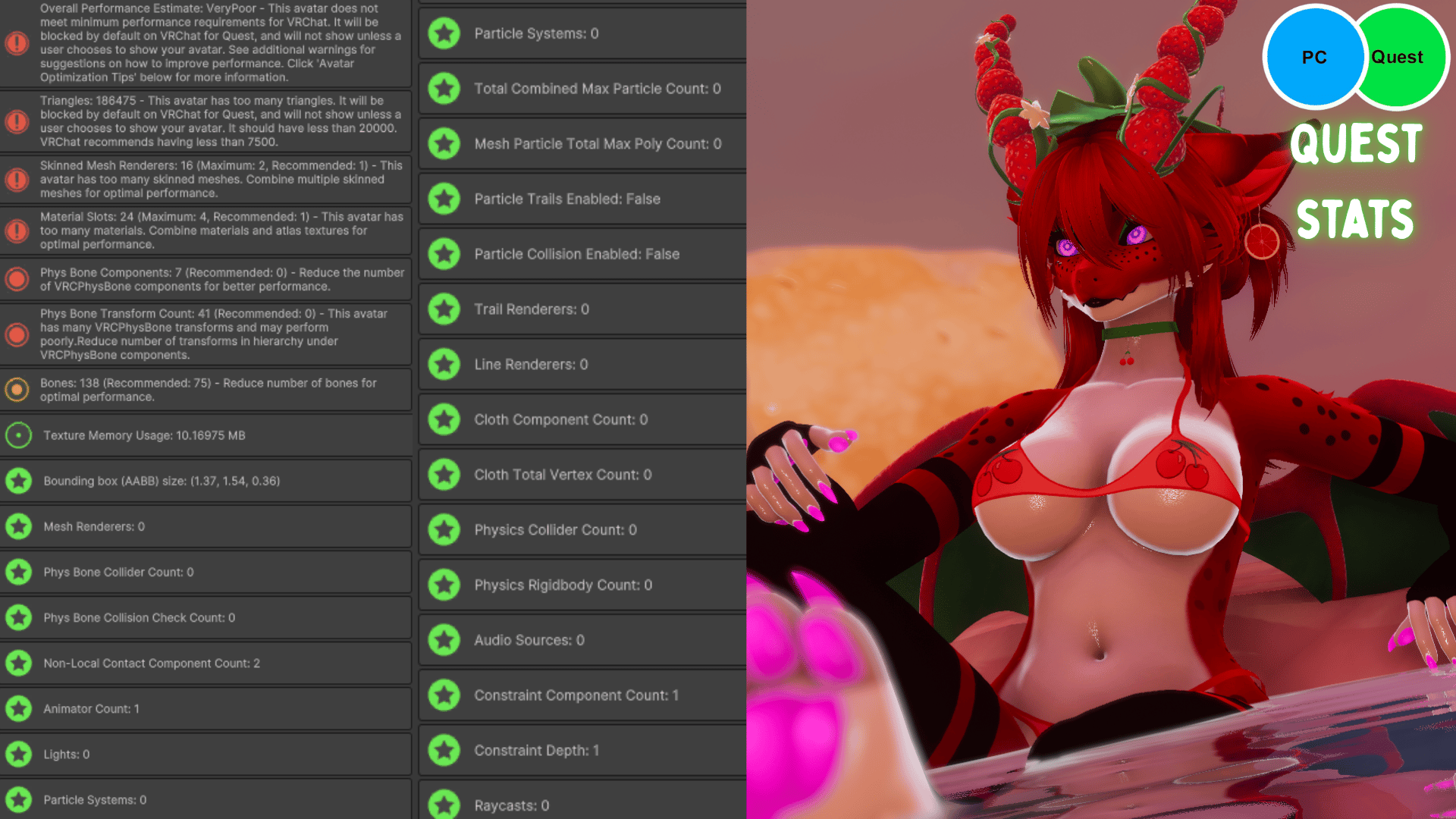
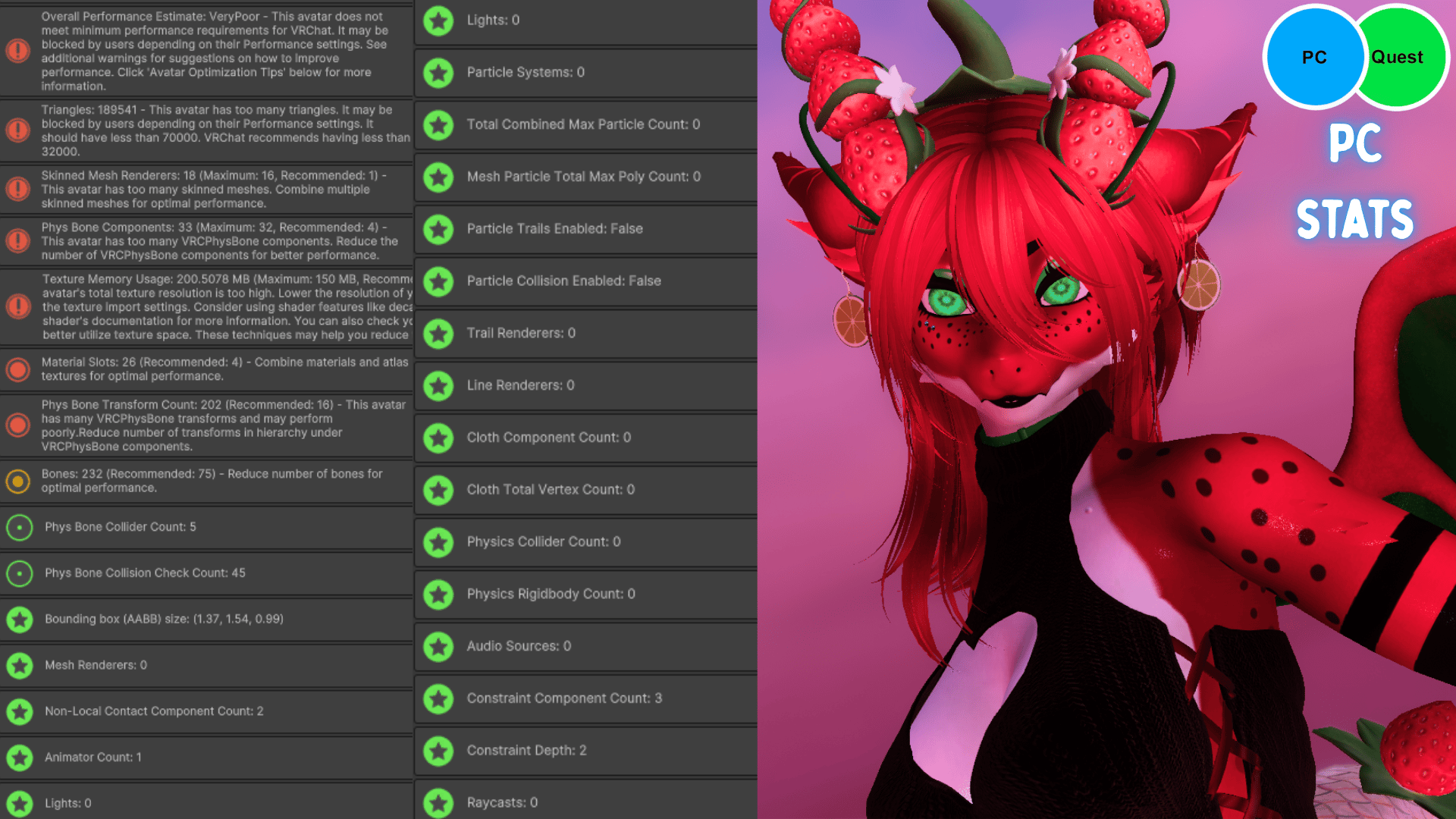
- PC + Quest Compatible
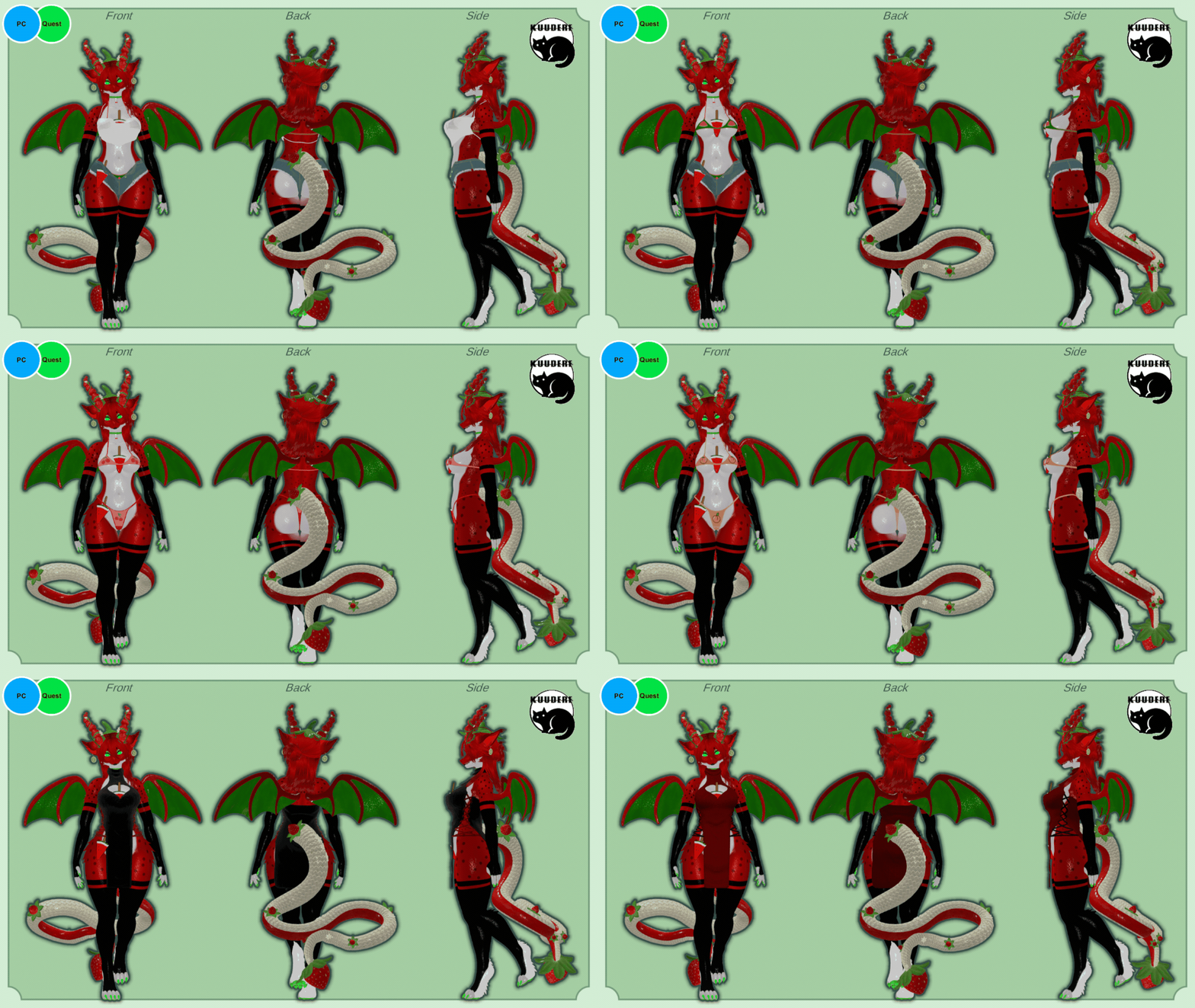
- Full Clothing Toggles
- Sheer Top
- Jean Shorts
- Bikini Colors [Watermelon/Banana/Cherry/Peach/Cupcake
- Heart Dress [Black or Red]
- Cherry Collar
- Strawberry Dragon Horns + Tail
- Body Jewelry/Piercings
- Hair Color Red -> Green
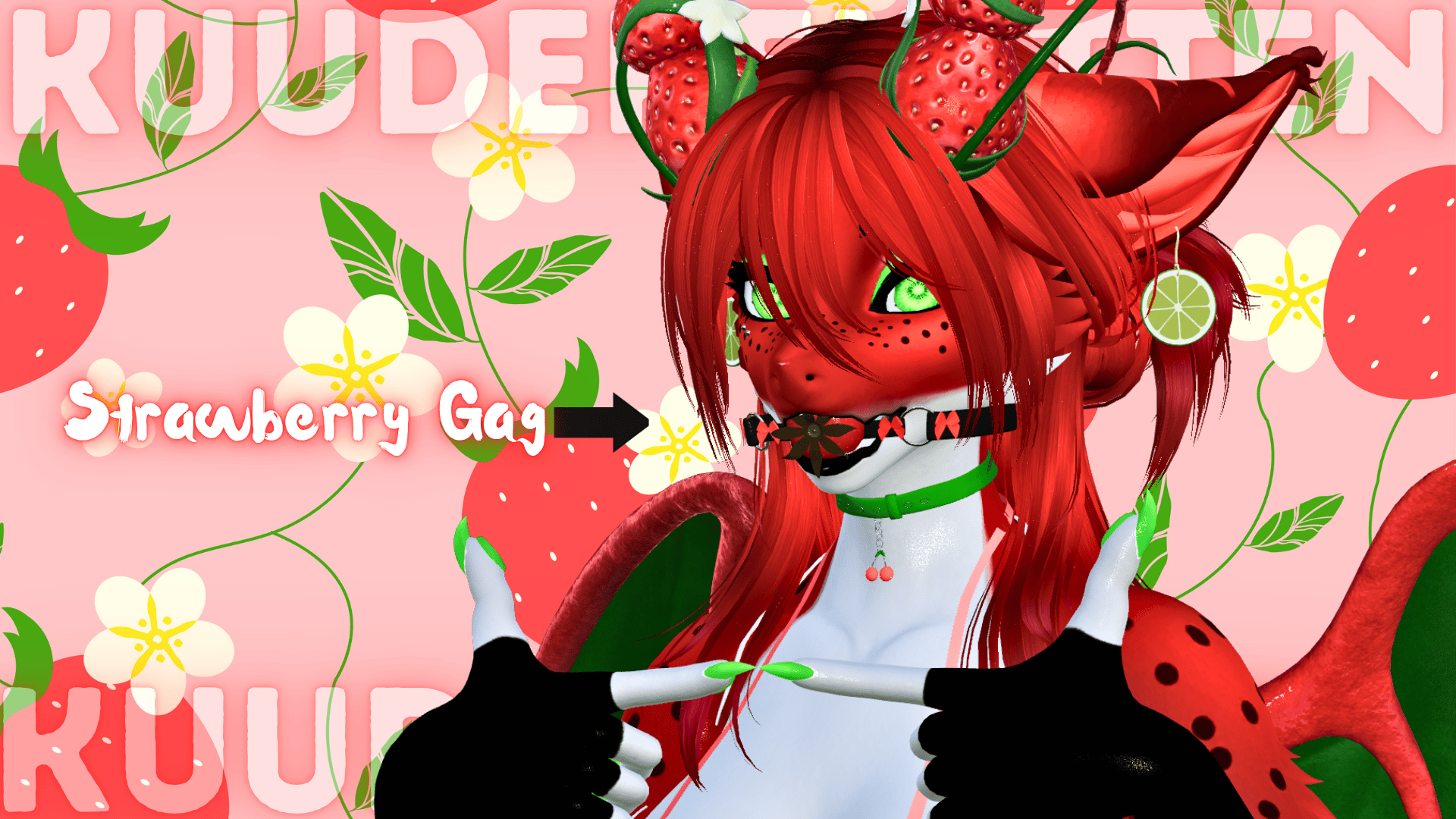
- Strawberry Gag
- Tongue Drool Gesture Toggle
- Watermelon Popsicle (chest)
- Contact to "eat' the watermelon
- Eye Fruit Color RGB Hue Shift
- Tongue Color RGB Hue Shift
- Paw + Nail Color RGB Hue Shift
- Earring Fruit Color Shift
- Wings Flap Animation Toggle
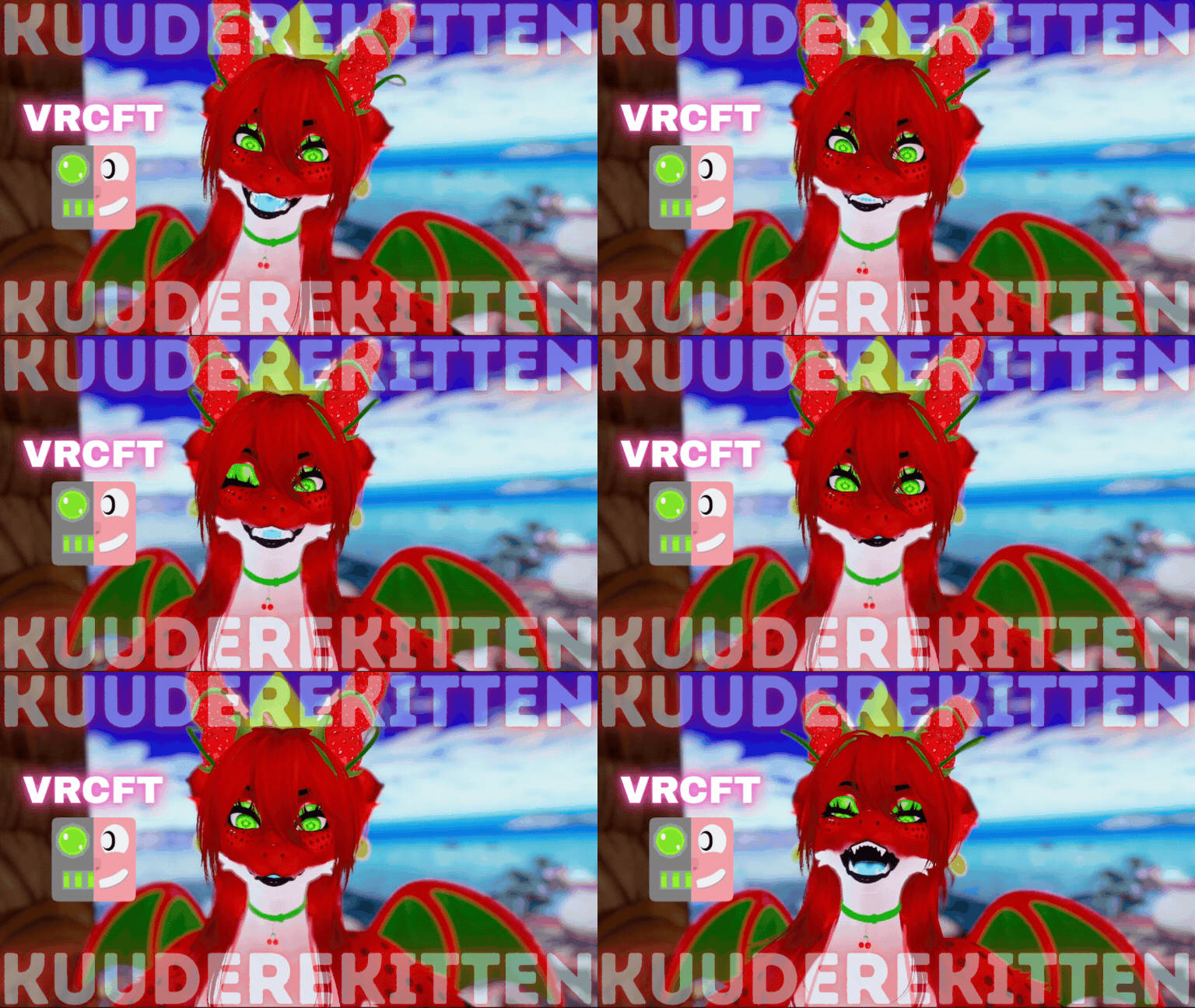
- VRC Face Tracking Installed
- (Unified Expressions)
- GoGoloco Installed
- SPS + Wholesome Lollipop Installed
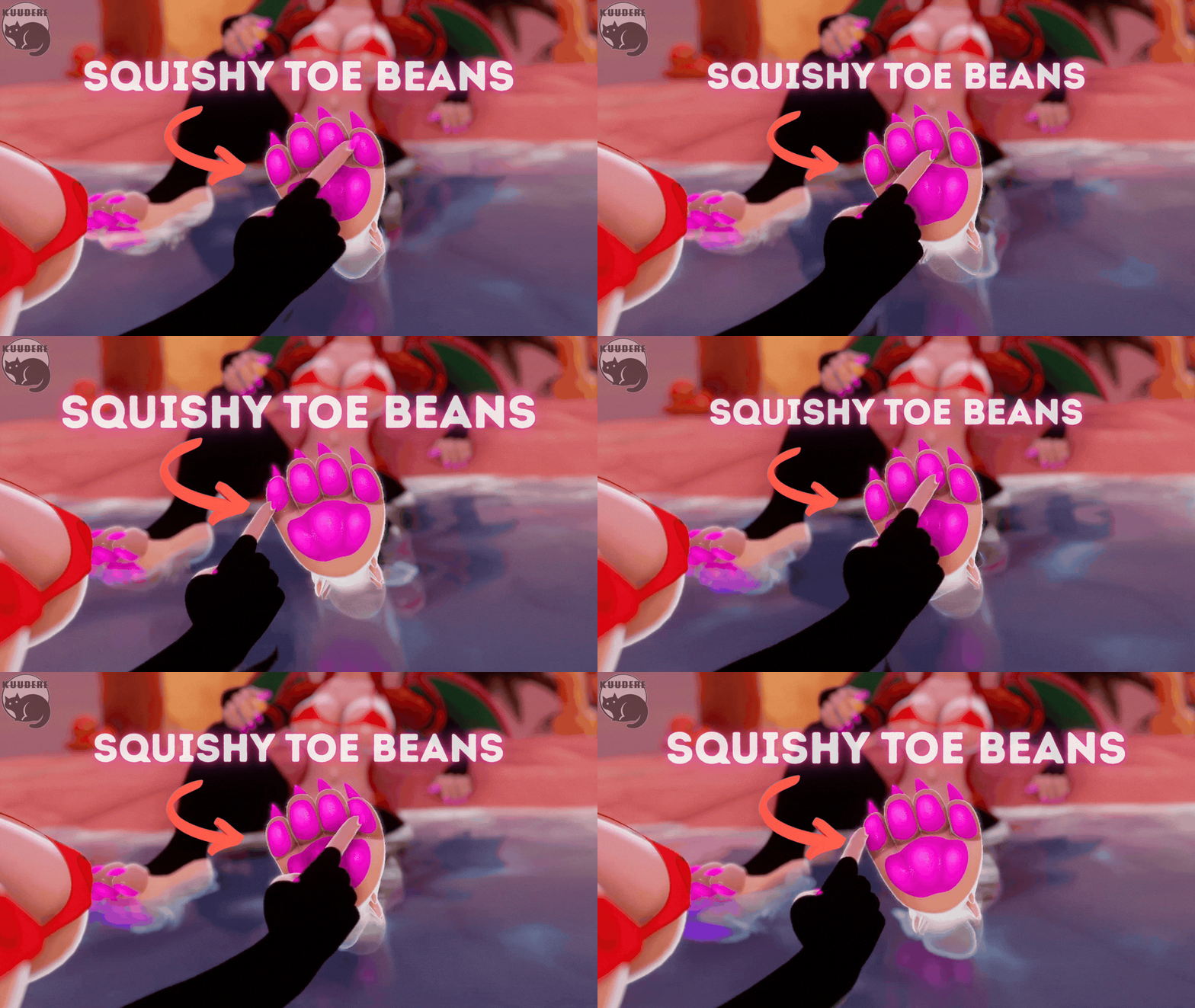
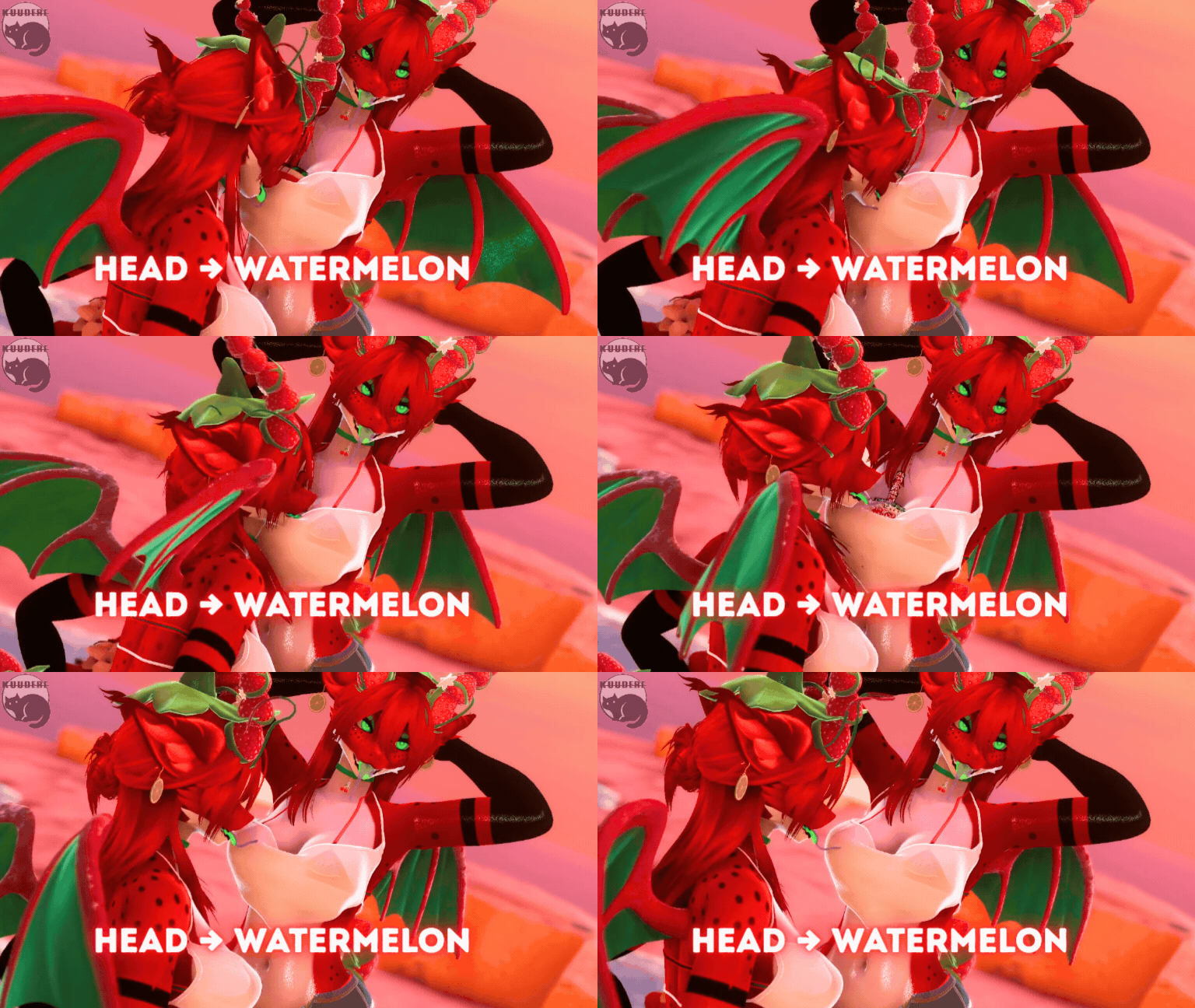
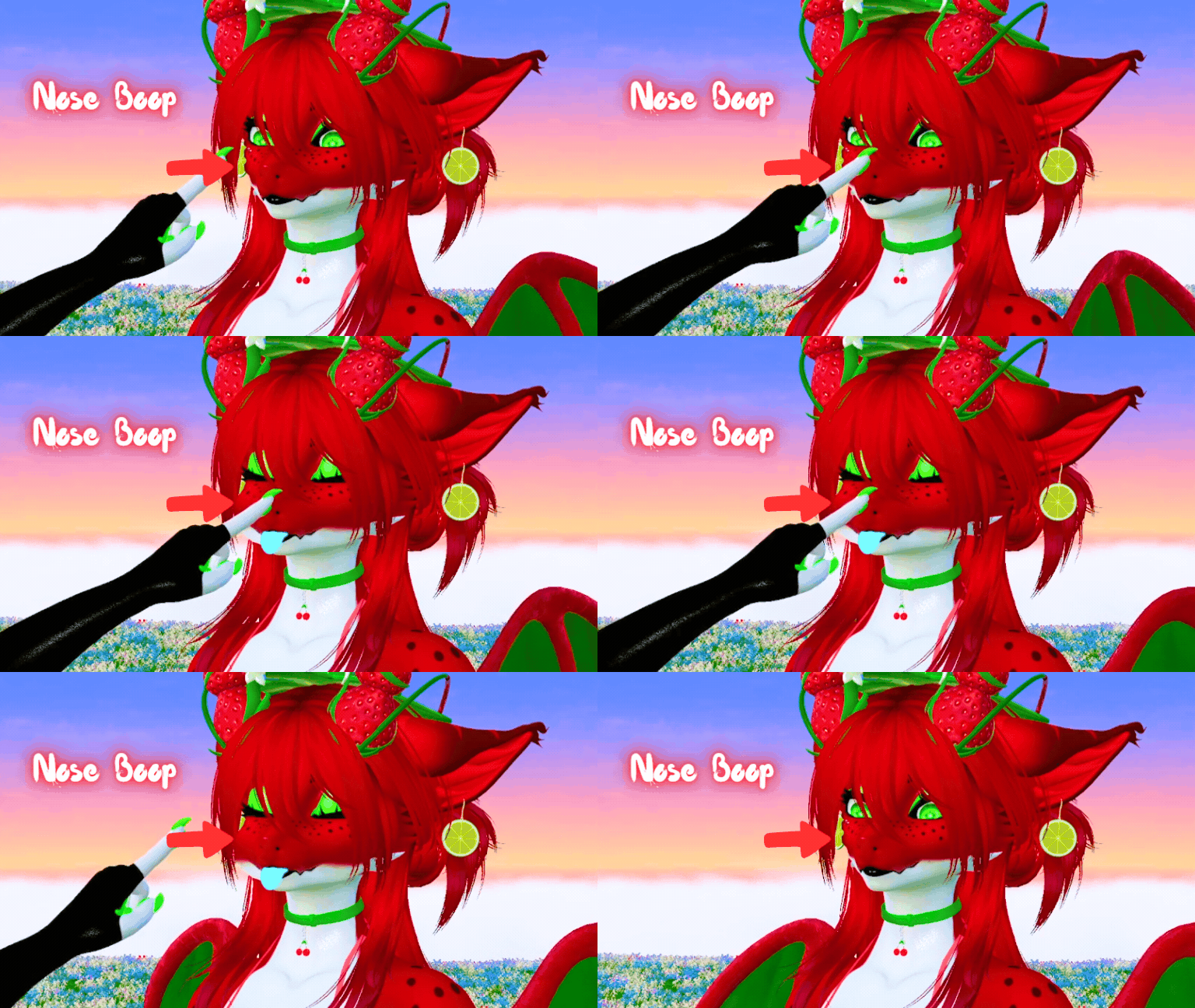
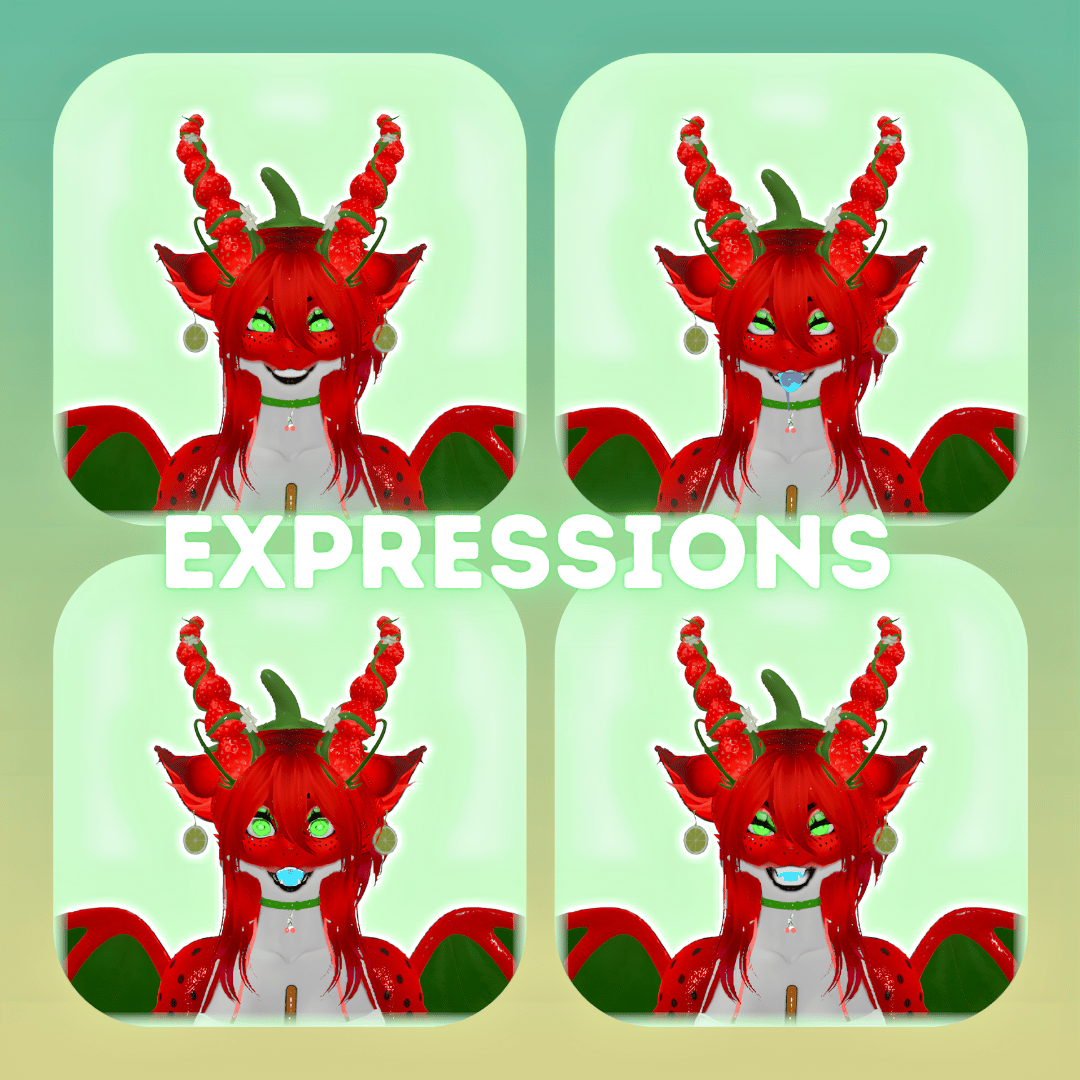
Gesture Expressions
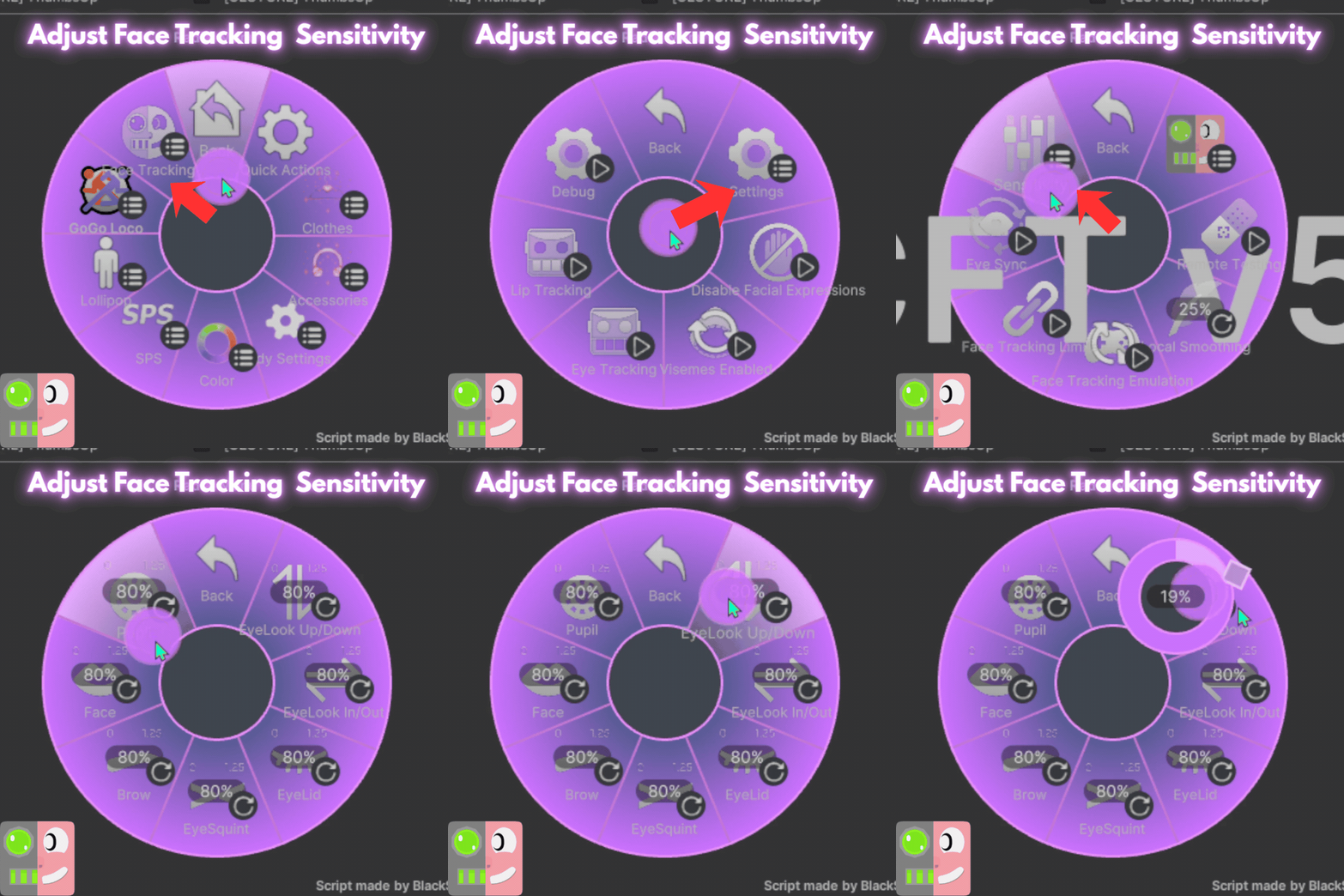
VRC Facetracking + Sensitivity Dials
Please take the following into consideration before purchase!!!!!
- I DO NOT PROVIDE UPLOADS!!!!!
- Access to Unity + knowledge using the VCC to upload is required!
- Minor clipping may occur, at extreme angles. I've done my best to mitigate this but it cannot be 100% perfect
- SPP files are included for the base only. Other components have flat textures only!
Rules for Purchase
- DO NOT redistribute this avatar.
- DO NOT take assets from this avatar for either personal or commercial use, please refer to the credits for each individual asset!
- DO NOT sell or give away edits of this avatar
- DO NOT sell or give away the original avatar for free
- DO NOT upload this avatar as public or make it available in a public world.
- DO NOT purchase this avatar on a shared account!
- DO NOT upload this avatar to a 3rd party website.
- You CAN NOT use my base edits for commercial purposes even if you own the original base!
- If purchasing this item as a gift, you must use gifting function at checkout!
- DO NOT Purchase this item for yourself, and then give it away to somebody as a gift - Use the gifting function at check out.
- ONE personal license per avatar. (You are the only one authorized to use the avatar)
- DO NOT redistribute custom components including but not limited to; blend-shapes, materials, any/all script settings, physics, toggles, animations, gestures or textures from this avatar.
- You Must Include your Discord Name + VRC Name at time of purchase. Incorrect or missing info will result in being banned from my store + server.
- ALL SALES ARE FINAL. Digital product cannot be refunded. Chargebacks + fraudulent reports to your bank will result in being banned from my store + server.
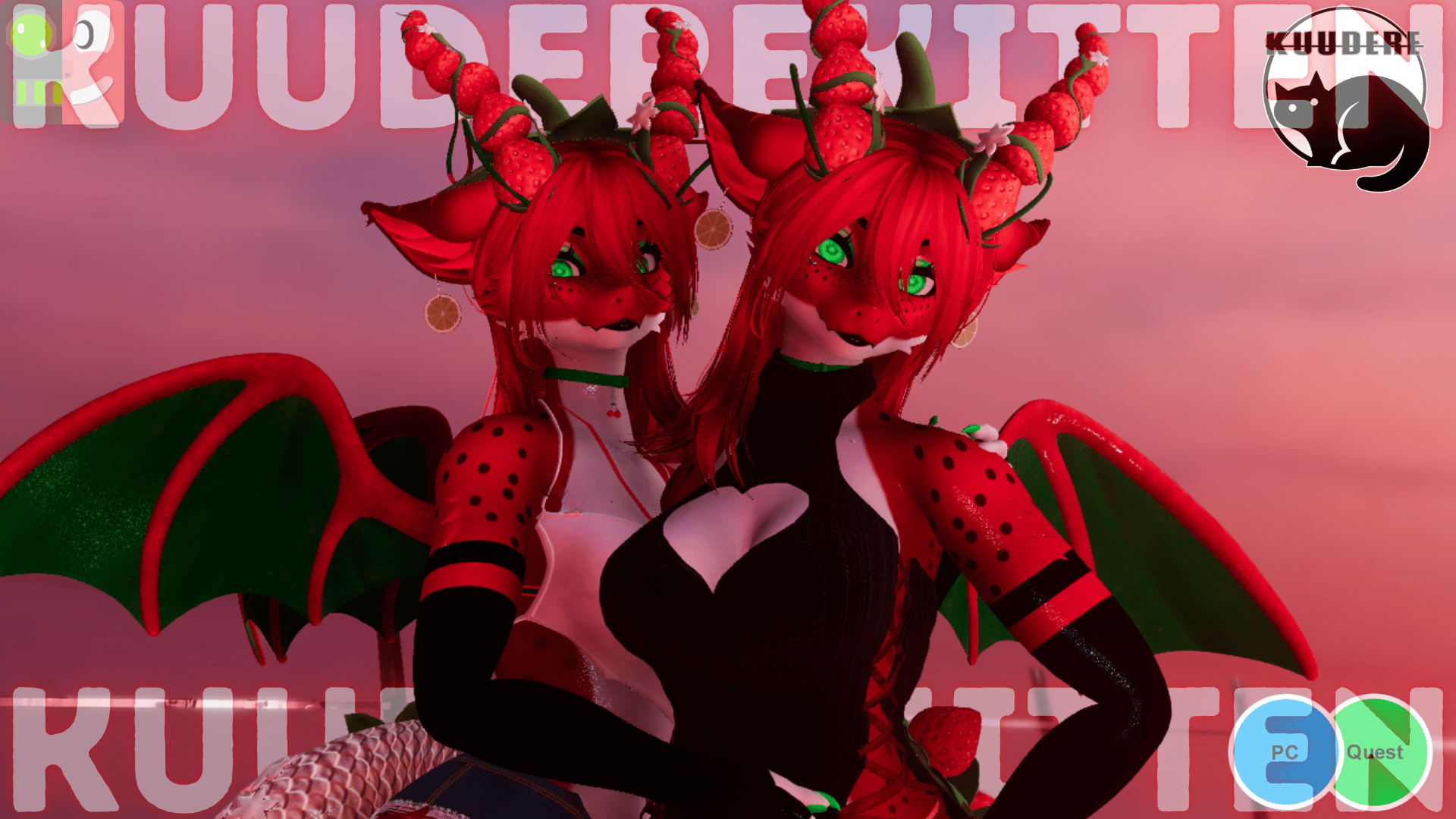
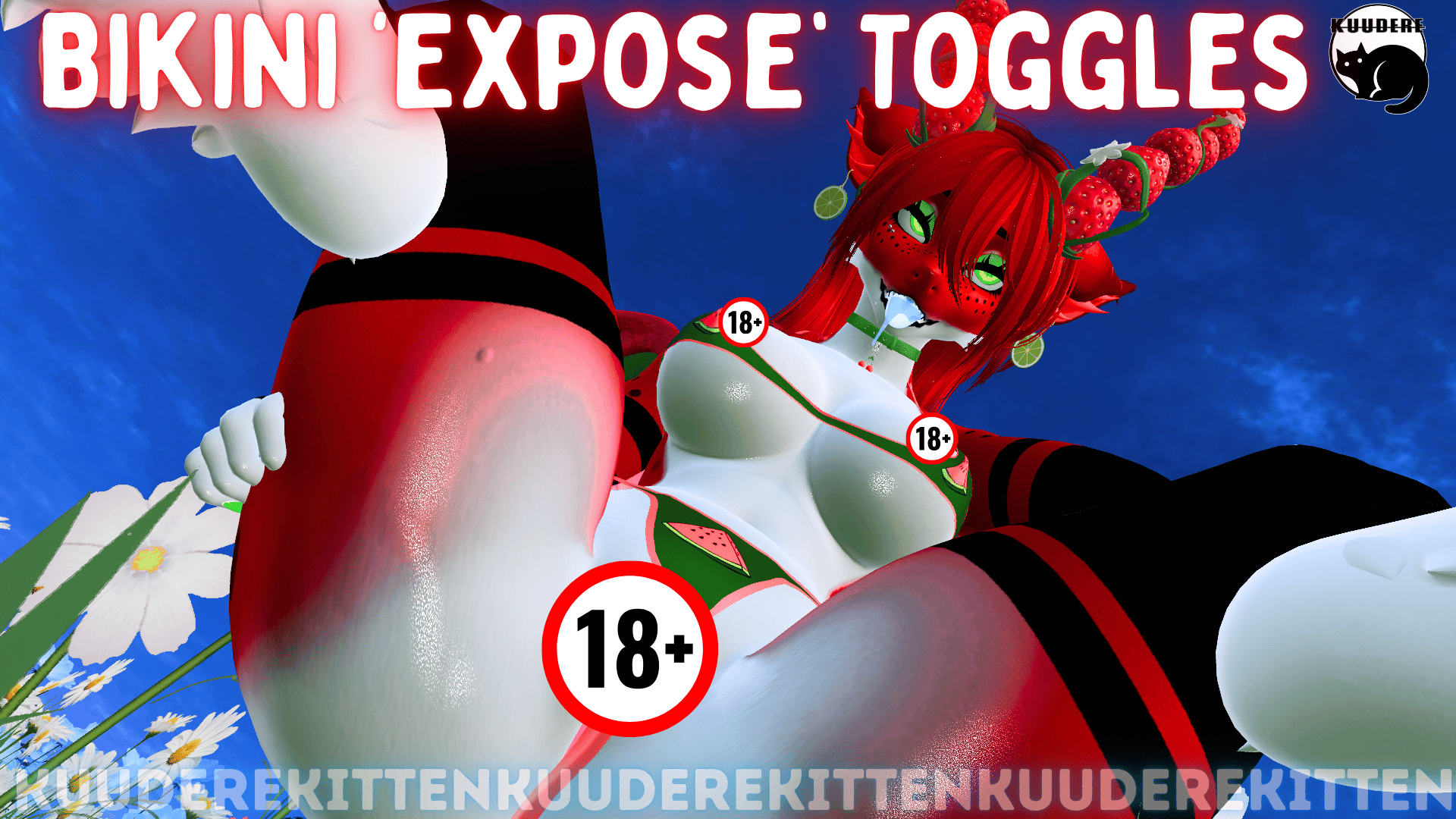
Toggles for bikini top and bottom to slide and expose !
Credits
- Base https://zinpia.sellfy.store
- Sprout/Wings/Tail/Hornshttps://moonjellyvr.com/
- Bikini https://payhip.com/WinxieVR
- Watermelon Popsicle by suikakanna https://kannabee.gumroad.com/
- Strawberry Gag https://payhip.com/yuena
- Dress https://payhip.com/PastelAesthetic
- Ears https://novapies.com/
- Earrings https://payhip.com/KingShai69
- Outfit https://gashina.gumroad.com/
- Body Piercings http://kuuderekitten.com/
- Eye Textures https://olivervrc.gumroad.com/
- Choker https://jinxxy.com/CoffeeCat
- Drool https://payhip.com/OniiGirii
- Hair https://saikura.com/
- Icons https://payhip.com/SmolUni
- More Icons https://awmi.gumroad.com/
- GoGo Loco https://franadavrc.gumroad.com/
- Lollipop https://wholesomevr.gumroad.com/
- Hair Texture https://wetcat.gumroad.com/
- VRC Face Tracking Template by Adjerry https://github.com/Adjerry91/VRCFaceTracking-Templates
Avatar Stats PC + QUEST
Upload Instructions
Make sure VRCFURY + Poiyomi Toon Shaders + AdJerry Face Tracking Templates are installed in the VCC. You can install them here:
https://poiyomi.github.io/vpm/
https://adjerry91.github.io/VRCFaceTracking-Templates/
How to Upload for PC
- Create New VCC Project (Avatars 2022)
- Import Poiyomi Toon Shaders + VRCFURY + AdJerry Face Tracking Templates in VCC Package Management
- Open Project
- Import Avatar Package, drag scene into hierarchy
- Sign into SDK + upload selected version to PC
- (If uploading for quest- copy the blueprint ID for part 2)
How to Attach Quest Version:
- Upload PC Version First (instructions above)
- Switch SDK To Android
- Paste Blueprint ID from PC version into the Quest Version's blueprint ID slot
- Upload! It will automatically attach