상품 설명
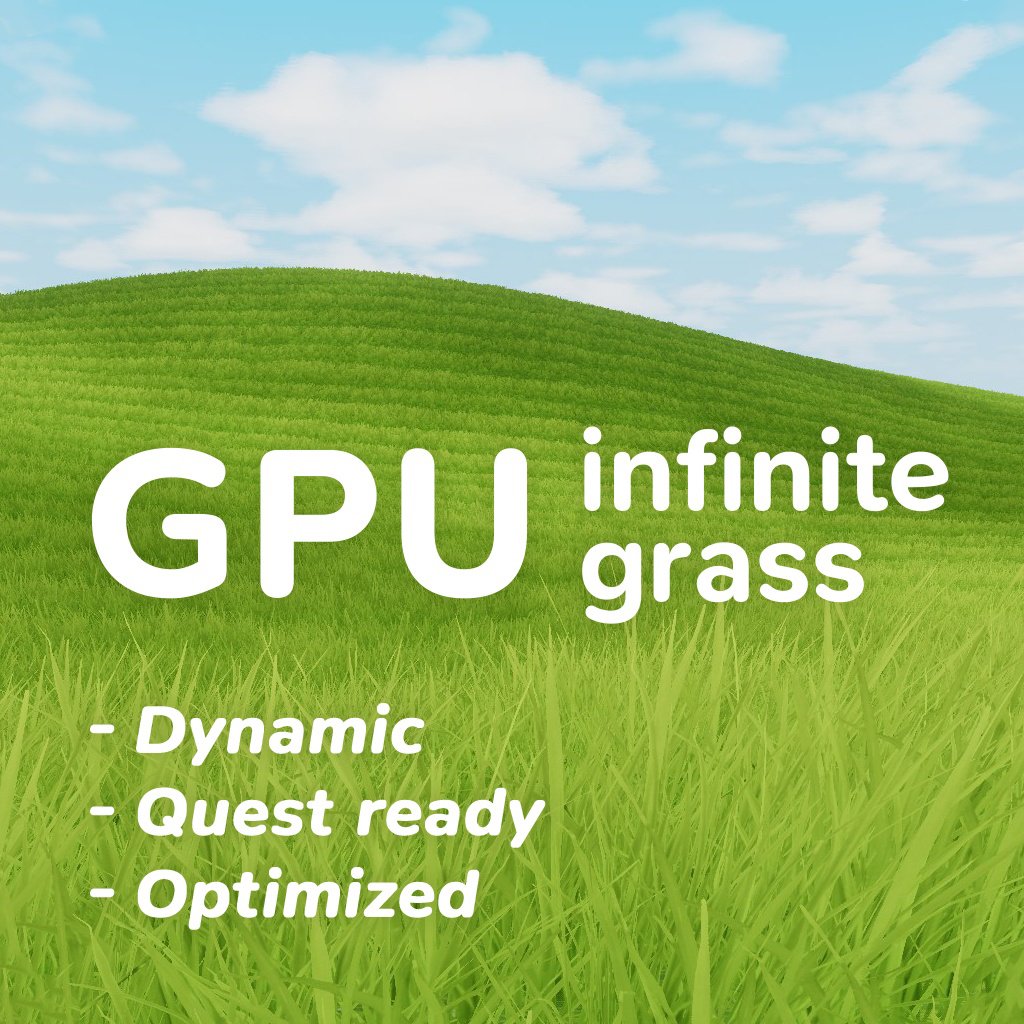
GPU Infinite Grass is a grass rendering system for VRChat worlds and other projects on Unity Built-in Render Pipeline.
It's not just a shader, but a system that uses GPU Instancing to render grass batches in a very performant way.
It is designed for VRChat worlds and can be used for both large open environments and small worlds.
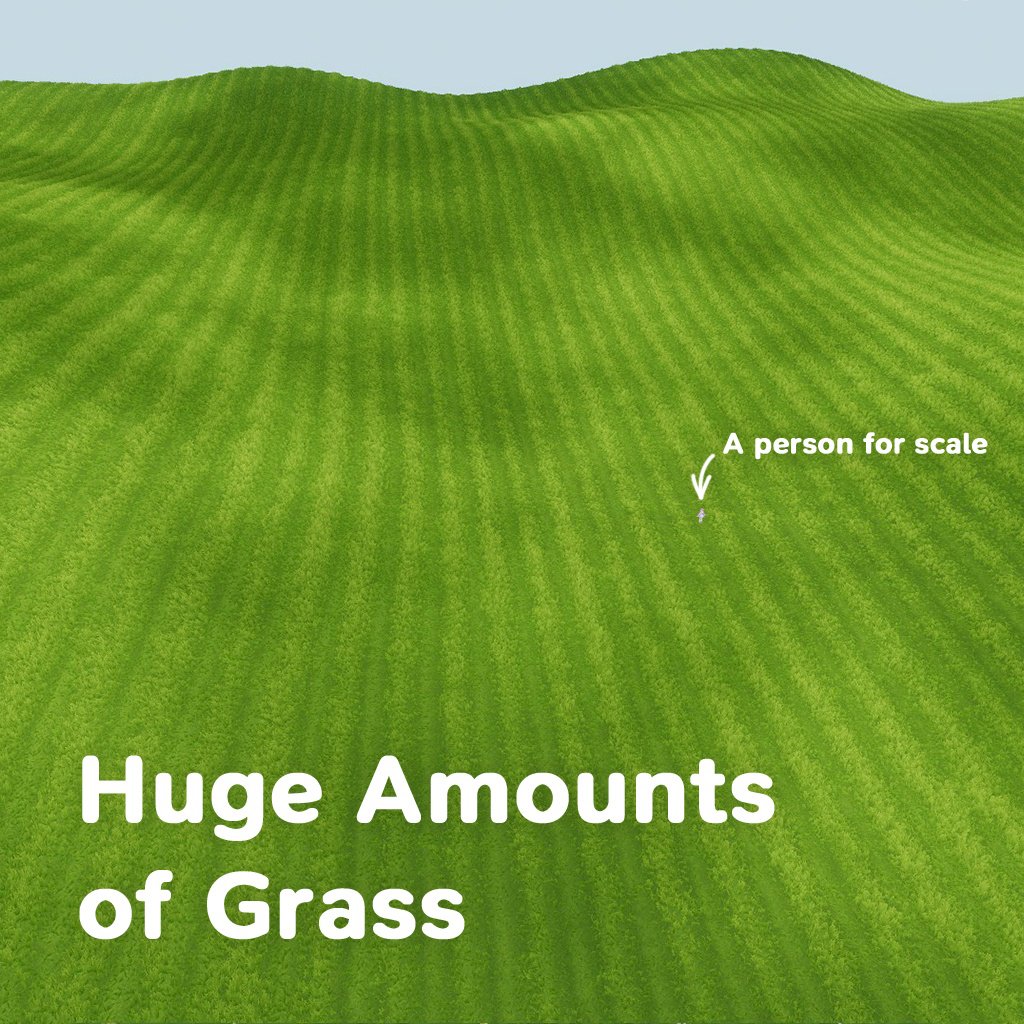
Can render millions grass instances with no lags.
YouTube demo: https://youtube.com/watch?v=wI8aGxh_uHU
VRChat test world: https://vrchat.com/home/launch?worldId=wrld_2f580adc-02f5-47ce-be5a-2567d86eb834
Main features:
1. Fast batched instancing rendering
- Renders a large amount of grass using GPU instancing
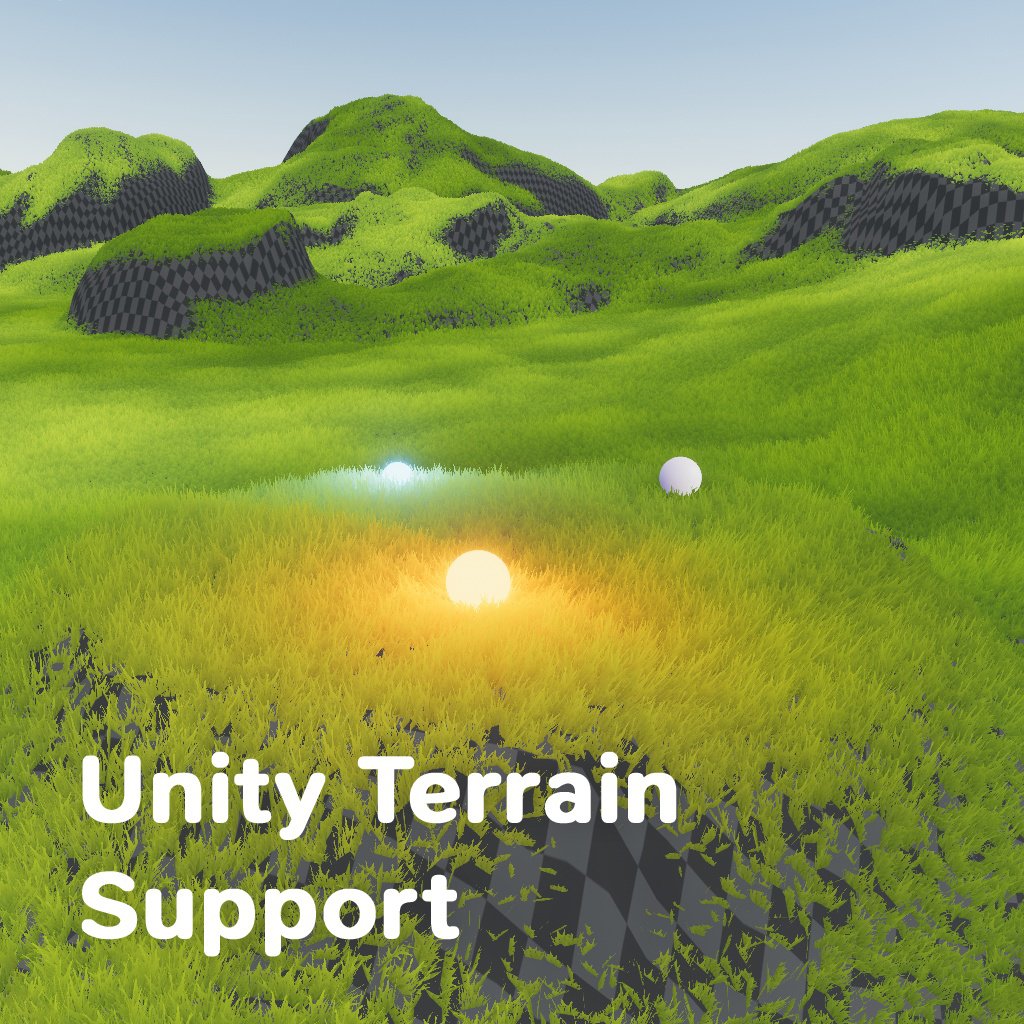
- Works with meshes and Unity Terrain
- Supports multiple mesh surfaces at the same time
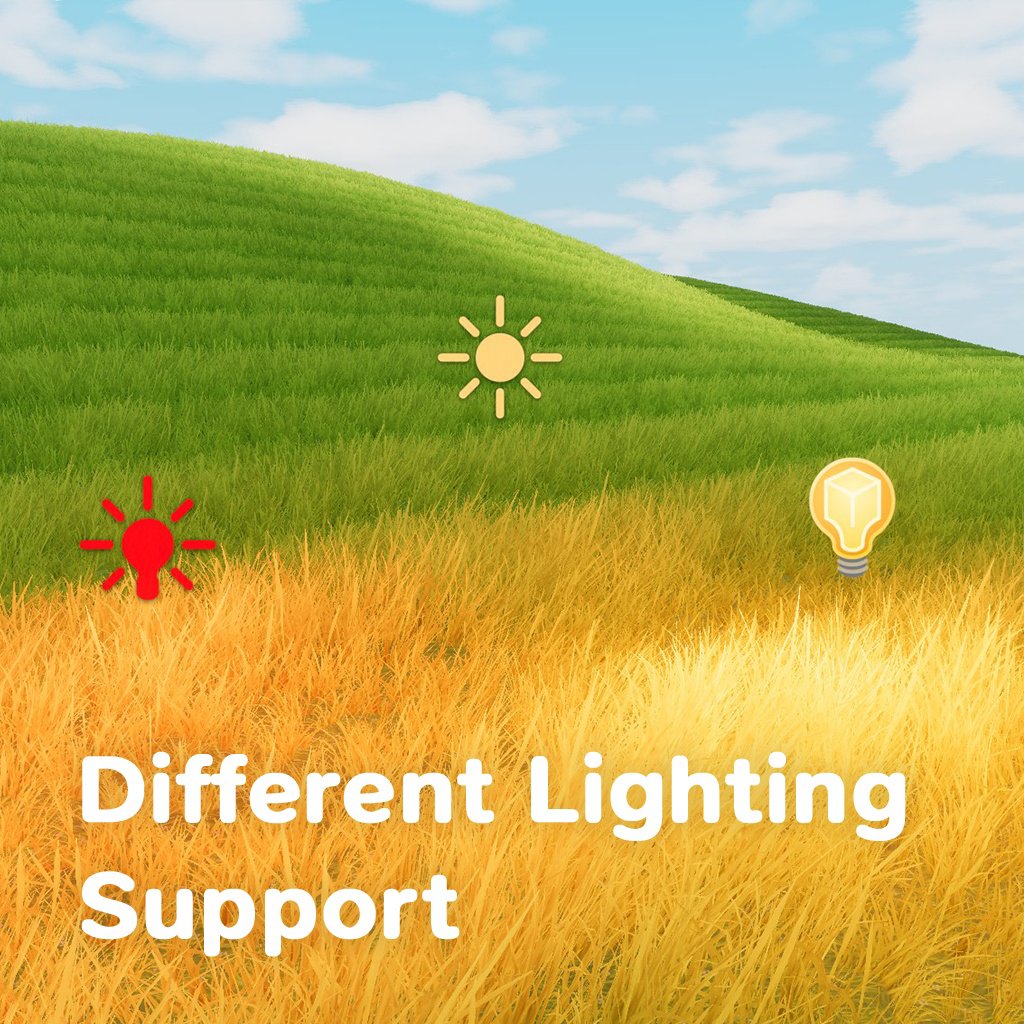
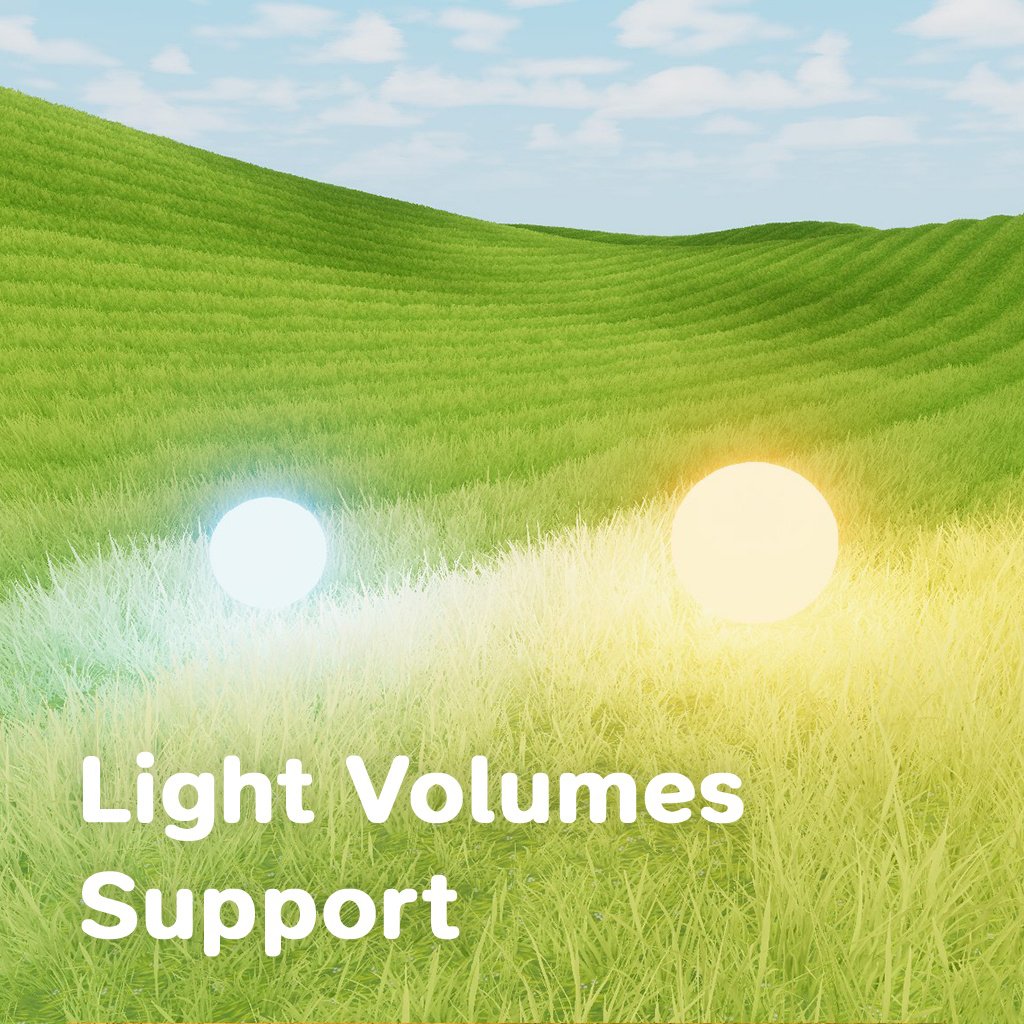
2. Supports VRC Light Volumes and Unity lighting
- Supports baked Light Volumes (Use it instead of baking Light Maps)
- Supports point Light Volumes
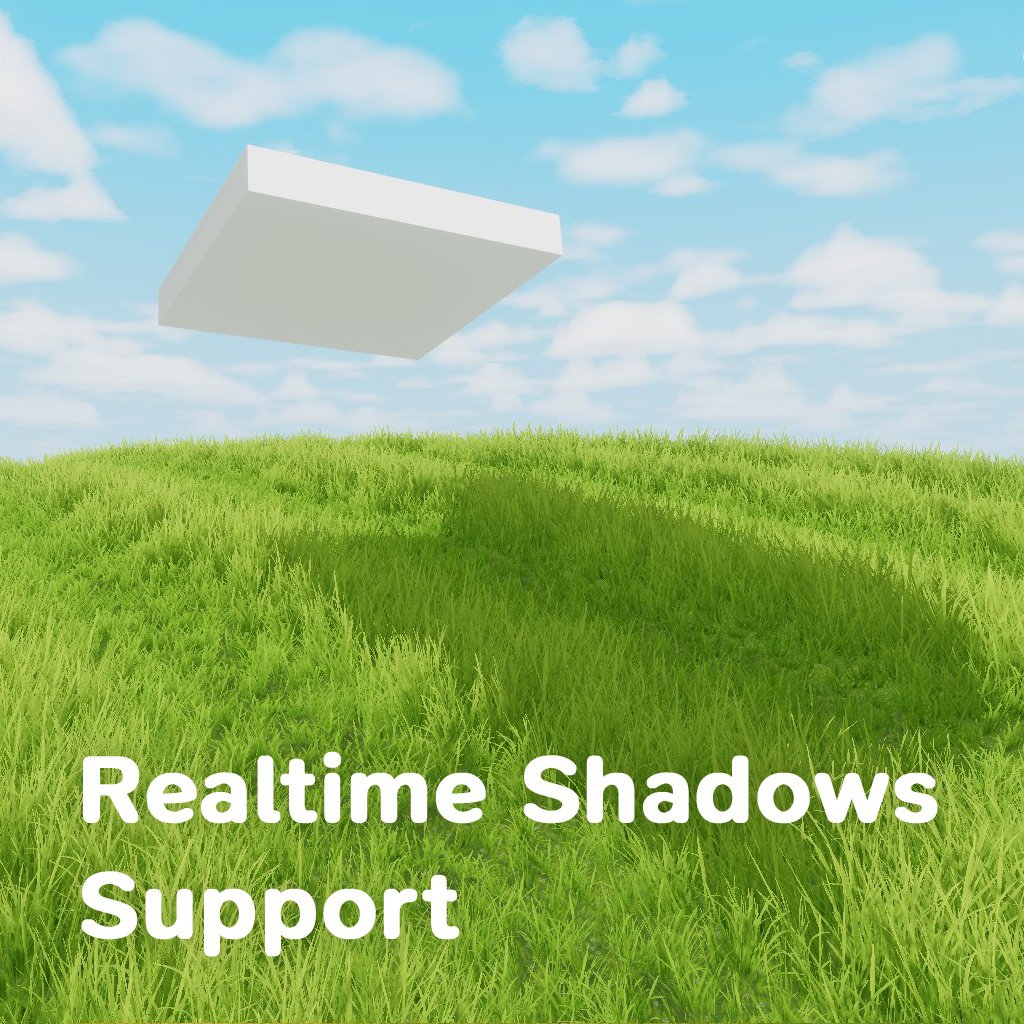
- Supports Unity realtime lighting and shadows
3. Paint-based grass placement
- Assign surfaces and paint grass distribution directly with a brush
- Includes Eraser and Fill tools
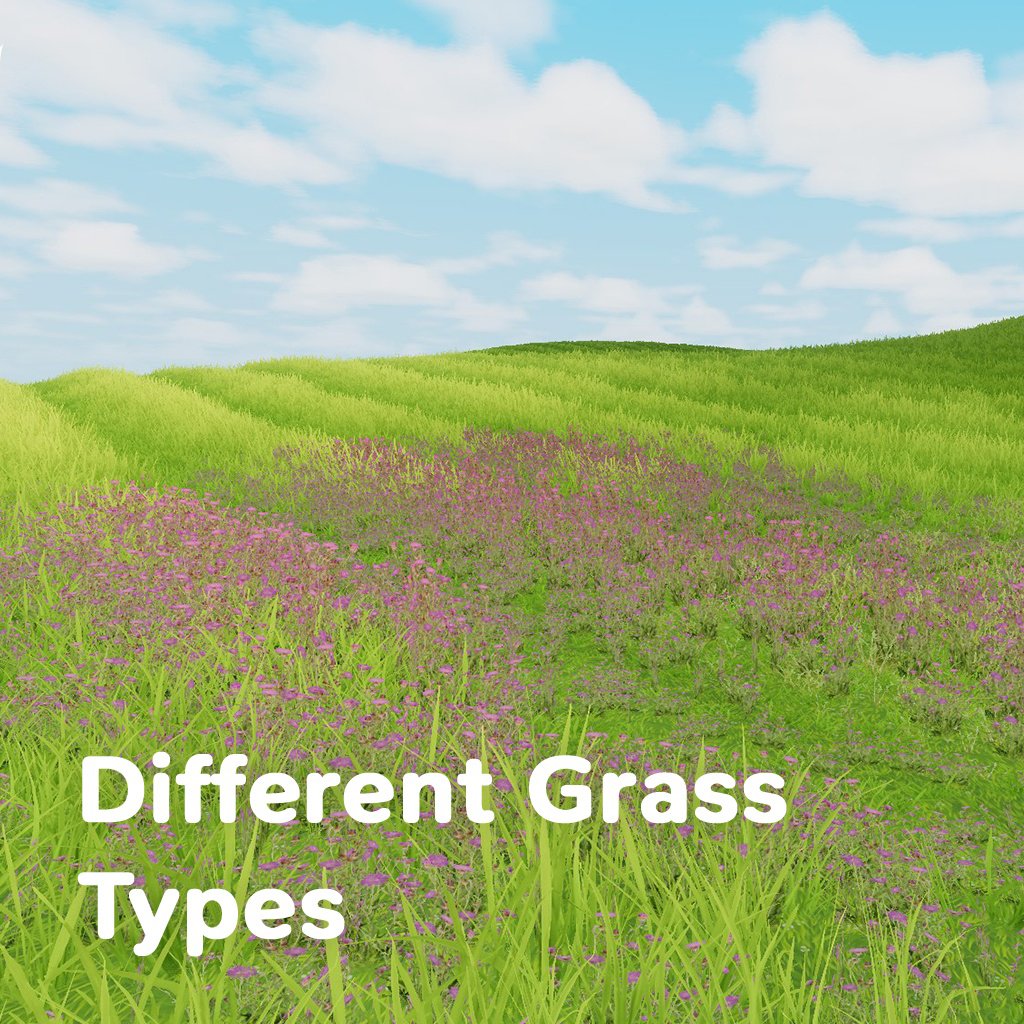
- Supports up to 3 grass types
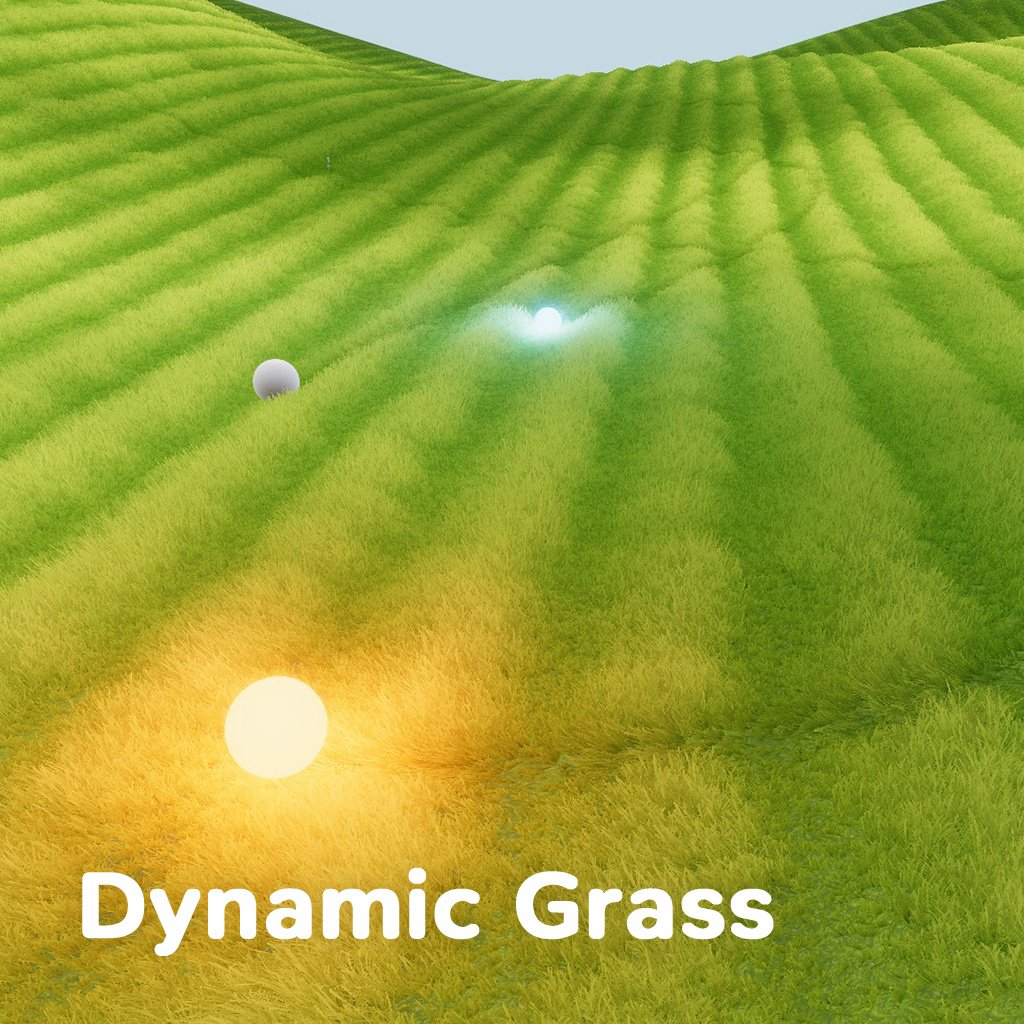
4. Interaction
- Grass bends from players and moving objects
- Trails and grass bending works infinitely and seamless even in huge worlds
5. Scales from huge to small worlds
- Player-centered rendering area supports large open terrain-like spaces
- "Target Override" allows to create static grass zones for easier tuning in small worlds
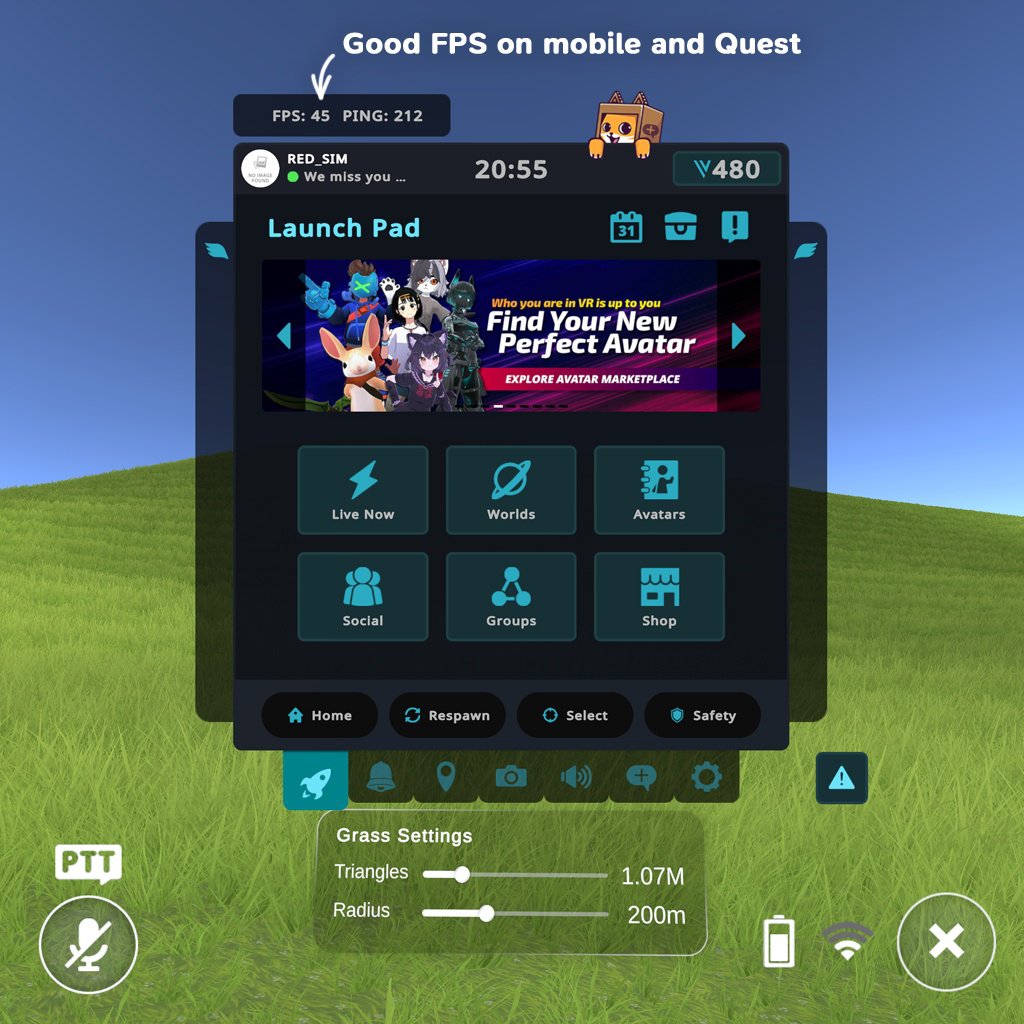
6. Optimized for PC and Quest
- Performance can be controlled by limiting Draw Amount, distance-based grass simplification and culling
- Uses smart culling including camera frustum culling
- Suitable for PC and Mobile/Quest workflows
7. Visual customization
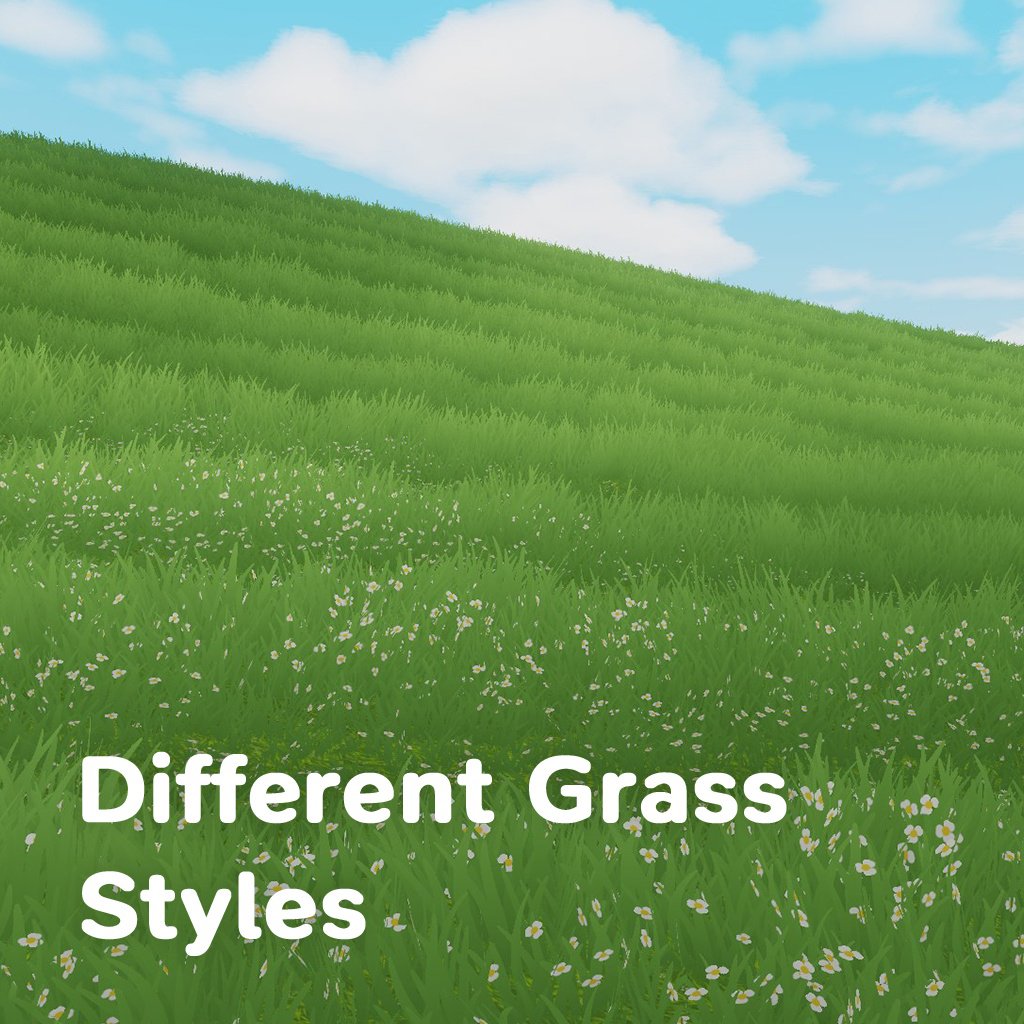
- Per-type controls for 3 grass types
- Size, width, randomization, wind, trail response, and random grass textures support
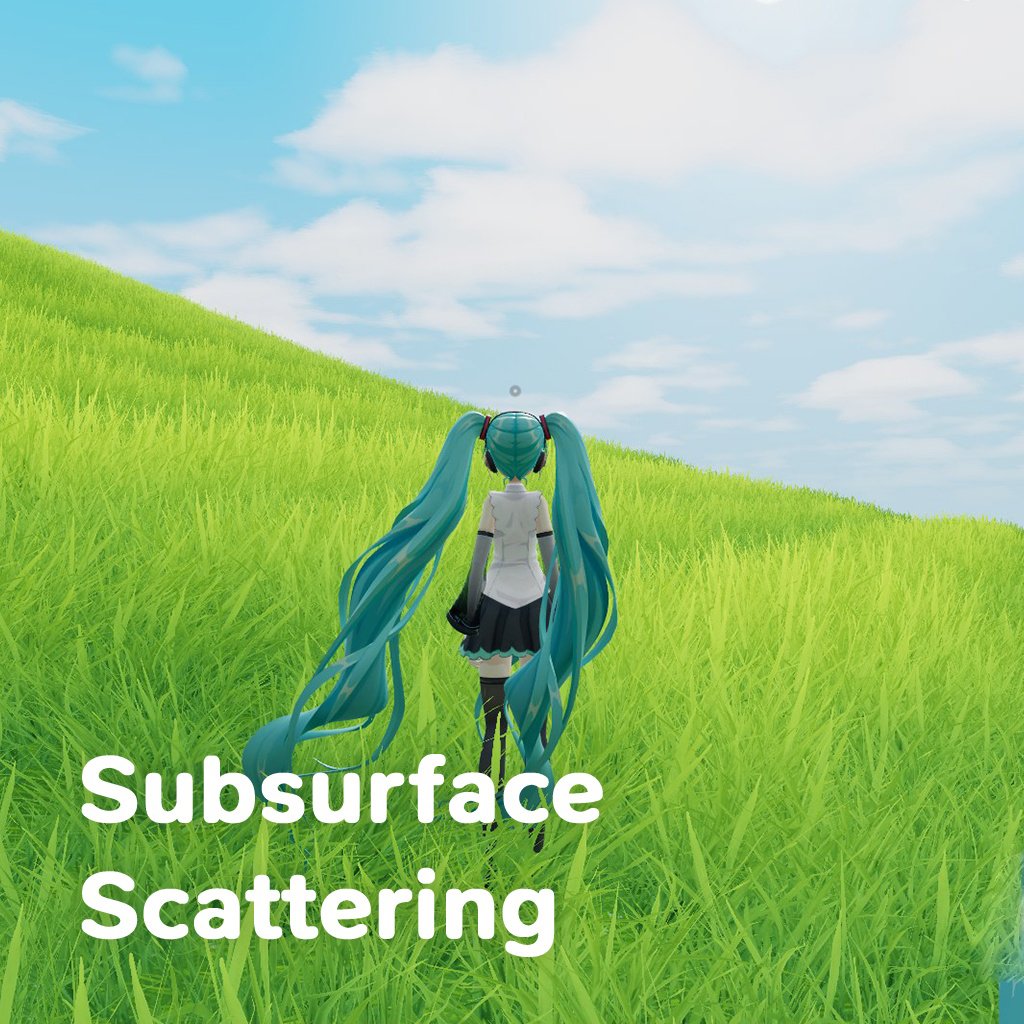
- Advanced features such as Cloud shadows and Subsurface Scattering
8. Examples included
- Includes an example scene to help with setup and tuning
- Includes a prefab that can just be drag and dropped into your scene
How to use (quick)
1. Drag and drop the Grass Particle Surface Manager prefab into your scene
2. Assign the meshes you want to paint in the Surfaces list
3. Paint grass with the Paint tools
4. Tune look and performance in the grass material/shader settings
5. Please, test the performance in game! GPU Infinite Grass is very optimized, but not free.
All major parameters include tooltips, so you can read how everything works directly in the inspector.
Short license summary:
- This is a paid single-user asset license
- Sharing, redistribution, or transferring the asset (including modified versions) is prohibited
- Use in your own VRChat worlds/avatars is allowed
- For commissions, the client must purchase their own copy
- Source file sharing is not allowed, compiled distribution only
- Commercial use outside VRChat requires a Commercial License
- Provided as-is without warranty