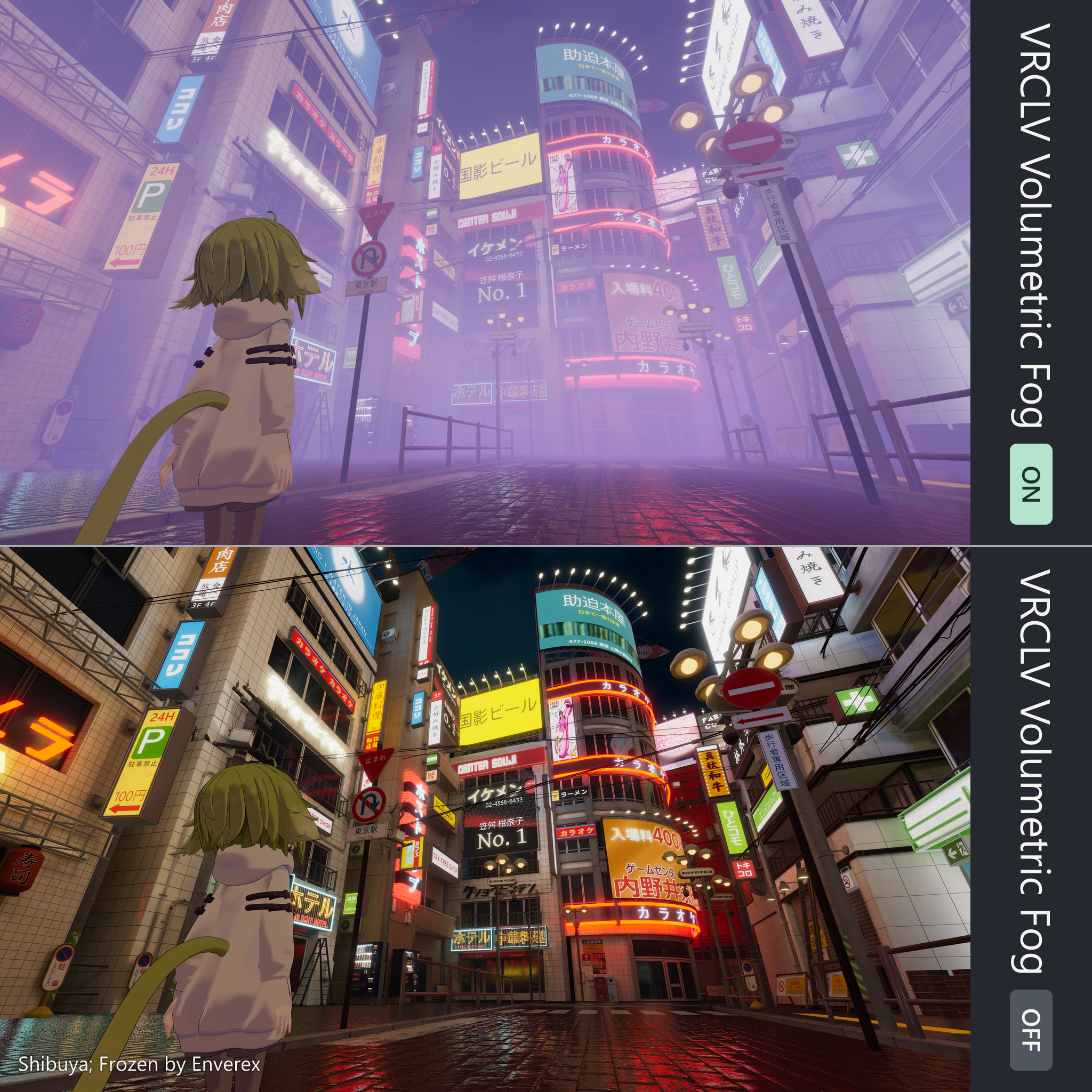
VRCLV Volumetric Fog | 20% OFF!
상품 설명
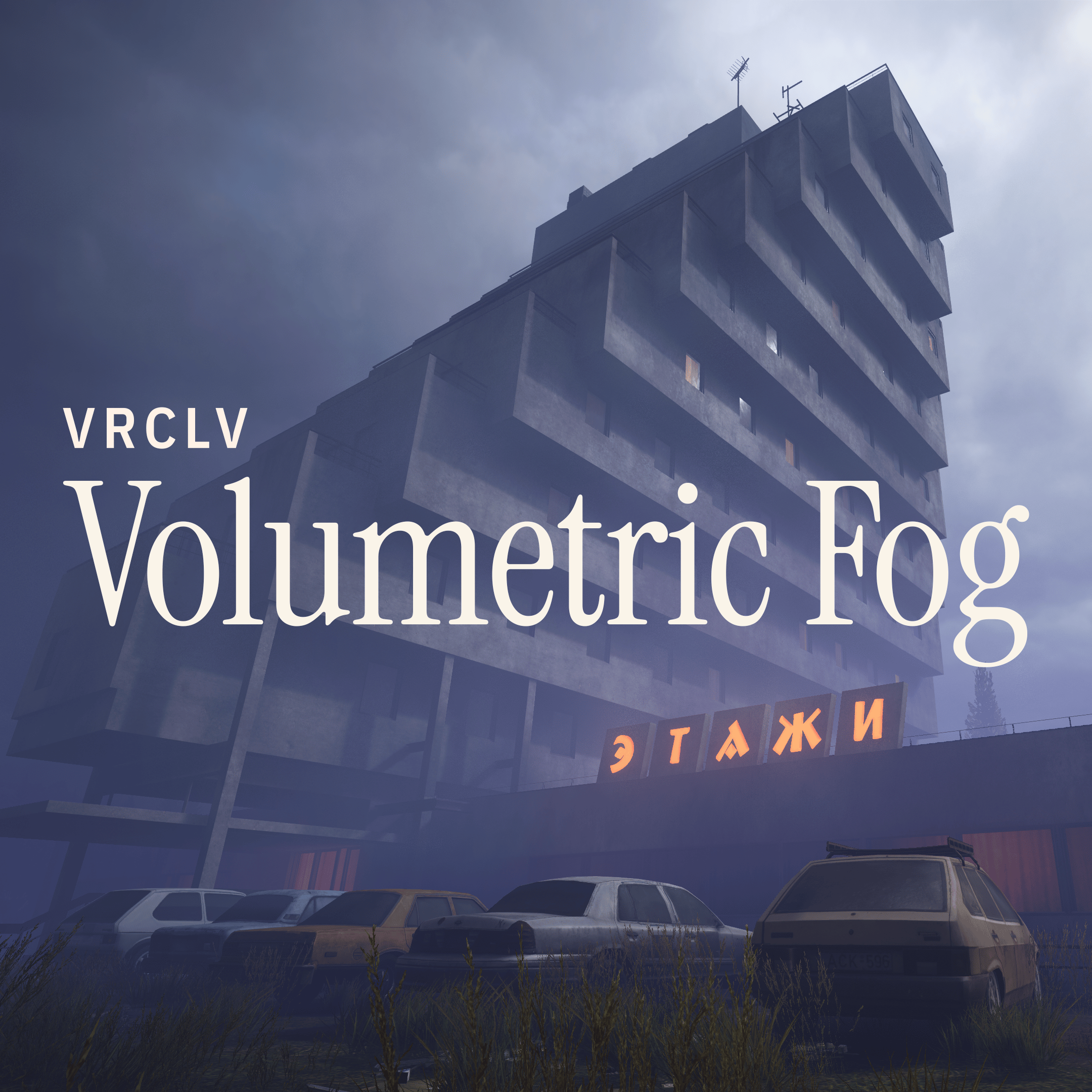
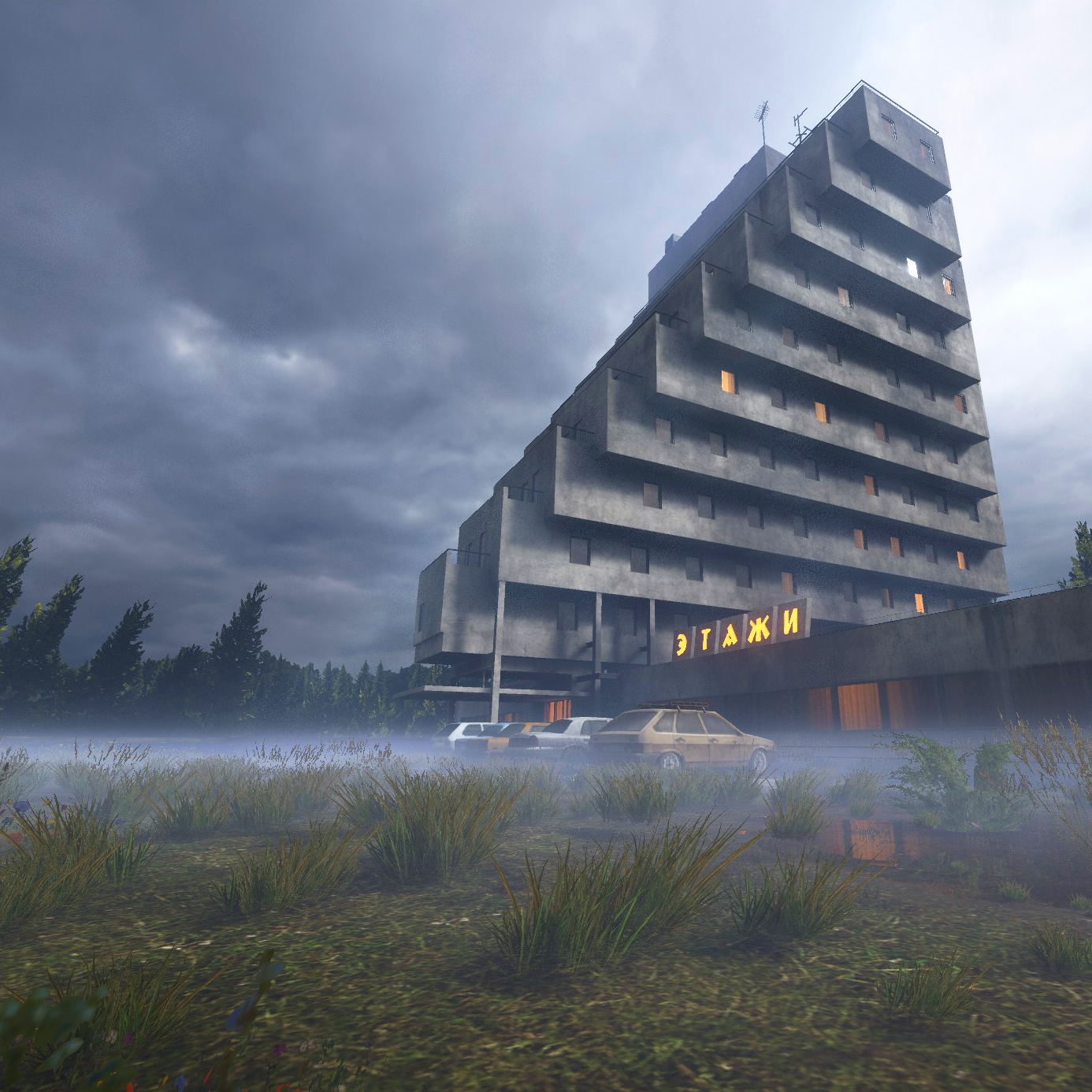
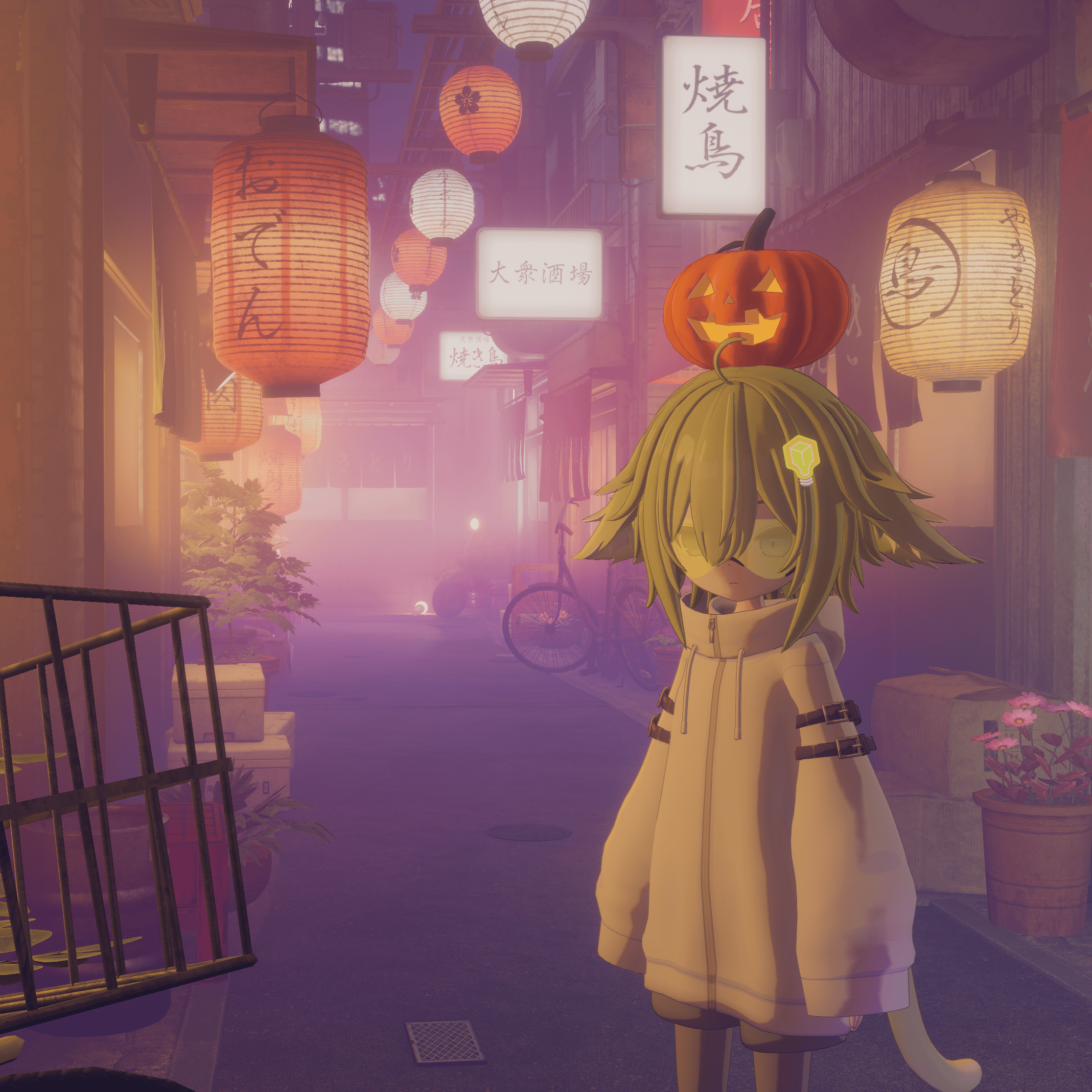
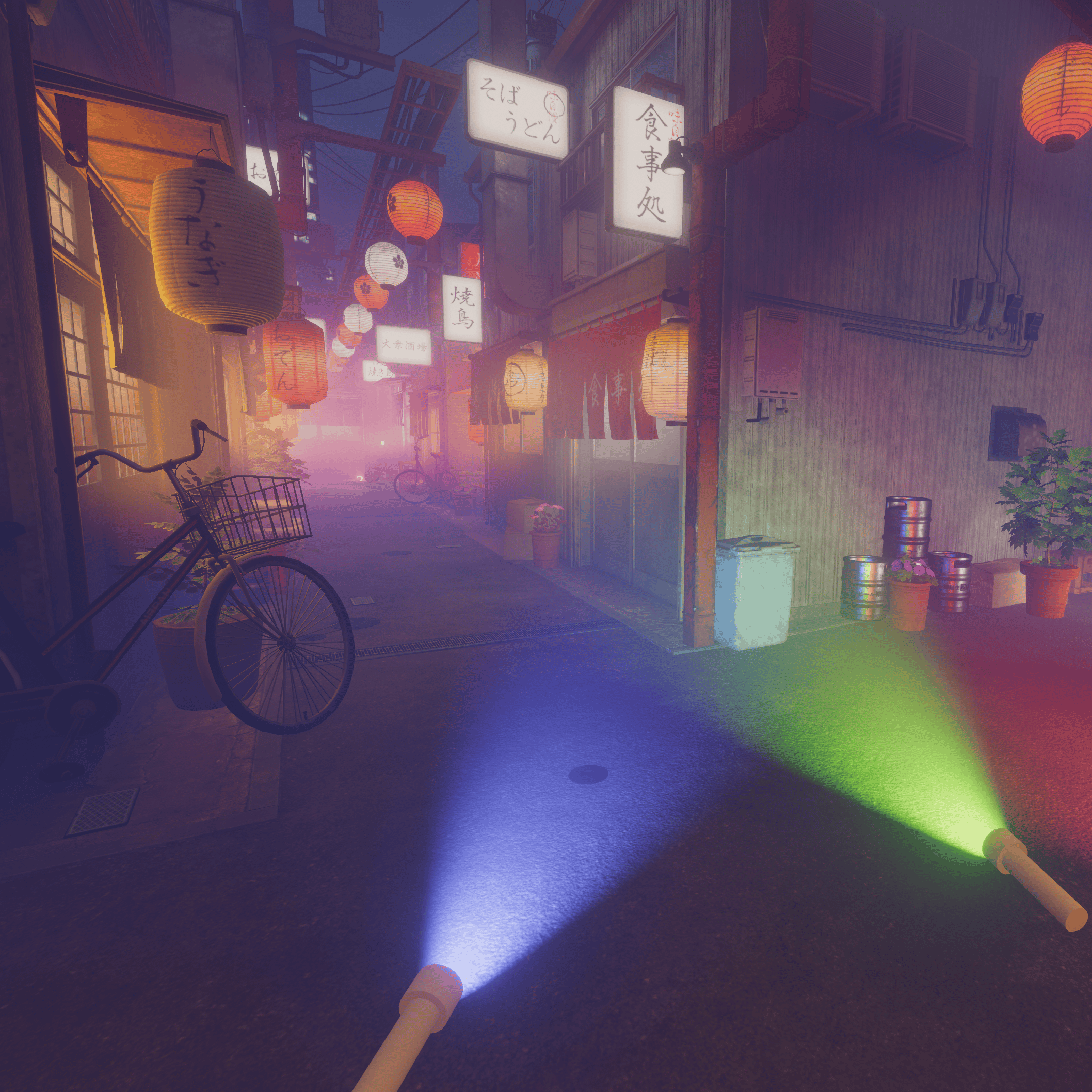
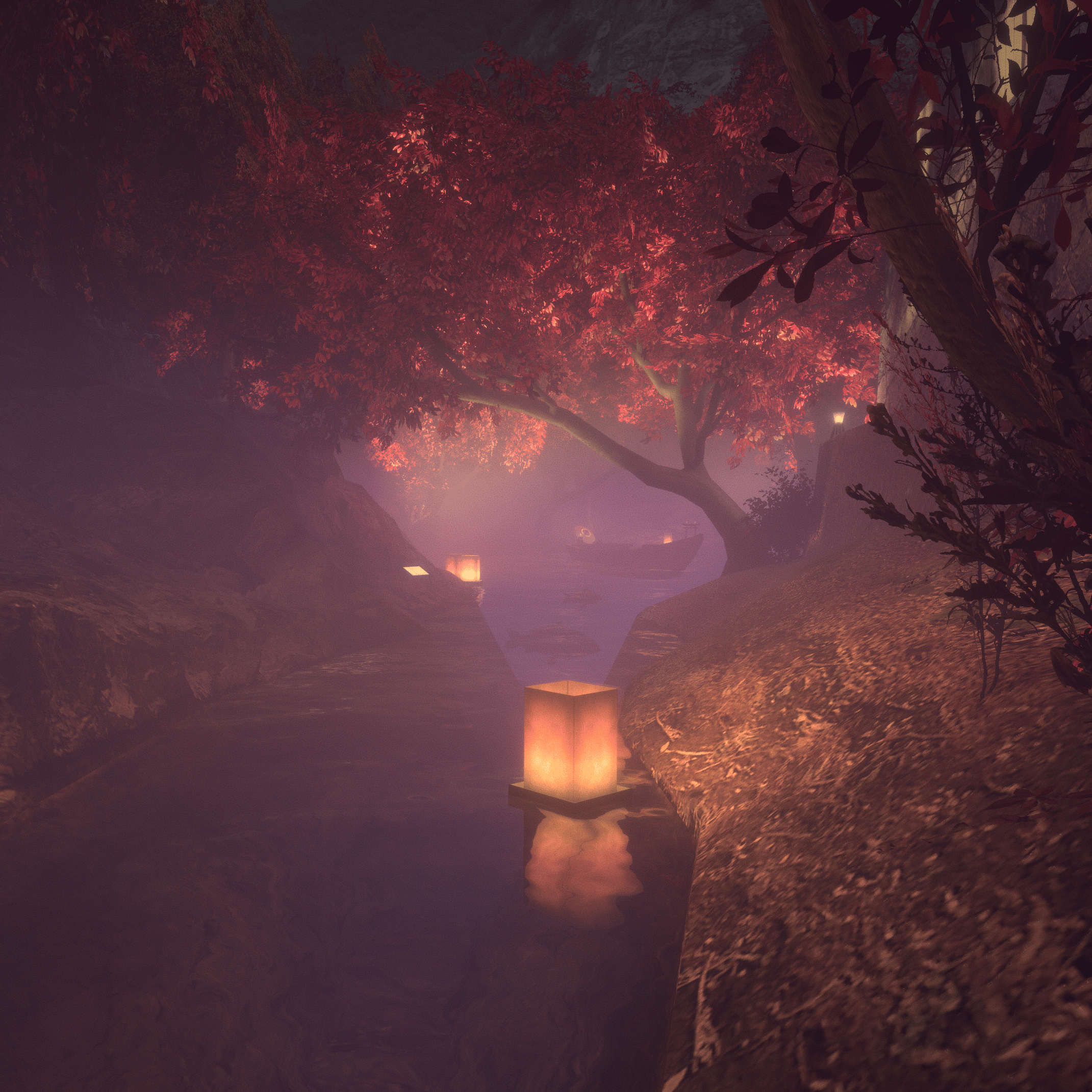
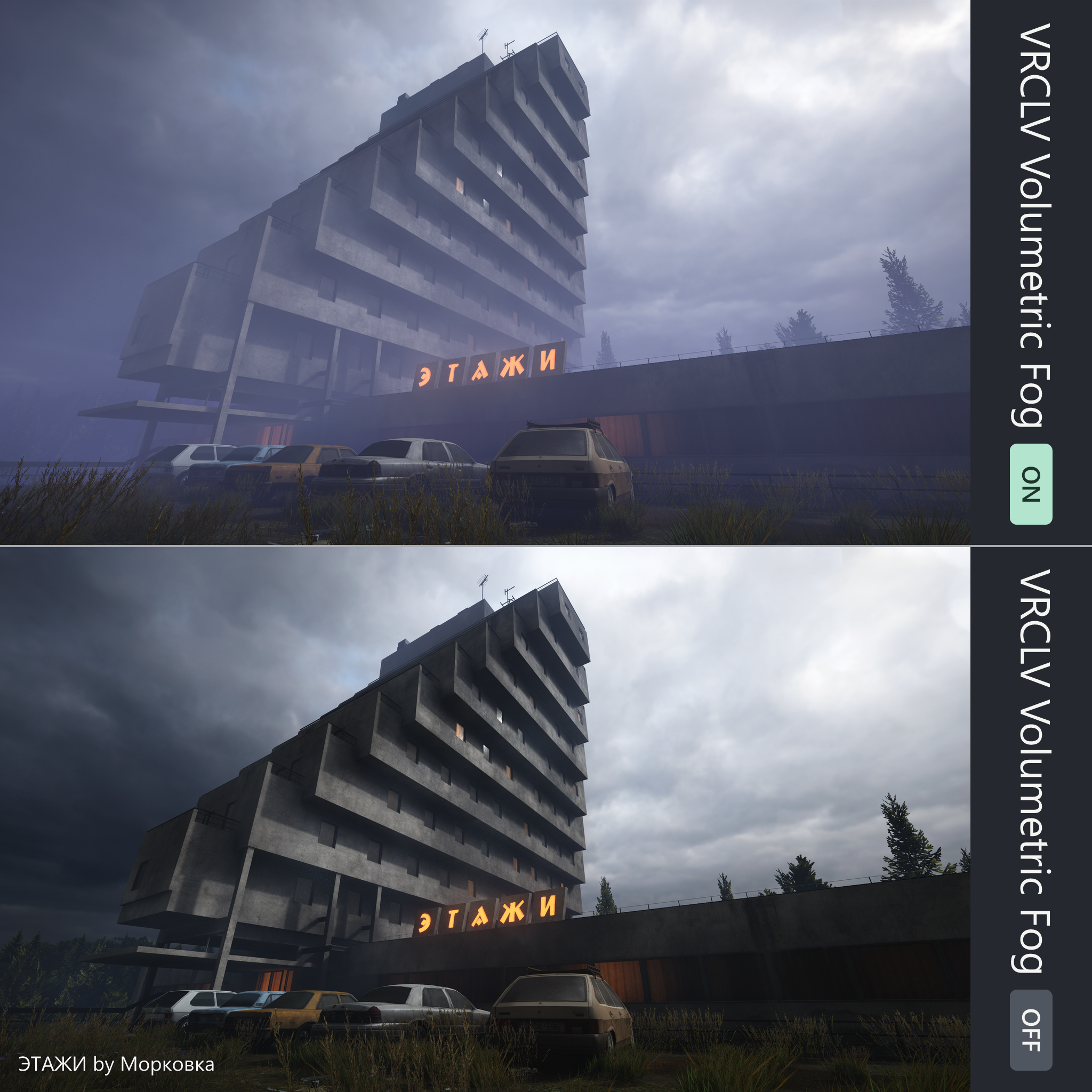
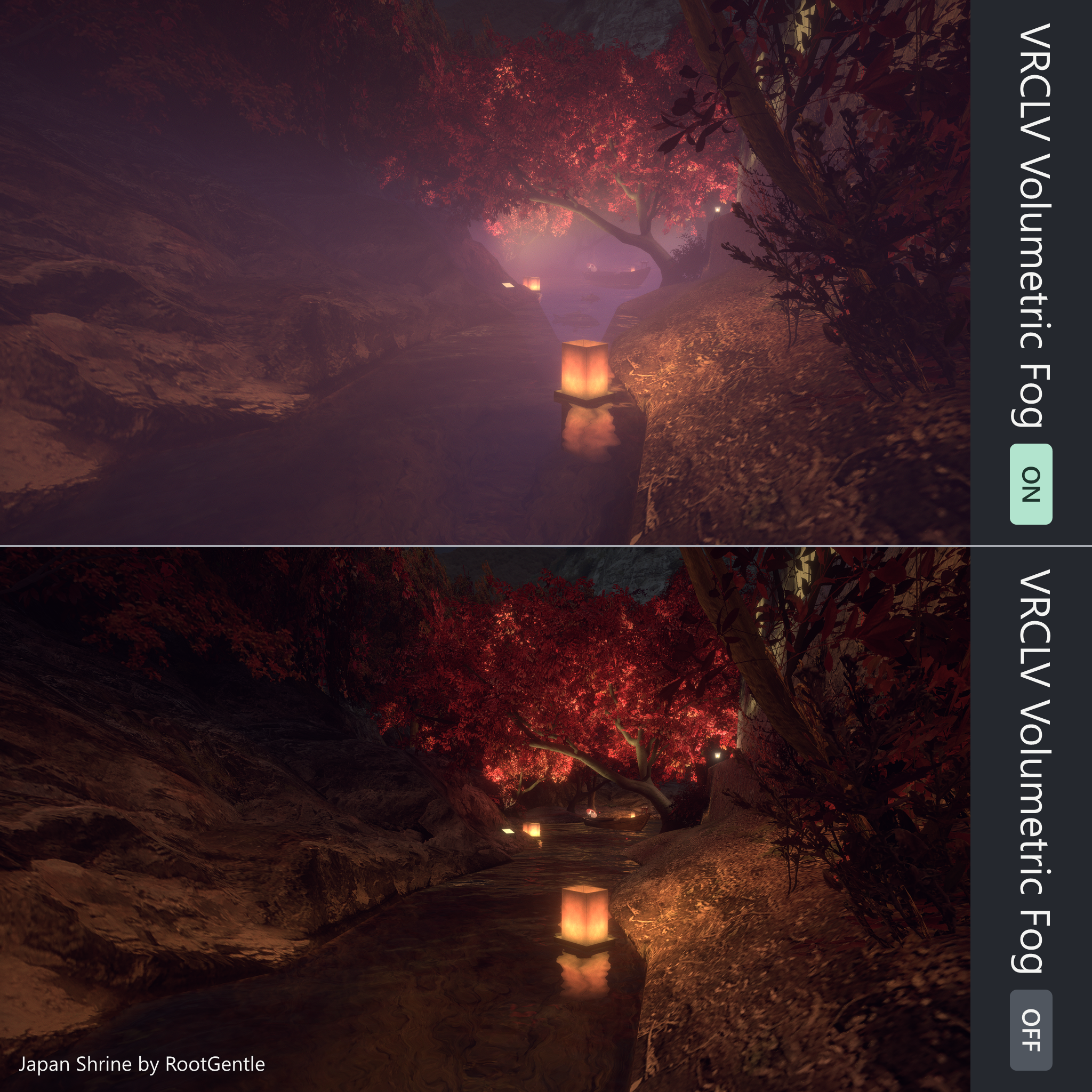
VRCLV Volumetric Fog is one of the best-optimized and most advanced volumetric fog solutions for VRC Light Volumes. It combines froxel-based rendering with analytical lighting to keep point lights looking sharp in the fog.
The world package works on PC, Quest, Android, and iOS. The avatar package is for Windows and includes prefabs for VRCFury and Modular Avatar.
Main features
- Optimized froxel-based rendering
- Analytical lighting for sharper point lights
- ~3X the rendering performance of other fog solutions
- Clean look with no noise
- Supports Worlds on PC, Quest, Android, and iOS
- Supports VRC Light Volumes
- Prefabs for both Worlds and Avatars
How to install
- Import the world or avatar .unitypackage into Unity.
- In the Project window, open "Assets/RED_SIM/VRCLV Fog".
- For Worlds, drag and drop a fog prefab into your scene. For Avatars, open the "Avatars" folder and drag the VRCFury or Modular Avatar prefab directly under your avatar root.
How to use
Use the "Volumetric Fog Manager" component on the world prefab to adjust the fog settings. Hover over the fields to see their tooltips. They explain a lot!
Fog Rendering
Set the fog volume and the resolution of the froxel grid. Lowering the grid resolution may improve FPS on low-end PCs.
Light Volumes
Adjust how VRC Light Volumes affect the fog.
Point Lights
Adjust the rendering quality of VRCLV and Unity lights and how they affect the fog. Enabling "Analytical Lights" costs some performance, but the lights look sharper and less blocky than they do with froxel-based rendering alone.
Atmosphere
Add a layer of atmospheric haze. It looks similar to Unity's default fog, but it's still volumetric! You can also use two layers of fog.
Noise
Add a moving 3D noise texture to give the fog some variation and make it look less flat.
Excluders
Use GameObjects to define box-shaped areas where you want to hide the fog, such as a room or doorway.
VRChat Mirror
To make the fog visible in mirrors, enable this section and add all your mirror surfaces. Keep in mind that this requires extra froxel calculations.
Only the closest enabled mirror shows the fog. Local mirrors aren't supported, so you won't see the fog in them!
Setup
This section holds references to internal materials and render textures for debugging. You usually won't need to tweak anything here.
License
- The Standard License covers one person. You can use and modify the asset in VRChat Worlds and Avatars, including monetized or donation-supported projects, and in non-commercial projects outside VRChat.
- For a commissioned VRChat World or Avatar, the creator using the asset and the client each need their own copy.
- For commercial projects outside VRChat, each person working directly with the asset needs a Commercial License.
- You can publish compiled builds that include the asset or deliver them to clients. Do not share, sell, upload, or redistribute the asset files, including modified copies or files bundled in an editable Unity project or package.
The bundled VRC Light Volumes shader library uses the MIT License. See the included License_EN.md for the full terms.